How to Use MediaAI Text-to-Image Creator
Follow these simple steps to create amazing AI-generated images
×Text-to-Image Generation
1Write Creative Prompts
Start with a clear, detailed description of what you want to create. Include specific elements like: subject, style, mood, lighting, colors, composition, and artistic techniques. For example: 'A majestic dragon soaring over a medieval castle at sunset, painted in oil painting style with warm golden lighting.'
2Choose Your Art Style
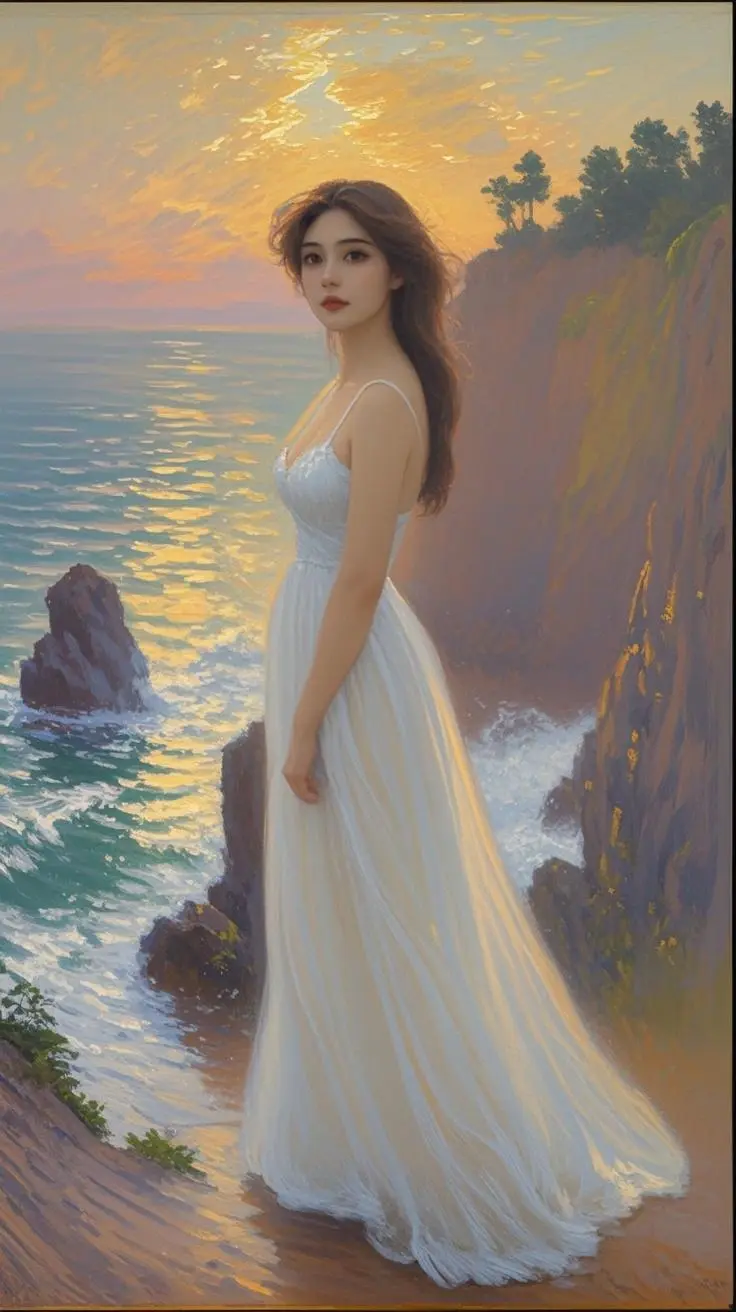
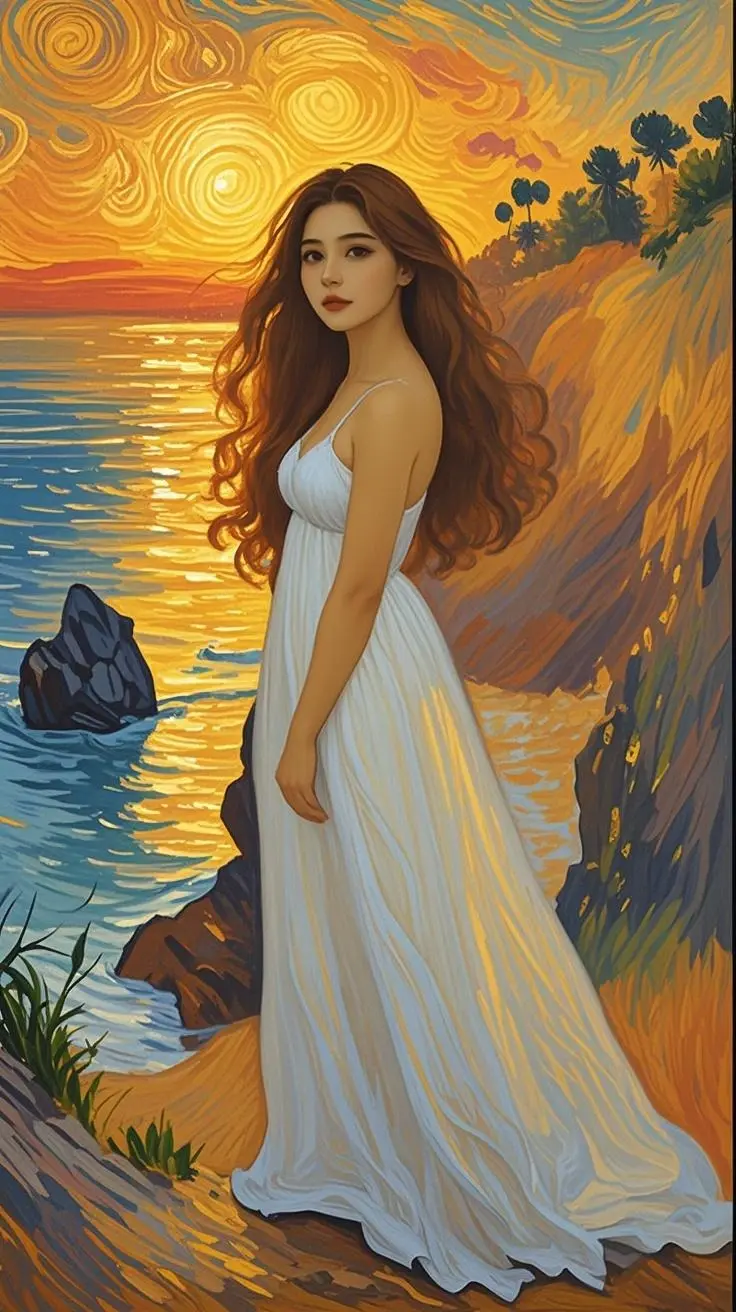
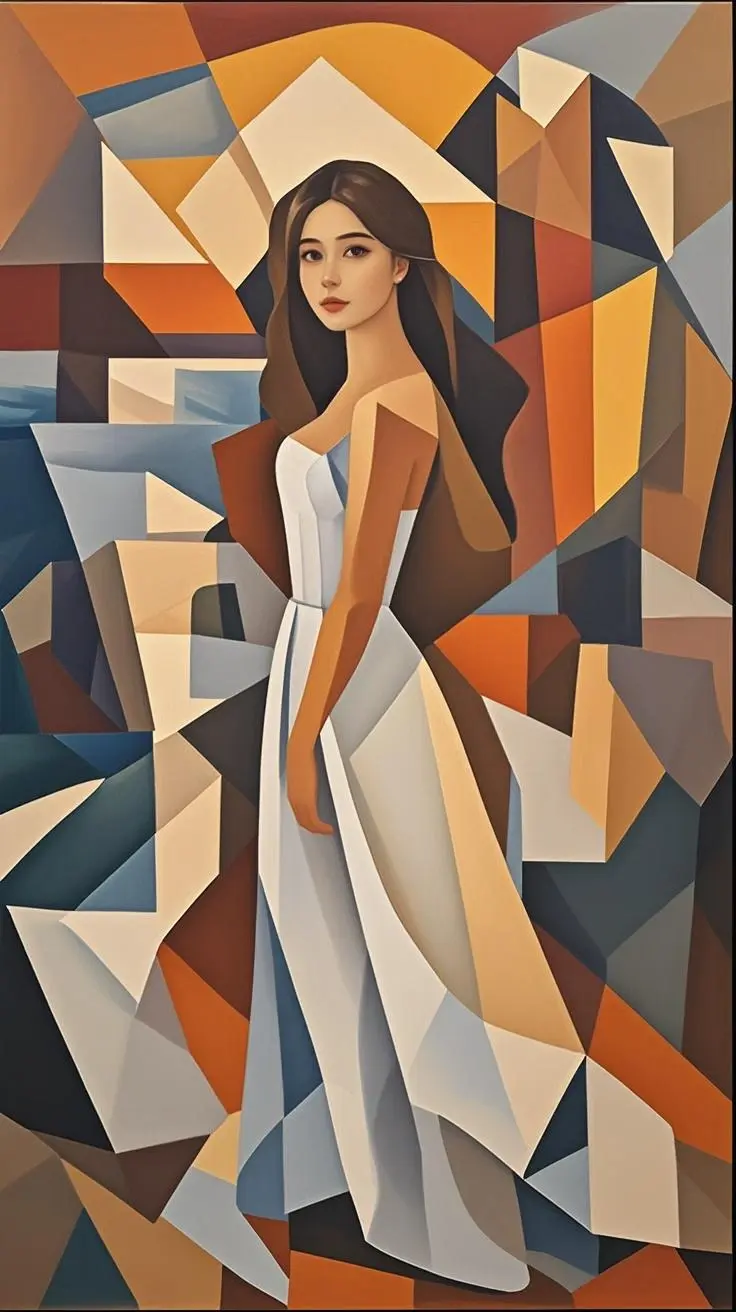
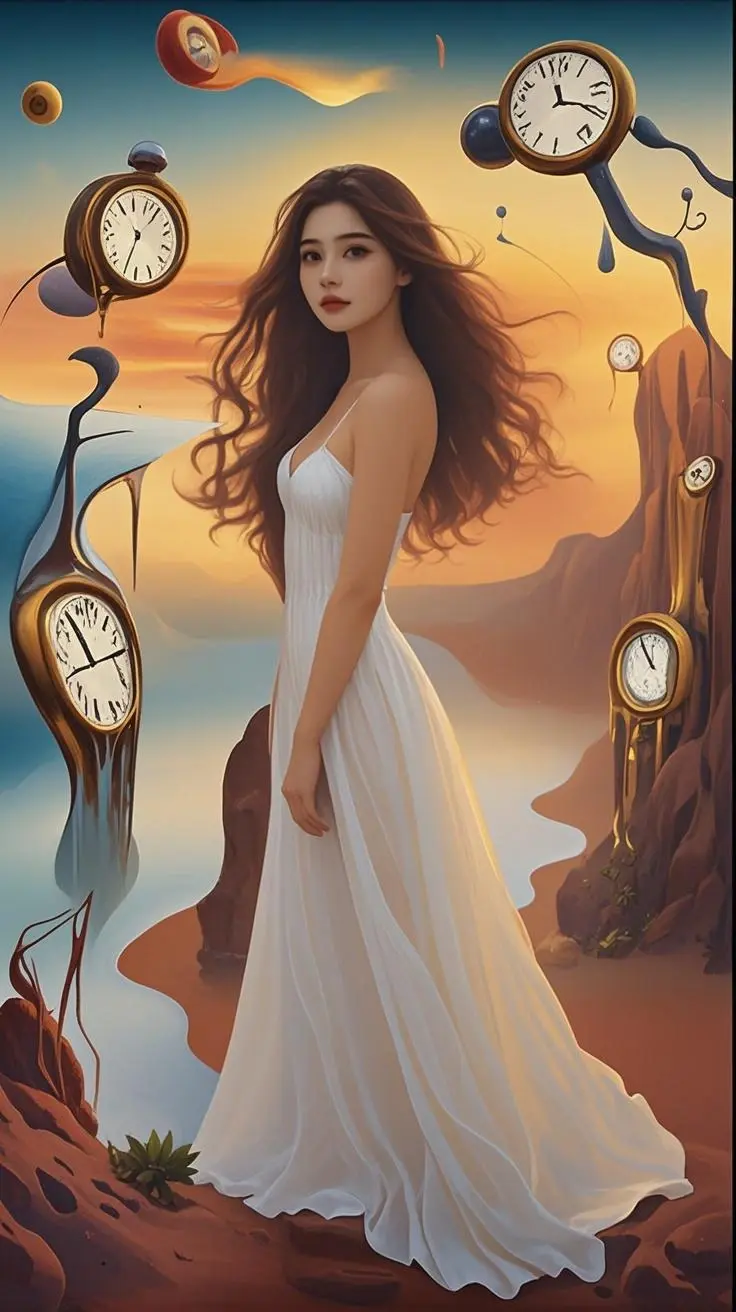
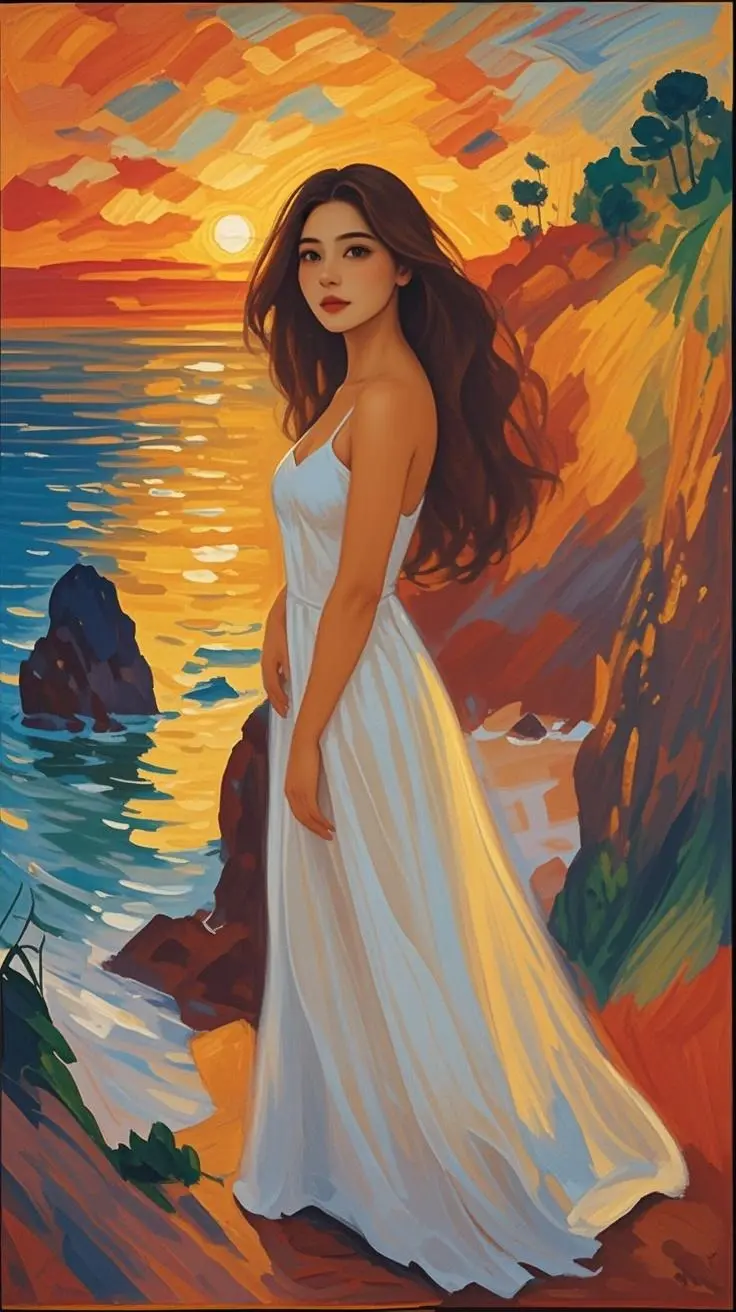
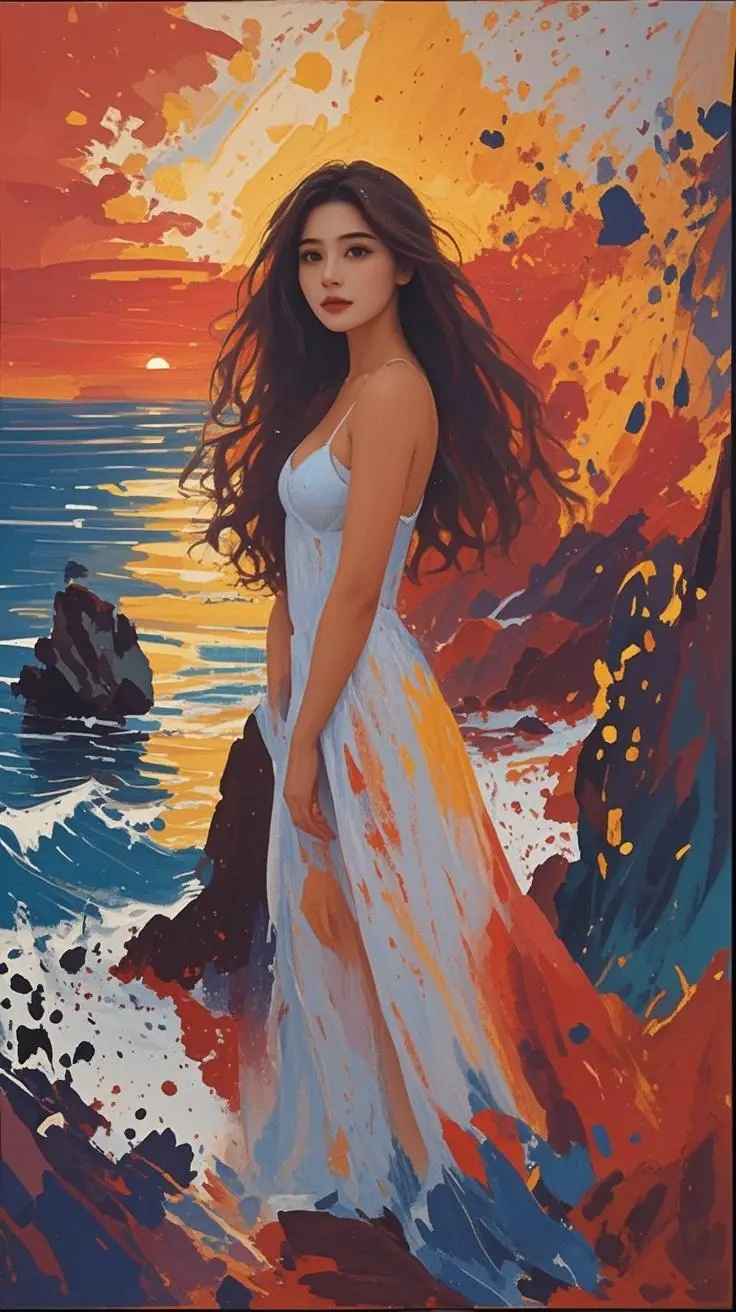
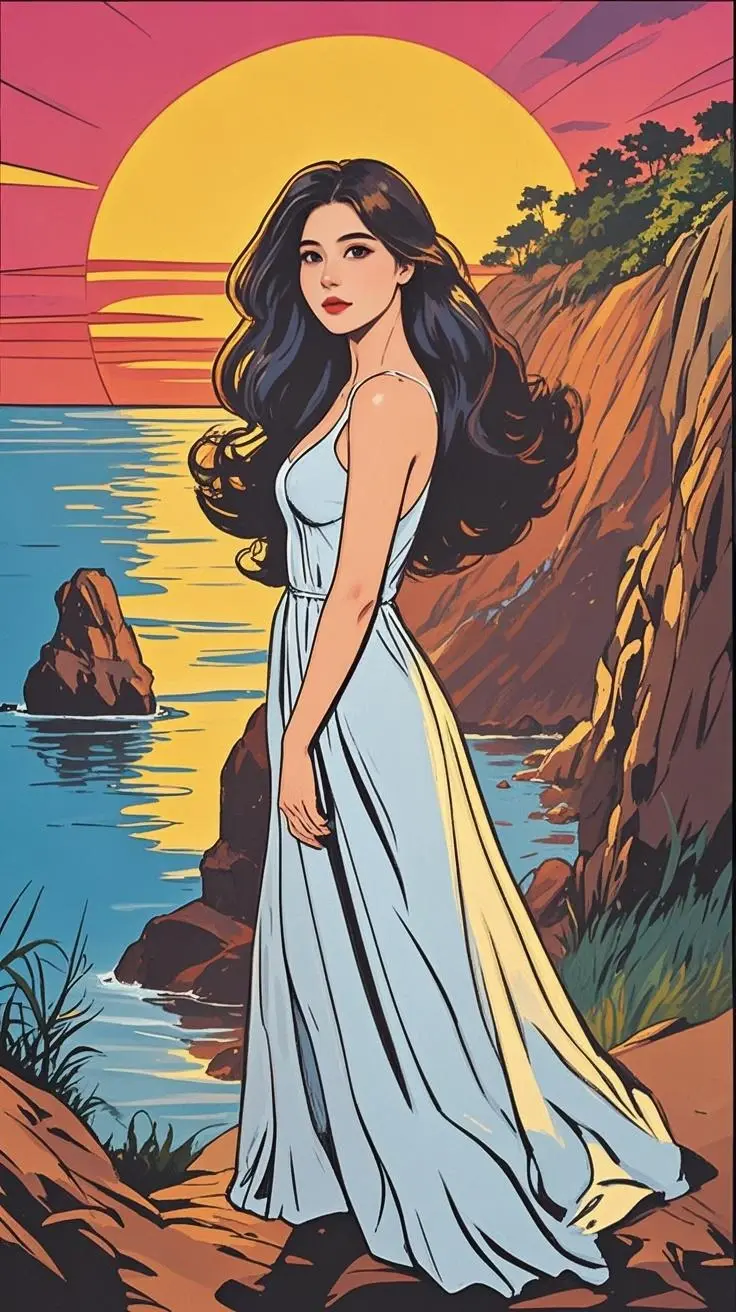
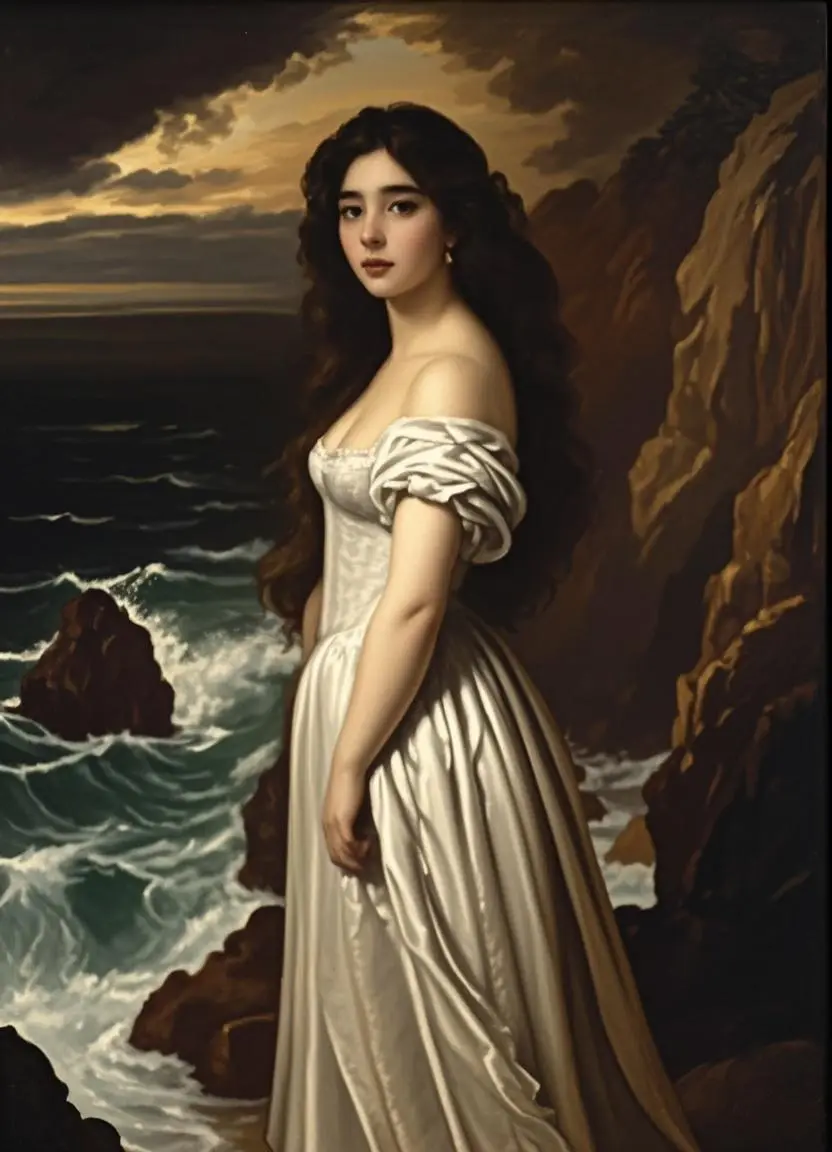
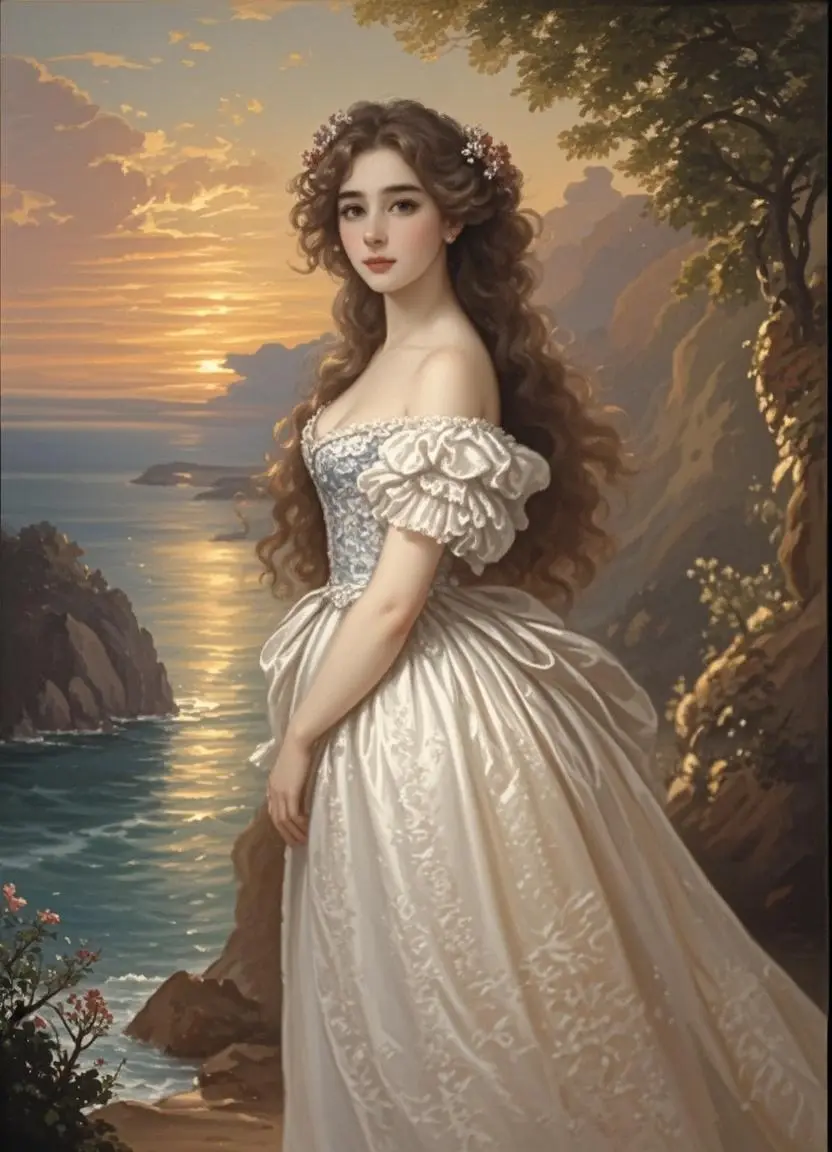
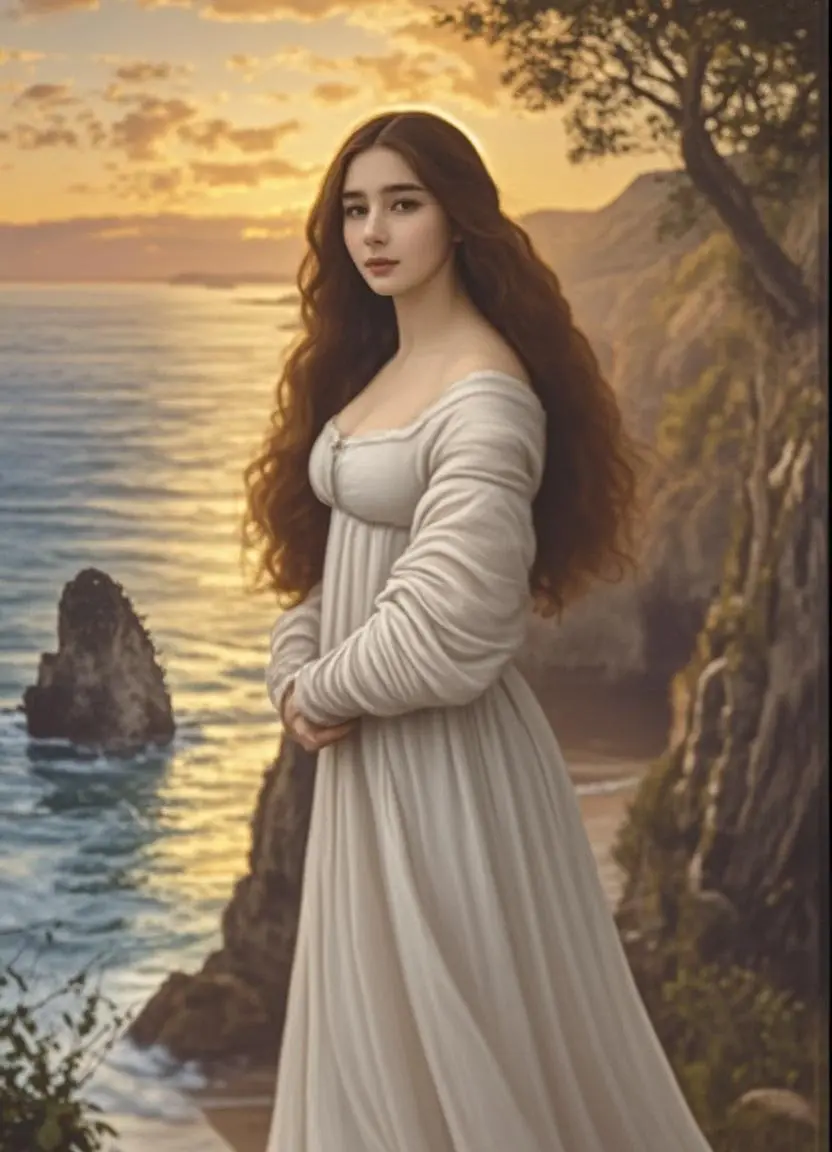
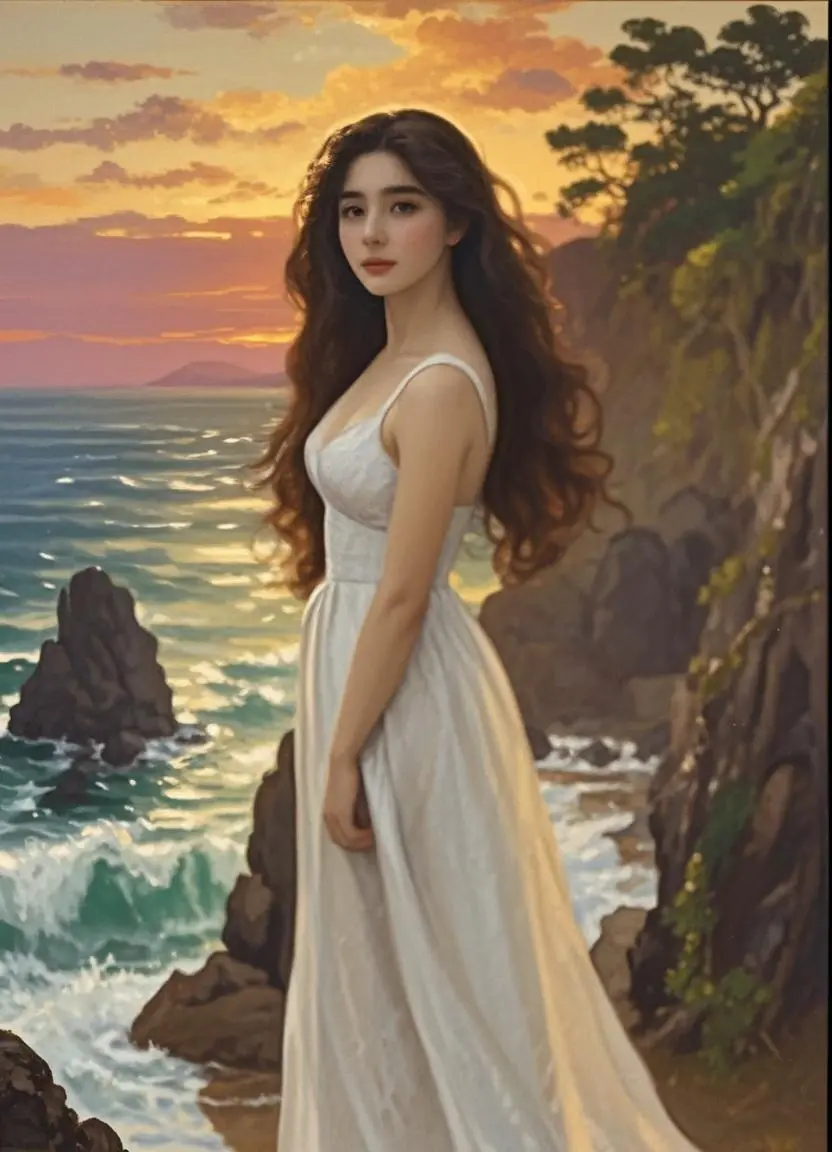
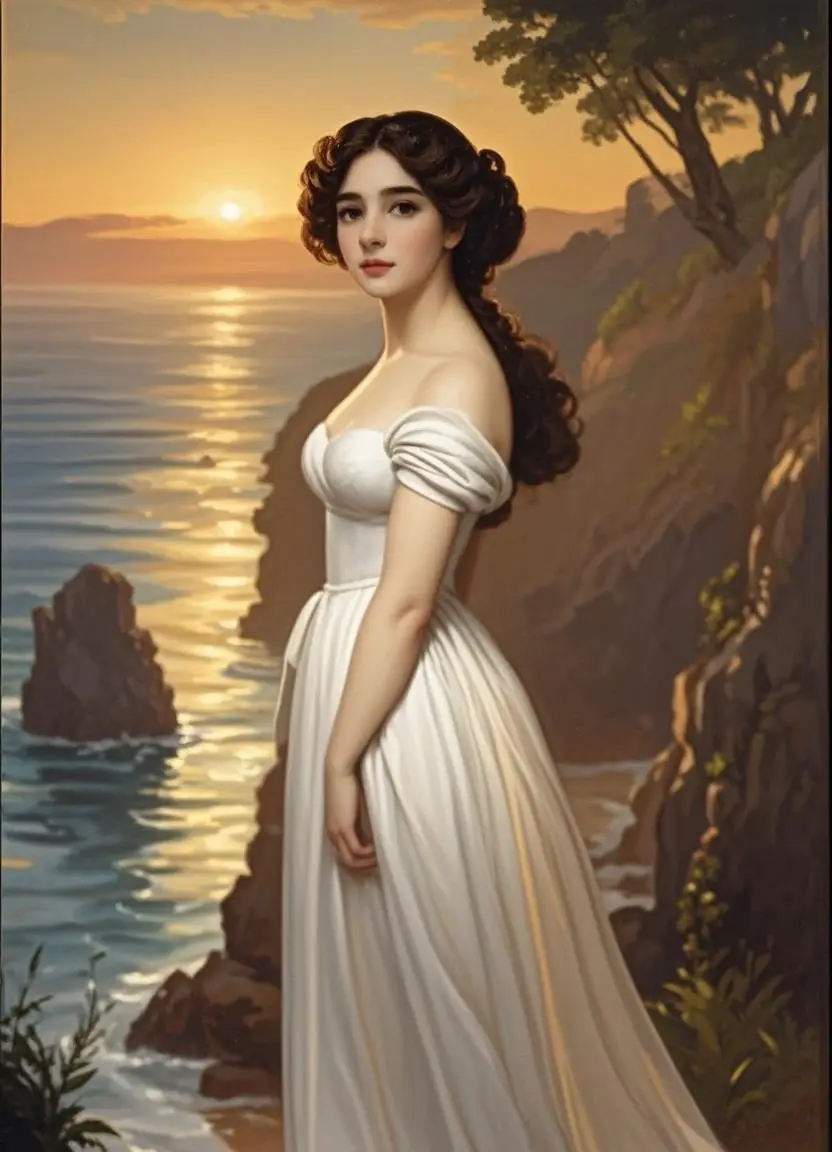
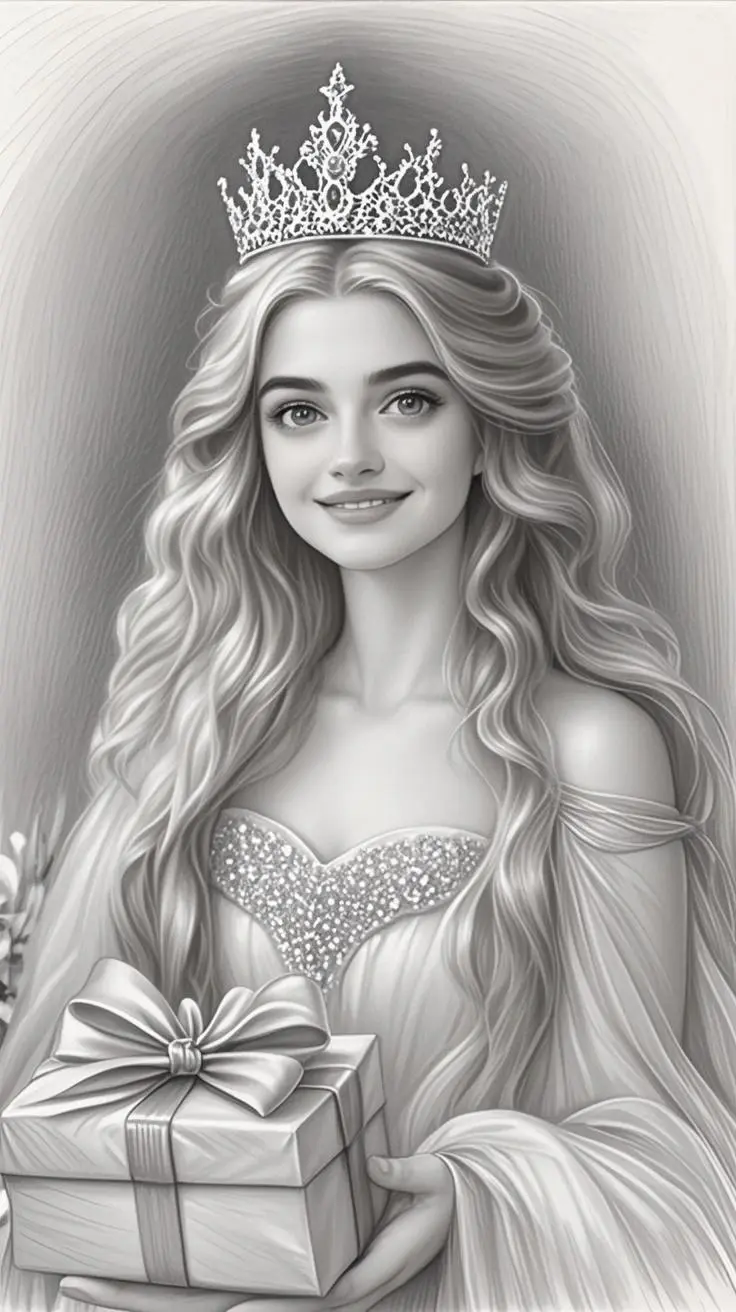
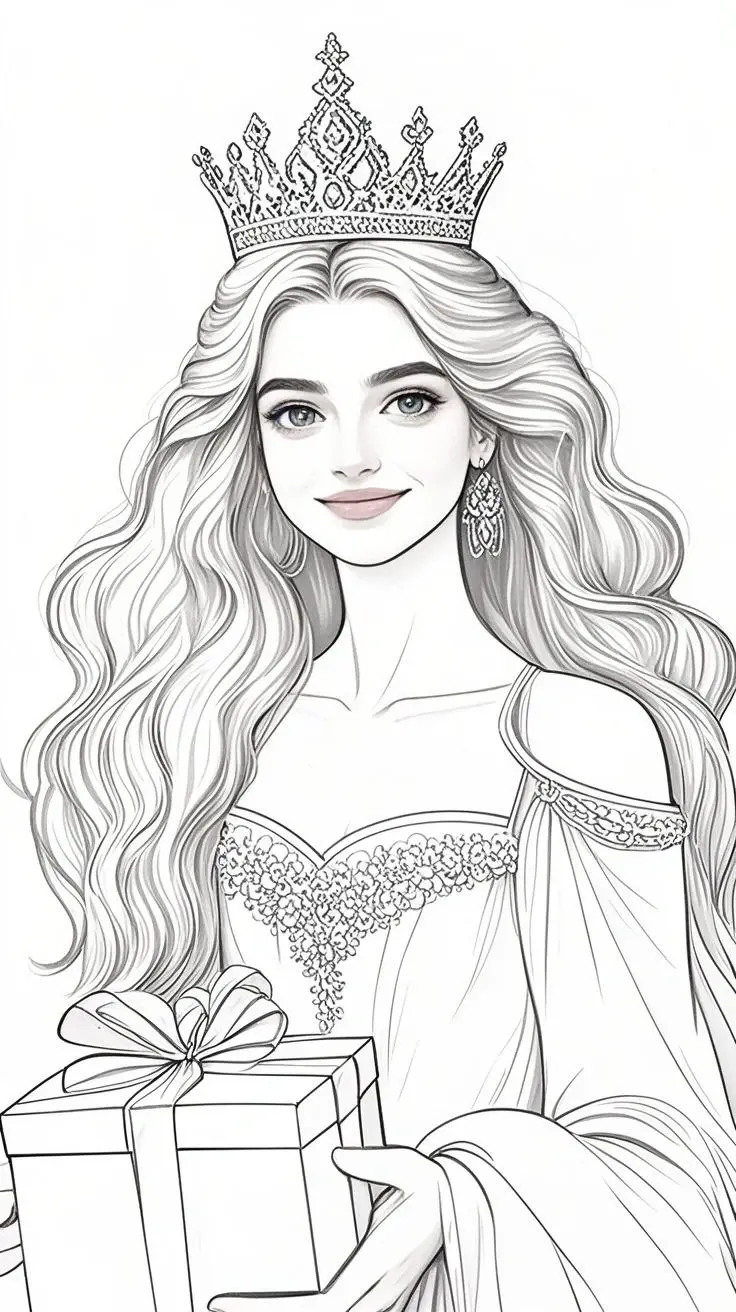
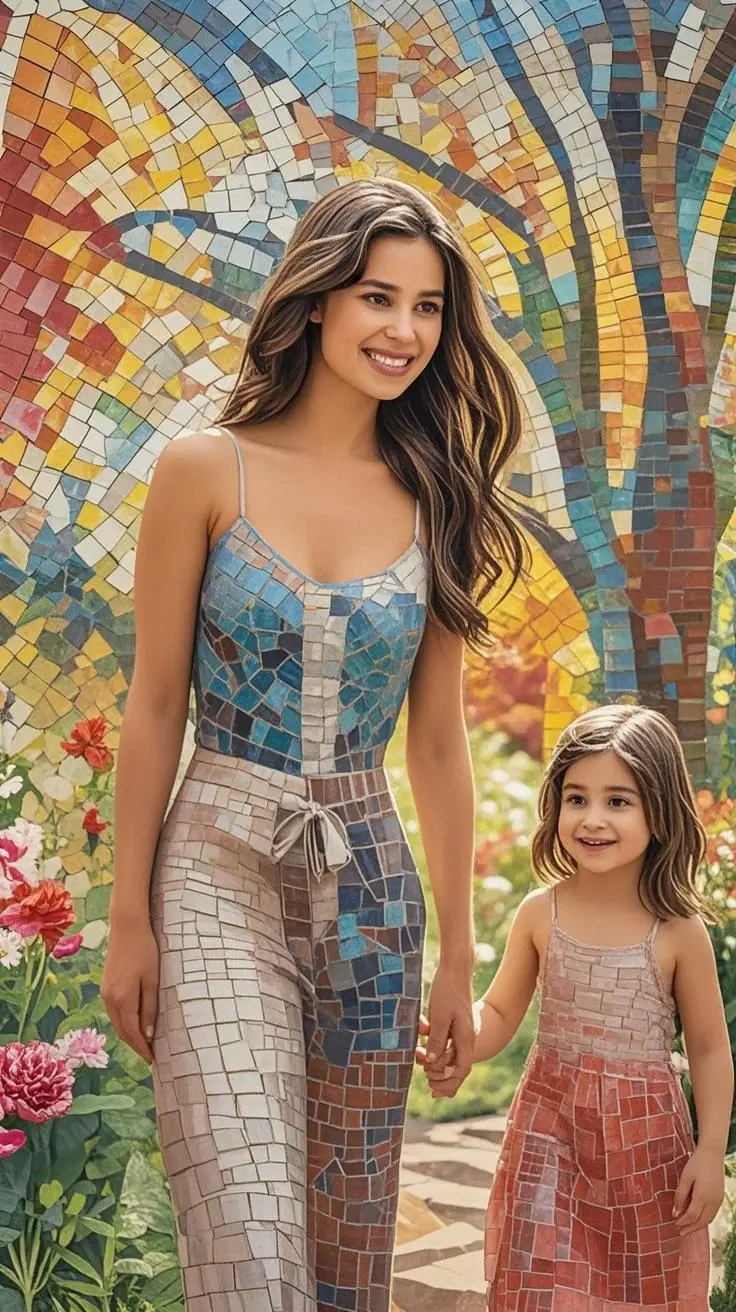
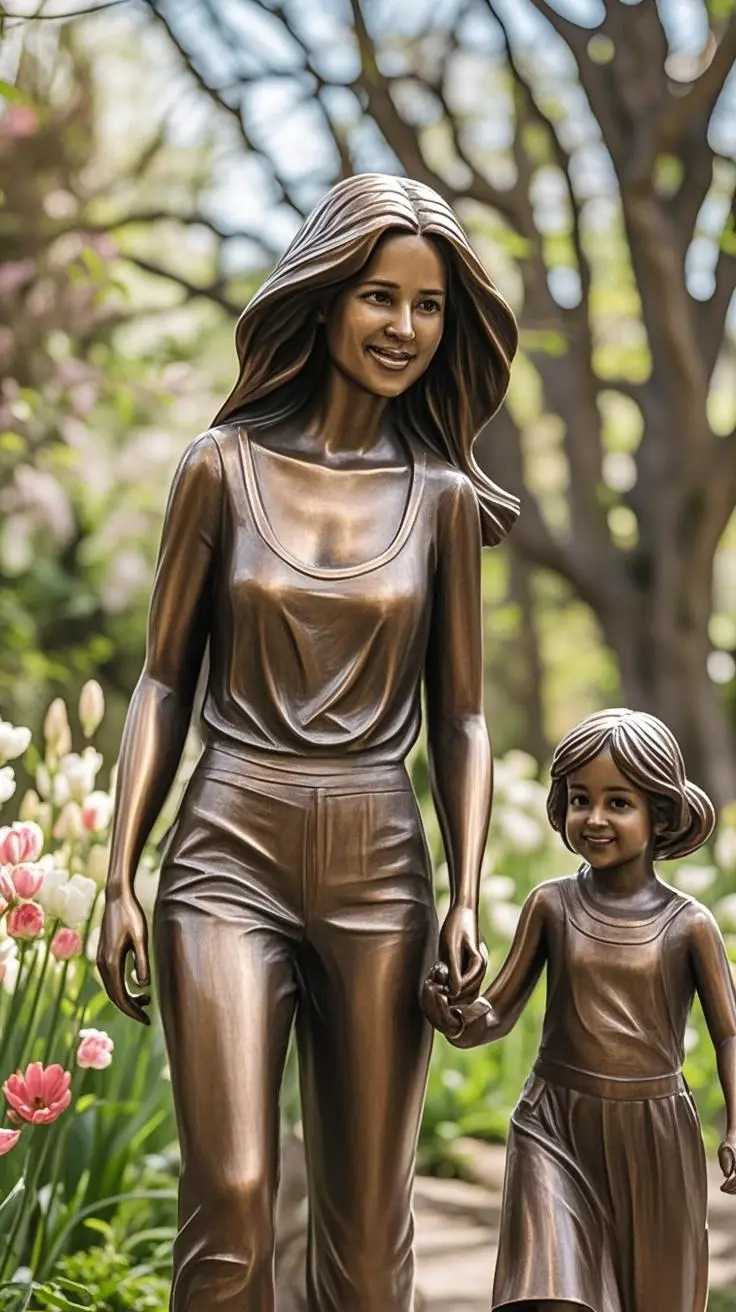
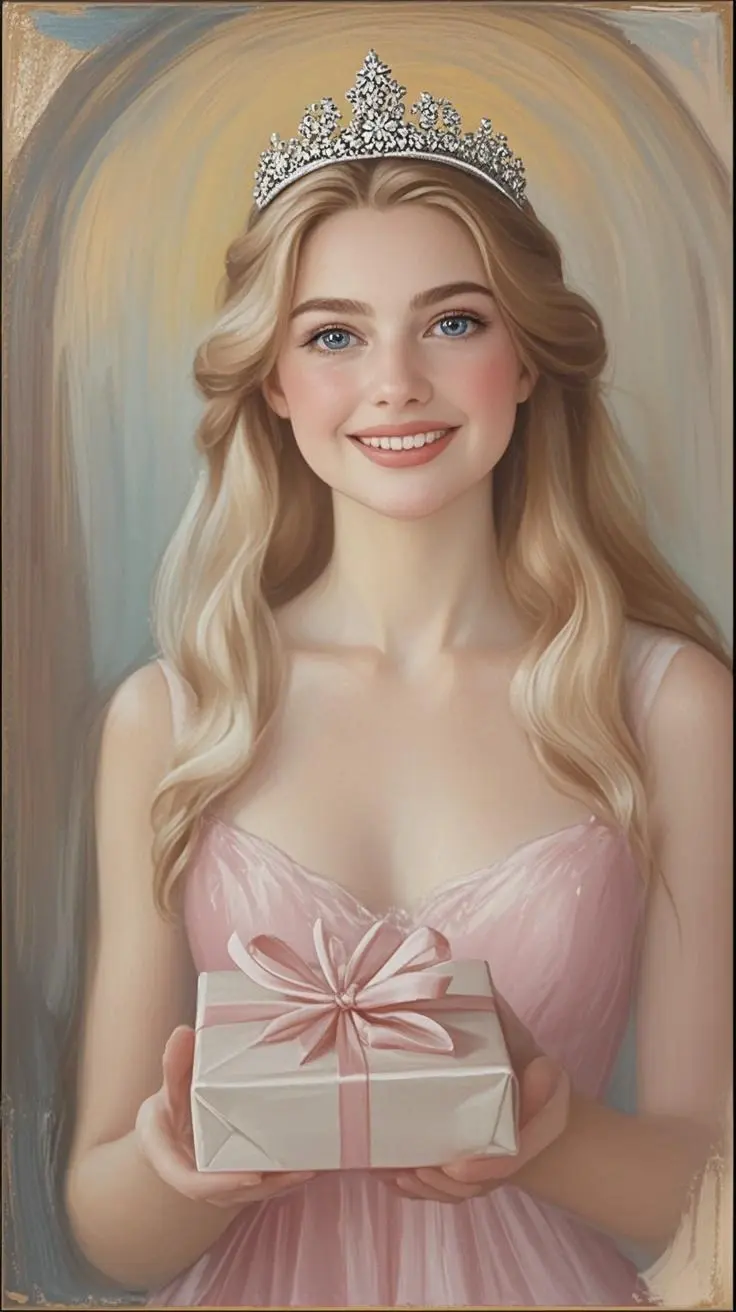
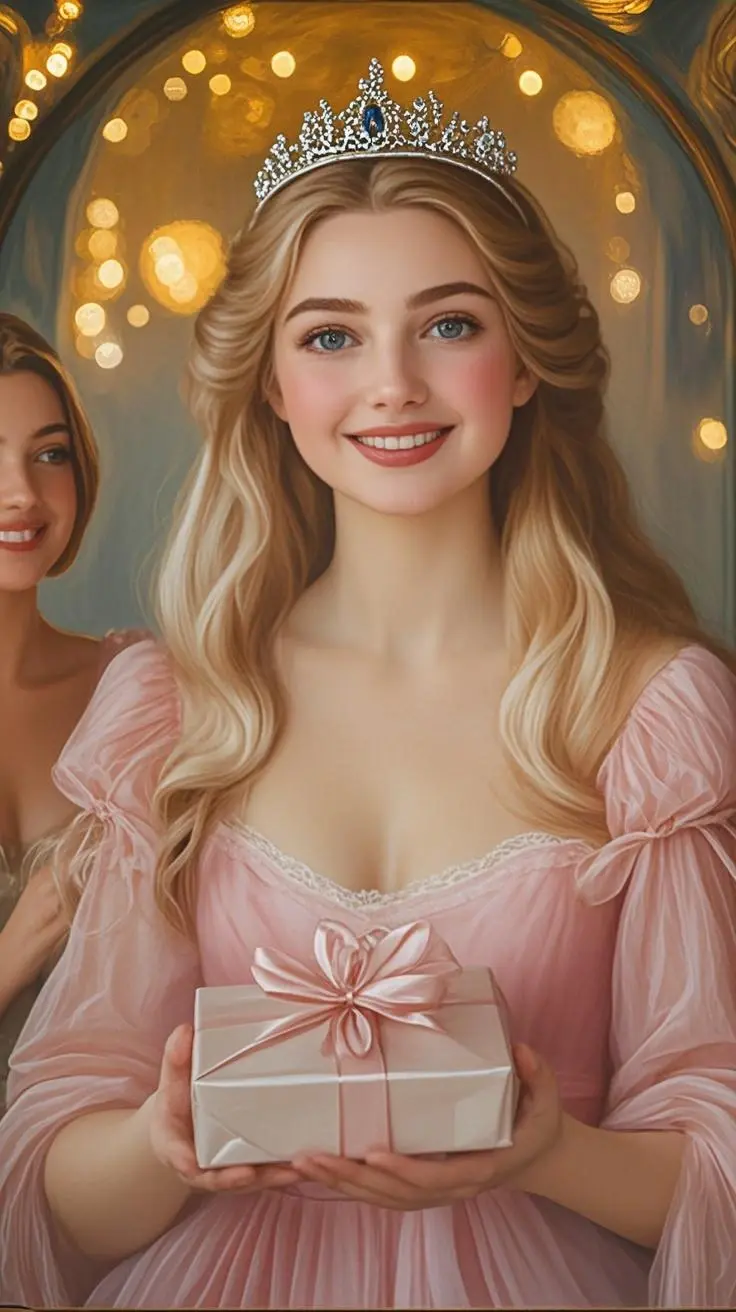
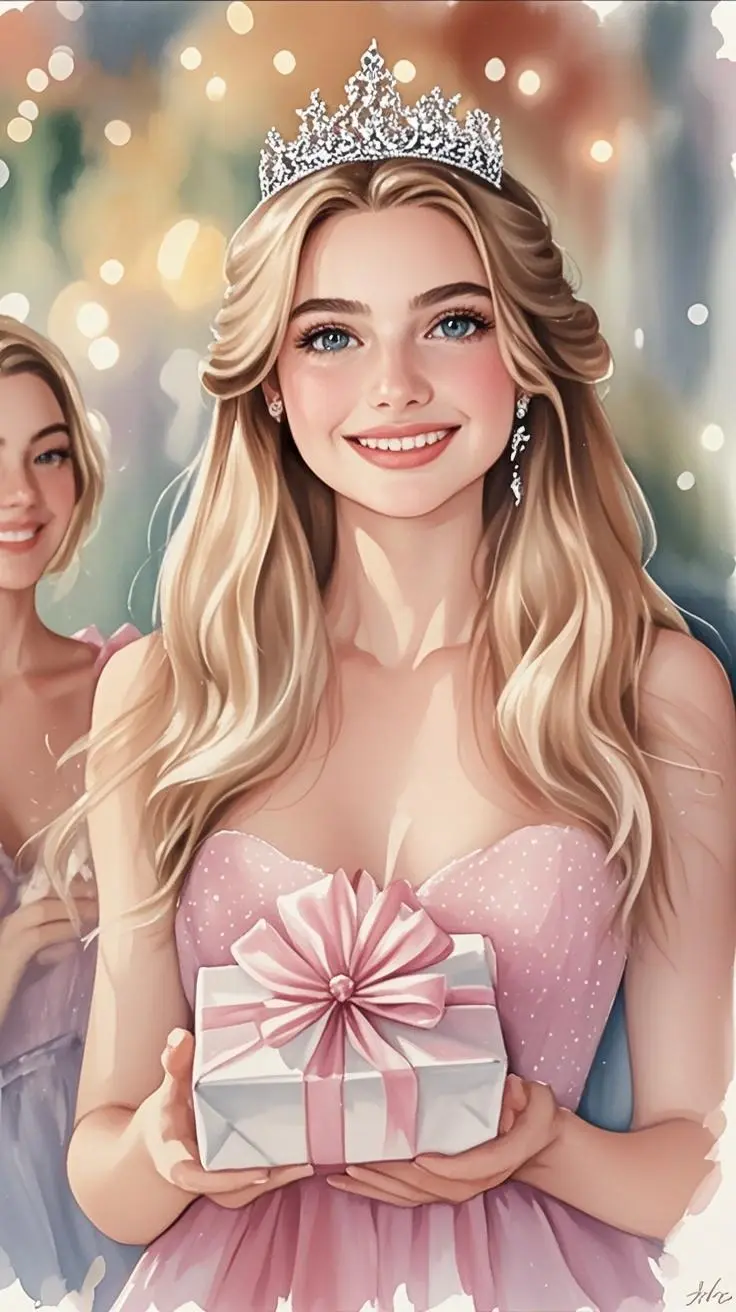
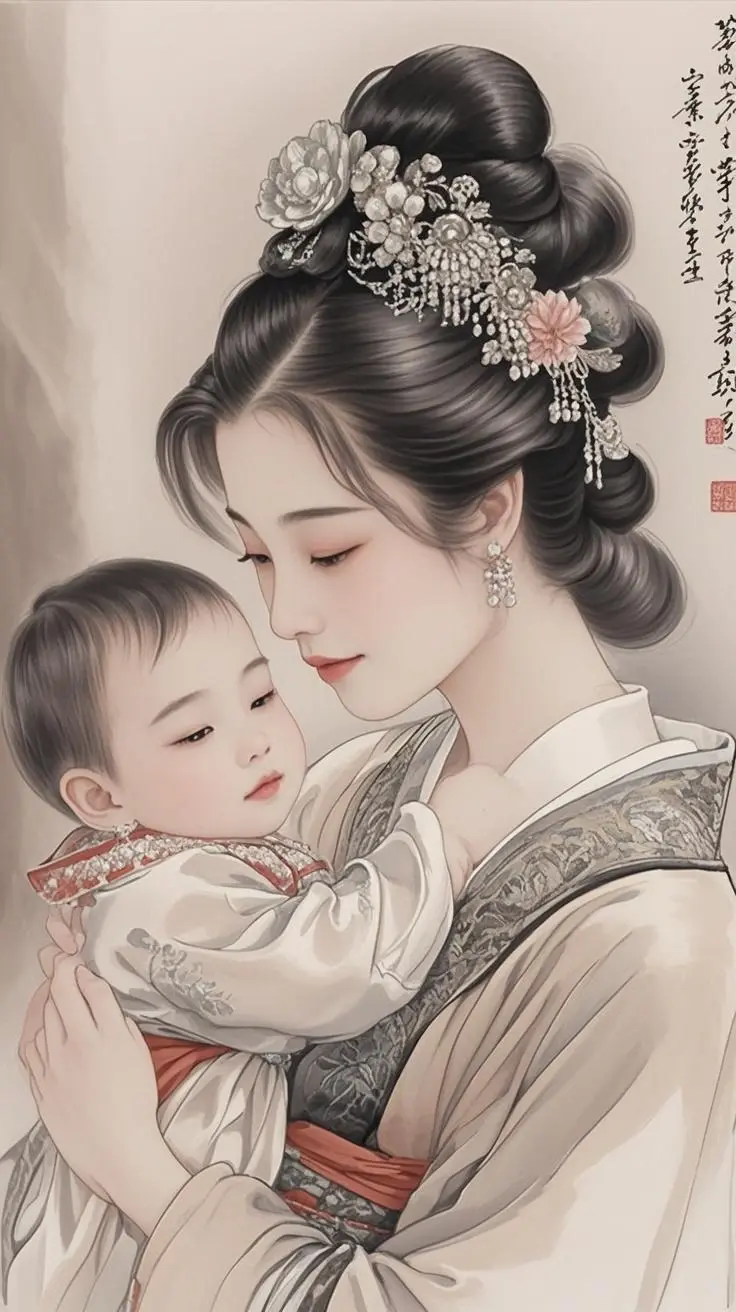
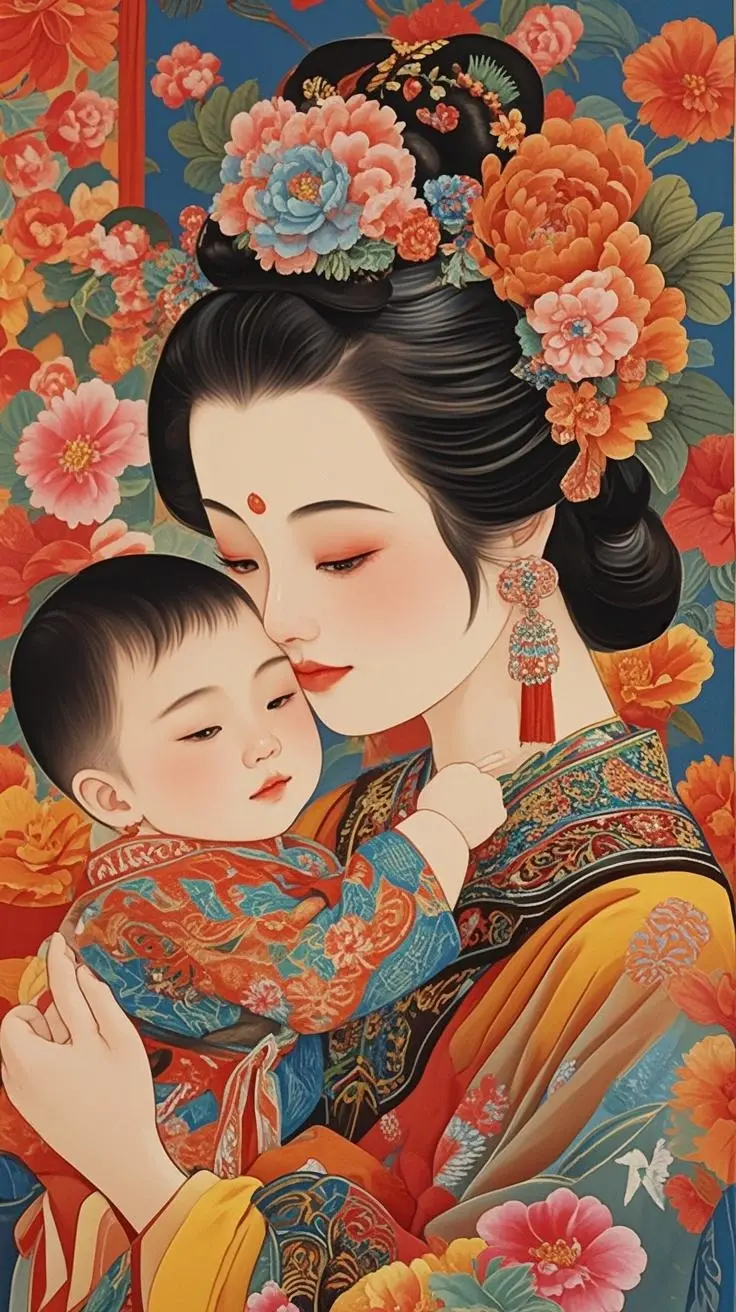
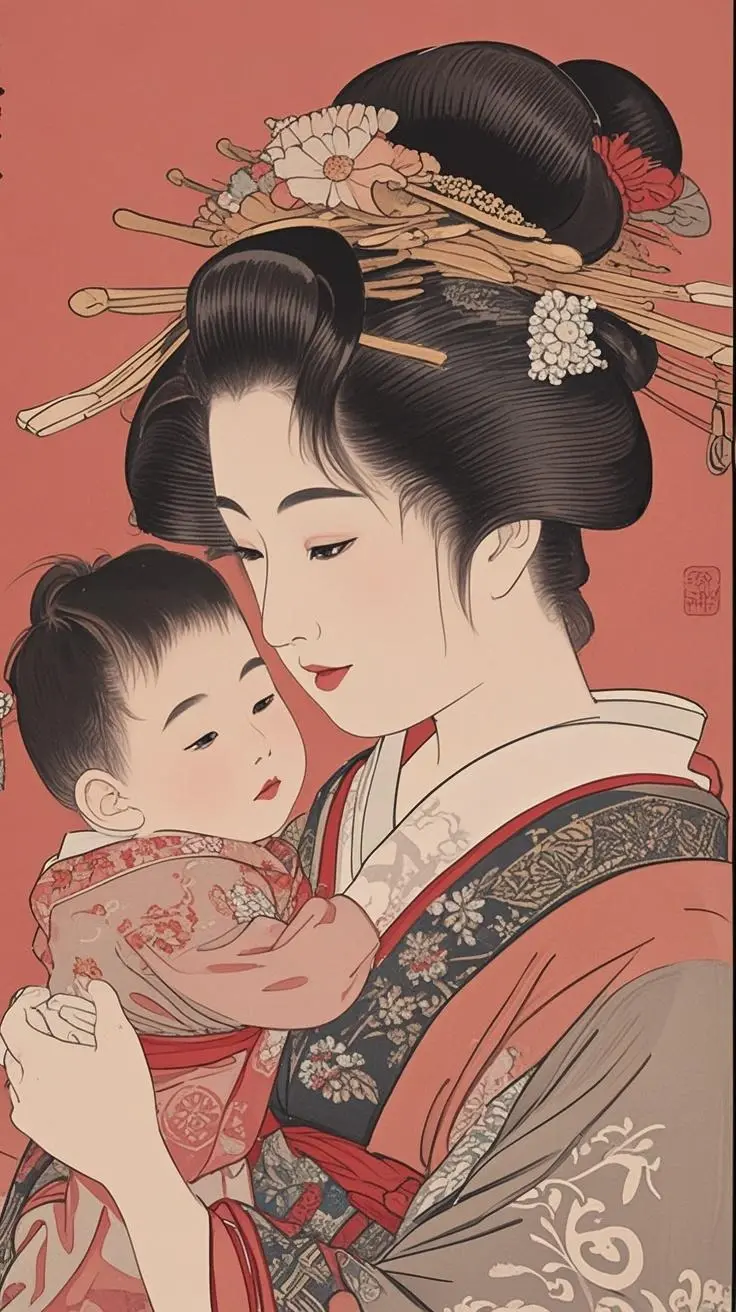
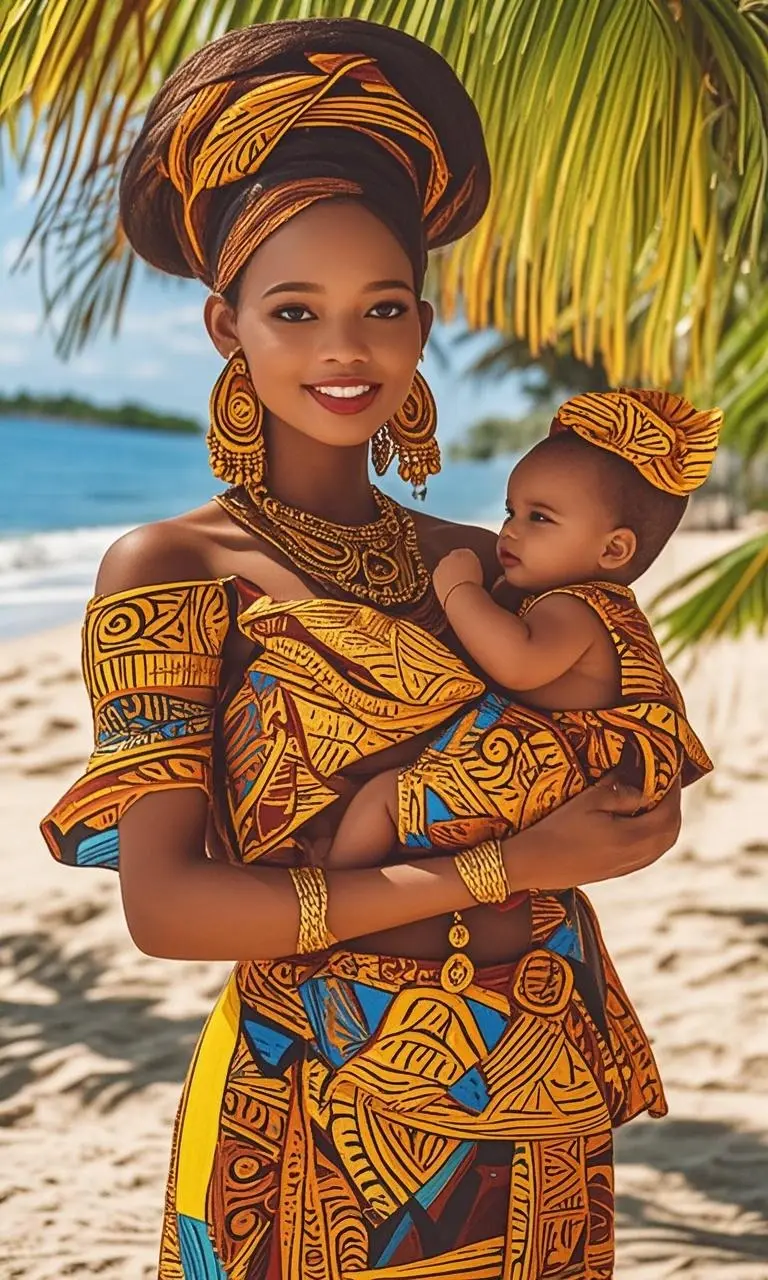
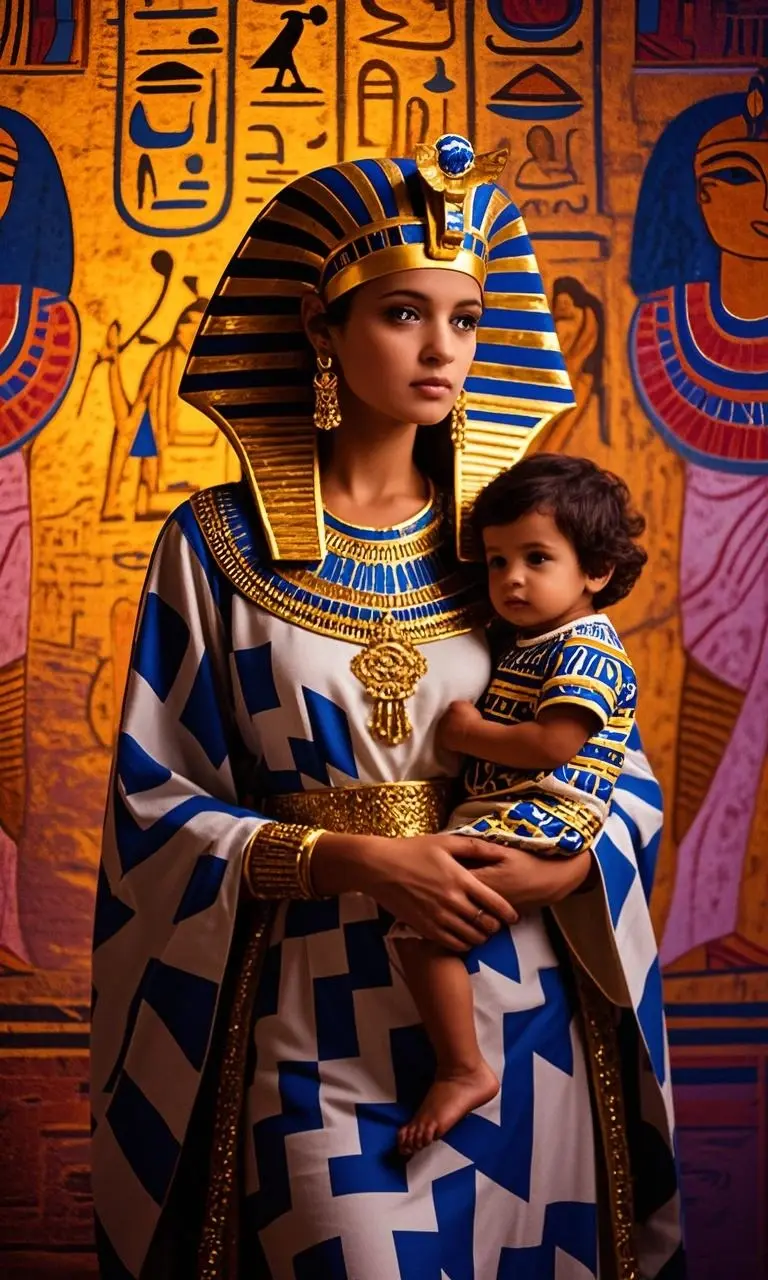
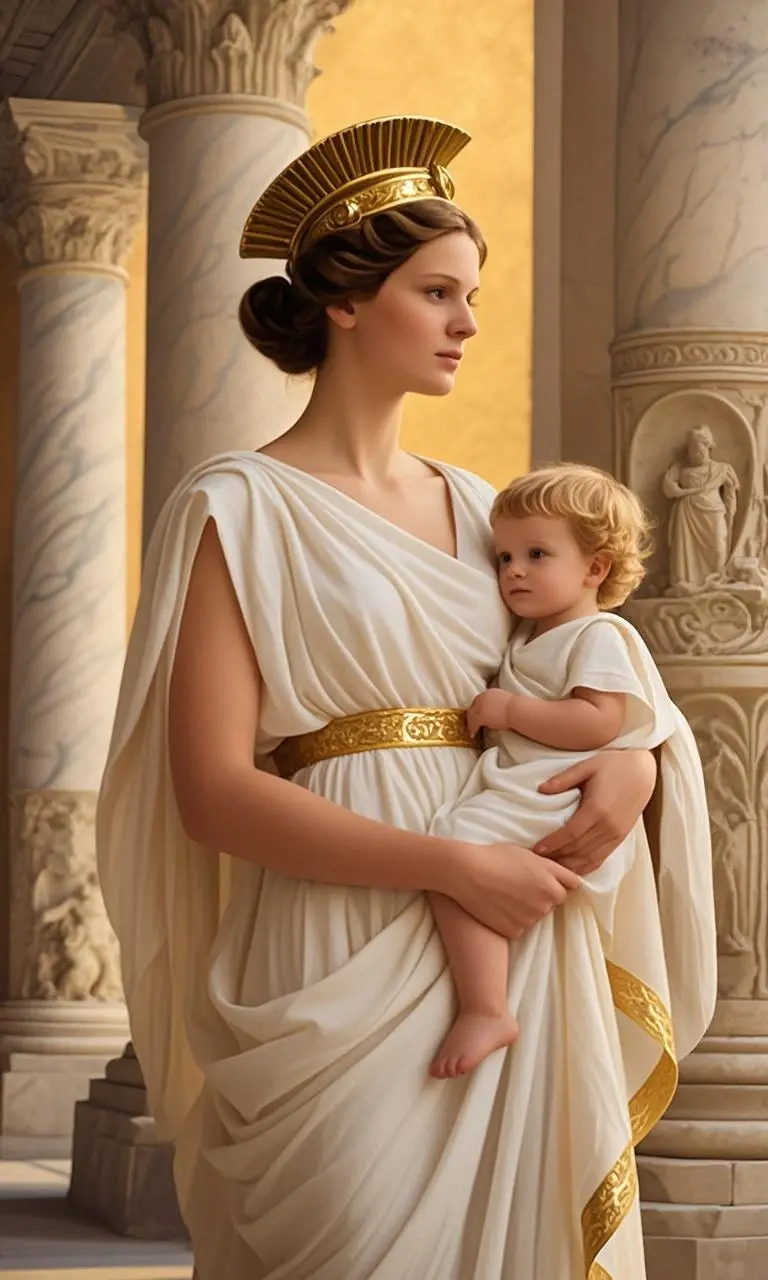
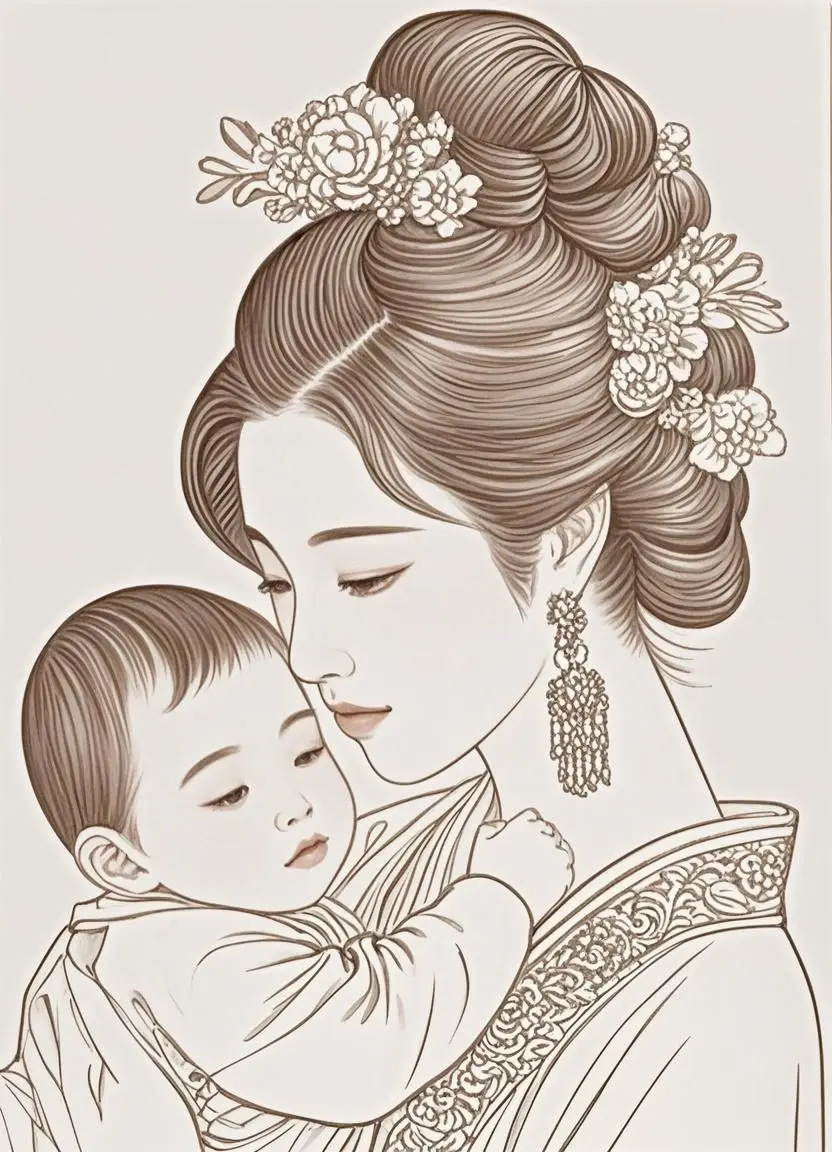
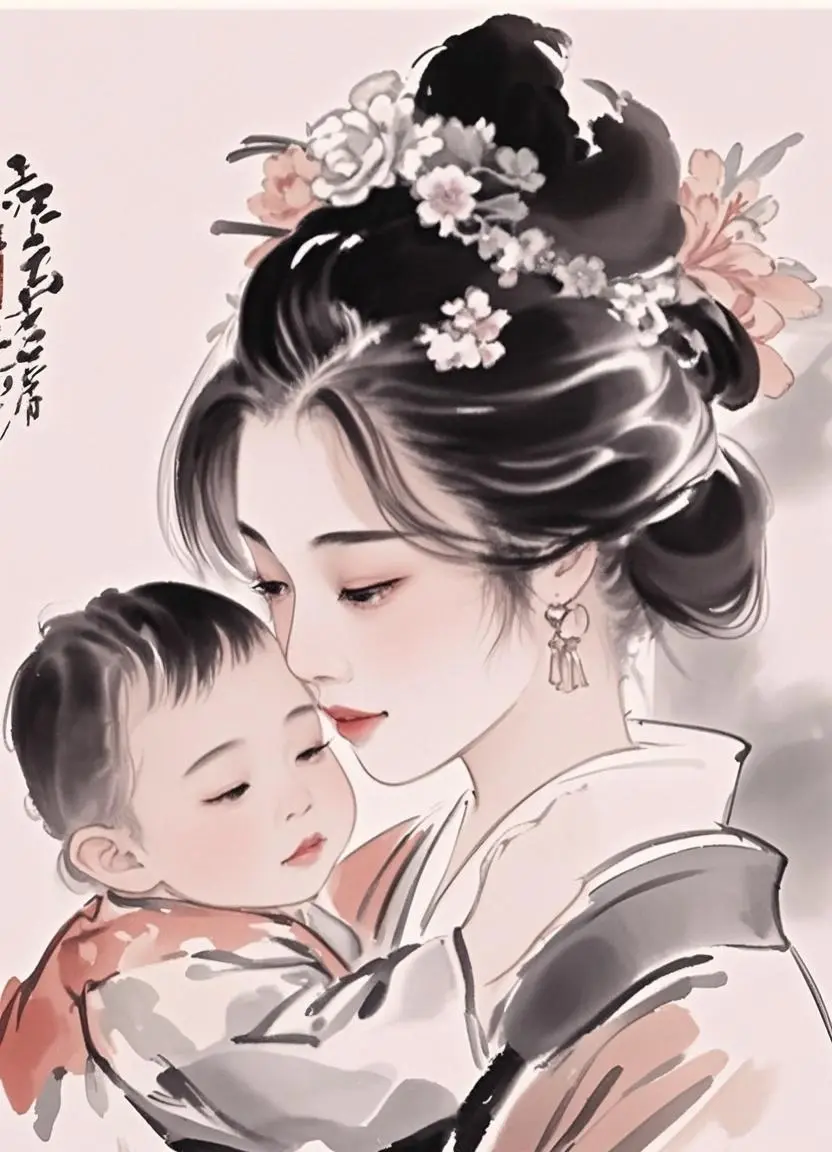
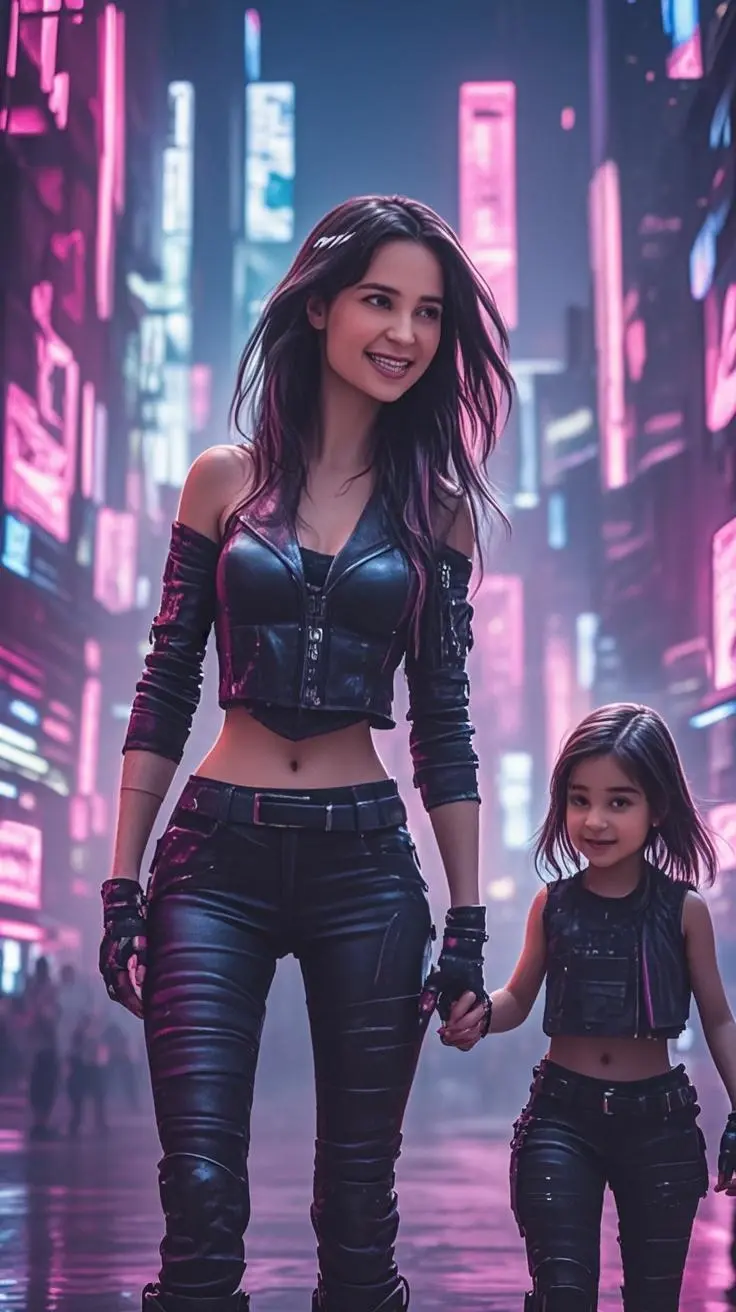
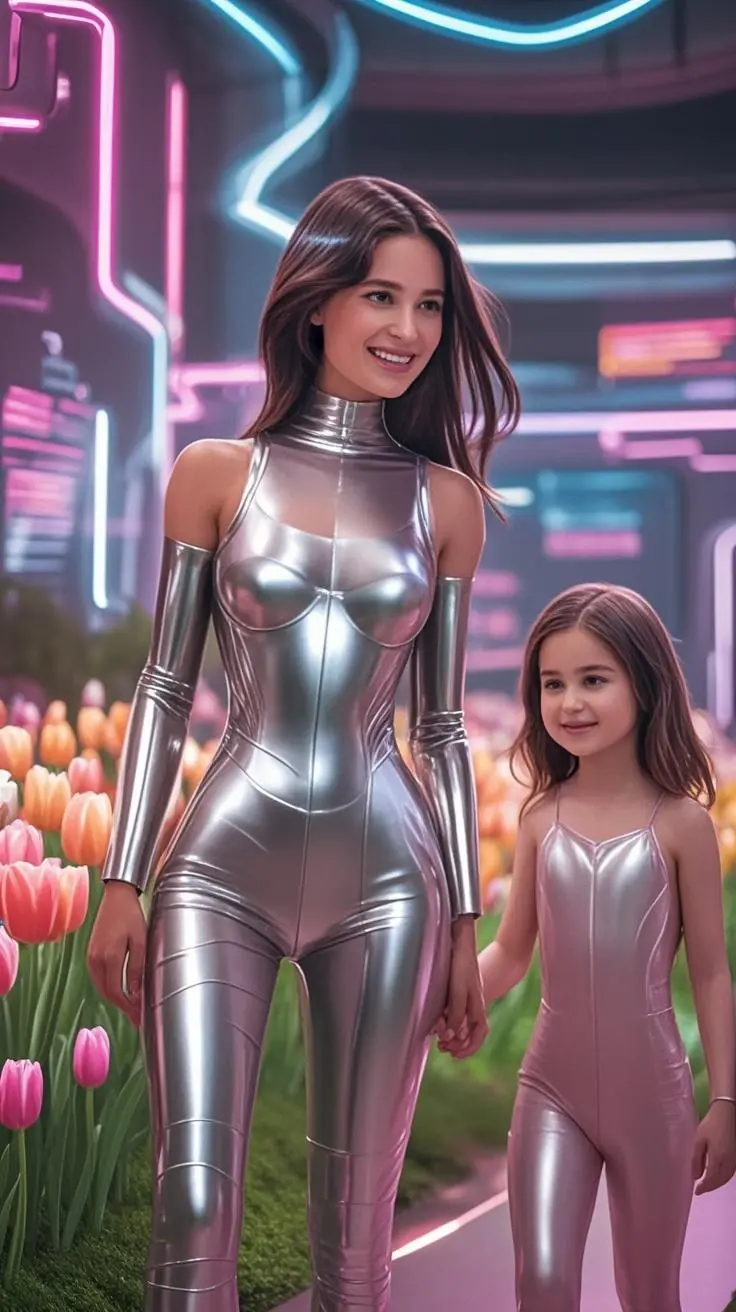
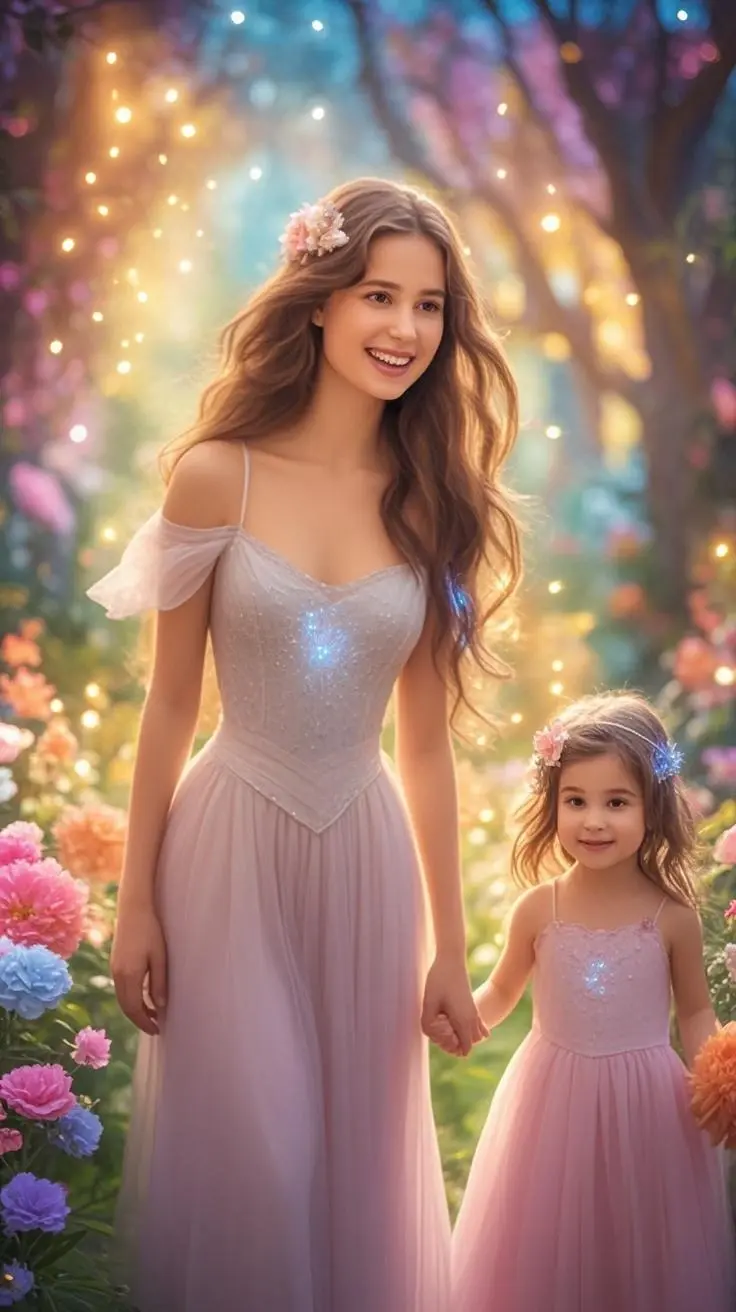
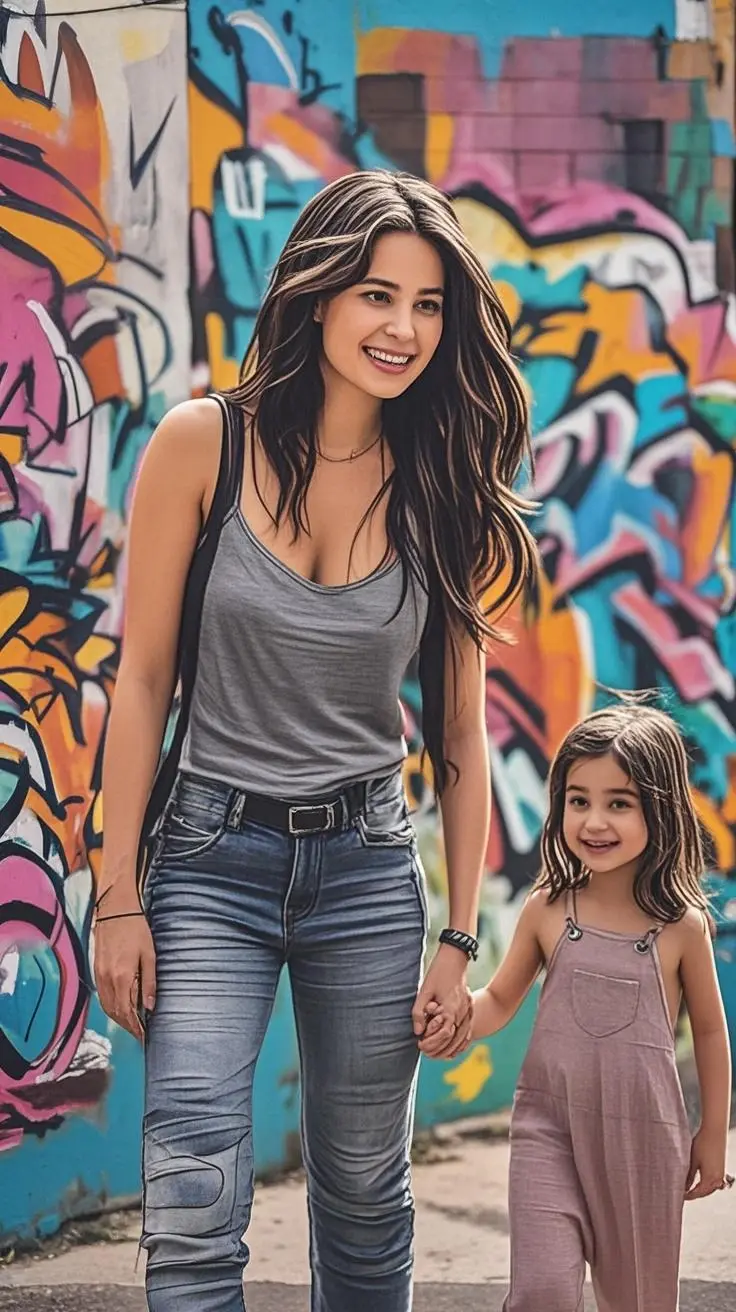
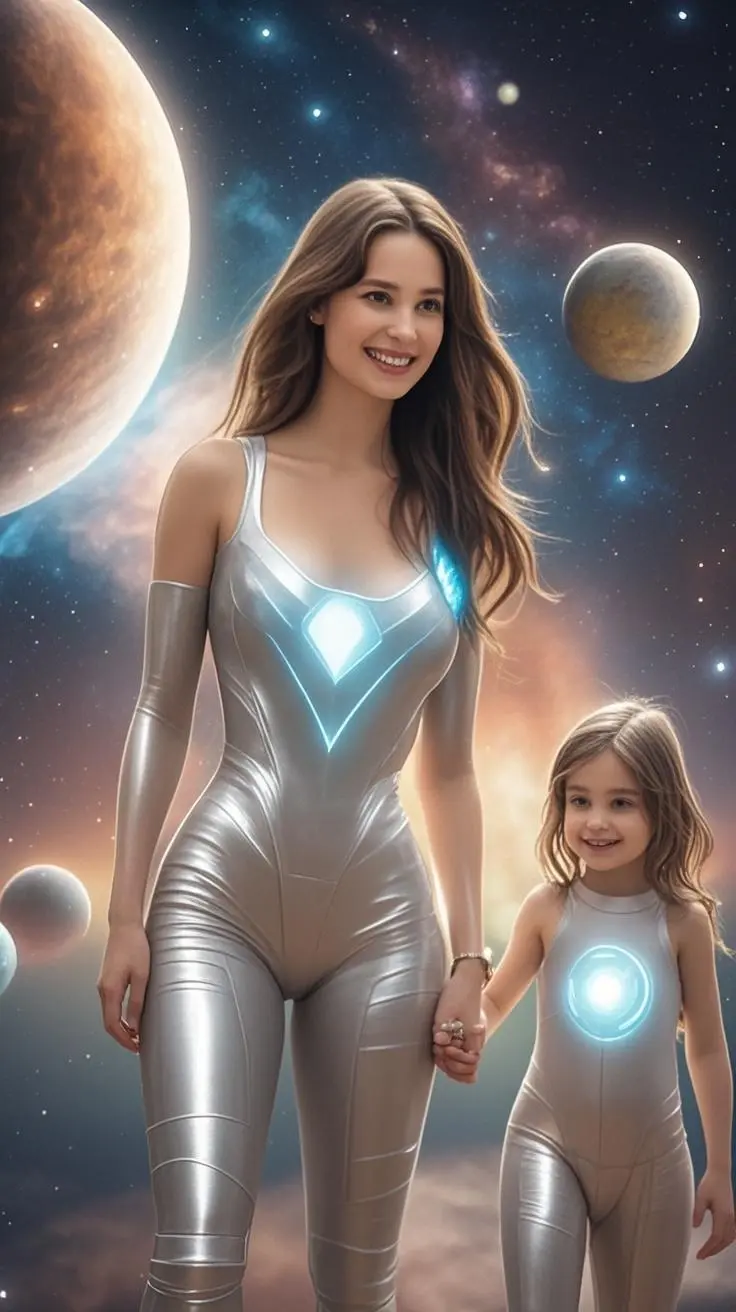
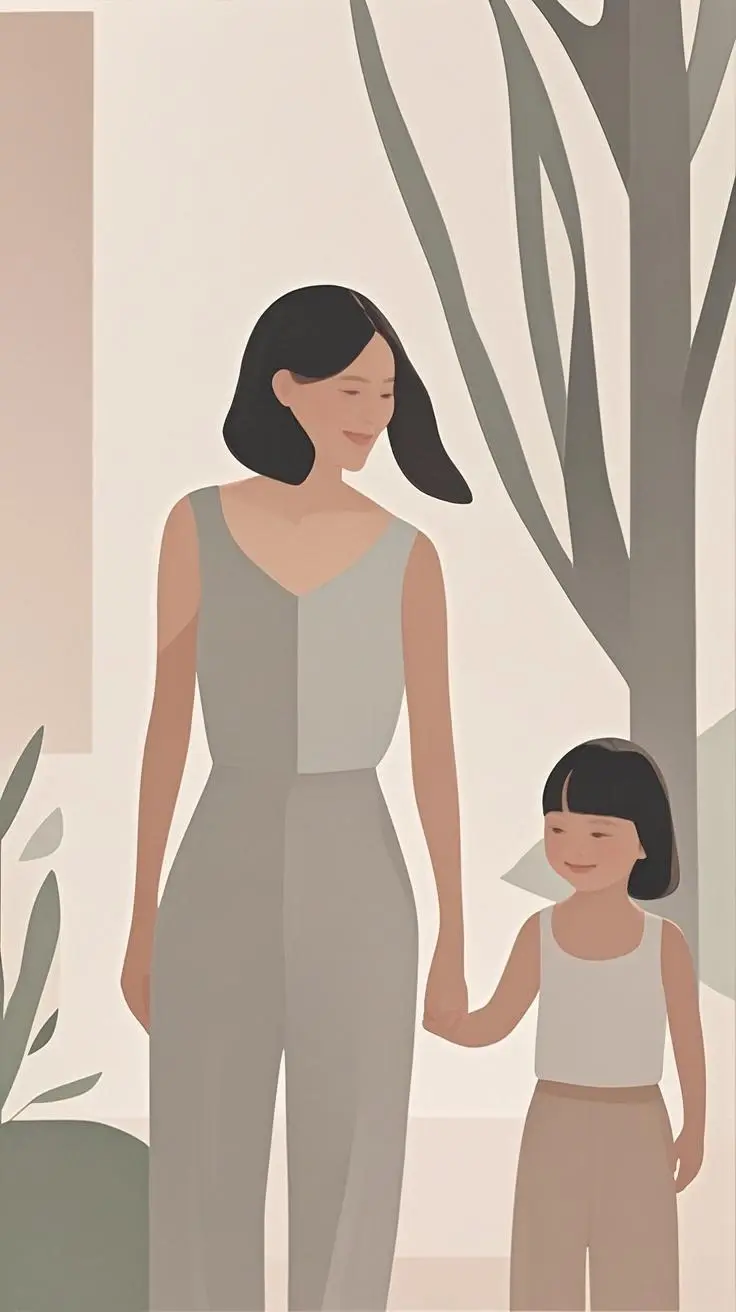
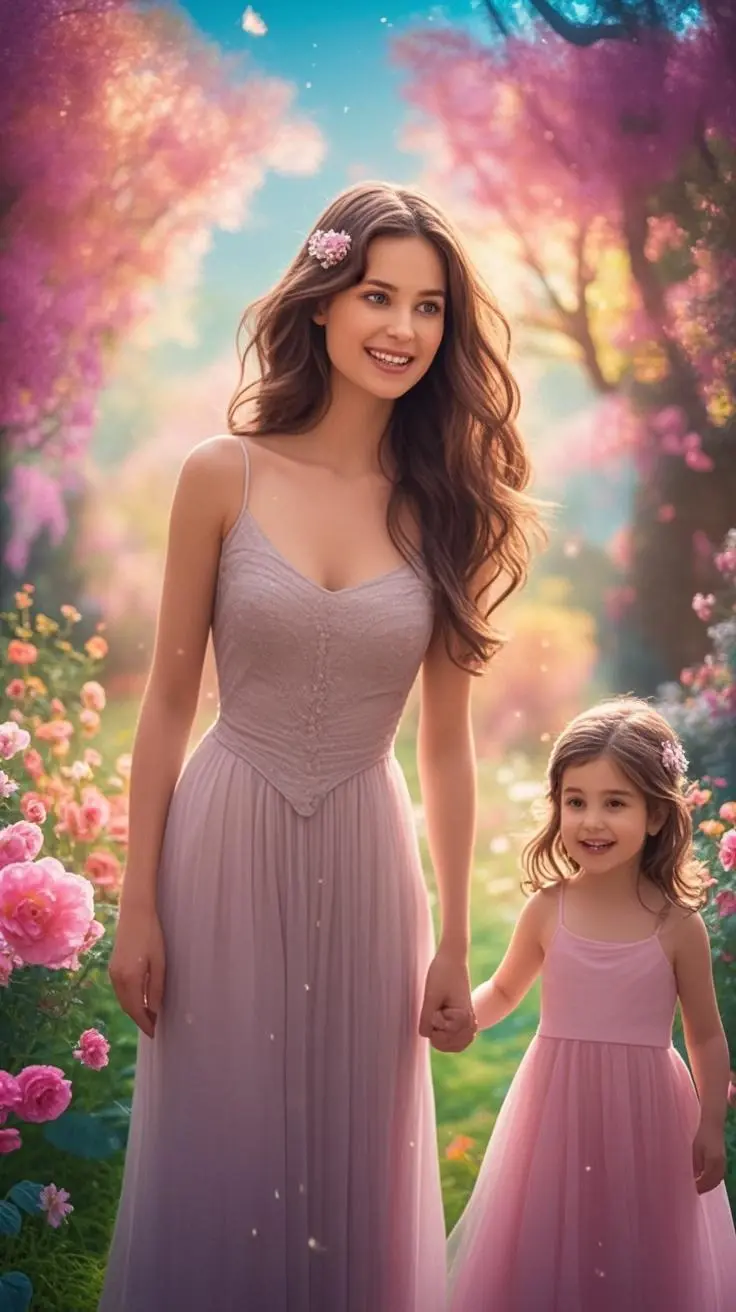
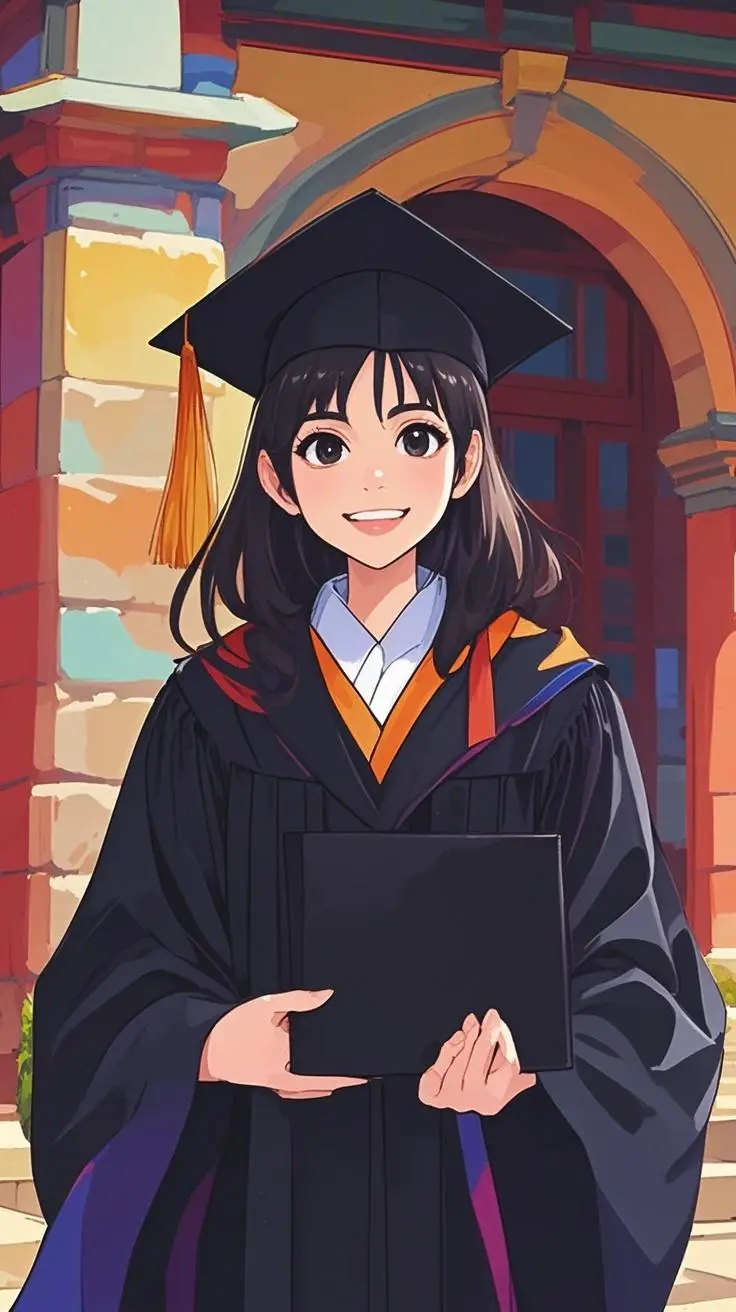
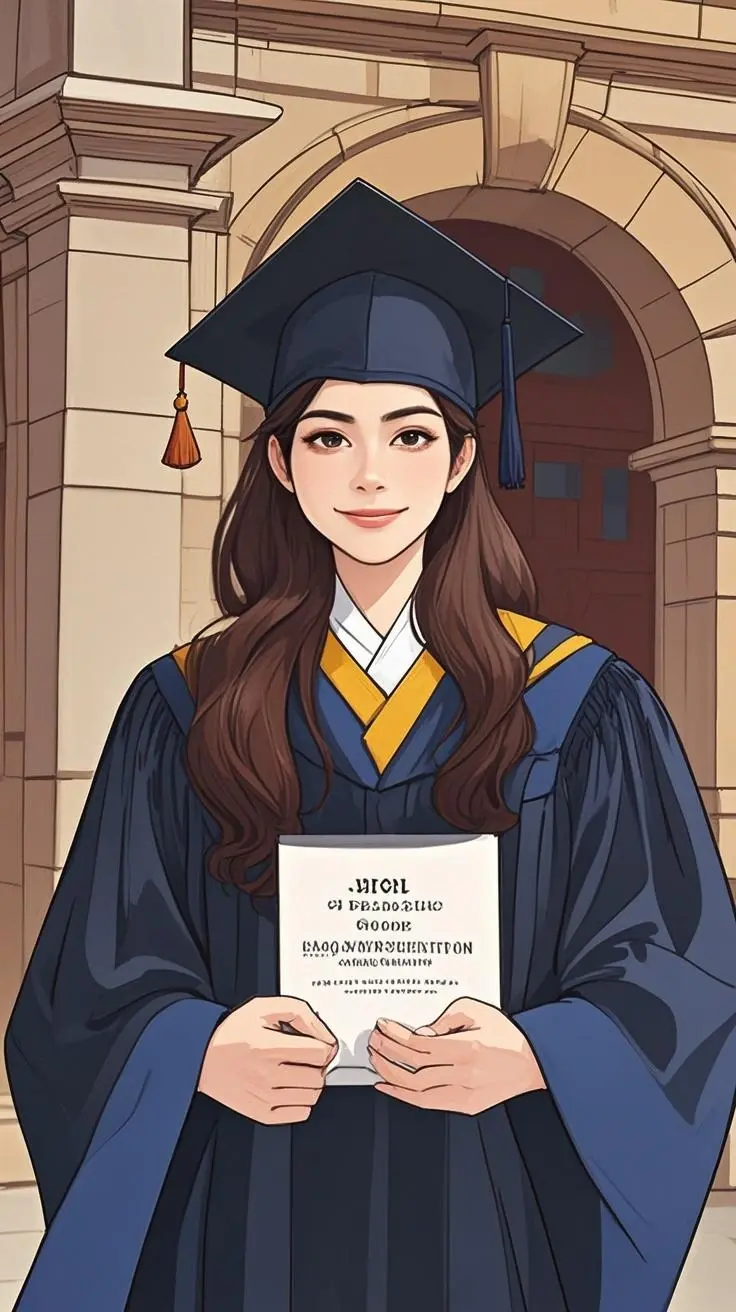
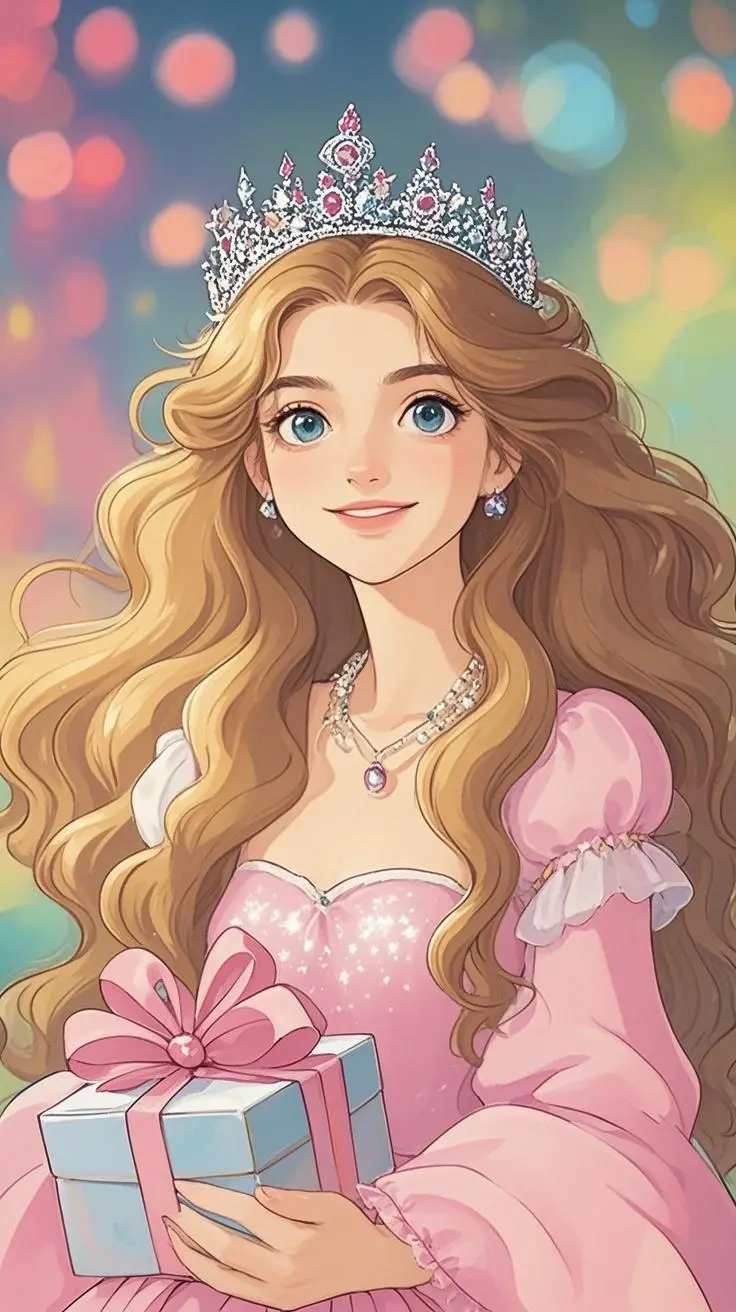
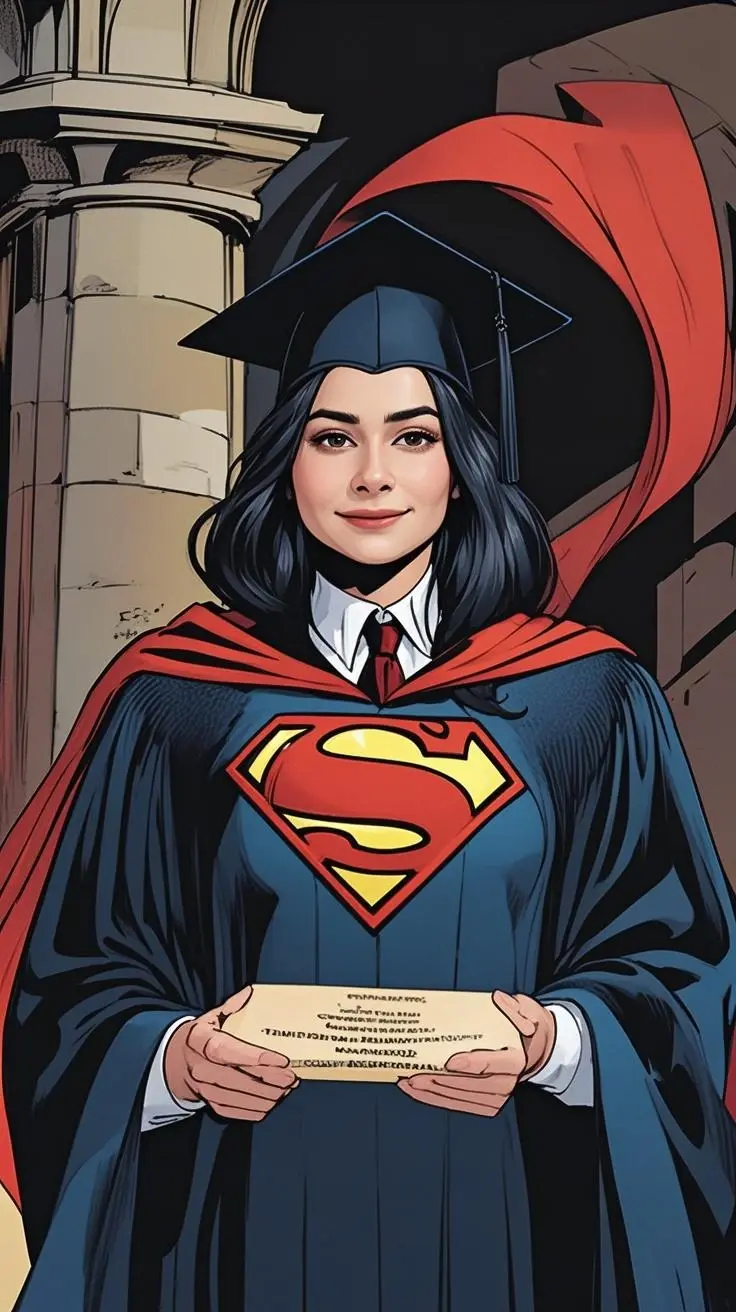
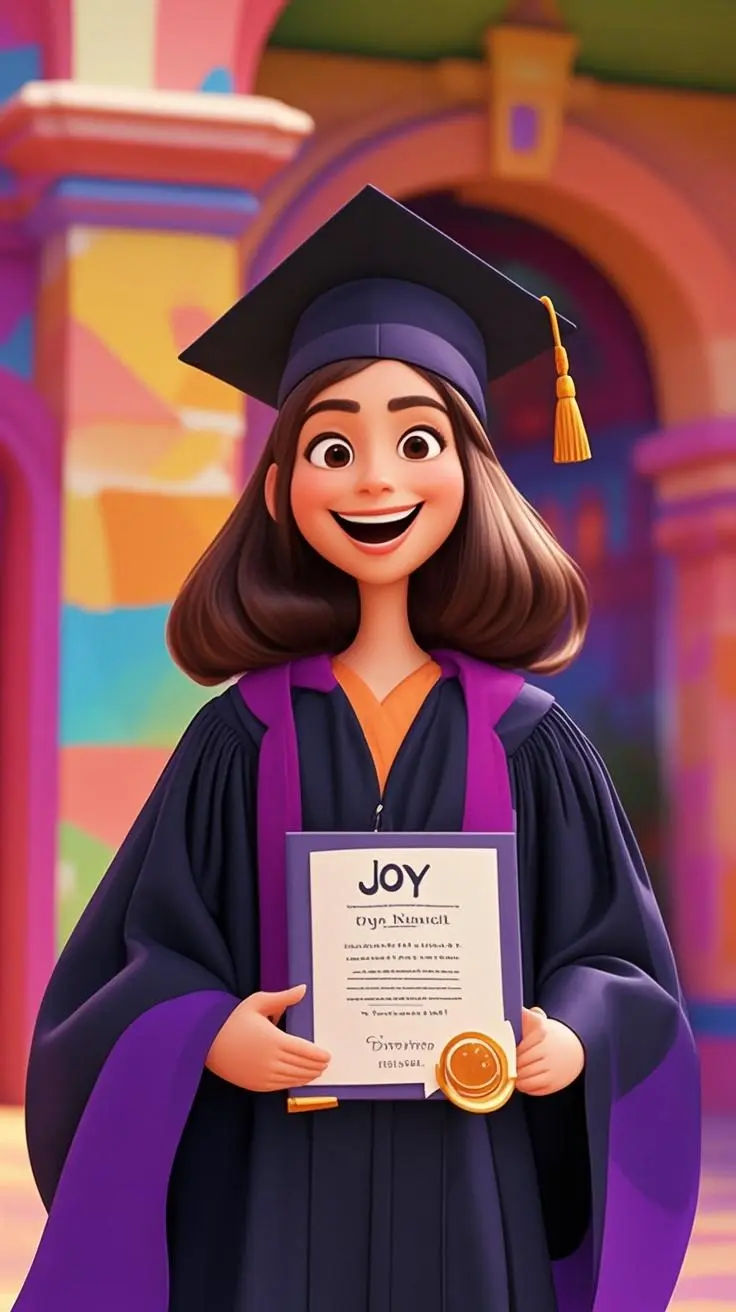
Select from our extensive style library: Classic Art (Renaissance, Impressionism), World Traditional (Chinese Ink, Japanese Ukiyo-e), Cartoon & Anime (Ghibli, Disney), Painting Techniques (Oil, Watercolor), or Modern Digital (Cyberpunk, Fantasy). Each style will dramatically transform your creation.
3Set Aspect Ratio
Choose the perfect format: 1:1 for social media posts, 16:9 for landscapes and wallpapers, or 9:16 for portraits and mobile backgrounds. The aspect ratio affects how your composition is framed.
Image-to-Image Transformation
4Upload Reference Image
Upload a photo you want to transform. This could be a portrait, landscape, or any image you'd like to see in a different artistic style. The AI will use this as a base while applying your chosen style and prompt modifications.
5Combine Image + Text
Add descriptive text to guide the transformation. Describe what changes you want: 'Transform this portrait into a Renaissance painting style' or 'Make this landscape look like a Japanese watercolor painting.' The more specific you are, the better the results.
6Generate & Refine
Click 'Generate' to create your transformed image. If you're not satisfied, try adjusting your prompt or style selection. You can generate multiple variations to find the perfect result.
Advanced Tips for Better Results
Text-to-Image Tips
- Use specific art terms: 'impressionist', 'surrealist', 'photorealistic'
- Include lighting details: 'golden hour', 'dramatic shadows', 'soft diffused light'
- Specify composition: 'rule of thirds', 'symmetrical', 'close-up portrait'
- Add mood descriptors: 'mysterious', 'peaceful', 'energetic', 'melancholic'
- Use the Random button for inspiration when stuck
Image-to-Image Tips
- Upload high-quality, clear reference images
- Choose styles that complement your image's content
- Experiment with different aspect ratios for the same image
- Use prompts to guide specific transformations
- Try multiple style combinations for unique results
Pro Tip
The best results come from combining detailed prompts with carefully chosen art styles. Don't be afraid to experiment - try the same prompt with different styles to discover unexpected creative possibilities!
Choose Your Style
×

Welcome Back
Sign in to continue creating amazing art