Introduction
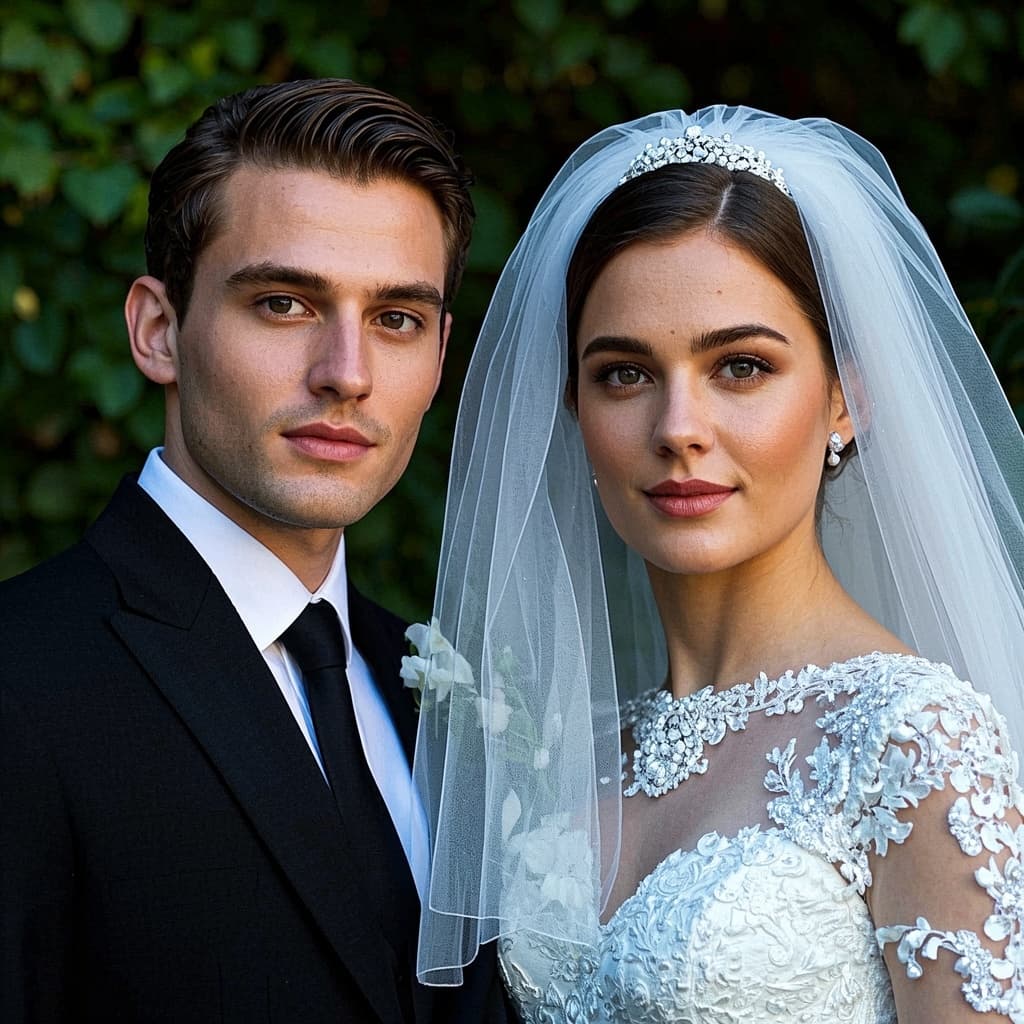
Beautiful couple and family portraits usually require a photographer, a studio, and careful planning. With AI, you can turn simple photos into romantic wedding images, formal family shots, and cozy group scenes — all in minutes and without leaving home.
This guide walks through how to use the AI Wedding Generator and AI Family Photo tools on MediaAI to create keepsake-quality images from everyday photos.
What AI Wedding & Family Generators Can Do
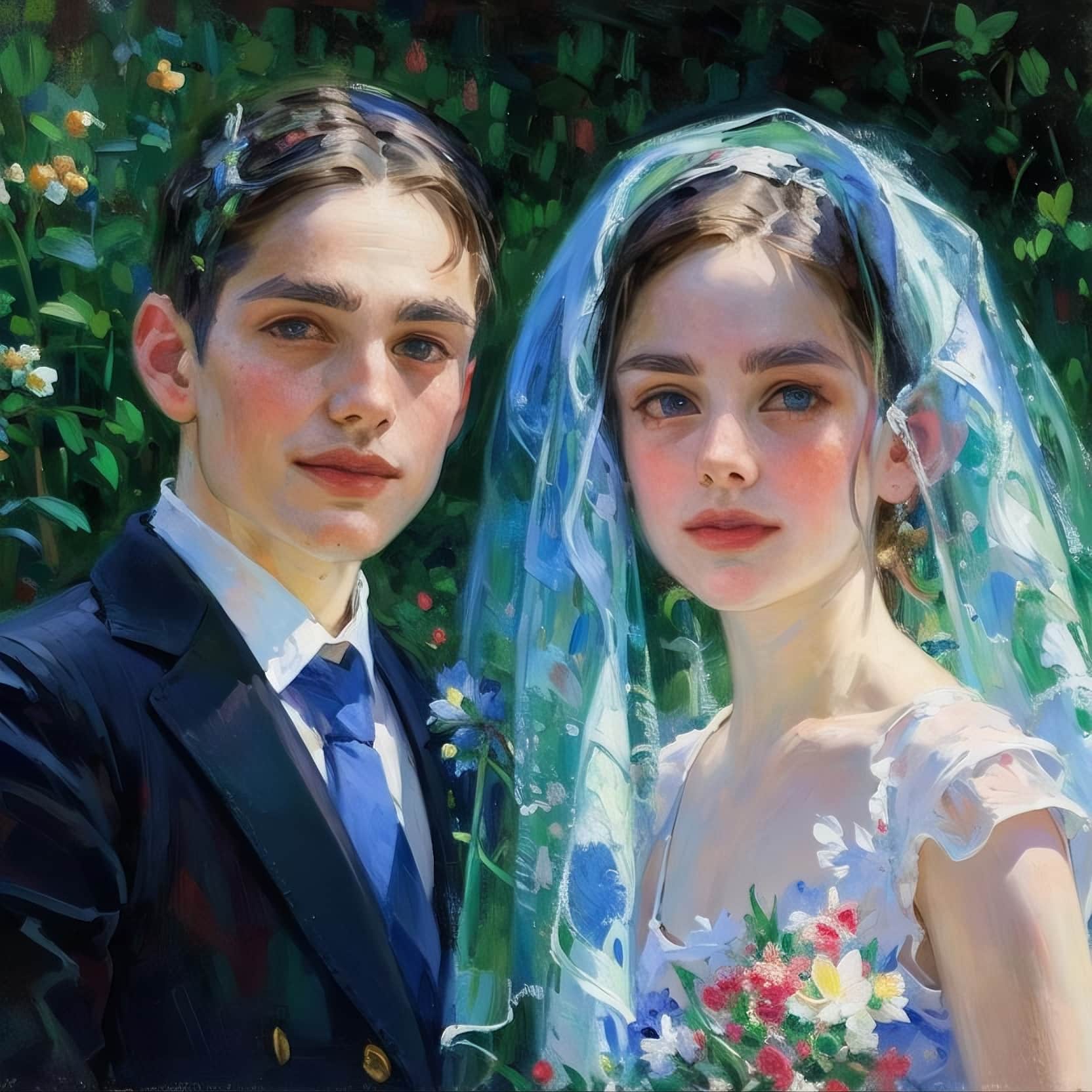
- Wedding portraits: Transform engagement or casual couple photos into dress-and-suit wedding scenes with churches, beaches, gardens, or city skylines.
- Family portraits: Generate formal or cozy group photos from simple family pictures, even if the original background is cluttered.
- Artistic styles: Apply oil painting, watercolor, or soft-focus looks for printed canvases and gifts.
- Multiple variations: Try different scenes, outfits, and color moods from one upload.
How to Create AI Wedding Portraits
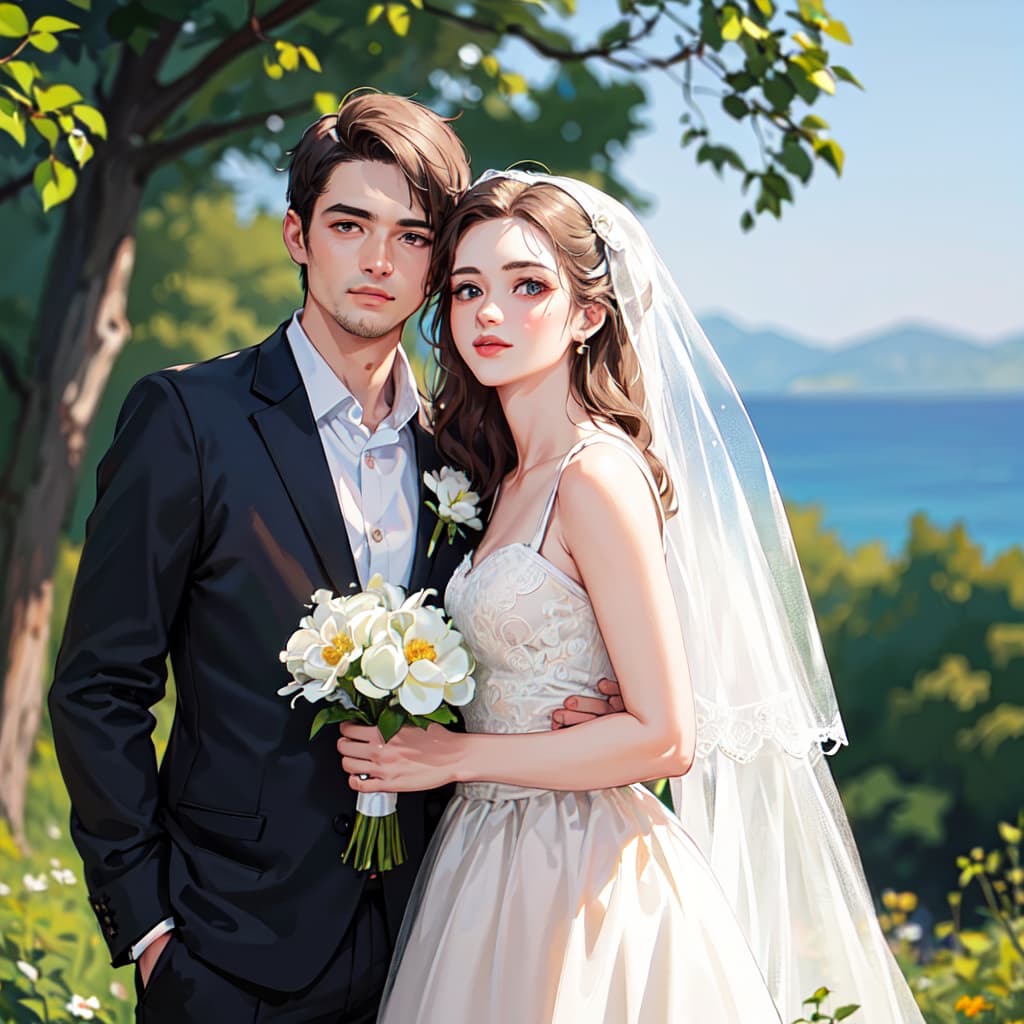
- Choose a clear couple photo: Pick a picture where both faces are visible, in focus, and not heavily obstructed.
- Open the wedding tool: Go to the AI Wedding Generator page and upload your image.
- Select scene and style: Try prompts like “sunset beach wedding”, “classic church ceremony”, or “garden wedding with soft pastel tones”.
- Generate multiple looks: Let AI create several versions so you can compare lighting, colors, and backgrounds.
- Download high-res versions: Save your favorites in high resolution for printing or digital sharing.
Creating Family Portraits from Casual Photos
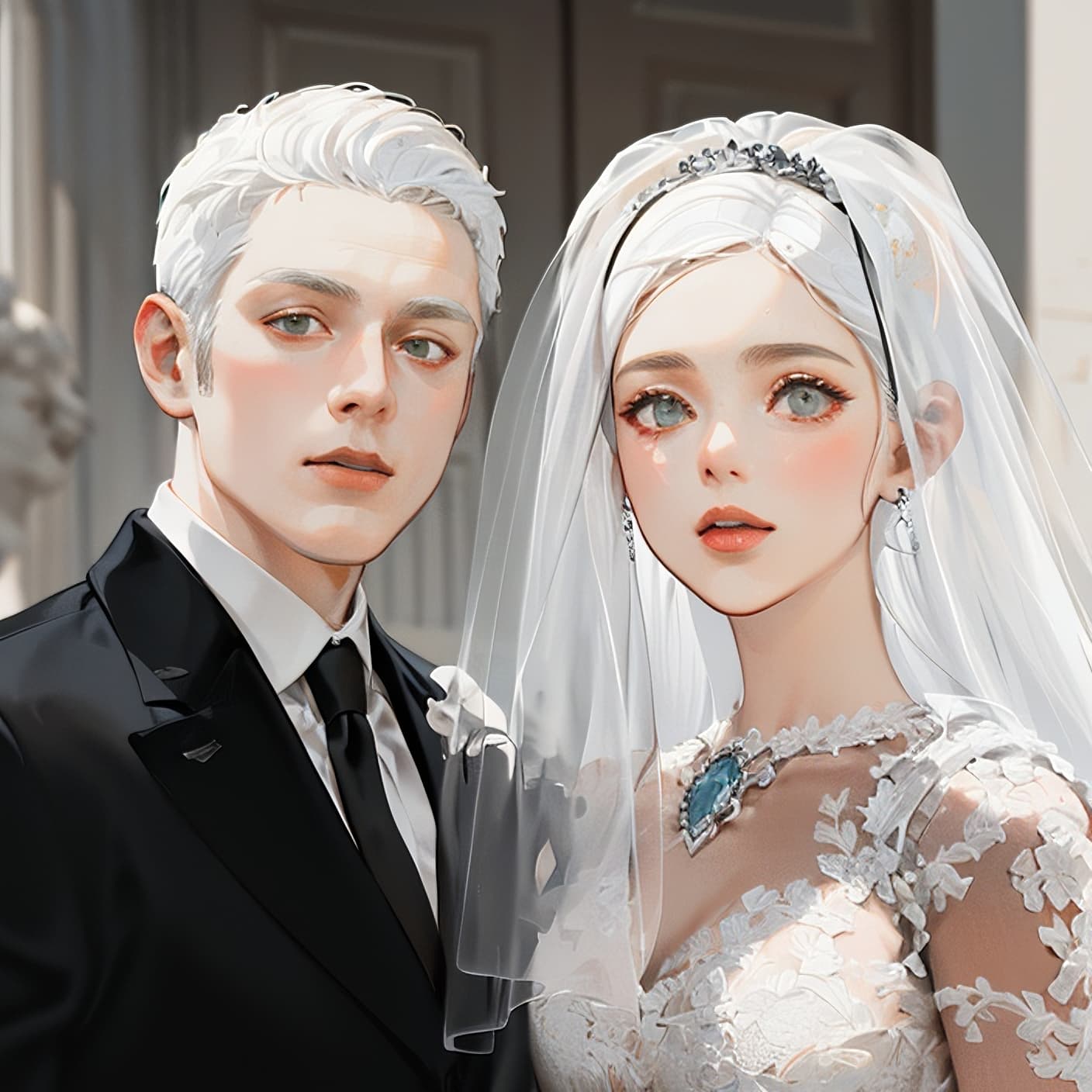
The AI Family Photo Generator helps you turn simple living room or holiday snapshots into polished family portraits.
- Pick a group photo: Make sure everyone is visible and not cut off at the edges.
- Upload to the family photo tool: The AI will separate subjects from the original background.
- Choose a setting: Try “studio-style neutral backdrop”, “cozy living room”, or “outdoor park at golden hour”.
- Refine and download: Generate a few versions, choose the best, and export for printing or framing.
Tips for Best Results
- Use well-lit photos: Soft, even lighting makes faces easier for AI to enhance cleanly.
- Avoid heavy motion blur: Sharp faces produce sharper AI results.
- Mind the edges: Try to include full heads and shoulders to give AI more room to work with.
- Experiment with styles: Create both realistic and artistic versions (oil, watercolor) to see what prints best.
FAQ
Q: Can AI fix badly lit or very old photos?
AI can improve many issues but works best with reasonably clear source images. Extremely dark, tiny, or heavily damaged photos may need manual restoration first.
Q: Are AI wedding portraits suitable for printing?
Yes. As long as you download the high-resolution version, you can print canvases, albums, and cards with excellent quality.
Q: Can I generate portraits when family members are in separate photos?
With the right tools, you can combine faces from multiple photos, but the simplest path is to start from a single group picture. MediaAI also offers Face Combiner for multi-person compositions.
Conclusion
AI wedding and family portrait tools let you create meaningful images without scheduling shoots or visiting studios. By starting from everyday photos and enhancing them with better scenes, lighting, and styles, you can preserve your favorite memories in a more beautiful form.
Try the AI Wedding Generator and AI Family Photo today to turn ordinary snapshots into frame-ready keepsakes.