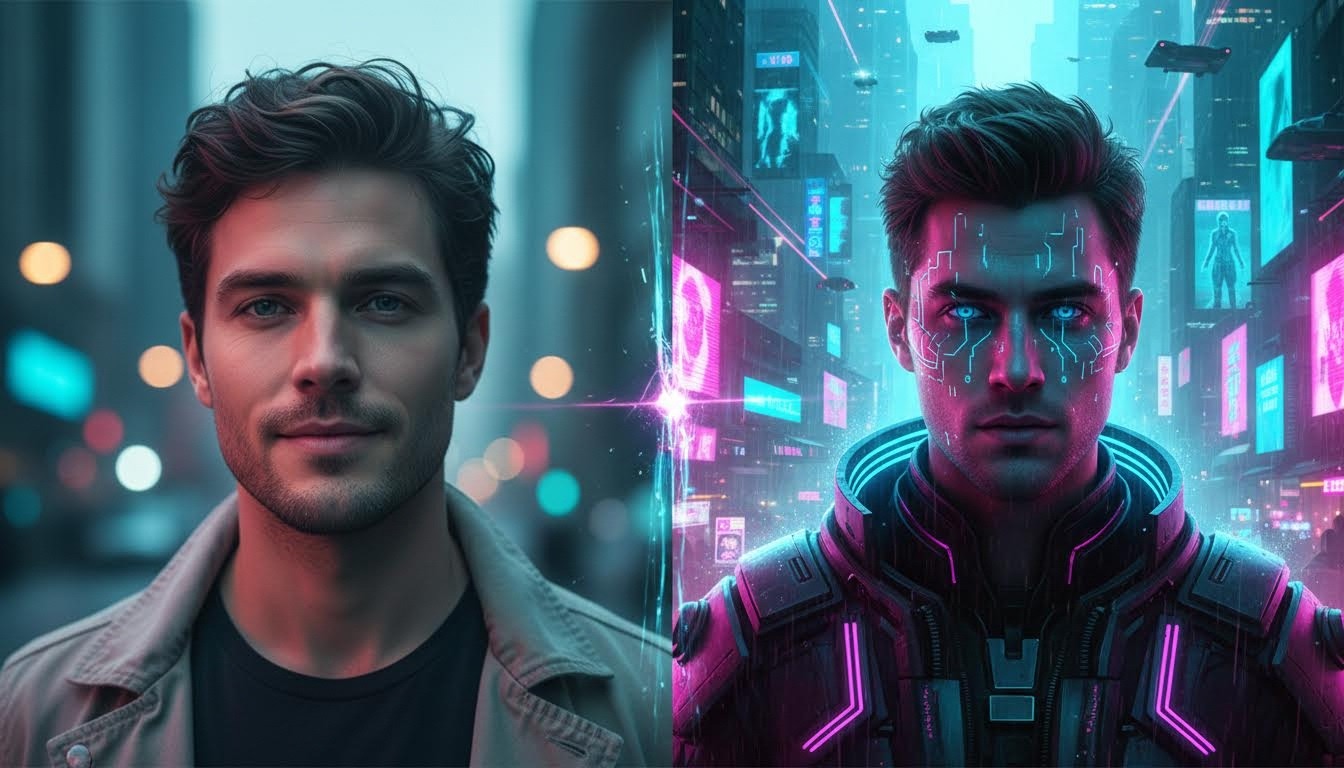
If you want to apply a cyberpunk filter online, the key is choosing the right style and starting from a clean, sharp photo. This guide shows a simple workflow you can use in minutes.
What Does “Cyberpunk Filter” Mean?
A photo-to-cyberpunk effect converts a normal photo into a cyberpunk-style result. Good results keep features recognizable while simplifying colors into clean shapes, lines, or texture.
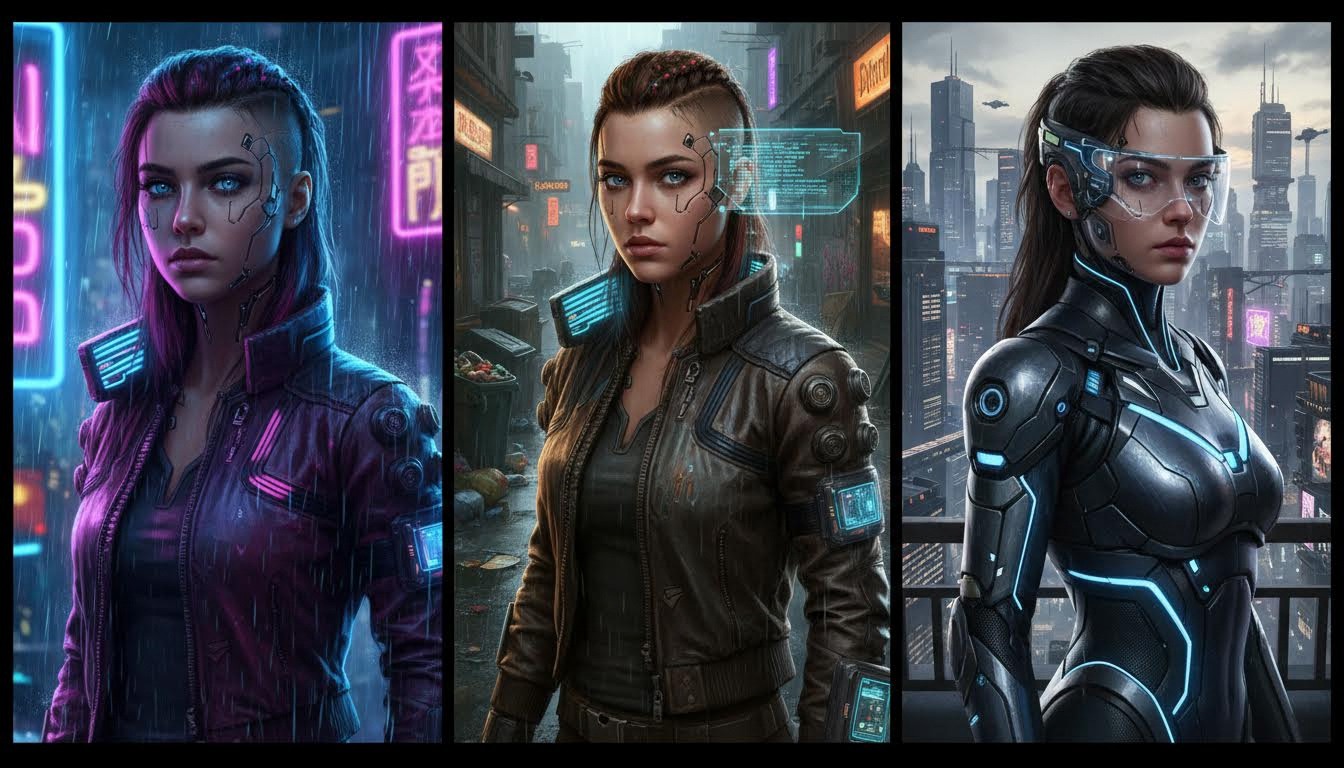
Pick the Right Cyberpunk Style
Different styles fit different photos. Try:
- Neon portrait: Strong cyan-magenta glow and city-night mood.
- Street tech: Sharper contrast with gritty futuristic textures.
- Cinematic sci-fi: Balanced glow, depth haze, and dramatic rim light.
How to apply a cyberpunk filter online (Step by Step)
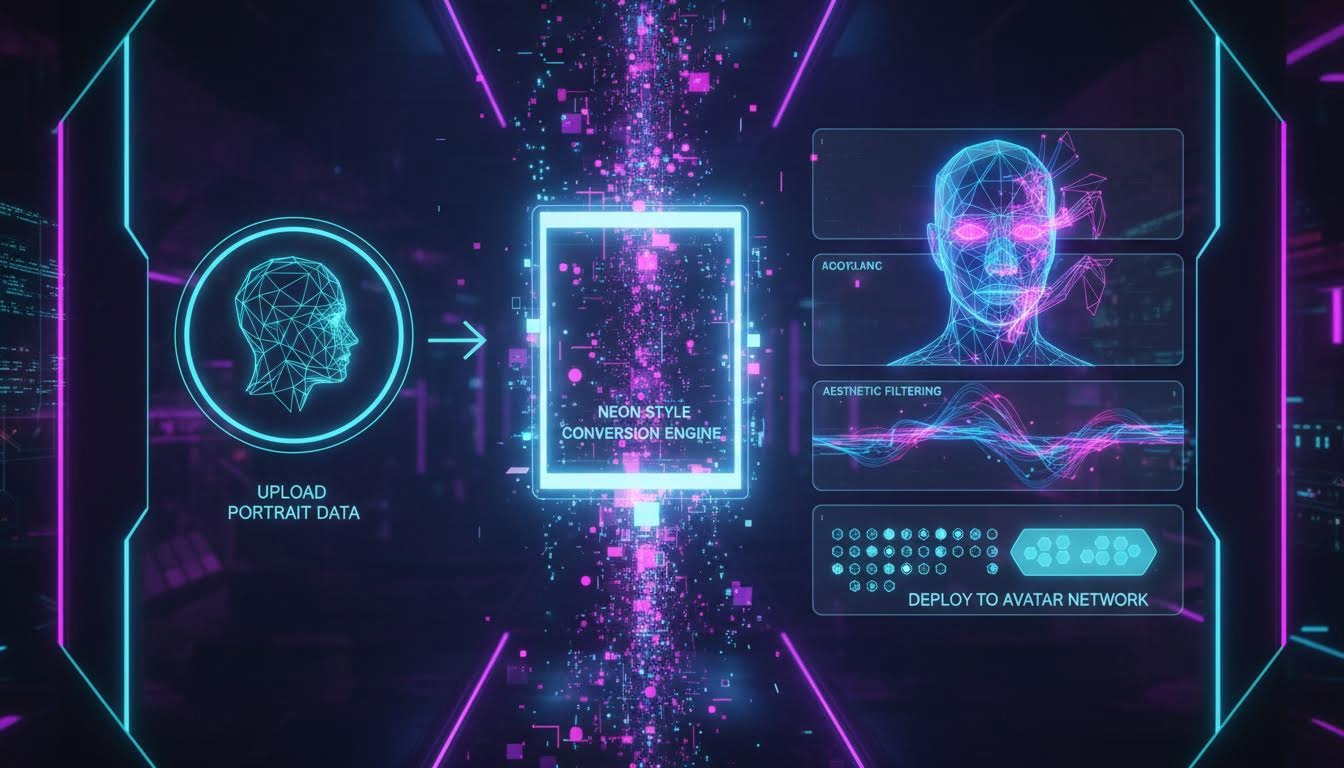
- Open the tool: Cyberpunk Filter.
- Upload a clear photo (good lighting, sharp edges).
- Choose a style and adjust the strength (avoid over-processing).
- Preview the result and download the final image.
Best Settings for Clean Cyberpunk Results
- Night-like lighting: Images with directional light produce stronger neon depth.
- Background simplicity: Cleaner backgrounds preserve subject separation.
- Glow strength: Start medium to keep facial structure recognizable.
- Color balance: Use cyan-magenta accents, avoid over-saturating skin tones.
FAQ
What photos work best for cyberpunk style?
Portraits with clear faces and decent contrast give the best neon results.
How do I avoid over-processed output?
Lower strength slightly and keep color grading balanced for cleaner skin details.
Can I use this for profile photos?
Yes. Cyberpunk outputs work well for avatars, banners, and social profile images.
Conclusion
To apply a cyberpunk filter online quickly, start with a sharp photo, pick a matching style, and avoid maxing out the effect strength. Try it here: Cyberpunk Filter.