
Introduction

Anime avatars and Pixar-style characters dominate social media feeds, profile pictures, and fan art. Thanks to AI, you no longer need to hire an artist or learn digital painting to join the trend — you can turn regular photos into stylized characters in seconds.
In this guide, you'll learn how to use the Photo to Anime and Pixar AI Generator tools on MediaAI to create viral-ready visuals from selfies, pet photos, and group shots.
Anime and Pixar Styles Explained
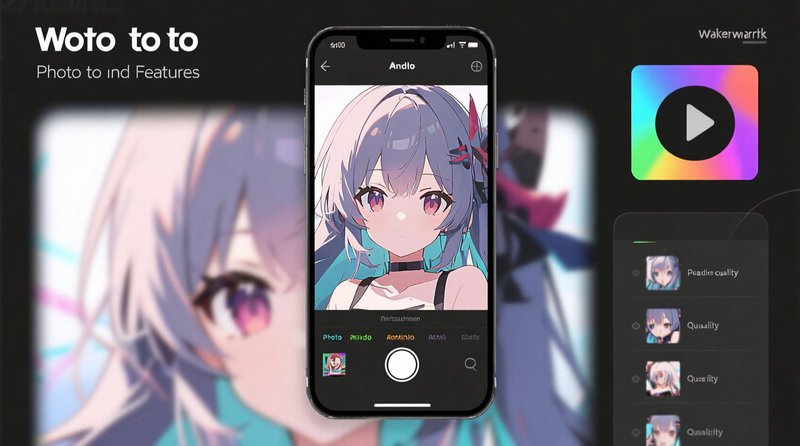
- Anime style: Clean line art, flat or soft shading, big expressive eyes, and stylized hair. Perfect for avatars and banners.
- Pixar-inspired style: 3D-like depth, cinematic lighting, glossy eyes, and soft textures that feel like animated films.
- Hybrid looks: Some prompts mix 2.5D game art, illustration, and cinematic lighting for unique results.
Both styles keep your core facial features so the character is still recognizable as you — just transformed into a different visual universe.
How to Turn a Photo into Anime Art

- Choose a clear base photo: A front-facing selfie or half-body shot with good lighting works best.
- Open the anime tool: Visit the Photo to Anime page and upload your image.
- Pick a vibe: Try prompts like “soft pastel anime style”, “shonen anime with dynamic lighting”, or “romantic shojo illustration”.
- Generate and refine: Let AI create several versions, then tweak prompts or re-upload if you want a different angle or expression.
- Export for avatars and covers: Download in high resolution so you can crop for profile pictures, banners, or thumbnails.
Creating Pixar-style Characters
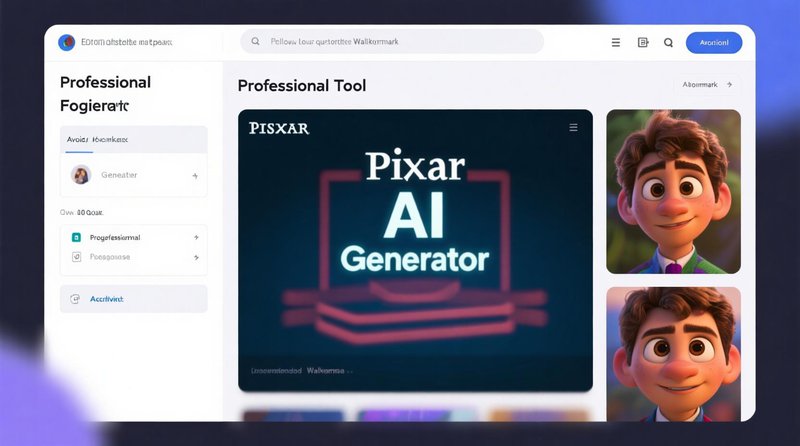
The Pixar AI Generator focuses on 3D-like, cinematic looks.
- Upload your photo: As with anime, use a sharp, well-lit portrait.
- Describe the scene: Try “Pixar-style close-up with soft rim light” or “3D animated character in cozy room”.
- Emphasize expression: The style works especially well with big smiles or expressive eyes.
- Download and share: Perfect for profile pictures, greeting cards, or fun posts that stand out in feeds.
Tips for the Best Stylized Results
- Use good lighting: Bright, even light makes it easier for AI to detect features and create appealing shading.
- Avoid heavy filters: Skip beauty filters or strong color edits in your base photo; let AI handle the styling.
- Prefer single-person shots: Multi-person images can work, but single subjects usually produce the cleanest, most detailed results.
- Experiment with prompts: Small changes in wording ("cinematic", "soft pastel", "high contrast") can dramatically change the mood.
FAQ
Q: Can I use AI anime/Pixar art commercially?
Usage rights depend on the platform and purpose. For personal avatars and social media, you're usually fine. For commercial products, always review terms of use and licensing.
Q: Will the AI change my face too much?
By default, the tools aim to preserve your core facial structure while changing style. If a result feels off, try a clearer photo or a prompt that emphasizes realism.
Q: Do these tools work with pets?
Yes! Pet photos often turn into especially cute anime or Pixar-style characters. Use clear, close-up shots for best results.
Conclusion
AI photo-to-anime and Pixar-style generators make it effortless to create eye-catching characters from everyday photos. Whether you're designing a new avatar, making birthday art, or crafting shareable content, you can move from idea to finished image in a few clicks.
Try the Photo to Anime and Pixar AI Generator tools today to see yourself — or your pets and friends — reimagined as stylized characters ready for the spotlight.