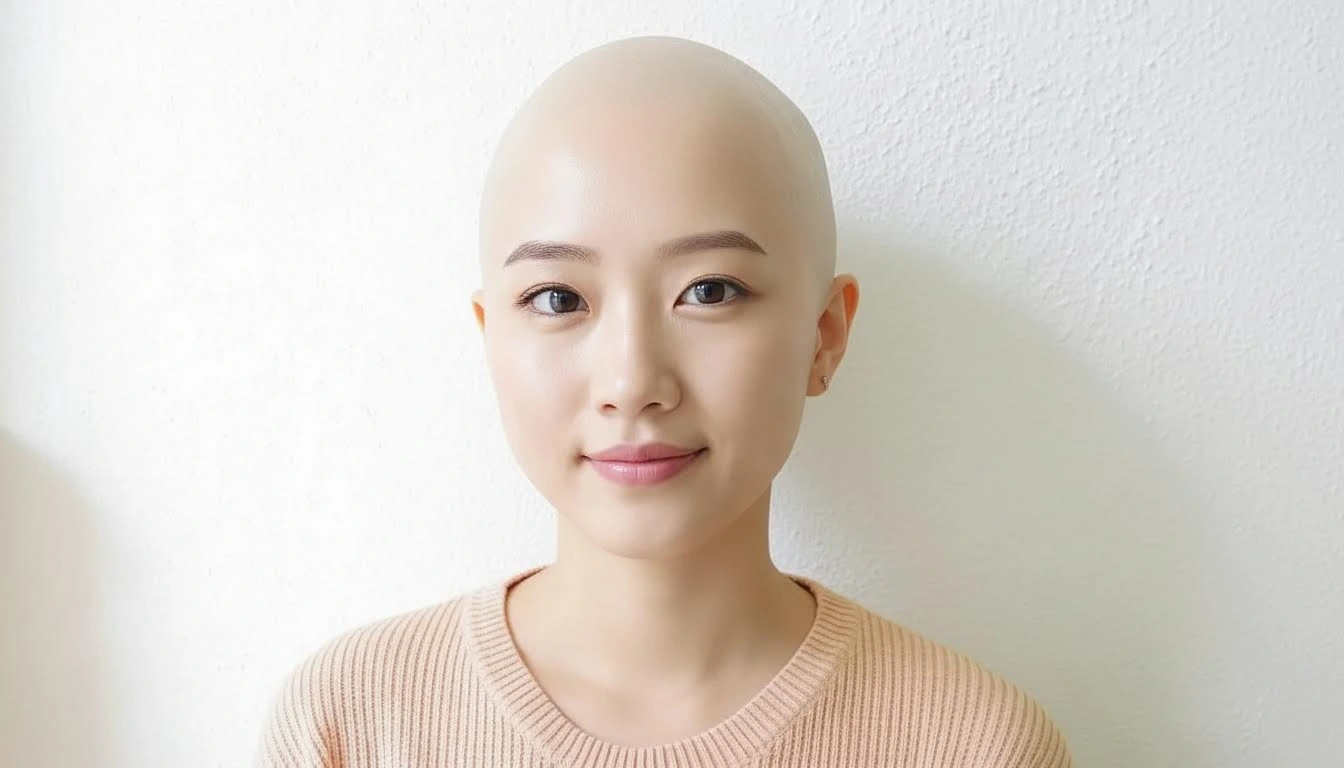
Going bald can look powerful, clean, and modern, but it is also a major style decision. Many people hesitate because they do not know how their face shape, scalp contour, and beard balance will look after shaving. A photo to bald style preview solves that uncertainty in minutes. You can compare different versions on your own face and make a decision based on visual evidence rather than imagination.
What this preview actually helps you decide
Most users think the question is simply "bald or not." In practice, there are several choices: fully clean-shaven scalp, very short stubble, warmer versus cooler skin tone grading, and how much facial hair to keep. A good preview helps you evaluate all of them together. You may discover that full bald works best with slightly stronger beard lines, or that a softer stubble scalp gives a more natural transition for your style.
Input photo standards for realistic output
- Use a clear frontal portrait with visible head contour.
- Choose natural or evenly diffused light to avoid fake scalp shadows.
- Avoid heavy beauty filters that blur skin texture.
- Use a neutral expression so facial proportion remains easy to evaluate.
When the input is clean, the model has enough information to render scalp highlights and edge transitions around temples and ears more convincingly.
How to evaluate whether bald style suits you
After generation, look beyond first impression. Check forehead height, ear visibility, and how the jawline is emphasized without hair volume. Also compare the face-to-head ratio. Some people look sharper and more structured, while others feel too exposed without side coverage. This is why side-by-side comparison matters. Keep at least three variants and review them after a short break, not only in one quick glance.
Prompt examples that work in practice
Try prompt structures that include texture and lighting: "clean shaved head, natural skin texture, soft studio light" or "realistic bald style with subtle scalp stubble, neutral background." If you want a stronger editorial look, add mood terms like "cinematic contrast" or "minimalist portrait." Prompt quality is less about fancy words and more about clear constraints.
Barber planning and transition strategy
If you are moving from medium or long hair to bald, treat it as a transition project. Your preview can guide a staged plan: first very short crop, then near-shave, then clean shave if the result works. This approach reduces shock and helps you adapt accessories, beard line, and wardrobe. Bring generated references to your barber so the final result aligns with your target look.
When bald style often works best
It usually performs well for people who prefer low-maintenance grooming, strong facial structure, or minimalist fashion. It is also a practical choice in hot climates, sports-heavy routines, and professional settings that reward a clean image. If you already keep short sides and feel comfortable with exposed facial features, bald style is often easier to adopt than expected.
Skin tone, scalp shine, and realism notes
Realistic bald previews must handle scalp tone and highlight placement carefully. If the scalp appears too bright, the result can look plastic. If it appears too dark, it can look flat and unnatural. Good output keeps subtle texture and believable light falloff from forehead to crown. You can improve this by prompting for \"natural scalp texture\" and \"balanced skin highlights.\" These small instructions significantly improve credibility.
Also consider how your usual environment affects appearance. Indoor office light, outdoor sunlight, and evening warm light all interact differently with a shaved head. Generate one neutral version and one high-contrast version so you can understand how flexible the look is across real life conditions.
Confidence planning before the real cut
A visual decision is easier when you pair it with a transition plan. Decide your beard style, eyebrow grooming, and clothing silhouettes in advance. Bald looks often pair well with cleaner necklines, structured jackets, and clear color blocks. If you already know how you will style the full look, the haircut feels less risky and more intentional. This mindset shift helps many first-time users follow through without hesitation.
FAQ
Can this tool show both male and female bald styles?
Yes. The workflow is identity-based and works across different face structures and styling goals.
Is a bald preview useful if I am not planning to shave fully?
Absolutely. You can use it to evaluate buzz-cut transitions and near-shave options before committing to a full clean shave.
Do I need professional photos?
No, but clean lighting and sharp resolution make results more trustworthy. A good smartphone portrait is usually enough.
Common mistakes users make
- Judging from one generated result only.
- Using old photos that no longer match current weight or beard style.
- Ignoring lighting differences between preview and real life.
- Skipping post-shave maintenance planning (scalp care, sunscreen, razor routine).
Conclusion
Choosing a bald look is easier when you can preview it first. Use a high-quality photo, generate several variants, and evaluate shape, texture, and overall style fit. You do not need to gamble on a permanent change. In one session, you can move from uncertainty to a clear decision and communicate your target look accurately.