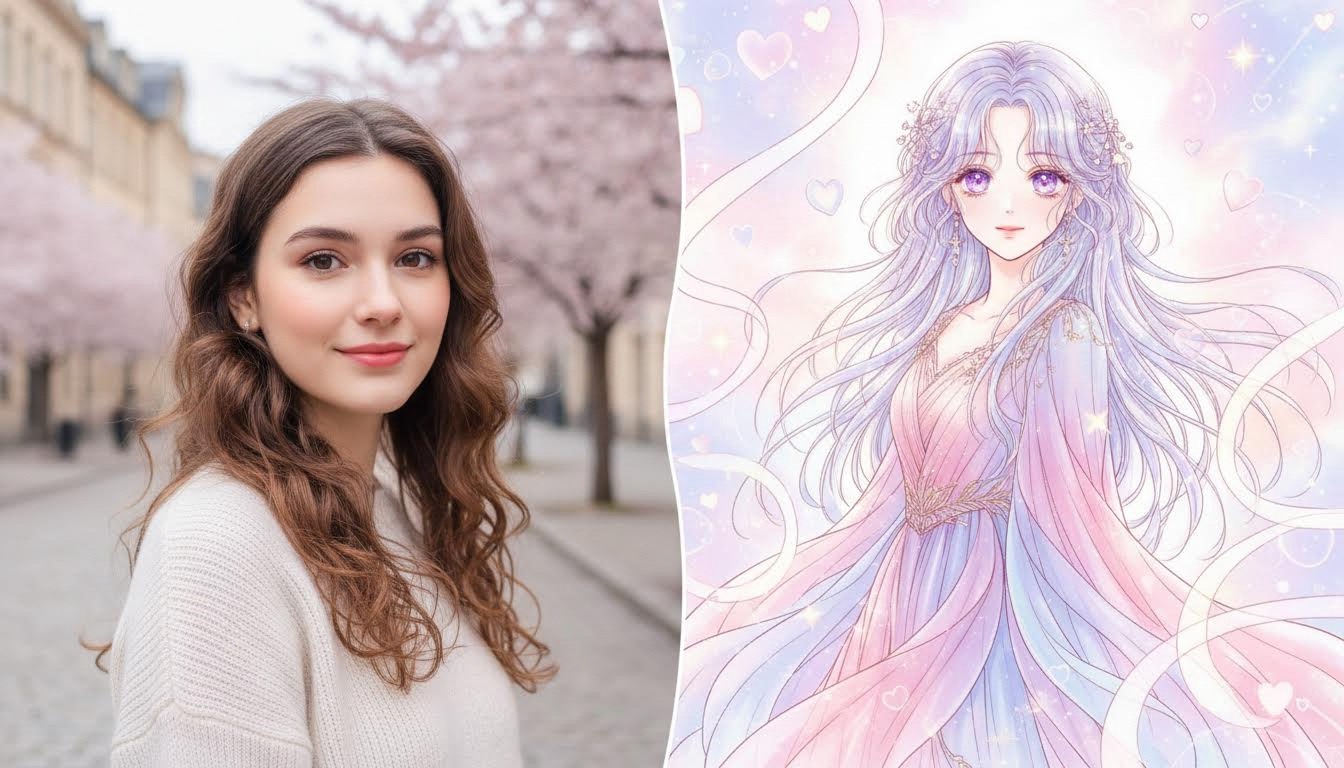
If you want to turn photo into shoujo anime, the key is choosing the right style and starting from a clean, sharp photo. This guide shows a simple workflow you can use in minutes.
What Does “Shoujo Anime Filter” Mean?
A photo-to-shoujo anime effect converts a normal photo into a shoujo anime-style result. Good results keep features recognizable while simplifying colors into clean shapes, lines, or texture.
Pick the Right Shoujo Anime Style
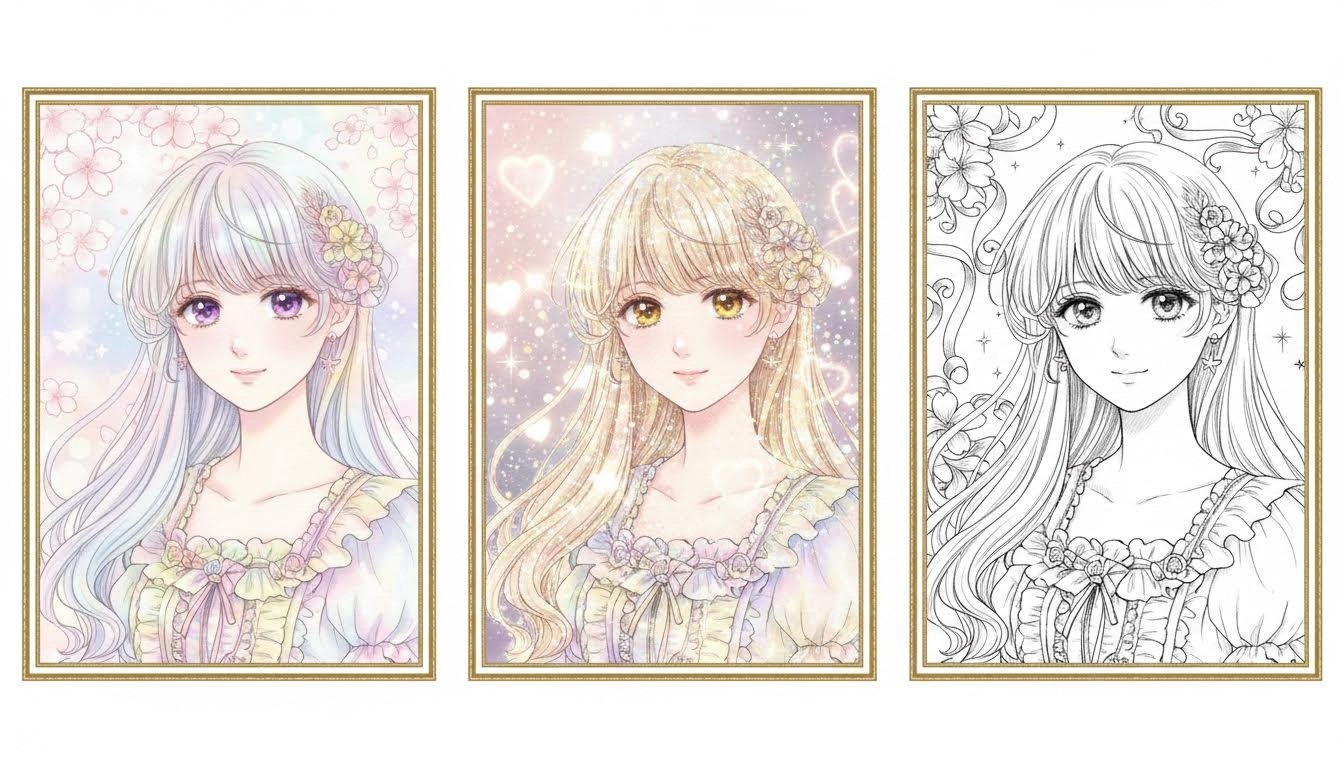
Different styles fit different photos. Try:
- Soft pastel: Gentle palette with dreamy highlights and clean facial features.
- Romantic sparkle: More glitter, light bloom, and emotional expression.
- Elegant manga: Fine line art with balanced shading and refined composition.
How to turn photo into shoujo anime (Step by Step)
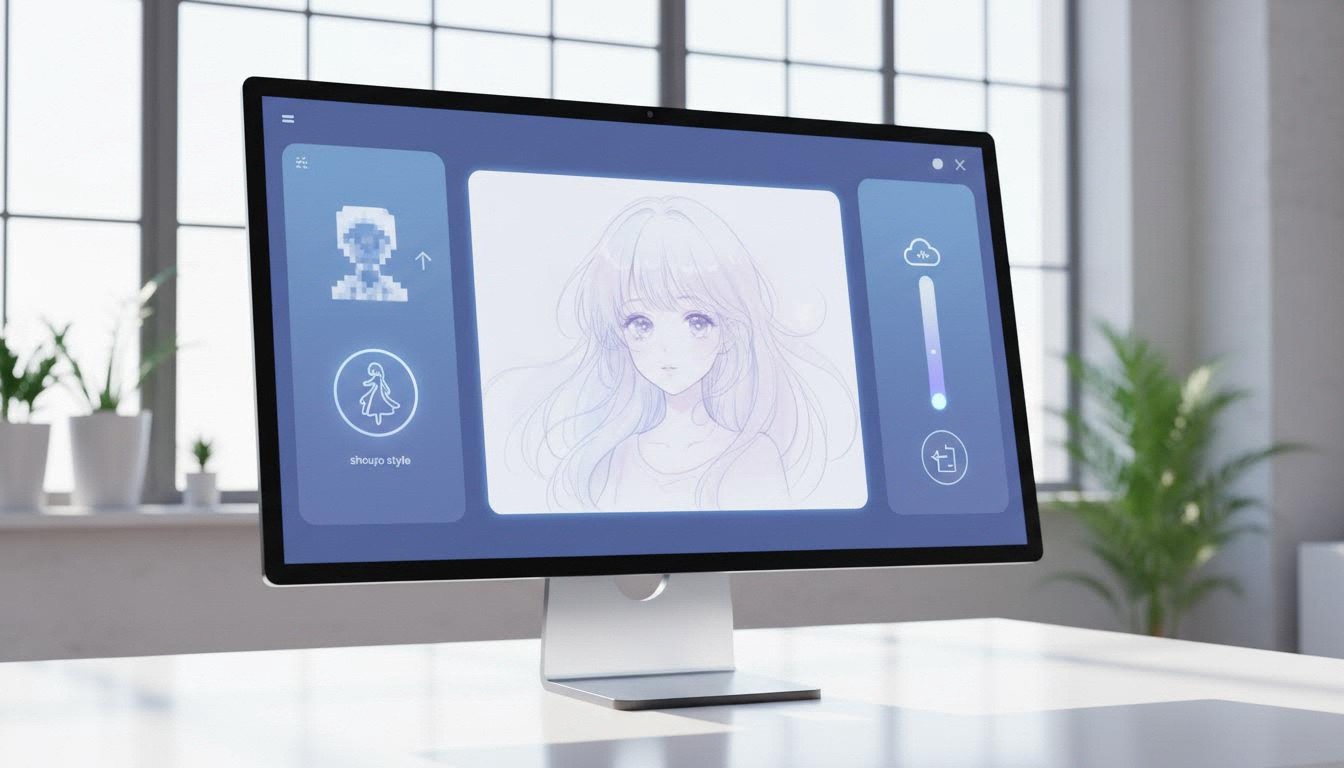
- Open the tool: Shoujo Anime Filter.
- Upload a clear photo (good lighting, sharp edges).
- Choose a style and adjust the strength (avoid over-processing).
- Preview the result and download the final image.
Best Settings for Clean Shoujo Anime Results
- Face visibility: Use front-facing portraits to keep eyes and expressions clear.
- Skin lighting: Soft, even lighting improves pastel transitions.
- Background cleanup: Simple backgrounds help preserve shoujo aesthetics.
- Effect strength: Moderate strength keeps likeness while adding anime style.
FAQ
Is this different from general anime filters?
Yes. Shoujo style focuses on romantic mood, softer palettes, and delicate linework.
Can I keep my facial likeness?
Usually yes. Start with a clear portrait and avoid extreme strength settings.
What is the best use case?
Great for profile avatars, story covers, fan-style portraits, and gift images.
Conclusion
To turn photo into shoujo anime quickly, start with a sharp photo, pick a matching style, and avoid maxing out the effect strength. Try it here: Shoujo Anime Filter.