
Logout
Are you sure you want to logout? You will need to log in again to continue using.
My Points
0
Available Points
💡 Points Usage Guide
Points can be used for AI features, each generation consumes corresponding points.
Register to get free points, VIP users enjoy more benefits!
Select a photo editing workflow
Pick the task and jump to the right editing tool
0/180
Redirecting to selected tool...

AI Photo Editing

Clean up photos fast with AI: remove objects or text, retouch details, change backgrounds, and recolor images.
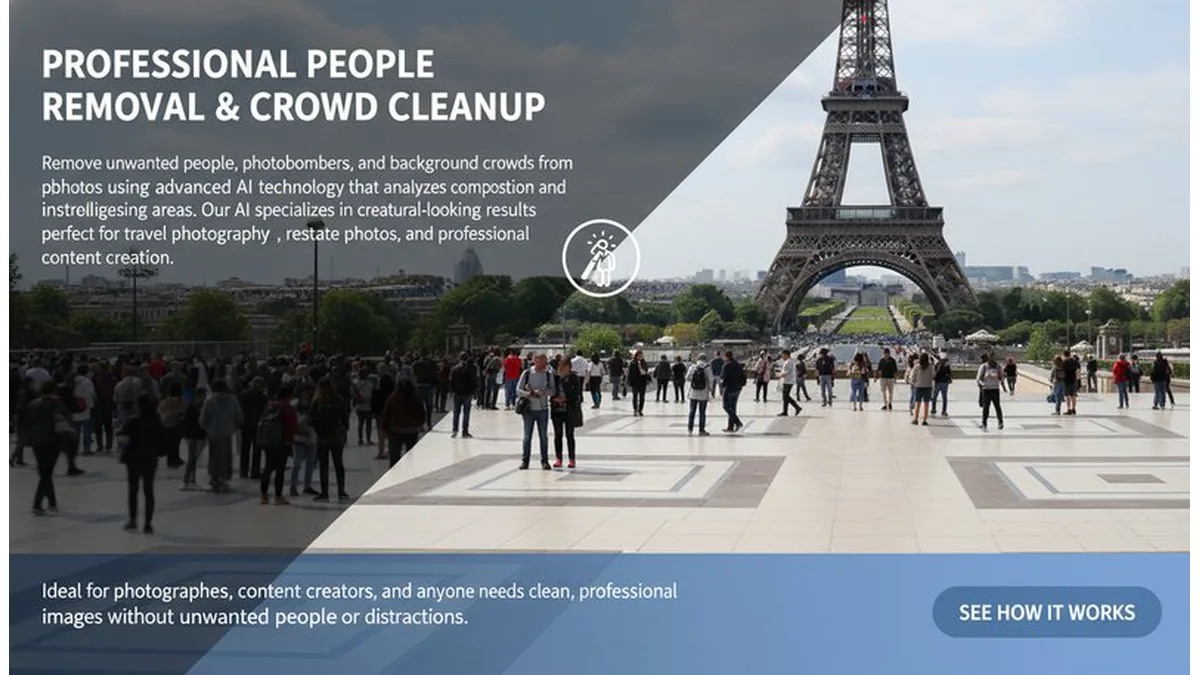
AI photo editing preview

How to Choose the Right AI Photo Editing Tool

Start with the exact task you need to finish. Remove a distracting object, clean text, retouch a photo, change a background, or remove a watermark. This hub keeps you focused on the one workflow that delivers the fastest result.

Top 3 AI Photo Editing Workflows

Object remover example

AI Object Remover

Remove unwanted objects or people for clean, distraction-free photos.

Open Tool
Edit text in image example

Edit Text in Image

Replace or fix text in screenshots, signs, or product shots.

Open Tool
Background changer example

Background Changer

Swap or clean backgrounds for portraits, products, and creative edits.

Open Tool

Common Editing Goals

Clean Up Distractions

Use Object Remover or Watermark Remover to clear clutter and overlays.

Fix Text

Edit Text in Image replaces signs, menus, and captions fast.

Change Backgrounds

Use Background Changer to swap scenes or clean portrait backdrops.

Recolor and Retouch

Use Recolor Image to update palettes and give photos a fresh look.

Pillar and Tool Navigation

Pillar Page

You are on a pillar page. Use these core tools to go deeper, then return here for comparison and next-step guidance.