1) Ghibli AI Generator

Why pick it: Best for soft, story-like anime mood with painterly color transitions.
Best for: Posters, mood portraits, and cinematic social covers.
Targeted anime avatar, PFP, and cartoon style workflows in one hub: Ghibli AI, Pixar AI Generator, Disney filter, anime PFP maker, and photo-to-anime outputs.
This collection page helps you choose the right AI anime character generator based on your output goal, not just style names. If you want soft cinematic scenes, start with Ghibli AI. If you need polished 3D avatar quality for social channels, use Pixar AI Generator. If your goal is profile-image conversion speed and consistency, Anime PFP Maker is usually the best first pick. Each recommended tool below includes a concrete use case, example result, and direct link so you can test quickly and move to production-friendly outputs.
Why pick it: Best for soft, story-like anime mood with painterly color transitions.
Best for: Posters, mood portraits, and cinematic social covers.

Why pick it: Strong 3D lighting and polished character finish for high-engagement profile visuals.
Best for: Creator branding, thumbnails, and channel avatars.

Why pick it: Fast and repeatable output tuned for profile-picture framing and clarity.
Best for: Discord, X, Instagram, and gaming profile pictures.
Transform yourself into Studio Ghibli characters with our Ghibli AI tool. Experience the magical, soft watercolor aesthetic of films like Spirited Away, My Neighbor Totoro, and Howl's Moving Castle. Perfect for anime fans who want to see themselves in the beautiful Ghibli art style. See how it works.
Become a Pixar or Disney character! Our Pixar AI Generator and Disney Filter transform your photos into beloved animated movie characters. Perfect for creating memorable avatars, social media content, or seeing yourself as a Disney princess or Pixar hero. Learn steps.
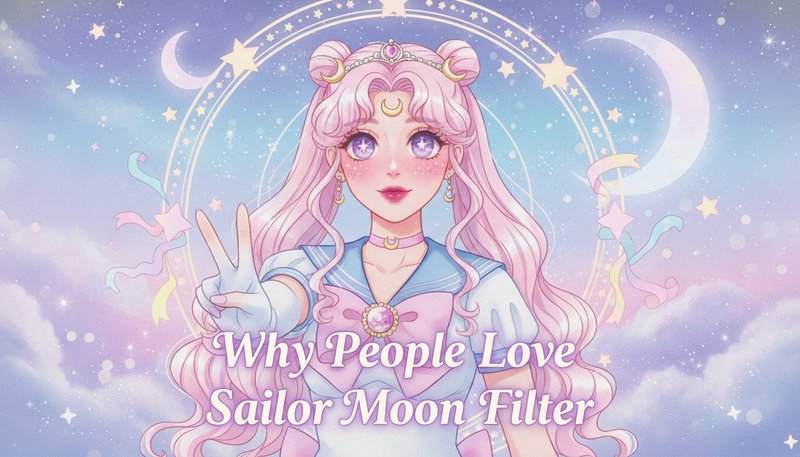
Transform into Sailor Moon scouts or manga characters! Our Sailor Moon Filter and Manga Generator create authentic Japanese anime and manga-style transformations. Perfect for cosplay inspiration, anime fans, and anyone who loves the distinctive look of manga art. Get started now.

Create adorable Chibi characters, pixel art avatars, or retro game-style transformations! Our Chibi Art Generator, Pixel Art Generator, and Lego Filter offer unique styles perfect for gaming profiles, Discord avatars, social media, and creative projects. See details.

Transform your photos into authentic anime-style art with our Photo to Anime tool, or create fun cartoon characters with Cartoon AI! Perfect for avatars, social media, gifts, and keepsakes. Convert any photo into stunning anime or cartoon art in seconds. Try it now.
Create stylish anime-style profile pictures for social media with our Anime Pfp Maker! Transform images into stylish avatars perfect for Instagram, Twitter, Discord, and gaming profiles. Generate anime PFPs instantly with no design skills required. Create yours.
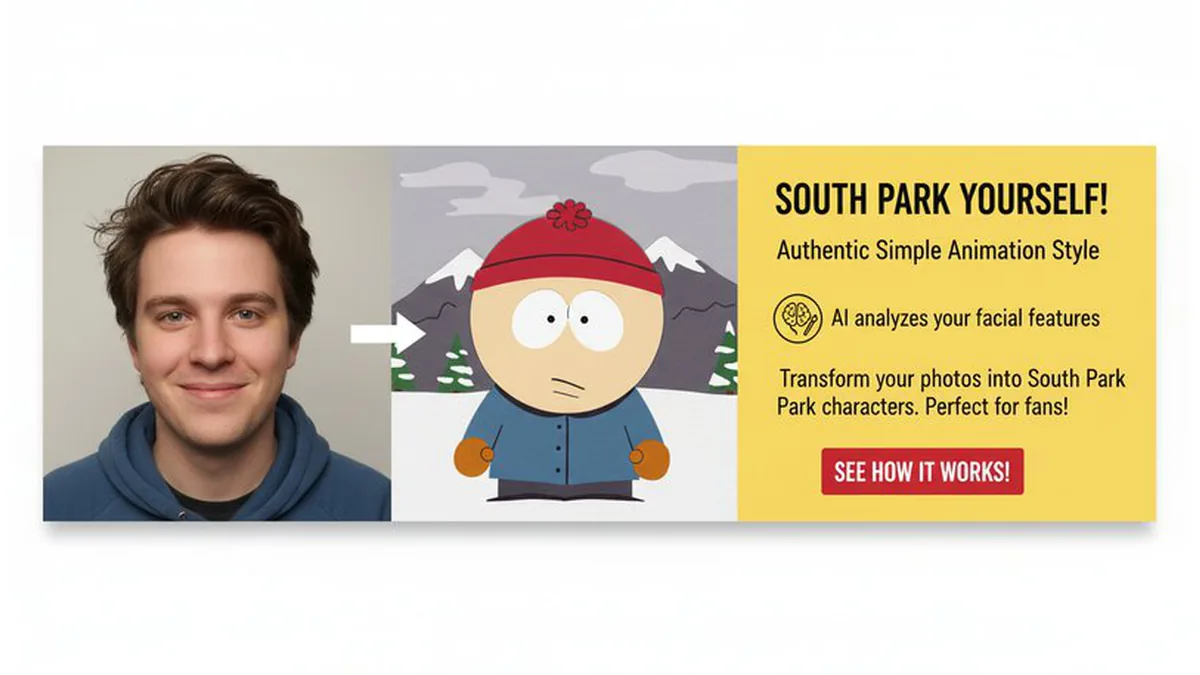
Create your own South Park character or transform into a Bratz-style doll! Our South Park Character Creator turns photos into distinctive cutout-style avatars, while Bratz Doll creates fashionable doll transformations. Perfect for memes, gaming profiles, and creative projects. Explore styles.

Transform into epic superheroes or beautiful girl-themed art styles! Our AI Superhero Generator creates dynamic superhero visuals (Superman, Iron Man, Spider-Man, Batman, and more), while AI Girl Generator transforms photos into stunning girl-themed art. Perfect for creative projects and social media. Transform now.
Perfect for users wanting to create unique anime-style avatars, profile pictures, and engaging social media content. Transform into Pixar, Disney, or anime characters for viral posts.
Perfect for anime fans who want to see themselves as Ghibli characters, Sailor Moon scouts, or Chibi avatars. Great for cosplay inspiration and character design ideas.
Ideal for gamers who want pixel art avatars, YouTubers who need character thumbnails, and content creators who want animated-style branding for their channels.
Use our anime character generators to craft personalized birthday, wedding, or graduation gifts. Transform memories into unique anime-style artwork.
Browse our collection and select your favorite anime or cartoon style - Ghibli, Pixar, Disney, Sailor Moon, Chibi, Pixel Art, or many more. Each tool specializes in different animation styles.
Upload a clear photo with good lighting. Our AI will analyze your facial features and transform you into your chosen anime or cartoon character style while preserving your unique identity.
Get your anime or cartoon character transformation in seconds! Download it and use it for social media avatars, cosplay inspiration, or creative projects.
Yes. You can start for free without a credit card. Upgrade only if you need higher-volume generation, faster queue speed, or advanced output options.
Upload a clear selfie, choose a style tool such as Ghibli AI Generator or Anime PFP Maker, then generate and download. Most results are ready in seconds.
Use Ghibli AI Generator when you want soft painterly colors, cinematic mood, and story-like composition. It works especially well for portraits and poster-style visuals.
Yes. Pixar AI Generator is optimized for polished 3D cartoon avatars and creator profile images. Use clear front-facing photos for best facial consistency.
Upload your photo, choose Disney-style or similar cartoon filter workflow, and regenerate until facial expression and color tone match your target look.
Start with Anime PFP Maker, use a centered portrait crop, keep clean lighting, then iterate style strength for readable avatars on Discord, X, and gaming platforms.
Yes. You can use Chibi Art Generator, Sailor Moon Filter, Manga Generator, and Pixel Art Generator for different style intents from cute avatars to retro game aesthetics.
Yes. Use South Park Character Creator to generate flat cutout-style avatars and meme-ready results from portrait photos.
Commercial use is allowed when you own rights to the uploaded image and follow applicable platform policies. Most generations finish in 10-30 seconds depending on queue load.
You are on a pillar page. Use these core tools to go deeper, then return here for comparison and next-step guidance.
Use these style tracks to move from broad comparison to exact tool intent, then return to this hub for next-step selection.
Sign in to continue creating amazing art