
Logout
Are you sure you want to logout? You will need to log in again to continue using.
My Points
0
Available Points
💡 Points Usage Guide
Points can be used for AI features, each generation consumes corresponding points.
Register to get free points, VIP users enjoy more benefits!
Select a restoration workflow
Pick the restoration goal and jump to the right tool
0/180
Redirecting to selected tool...

Photo Restoration

Repair damage, restore detail, and bring color back to old or faded photos with AI restoration workflows.
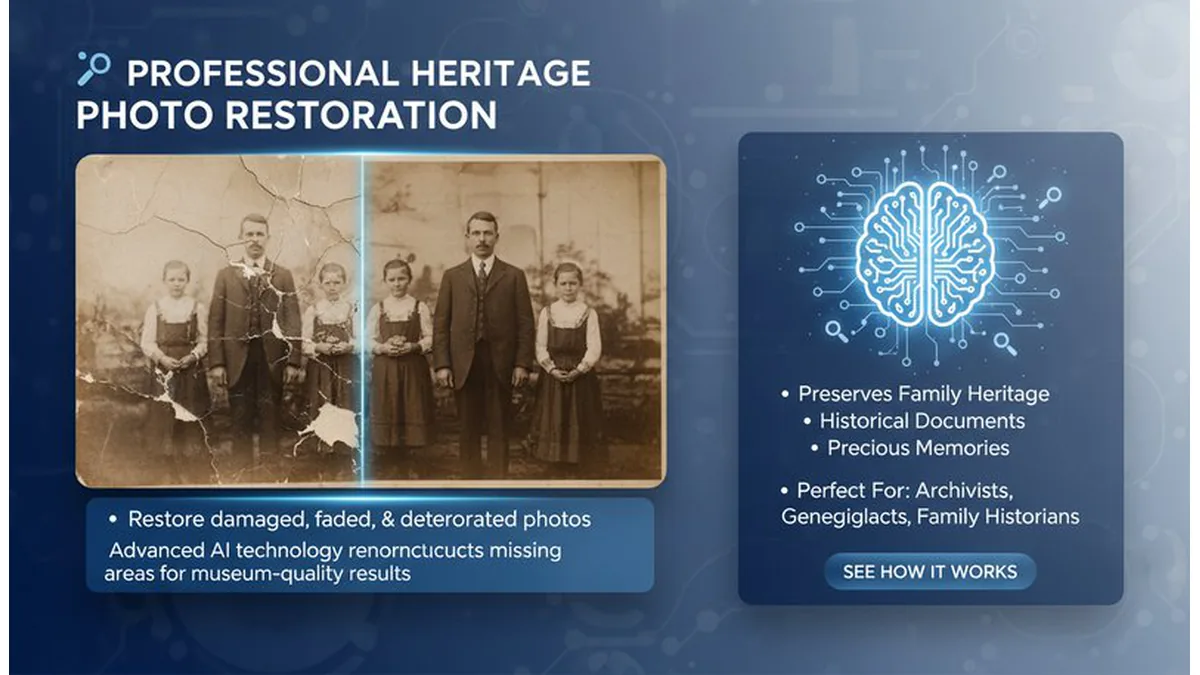
Photo restoration preview

Restore Old, Faded, and Damaged Photos

Start with the damage type. Use Old Photo Restore for scratches, tears, and fading. Add Colorize Photo when you need lifelike color. Use Black and White Filter for consistent archival output when color is not required.

Top 3 Photo Restoration Workflows

Old photo restore example

Old Photo Restore

Repair damage, remove scratches, and recover faded detail.

Open Tool
Colorize photo example

Colorize Photo

Bring natural color back to black-and-white memories.

Open Tool
Black and white filter example

Black and White Filter

Create clean monochrome versions for archival consistency.

Open Tool

Restoration Use Cases

Family Archives

Repair damaged heirlooms and prepare images for printing or sharing.

Historical Projects

Restore old photos for museums, schools, or documentary work.

Studio Cleanup

Improve scans or negatives before retouching and layout.

Social Sharing

Colorize and restore photos for posts, slideshows, and gifts.

Pillar and Tool Navigation

Pillar Page

You are on a pillar page. Use these core tools to go deeper, then return here for comparison and next-step guidance.