1) AI Headshot Generator
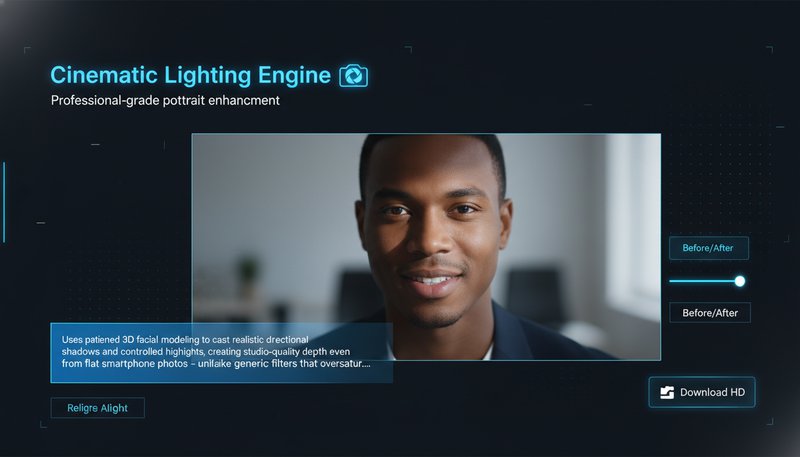
Why pick it: Best all-around choice for clean, business-ready portraits from one photo.
Best for: LinkedIn, resumes, team pages, speaker bios, and company websites.
Choose the right workflow for job-seeker headshots, passport photos, white-background team portraits, and polished business profile images.
This hub is built for practical profile-photo tasks, not generic image play. Start with AI Headshot Generator when you need a polished business portrait. Use AI LinkedIn Photo Generator when the goal is a platform-ready profile image with better framing and presentation. Move to Passport Photo Generator for official ID and visa requirements. Use white-background tools when HR systems, team directories, or company sites need cleaner, standardized output.
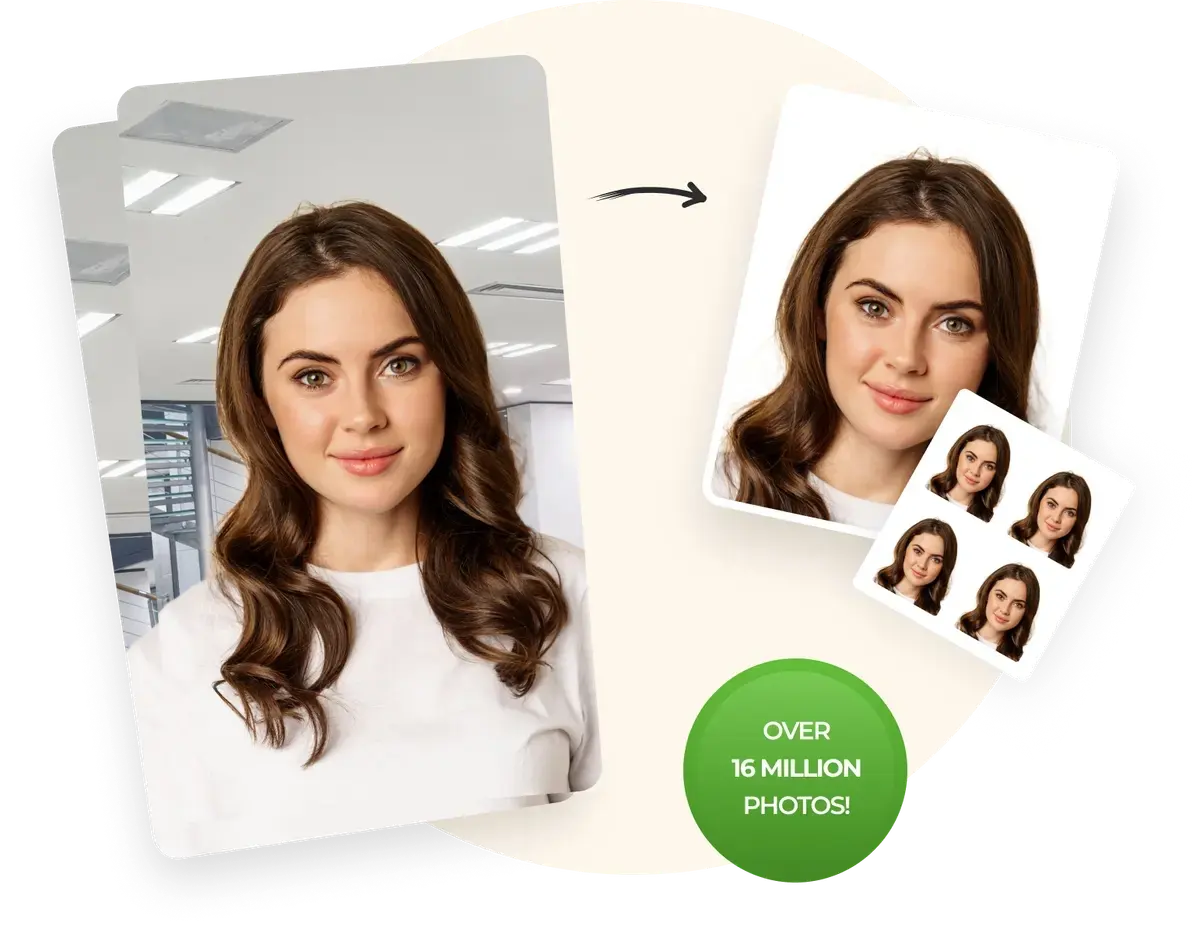
Create compliant passport photos that meet official requirements for visas and travel documents.
Try Now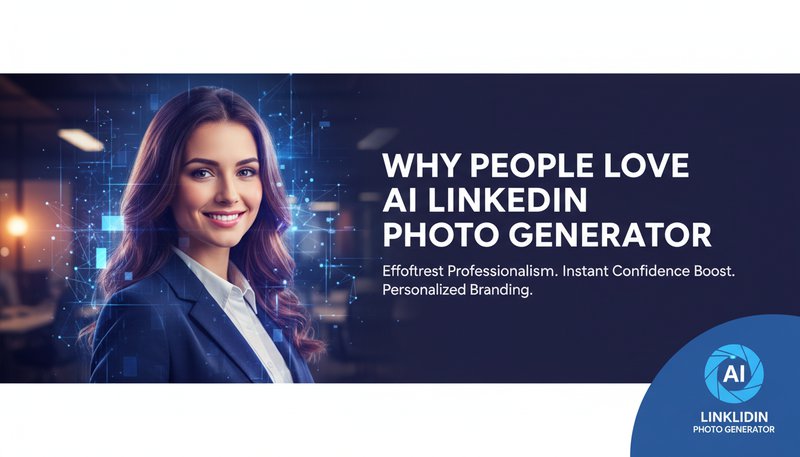
Turn everyday portraits into cleaner LinkedIn-ready profile photos with stronger framing, lighting, and professional presentation.
Try Now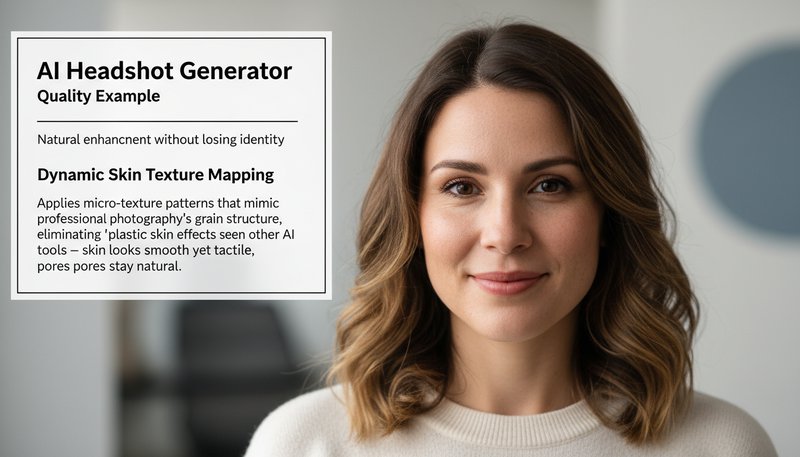
Create studio-style headshots from one portrait for resumes, team pages, speaker bios, and business websites.
Try Now
Standardize profile photos for HR systems, speaker pages, and team directories with a clean white background.
Try Now
Create timeless executive-style portraits when you want a cleaner editorial look for bios, press kits, or company pages.
Try Now
Why pick it: Best all-around choice for clean, business-ready portraits from one photo.
Best for: LinkedIn, resumes, team pages, speaker bios, and company websites.
Why pick it: Tailored for profile-photo presentation rather than generic portrait styling.
Best for: LinkedIn profile upgrades, job search, and personal brand refreshes.
Why pick it: Focused on official photo requirements instead of style-led enhancement.
Best for: Passport, visa, ID, and travel document photo preparation.
Use AI Headshot Generator or AI LinkedIn Photo Generator when you need a polished profile image with stronger framing, cleaner lighting, and business-ready presentation.
Go straight to Passport Photo Generator for official-document workflows where size, crop, and clean presentation matter more than creative styling.
Use white-background tools to standardize portraits across directories, HR systems, speaker pages, and internal profile libraries.
| Tool | Best for | Output | Typical time | Free / Pro |
|---|---|---|---|---|
| AI Headshot Generator | Business-ready portraits | Studio-style headshot for profiles and bios | 15-40s | Free to try / Pro for more output and faster queue |
| AI LinkedIn Photo Generator | LinkedIn and job-search profile photos | Polished professional profile image | 15-40s | Free to try / Pro for HD export |
| Passport Photo Generator | ID, visa, and travel documents | Compliant passport-style photo | 10-30s | Free to try / Pro for more exports |
| Add White Background | Team directories and HR systems | Standardized white-background profile image | 10-30s | Free to try / Pro for watermark-free output |
Free to try. No credit card required. Start with the workflow that matches your job-search, passport, or team-photo goal, then browse AI image guides for more profile-photo and image-editing ideas.
Create compliant passport photos that meet official government requirements using advanced AI technology. Our AI analyzes facial features, backgrounds, and photo quality to create passport photos suitable for visas, travel documents, and identification purposes. Perfect for travelers, visa applicants, and anyone who needs official passport photos instantly. See how it works.
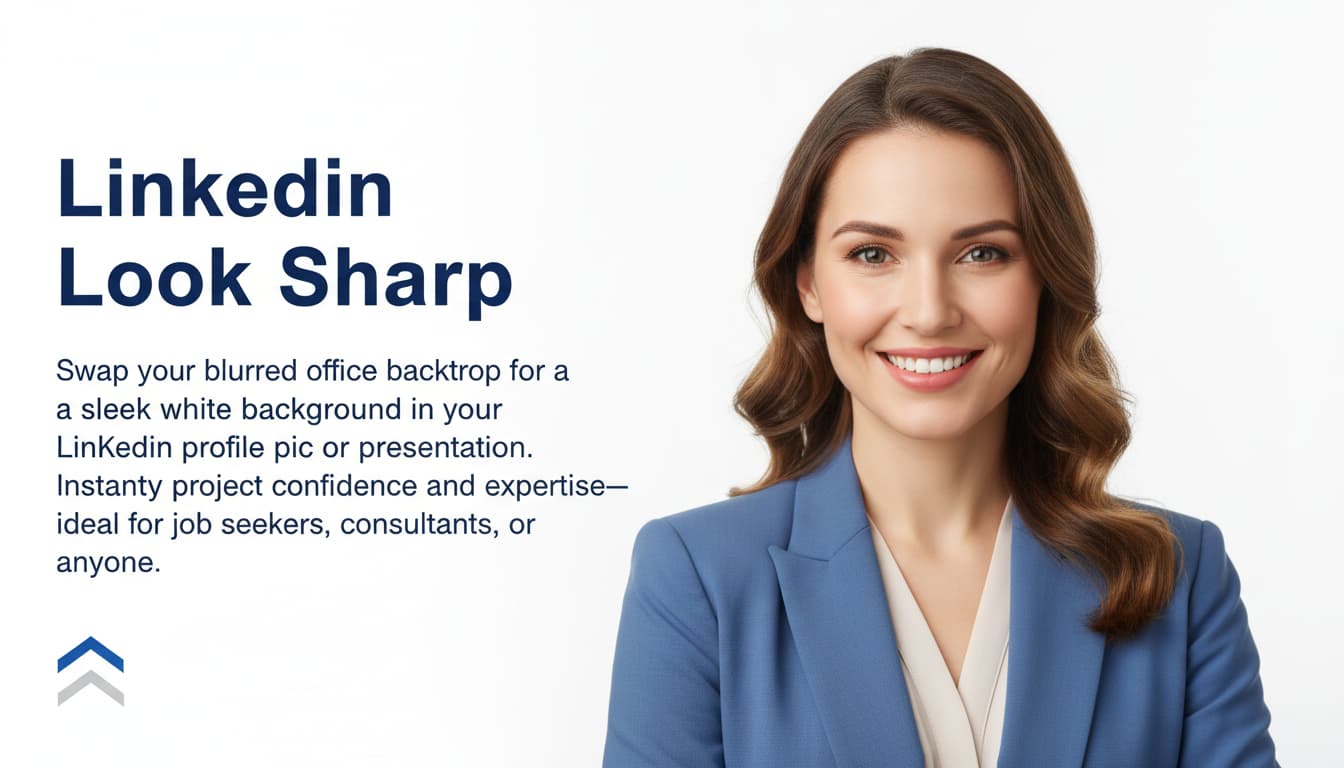
Create professional LinkedIn headshots and business portraits with white backgrounds. Our AI specializes in removing backgrounds, enhancing photo quality, and creating professional portraits that capture authentic professional appearance. Ideal for job seekers, professionals, and business owners who need high-quality professional photos for LinkedIn profiles and business websites. Learn steps.
Use our AI photo enhancement technology for professional portfolio development and business photo improvement. Our tools enhance lighting, clarity, and quality to create high-quality professional photos suitable for job applications, business profiles, and professional portfolios. Perfect for professionals, entrepreneurs, and anyone who needs polished professional photos. Get started now.
Generate professional business portraits and corporate photos for commercial use, business websites, and professional services. Our AI creates high-quality professional photos suitable for corporate websites, business cards, and marketing materials. Perfect for businesses, professionals, and corporate teams that need consistent professional photo standards. See details.
Use this hub when your image needs to look cleaner, more professional, more compliant, or more consistent across work-related contexts.
Create stronger profile images for resumes, LinkedIn, networking, speaker bios, and first professional impressions.
Prepare compliant, document-ready passport and visa photos without booking a studio or manually editing backgrounds.
Standardize portraits for team pages, internal directories, conference pages, and company websites.
Help candidates, team members, and public-facing staff get work-ready profile photos quickly and consistently.
Decide whether you need a LinkedIn image, a business headshot, a passport photo, or a white-background team portrait.
Pick the workflow that fits the task, then upload a clear source photo with visible facial detail and good lighting.
Generate the final image and use it for resumes, LinkedIn, business pages, passports, visas, or internal directories.
Yes. These professional photo workflows are free to try without needing to register.
Yes. The high-resolution outputs are suitable for commercial use, including LinkedIn profiles, business websites, and professional portfolios.
You can upload JPG, PNG, or WEBP formats. Ensure the image is clear and well-lit for best results.
Absolutely. Our tool is compatible with iOS, Android, and all modern browsers.
Yes. Our passport photo generator creates photos that meet official government requirements for visas and travel documents.
We support passport photos, LinkedIn headshots, business portraits, white background photos, and enhanced professional photos.
Our professional photo tools work incredibly fast! Most creations are completed in just 10-30 seconds. Simply upload your photo, choose your tool, and download your professional photo almost instantly.
You are on a pillar page. Use these core tools to go deeper, then return here for comparison and next-step guidance.
Sign in to continue creating amazing art