
Analog Authenticity Overdrive
Mimics the warmth of VHS tapes and CRT TVs with intentional scan lines, chromatic aberration, and subtle signal noise – creating a living, breathing retro vibe no modern filter can copy. See how it works.
Optional details for better 90s filter results (e.g., VHS grain intensity, neon color preferences, specific 90s style).
Transform everyday moments into retro masterpieces for social posts, personalized gifts, business branding, home decor, classroom projects, and more! Get that iconic 90s glow, neon pops, and nostalgic textures for any occasion.
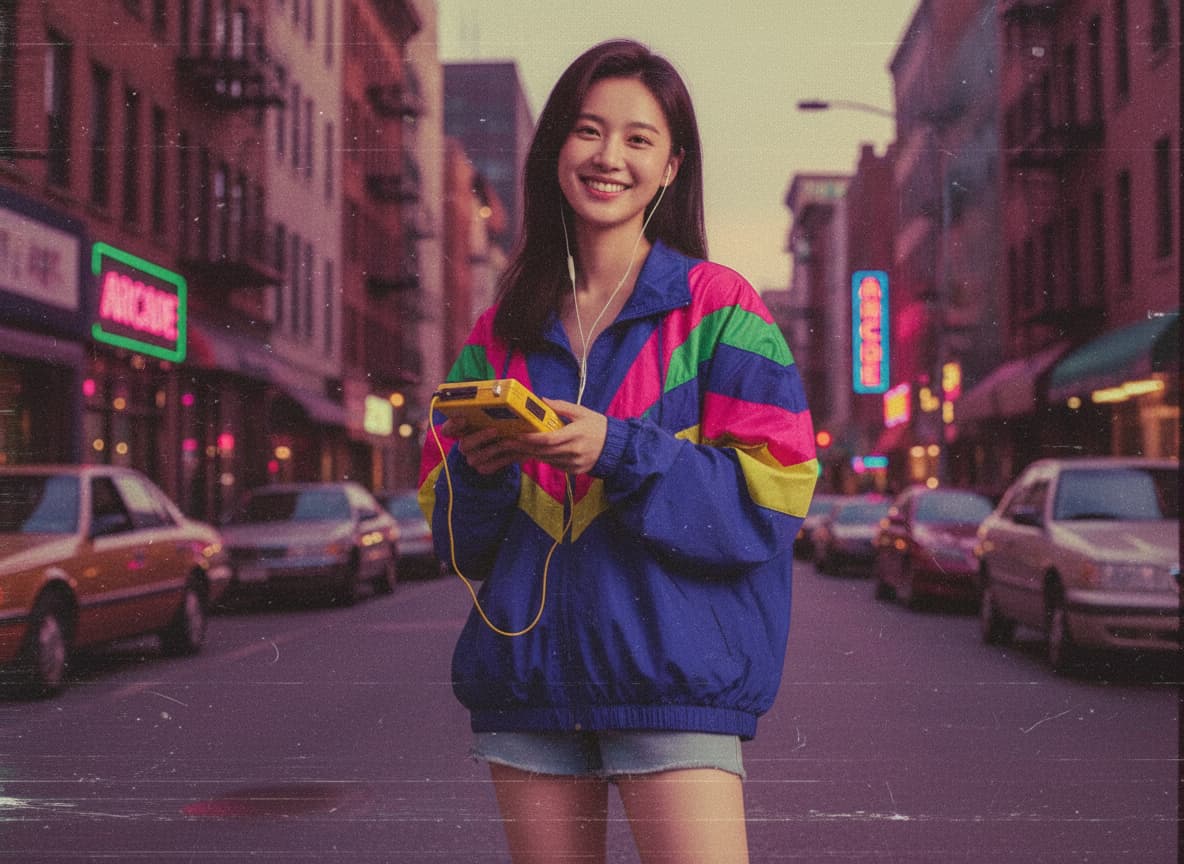
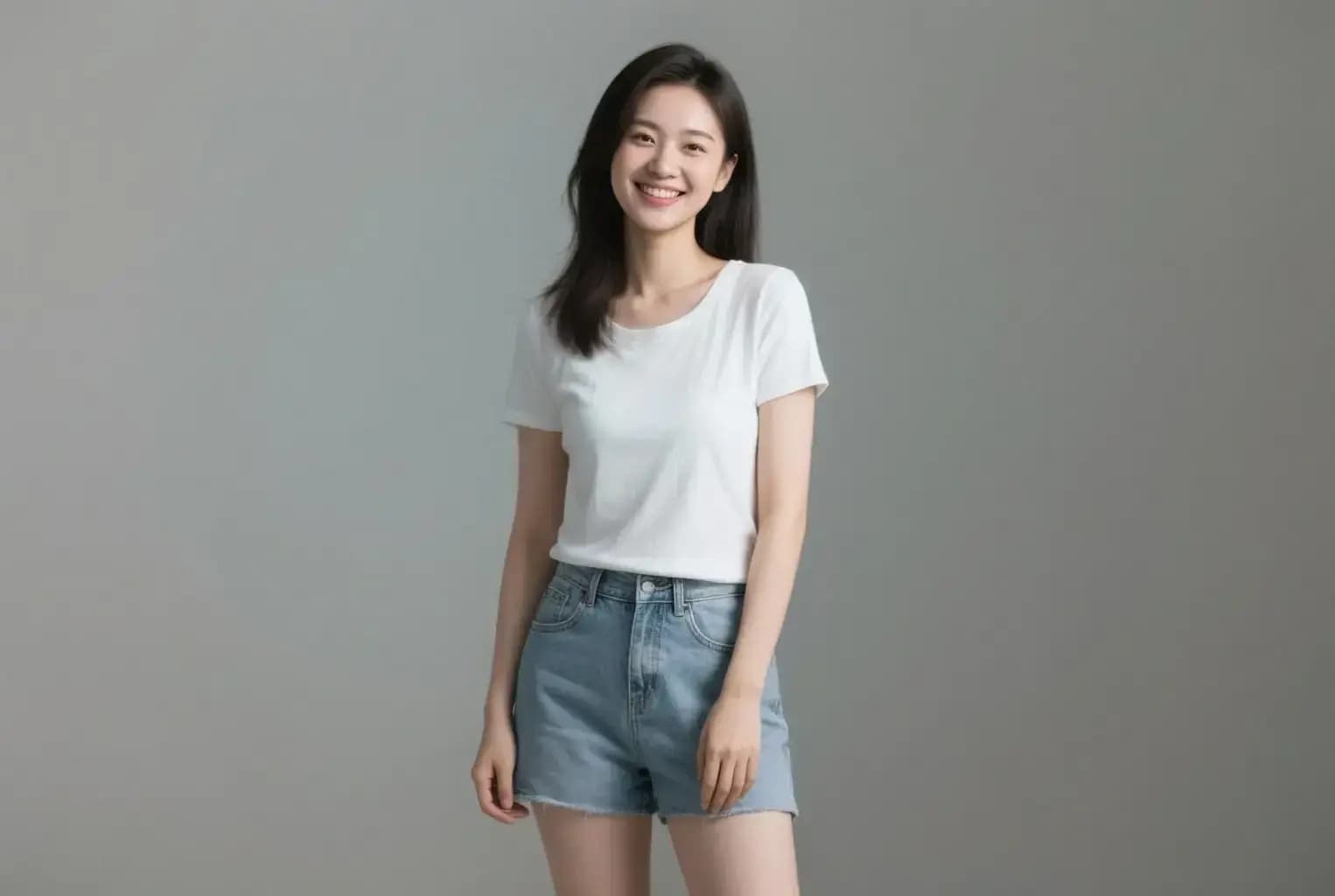
Mimics the warmth of VHS tapes and CRT TVs with intentional scan lines, chromatic aberration, and subtle signal noise – creating a living, breathing retro vibe no modern filter can copy. See how it works.

Adds hyper-saturated neon accents and desaturated backgrounds to replicate the 90s obsession with garish visuals from arcade games to grunge posters – makes your pics pop like a 1999 music video. Learn steps.
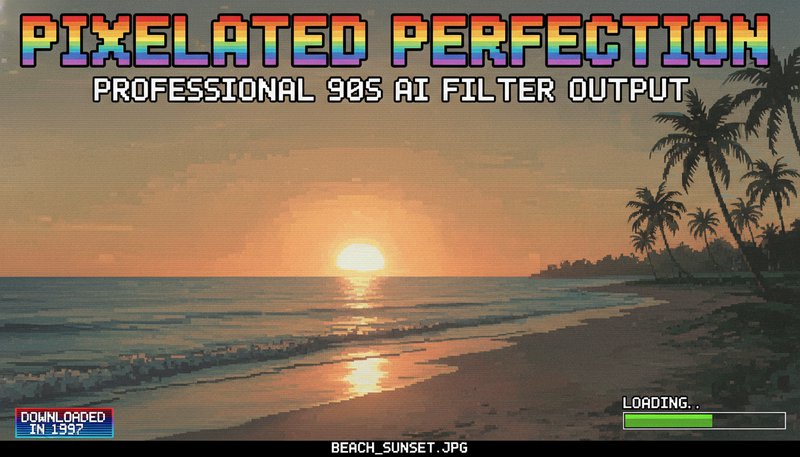
Adds precise low-res textures and blocky transitions inspired by early digital cameras and 240p web graphics – gives photos that 'downloaded in 1997' charm without losing detail. Try it free.

Injects erratic light leaks, CRT glare patterns, and CRT tube curvature warping – replicates the imperfect tech of cathode ray tubes for that gritty, 'it’s alive!' analog energy. See details.
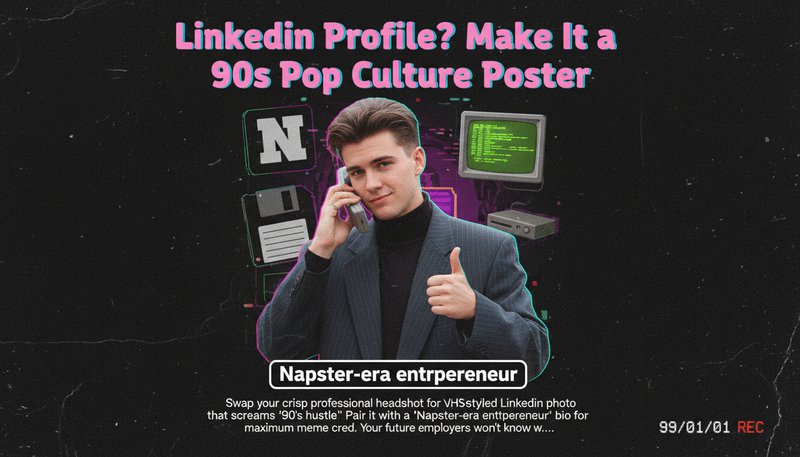
Swap your crisp professional headshot for a VHS-styled LinkedIn photo that screams '90s hustle.' Pair it with a 'Napster-era entrepreneur' bio for maximum meme cred. Your future employers won’t know whether to hire you or ask for your CD-ROM portfolio.
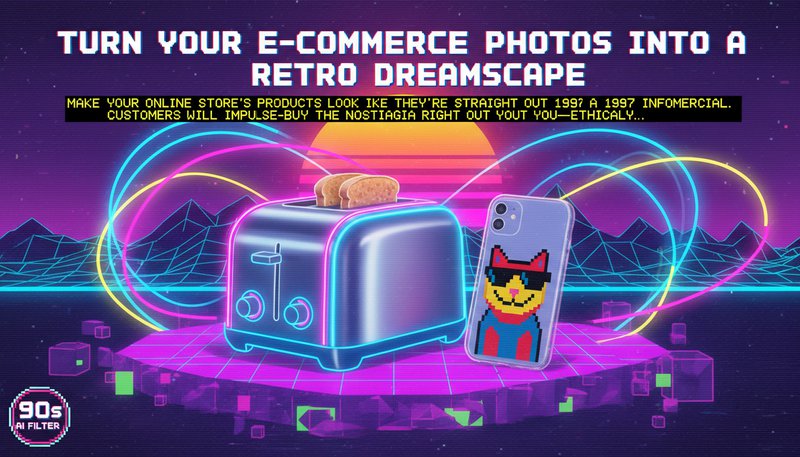
Make your online store’s products look like they’re straight out of a 1997 infomercial. A neon-lit toaster? A pixelated phone case? Customers will impulse-buy the nostalgia right out of you—ethically, of course.
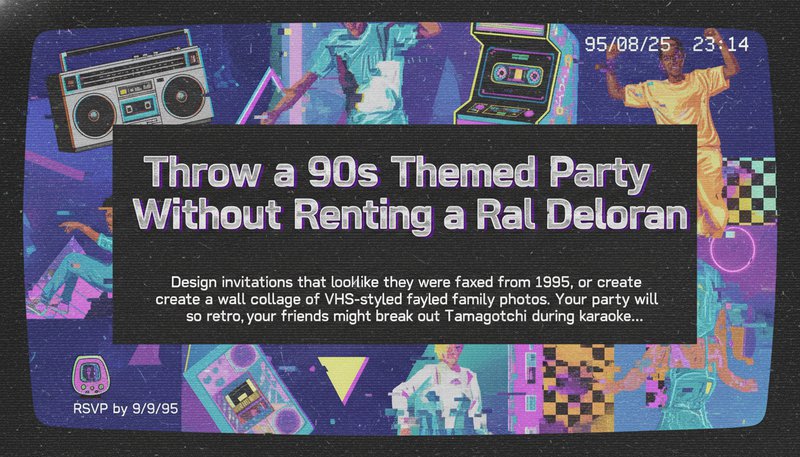
Design invitations that look like they were faxed from 1995, or create a wall collage of VHS-styled family photos. Your party will be so retro, your friends might break out a Tamagotchi during karaoke.
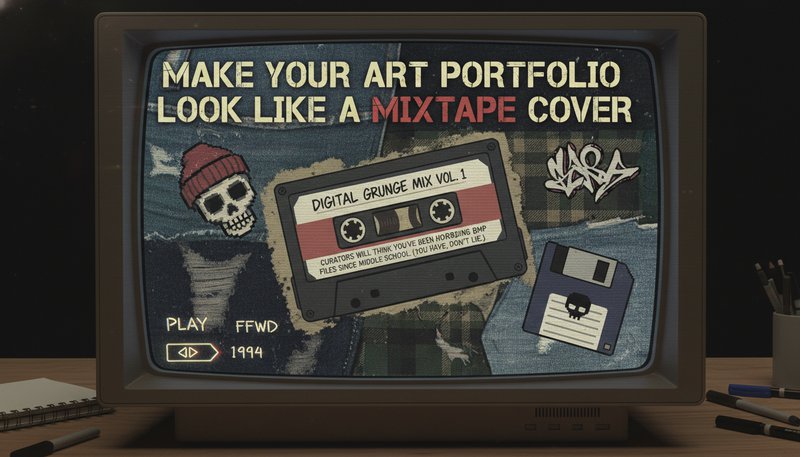
Give your digital art a grunge-inspired makeover—think flannel textures and CRT screen effects. Curators will think you’ve been hoarding BMP files since middle school. (You have, don’t lie.)
Drag and drop your pic—whether it’s a modern selfie or a dusty Polaroid. The 90s Ai Filter doesn’t judge!
Choose from iconic styles like VHS glitches, MS Paint textures, or Clinton-era pastels. Let the AI do the time-travel magic!
Your new 90s masterpiece is ready! Drop it in a meme, frame it, or text it to your OG MySpace buddy—reminiscing never looked so good.
Our AI analyzes your photo and applies neural style transfer, trained on thousands of 90s-era images (e.g., films, posters, music videos). The result blends your content with textures, colors, and effects iconic to the decade.
Yes! Simply upload your image via our mobile-friendly interface. Previews appear instantly, and you can adjust settings like grain intensity or color saturation directly on your phone.
Absolutely. Use our sliders to tweak grain density, color saturation, and style intensity. For example, reduce grain for a sleek '90s cyberpunk look or boost it for a gritty film aesthetic.
Yes! Outputs are 4K-ready with crisp edges. The AI prioritizes preserving your original photo’s details while adding 90s textures—no blurry results.
Most filters use basic presets. Our AI learns from authentic 90s sources (e.g., analog film scans, CRT monitors) to mimic how light and color degraded in that era, creating truly period-accurate results.
Yes! Uploaded images are deleted immediately after processing. We don’t store or share your content—your photos stay yours.
Yes! Choose from 10+ presets like 'MTV Unplugged', 'Slacker Film', or 'Neon Arcade'. You can layer styles or mix with manual edits for a personalized 90s blend.
Sign in to continue creating amazing art