Logout
Are you sure you want to logout? You will need to log in again to continue using.
My Points
0
Available Points
💡 Points Usage Guide
Points can be used for AI features, each generation consumes corresponding points.
Register to get free points, VIP users enjoy more benefits!
Upload your photo to get started
Supported formats: JPG, PNG, WebP (Clear photo with good lighting recommended for best background removal results)
0/200

Optional details for better character results.

Generating...

Instant Background Magic: Effortless White Background Removal Generator

Transform photos for social media, gifts, marketing, home decor, and creative projects—all with one click! Perfect for personal branding, professional content, or playful DIY ideas.

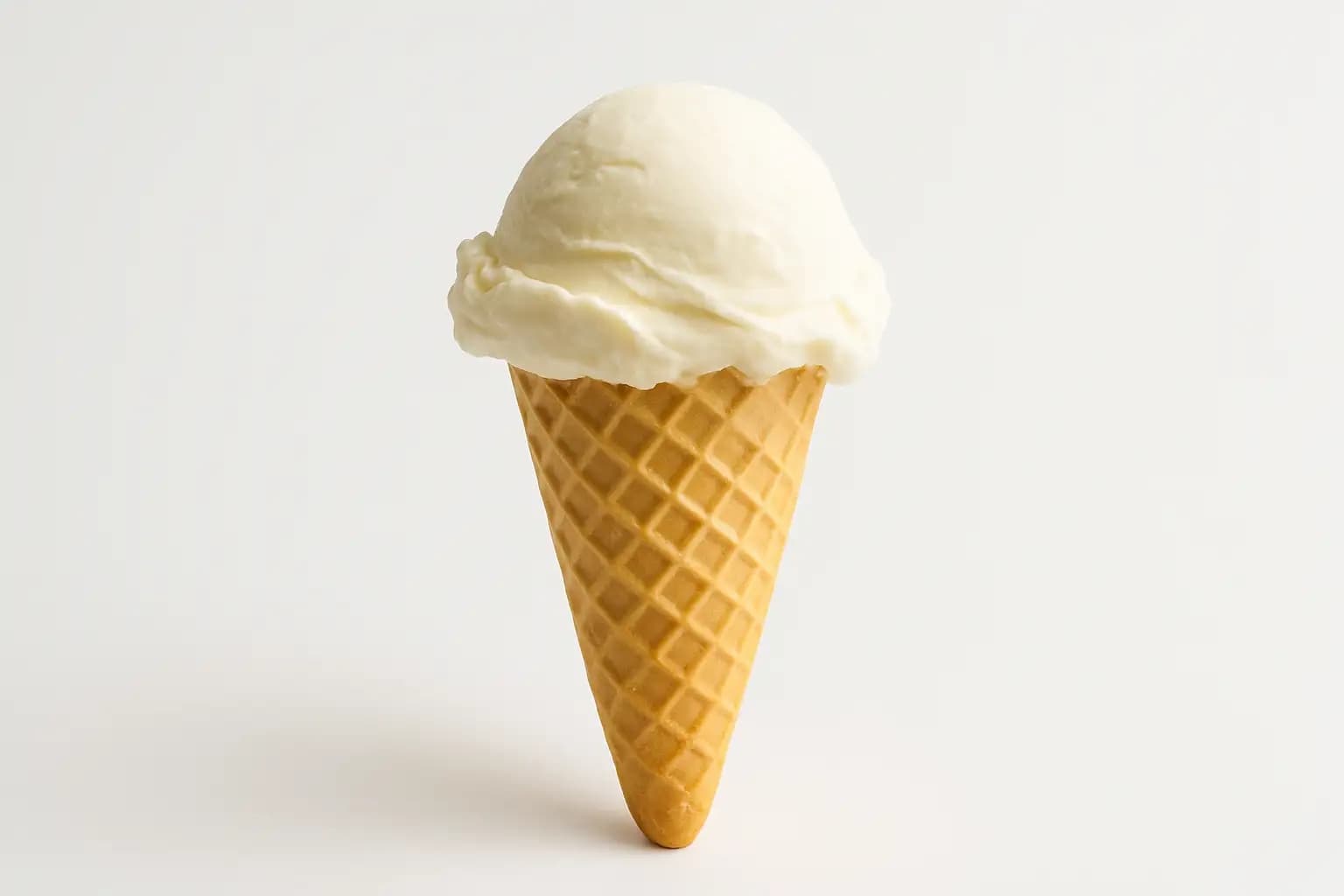
After Remove White Background transformation
Original photo
Before
After

Unique Remove White Background Features

Remove White Background style example
Perfect Remove White Background transformation

Precision Edge Detection

Our algorithm meticulously traces even the finest details like hair strands, fabric textures, and transparent objects, ensuring no pixels are accidentally cropped or left behind. This hyper-detailed edge isolation is what sets our Remove White Background apart from generic tools that blur or chop edges. See how it works.
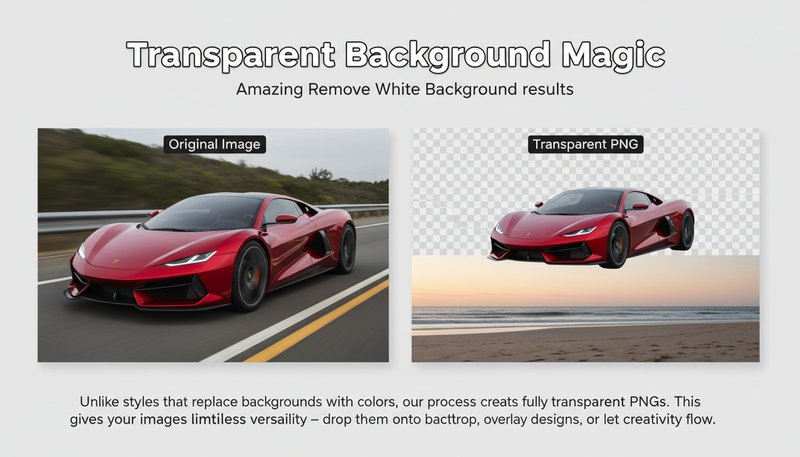
Remove White Background effect example
Amazing Remove White Background results

Transparent Background Magic

Unlike styles that replace backgrounds with colors, our process creates fully transparent PNGs. This gives your images limitless versatility – drop them onto any backdrop, overlay designs, or let creativity shine with backgrounds that pop in presentations, websites, and digital art. Learn steps.

Remove White Background quality example
Professional Remove White Background output

Lighting Matchmaker

We auto-adjust the subject’s lighting to harmonize with new backgrounds. Shadows and highlights stay true to life, so your transformed photo never looks pasted-on. This seamless lighting integration is a secret weapon for professional portfolio shots or product photos that sell. Try it free.

Remove White Background advanced example
Advanced Remove White Background technology

Smart Background Smarts

Our AI detects and removes not just white, but *any* solid background – think gray, blue, or even patterned mats – while keeping your subject intact. This context-aware removal makes it perfect for fixing photos taken in messy environments without retakes. See details.

Real-Life Wins with No-Background Magic

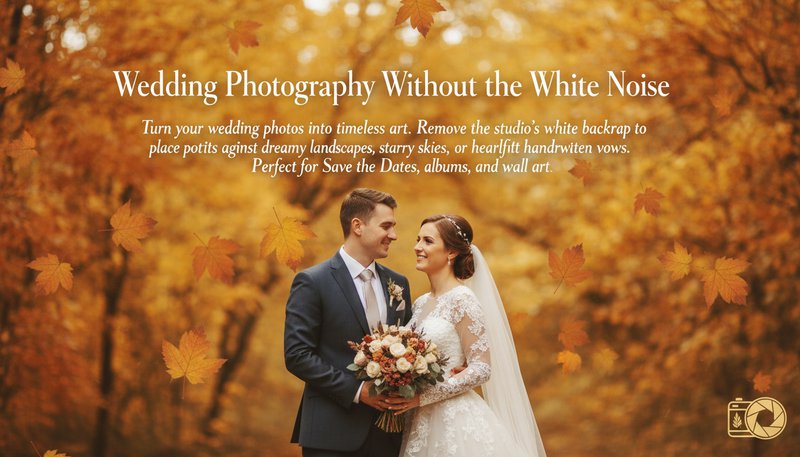
Wedding Photography Without the White Noise

Turn your wedding photos into timeless art. Remove the studio’s white backdrop to place portraits against dreamy landscapes, starry skies, or heartfelt handwritten vows. Perfect for Save the Dates, albums, or Pinterest-worthy prints!

A couple's portrait floating against a backdrop of golden autumn leaves

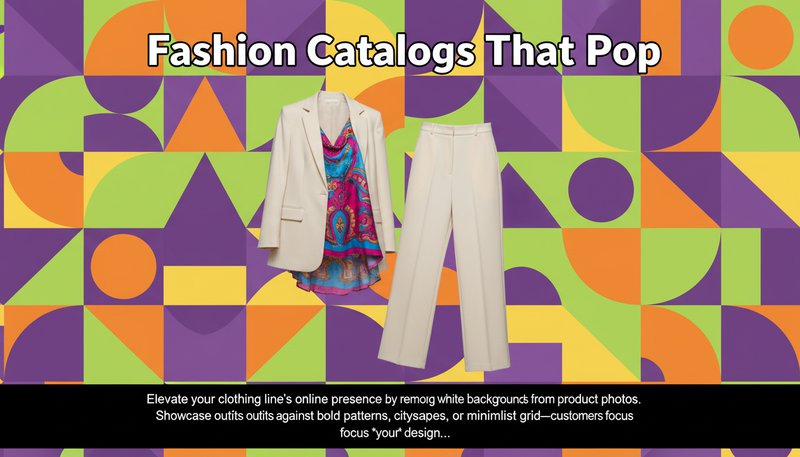
Fashion Catalogs That Pop

Elevate your clothing line’s online presence by removing white backgrounds from product photos. Showcase outfits against bold patterns, cityscapes, or minimalist grids—customers focus on *your* designs, not the studio’s walls.

A model's outfit floating against a vibrant geometric pattern backdrop

Holiday Cards That Wow

Make Grandma’s Christmas card unforgettable! Remove the white background from family photos and place them in a snowy forest, a floating holiday garland, or even a Santa’s workshop scene—no Photoshop needed!

A family photo floating above a holiday-themed winter wonderland backdrop

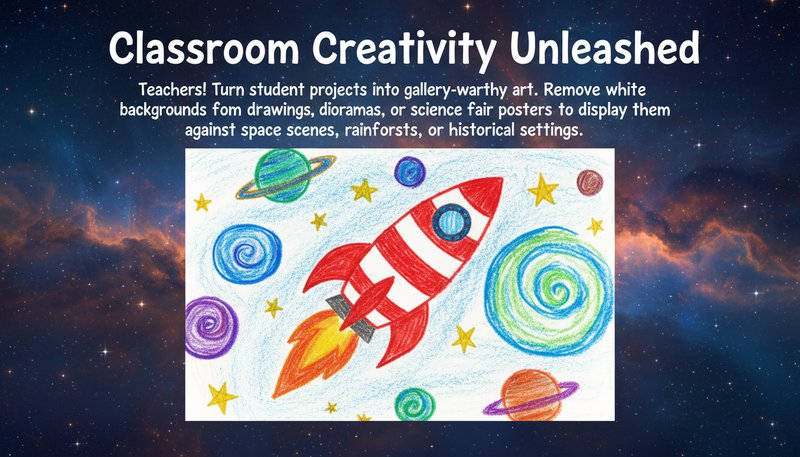
Classroom Creativity Unleashed

Teachers! Turn student projects into gallery-worthy art. Remove white backgrounds from drawings, dioramas, or science fair posters to display them against space scenes, rainforests, or historical settings—making learning *visibly* magical.

A child's drawing of a rocket floating against a backdrop of swirling planets and stars

Real Users, Real Results

S
Sarah JohnsonFreelance Graphic Designer
★★★★★
This tool has been a game-changer for my product design workflow! Removes white backgrounds faster than I can open Photoshop, and the edge quality is flawless. 10/10 would recommend!
M
Michael ChenE-commerce Manager
★★★★★
Bulk-processing 50 product photos took minutes instead of hours. Clients love the clean look for our Shopify store. No more clunky white backgrounds!
E
Emily TorresSocial Media Marketer
★★★★☆
Quickly removed white backgrounds from Instagram graphics to make them pop. The AI even handled my neon-pink hair without glitches. Impressed!
J
John PatelPhotographer
★★★★★
Finally, a tool that doesn’t leave jagged edges on my portraits! Perfect for client deliverables when a clean background is non-negotiable.
L
Lisa NguyenOnline Seller
★★★★★
Removed backgrounds from 100+ product images in 30 minutes. The transparency looks professional enough for print ads. Worth every penny!
A
Alex RiveraContent Creator
★★★★☆
No more hours masking hair strands manually. This tool’s magic mode saved my sanity while editing my latest YouTube thumbnail series.

3 Easy Steps to Background-Free Awesomeness

1

Upload Your Masterpiece

Drag and drop your photo—any photo!—and let our AI magic start working its spell.

2

Poof! White Background Vanishes

Watch the AI erase that boring white canvas in seconds. Now your subject is ready for its close-up!

3

Customize & Download

Add a new backdrop, frame, or effect—then save your creation for print, web, or wherever creativity calls!

Frequently Asked Questions

What is Remove White Background and how does it work?

Remove White Background is a tool that removes white backgrounds from your photos, leaving you with a transparent background. Simply upload your image, click 'Generate,' and download your photo with the white background removed. Perfect for product photos, profile pictures, or any image where you want to remove a white background.

What file formats can I use?

You can upload JPG, PNG, GIF, or BMP files up to 20MB. The tool creates a new image with a transparent background (PNG format) that you can use on websites, social media, or in print designs.

Will removing the background damage my photo?

No! The tool is designed to preserve all the details of your subject, even complex parts like hair, fur, or intricate patterns. It carefully separates the subject from the white background without affecting the quality of your photo.

Can I remove backgrounds that aren't white?

This tool is specifically designed for white backgrounds. If you need to remove other colored backgrounds, you can try our general background removal tool (coming soon).

How accurate is the background removal?

The tool is very accurate and can handle even tricky edges like hair, glass, or semi-transparent objects. For the best results, use clear photos with a solid white background. If your background is slightly blurred, you might need to make small adjustments.

Can I use this on my phone?

Yes! The tool works great on smartphones and tablets. Just visit the website from your phone, upload your photo, and download the result with the white background removed.

What if my subject has white parts (like a white shirt)?

The tool can usually tell the difference between your subject and the background, even if your subject has white parts. If you need to make adjustments, you can use the advanced settings to fine-tune the result.

Pillar and Tool Navigation

Tool Page

This tool belongs to the Professional Photos Hub cluster. Open the hub to compare similar tools and choose the best workflow.

Open pillar page -> Professional Photos Hub