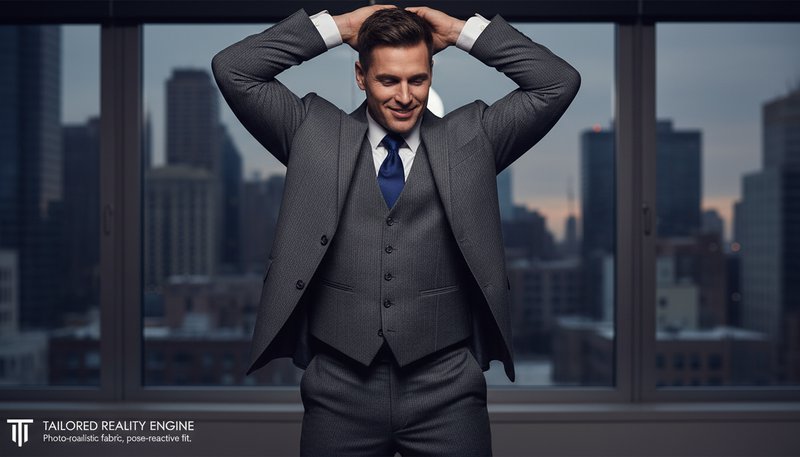
Tailored Reality Engine
Uses 3D body-mapping to create suits that follow joints and contours seamlessly. Unlike generic overlays, our style actually interacts with your pose, even bending jacket sleeves when arms are raised. See how it works.
Optional details for better character results.
Turn everyday moments into stylish suit looks for social media, gifts, professional branding, home decor, educational projects, and creative campaigns. Perfect for celebrations, LinkedIn profiles, personalized art, and viral-worthy content!
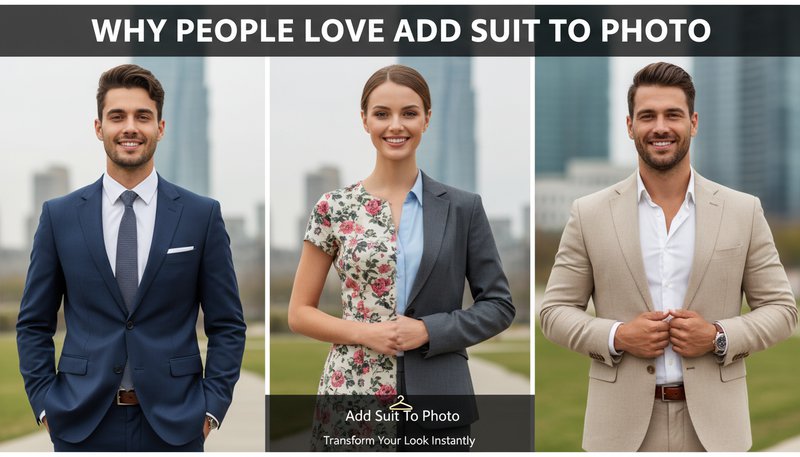
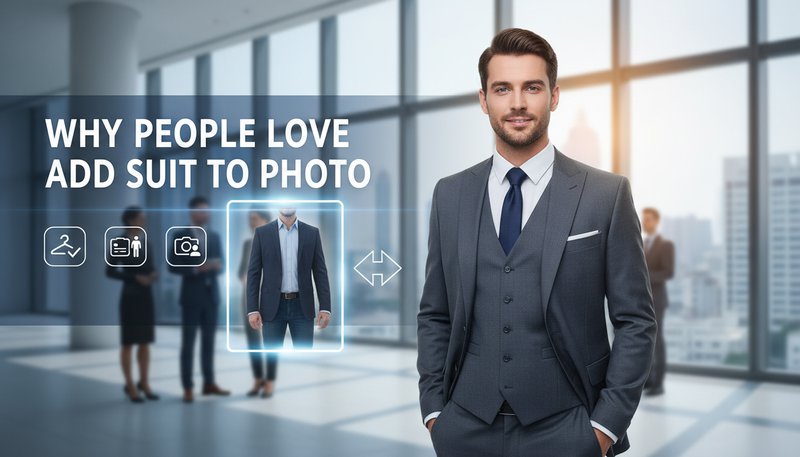
Uses 3D body-mapping to create suits that follow joints and contours seamlessly. Unlike generic overlays, our style actually interacts with your pose, even bending jacket sleeves when arms are raised. See how it works.
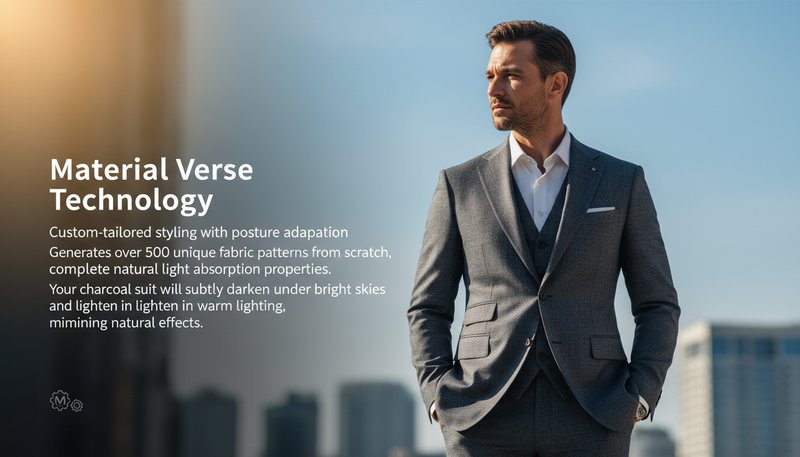
Generates over 500 unique fabric patterns from scratch, complete with natural light absorption properties. Your charcoal suit will subtly darken under bright skies and lighten in warm lighting, mimicking real-world physics. Learn steps.
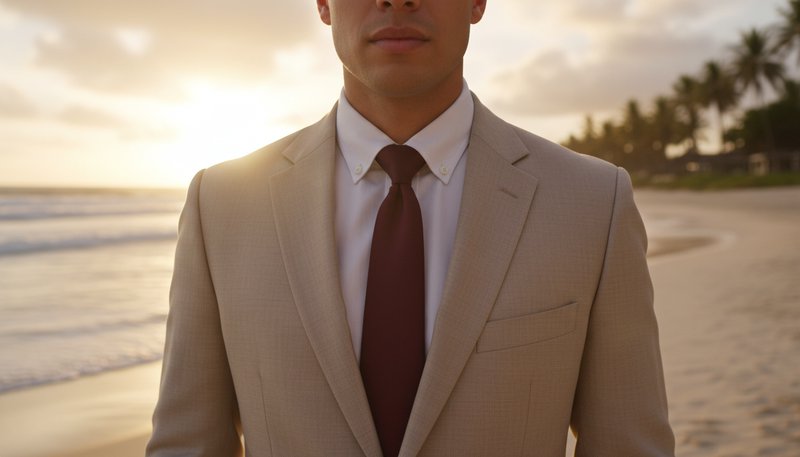
AI analyzes your original attire’s color palette to pick coordinating suits without over-saturation. A red dress? Adds a burgundy tie. Beach scene? Picks linen blends with sandy undertones for natural cohesion. Try it free.
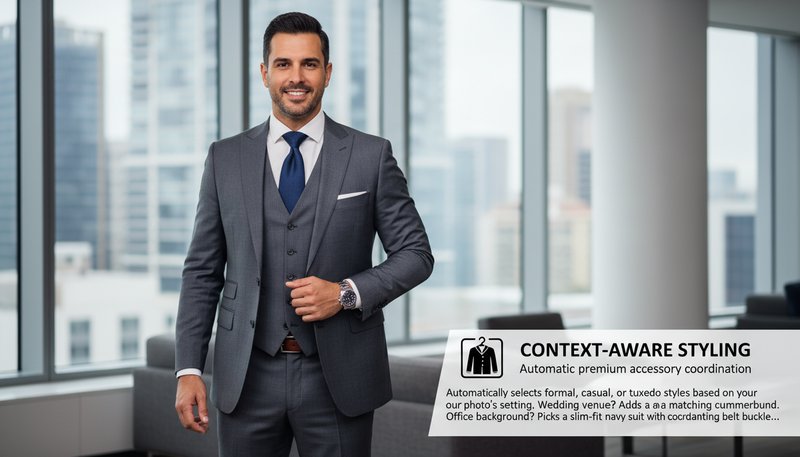
Automatically selects formal, casual, or tuxedo styles based on your photo’s setting. Wedding venue? Adds a matching cummerbund. Office background? Picks a slim-fit navy suit with coordinating belt buckles. See details.
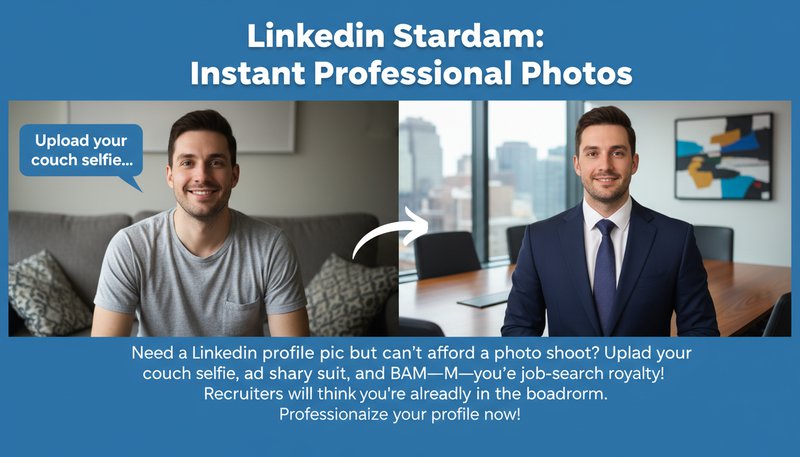
Need a LinkedIn profile pic but can’t afford a photo shoot? Upload your couch selfie, add a sharp navy suit, and BAM—you’re job-search royalty! Recruiters will think you’re already in the boardroom. Perfect for freelancers, creatives, or anyone who’s “allergic to cameras.”
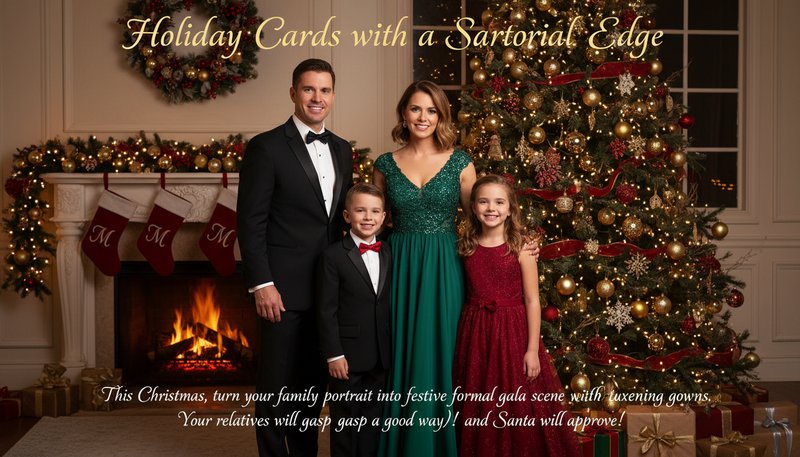
This Christmas, ditch the ugly-sweater selfies. Turn your family portrait into a festive formal gala scene with tuxedos and evening gowns. Your relatives will gasp (in a good way!), and Santa will finally take you seriously.
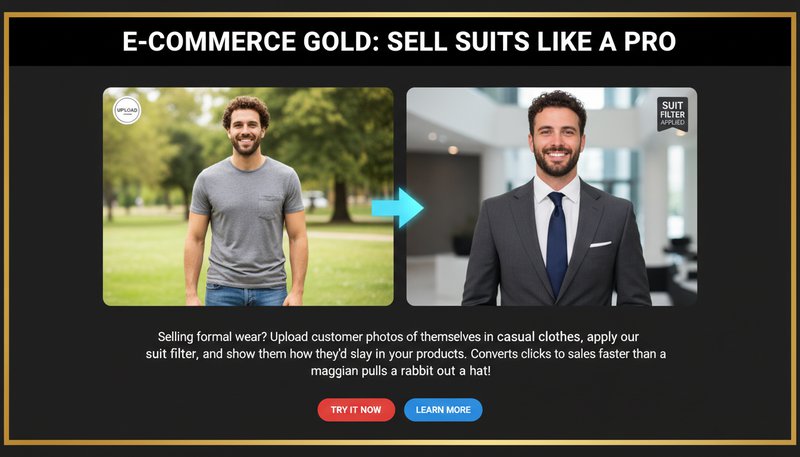
Selling formal wear? Upload customer photos of themselves in casual clothes, apply our suit filter, and show them how they’d slay in your products. Converts clicks to sales faster than a magician pulling a rabbit out of a hat!
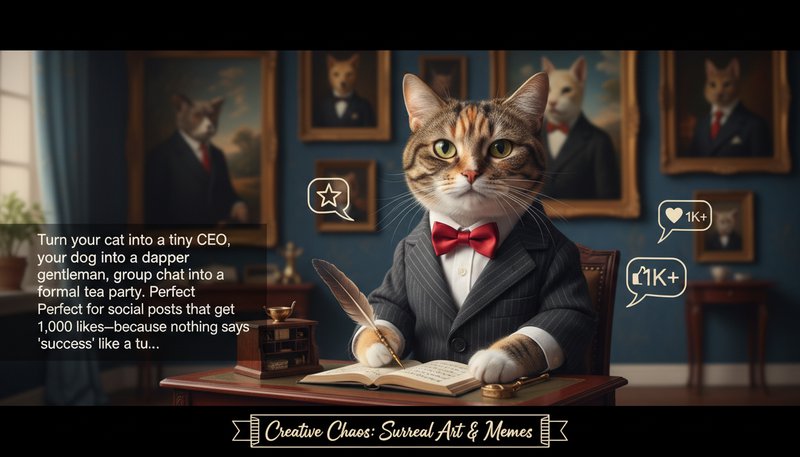
Turn your cat into a tiny CEO, your dog into a dapper gentleman, or your meme group chat into a formal tea party. Perfect for social posts that get 1,000 likes—because nothing says ‘success’ like a tuxedo-clad raccoon.
Upload any photo—casual, candid, or even a meme. No filters, no rules, just raw material for greatness!
Select from sleek suits, tuxedos, or retro threads to match the vibe. Want a penguin look? Done. CEO mode? Always on.
Download your transformed photo and drop it anywhere—from your Zoom background to your dating profile!
Upload your photo, select a suit style, adjust the fit in real-time, and preview the result. The AI automatically blends the suit with your body proportions and background for a seamless look.
Yes! We use high-resolution processing to ensure no pixelation or blur. Your final image retains its original clarity, making it perfect for professional use.
Absolutely! Our tool offers a palette of fabrics (e.g., pinstripe, solid, herringbone) and colors. You can even upload your own fabric textures for a unique touch.
Yes—images are processed instantly and not stored on our servers. Your photos are safe, and the tool operates entirely in the browser for privacy.
Yes! The tool is fully responsive. Upload photos from your phone, choose styles, and download the enhanced image directly to your device.
Processing takes under a minute. Once you upload your image, the AI generates the styled photo quickly—you’ll be ready to share or print in no time.
Use the manual adjustment tools to tweak the suit’s placement, size, and wrinkles. The AI’s smart editing ensures the final look is natural and flattering.
Sign in to continue creating amazing art