Logout
Are you sure you want to logout? You will need to log in again to continue using.
My Points
0
Available Points
💡 Points Usage Guide
Points can be used for AI features, each generation consumes corresponding points.
Register to get free points, VIP users enjoy more benefits!
Upload your photo to get started
Supported formats: JPG, PNG, WebP (A clear, front-facing portrait with good lighting works best)
0/200

Optional notes for lighting, backdrop, wardrobe tone, or portrait mood.

Creating your professional headshot...

AI Headshot Generator

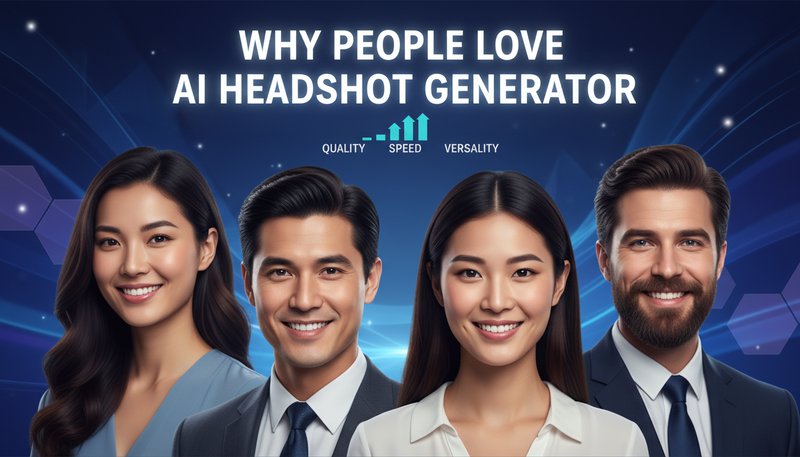
Create polished AI headshots from a selfie or portrait for LinkedIn, resumes, team pages, creator profiles, and personal branding.

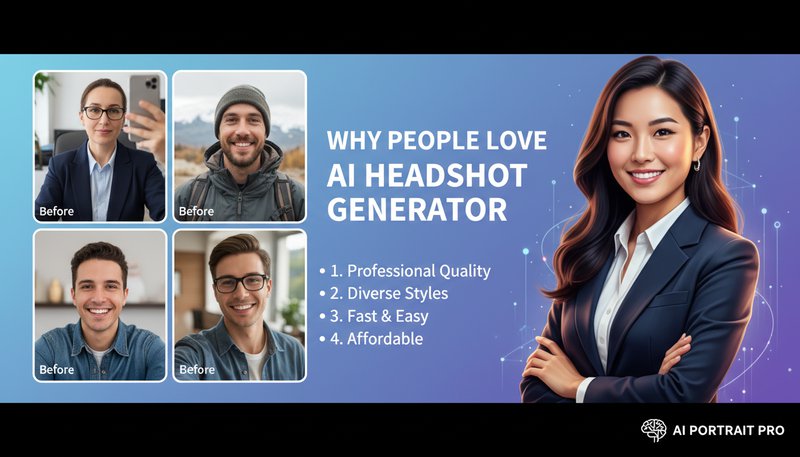
Professional AI headshot result
Original photo
Before
After

Key AI Headshot Generator Features

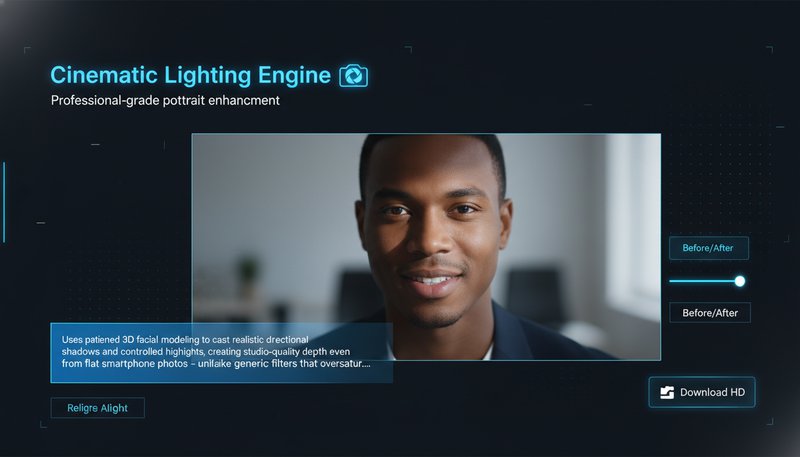
AI headshot lighting example
Professional-grade portrait enhancement

Cinematic Lighting Engine

Uses patented 3D facial modeling to cast realistic directional shadows and controlled highlights, creating studio-quality depth even from flat smartphone photos - unlike generic filters that oversaturate skin tones. See how it works.
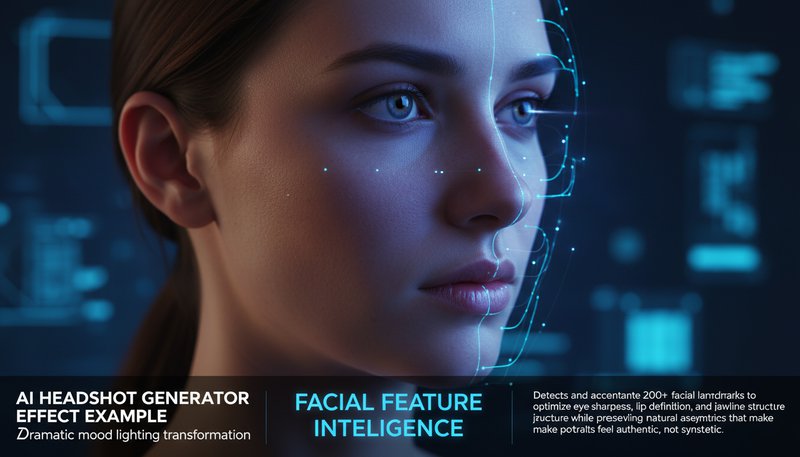
AI headshot enhancement example
Dramatic mood lighting transformation

Facial Feature Intelligence

Detects and accentuates 200+ facial landmarks to optimize eye sharpness, lip definition, and jawline structure while preserving natural asymmetries that make portraits feel authentic, not synthetic. Learn steps.

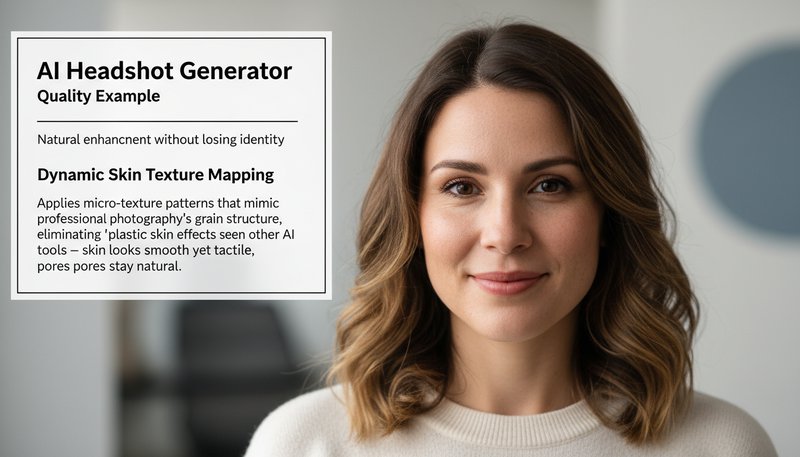
Natural AI headshot detail example
Natural enhancement without losing identity

Dynamic Skin Texture Mapping

Applies micro-texture patterns that mimic professional photography's grain structure, eliminating 'plastic skin' effects seen in other AI tools - skin looks smooth yet tactile, pores stay natural. Try it free.

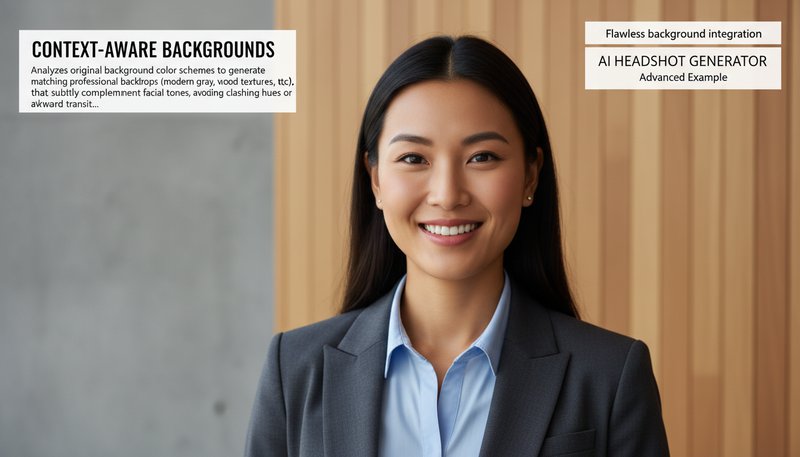
AI headshot background example
Flawless background integration

Context-Aware Backgrounds

Analyzes original background color schemes to generate matching professional backdrops (modern gray, wood textures, etc.) that subtly complement facial tones, avoiding clashing hues or awkward transitions. See details.

From Snap to Wow: 4 Real-World Ways to Shine

LinkedIn and Resume Ready in Minutes

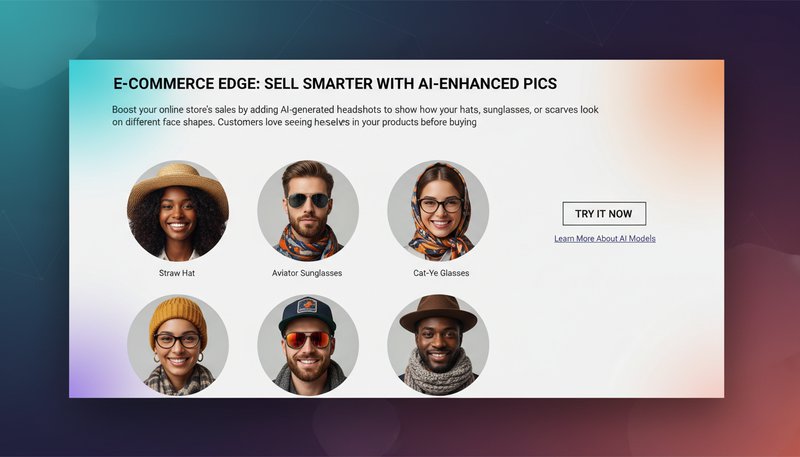
Turn a casual selfie into a polished headshot for LinkedIn, resumes, speaker bios, and personal websites without booking a studio session.

Professional headshot for LinkedIn and resume use

Team Profiles Without a Photo Shoot

Create consistent headshots for team pages, company directories, proposal decks, and about pages even when everyone starts from different personal photos.

Consistent team headshots for company profiles

Creator Branding Across Platforms

Use one portrait to create a cleaner, more consistent image for newsletters, author pages, creator profiles, course platforms, and podcast guest bios.

Creator profile headshot for newsletters and bio pages

Fast Headshots for Proposals and Speaker Kits

Generate a clean portrait for pitch decks, conference submissions, media kits, and client-facing documents when you need a usable headshot quickly.

Business headshot for speaker kits and proposals

Real Users, Real Results

A
Alexandra ChenMarketing Manager
★★★★★
This tool saved hours of photo editing! I generated 10 different LinkedIn profile photos in minutes - clients are impressed by the professional results.
J
Jameson LeeFreelance Photographer
★★★★★
The vintage filter transformation blew me away. Now I can quickly offer clients alternative style options without heavy post-processing.
S
Sophia KimSocial Media Influencer
★★★★☆
My followers love the cinematic-style headshots I create here. The color grading options give my content a cohesive, high-end look.
M
Michael TorresStartup Founder
★★★★★
Generated 6 different professional headshot styles for my team in 30 minutes - far better than hiring a photographer for basic needs.
E
Emily NguyenEvent Planner
★★★★★
Perfect for creating event promo graphics! The AI transformed standard photos into beautiful poster-ready headshots instantly.
D
Daniel ParkBlogger
★★★★☆
Finally have cohesive branding across all platforms. The tool's style consistency helped me build a professional visual identity quickly.

How to Create a Professional AI Headshot in 3 Steps

1

Upload a Clear Portrait

Start with a front-facing selfie or portrait with a visible face and good lighting for the cleanest headshot result.

2

Choose a Professional Look

Pick a polished style that fits LinkedIn, resumes, team pages, speaker bios, or personal branding.

3

Generate and Download

Create your headshot, compare the result, and download the version that best fits your profile or business use case.

Frequently Asked Questions

How does the AI Headshot Generator work?

Upload your photo, select from pre-designed artistic styles, adjust parameters with sliders, and download your transformed headshot. The AI analyzes facial features and applies style transformations while preserving natural proportions.

What image formats are supported?

We support JPEG, PNG, and WebP formats with maximum file size up to 50MB. Ensure your source photo has clear facial features for best results.

Can I edit the generated headshots further?

Yes! You can re-adjust parameters even after generation, or download the image to use in design software. Undo/redo buttons allow easy experimentation.

Are the results truly professional-quality?

Absolutely - our neural network is trained on tens of thousands of professionally shot headshots to ensure skin tone accuracy, lighting realism, and style consistency.

How is my data protected?

Uploaded images are encrypted and deleted within 24 hours. No personal data is stored - we comply with GDPR and CCPA regulations to ensure your privacy.

Can I create custom styles?

While we provide pre-designed styles, you can achieve unique looks by combining style presets with manual adjustments. Watch our tutorial to learn advanced techniques!

How long does transformation take?

Most transformations take 2-5 seconds. Complex style applications or large-resolution exports may take up to 15 seconds. Your browser does the processing - no waiting for cloud uploads!

Pillar and Tool Navigation

Tool Page

This tool belongs to the Professional Photos Hub cluster. Open the hub to compare similar tools and choose the best workflow.

Open pillar page -> Professional Photos Hub