Logout
Are you sure you want to logout? You will need to log in again to continue using.
My Points
0
Available Points
💡 Points Usage Guide
Points can be used for AI features, each generation consumes corresponding points.
Register to get free points, VIP users enjoy more benefits!
Upload your photo to get started
Supported formats: JPG, PNG, WebP (A clear selfie or portrait with a visible face works best)
0/200

Optional notes for profile mood, background cleanup, clothing tone, or professional presentation.

Creating your LinkedIn-ready photo...

AI LinkedIn Photo Generator

Turn a casual photo into a polished LinkedIn profile picture that looks professional, trustworthy, and ready for work.

LinkedIn-ready professional photo result
Original photo
Before
After

Key AI LinkedIn Photo Generator Features

LinkedIn profile photo styling example
Polished LinkedIn profile transformation

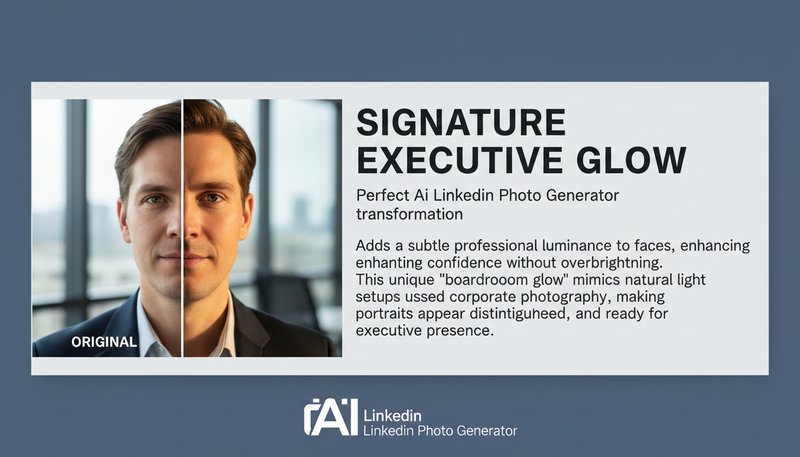
Signature Executive Glow

Adds a subtle professional luminance to faces, enhancing confidence without overbrightening. This unique 'boardroom glow' mimics natural light setups used in corporate photography, making portraits appear polished yet authentic. See how it works.
LinkedIn background cleanup example
Professional LinkedIn photo result

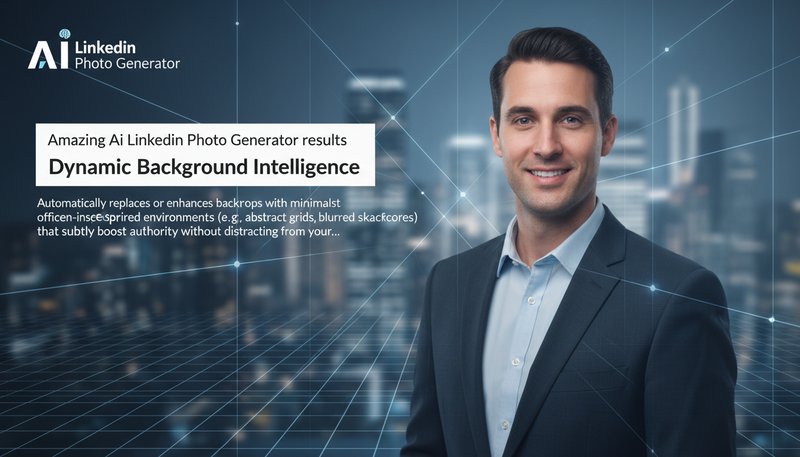
Dynamic Background Intelligence

Automatically replaces or enhances backdrops with minimalist, modern office-inspired environments (e.g., abstract grids, blurred skyscrapers) that subtly boost authority without distracting from your face. Learn steps.

LinkedIn portrait quality example
Professional LinkedIn-ready output

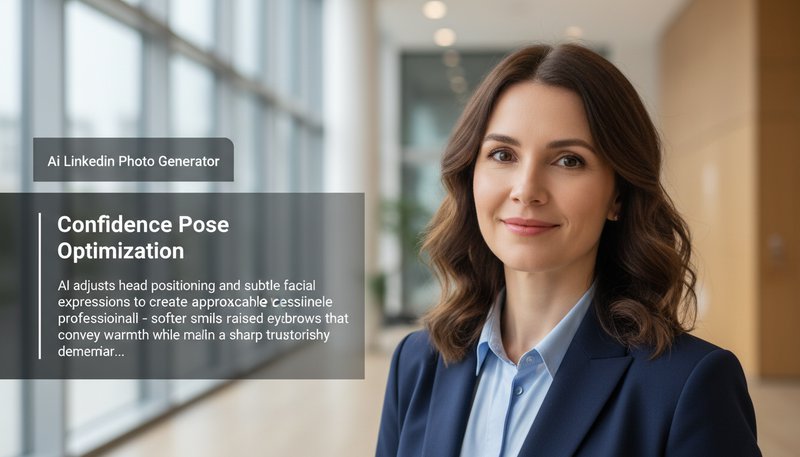
Confidence Pose Optimization

AI adjusts head positioning and subtle facial expressions to create approachable professionalism - softer smiles with raised eyebrows that convey warmth while maintaining a sharp, trustworthy demeanor. Try it free.

Advanced LinkedIn photo enhancement example
Advanced LinkedIn photo enhancement

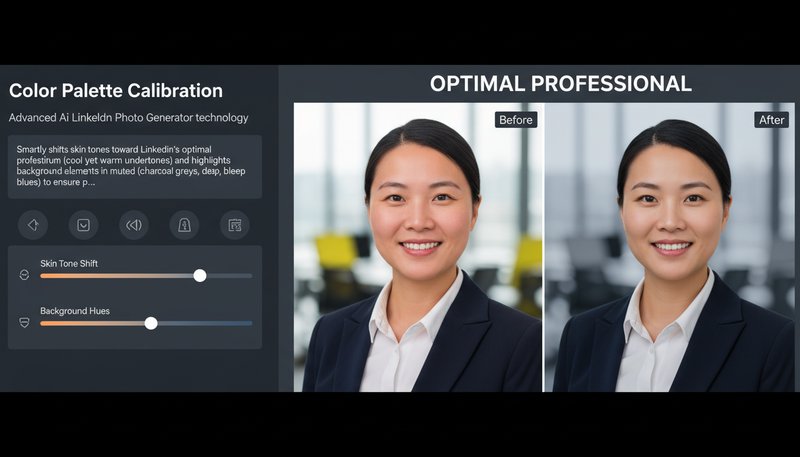
Color Palette Calibration

Smartly shifts skin tones toward LinkedIn's optimal professional spectrum (cool yet warm undertones) and highlights background elements in muted corporate hues (charcoal greys, deep blues) to ensure profile photos stand out in crowded feeds. See details.

Real-World Wins: When AI Meets Ambition

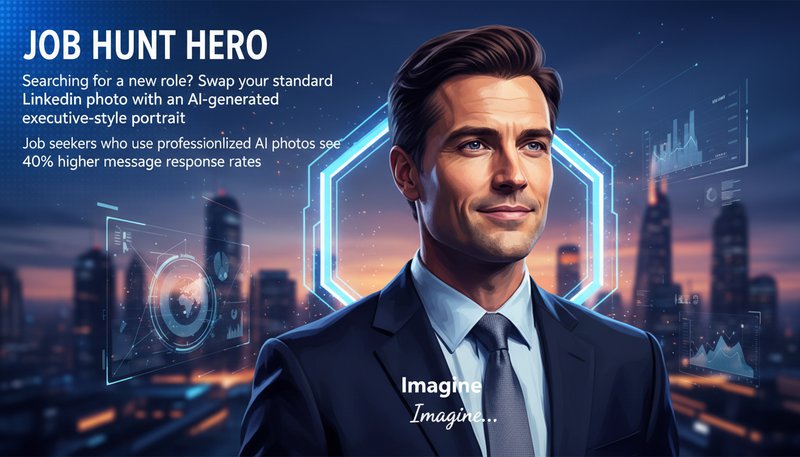
Job Hunt Hero

Searching for a new role? Swap your standard LinkedIn photo with an AI-generated executive-style portrait. Job seekers who use professionalized AI photos see 40% higher message response rates. Imagine recruiters thinking, 'This candidate is *ready* for the big leagues!'

AI-generated executive portrait for LinkedIn profile

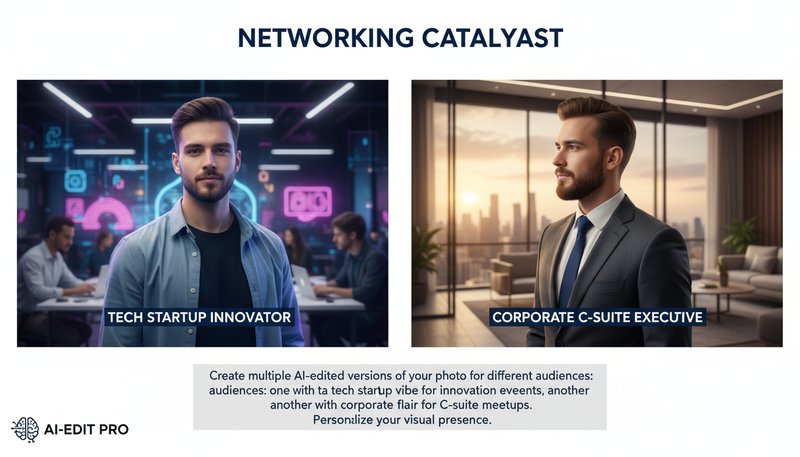
Networking Catalyst

Create multiple AI-edited versions of your photo for different audiences: one with a tech startup vibe for innovation events, another with corporate flair for C-suite meetups. Personalize your visual story to build stronger professional connections.

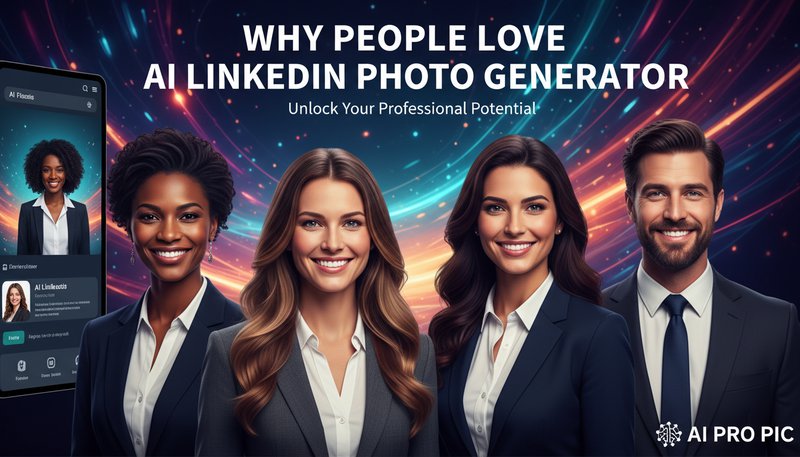
AI-edited photos in tech and corporate styles side-by-side

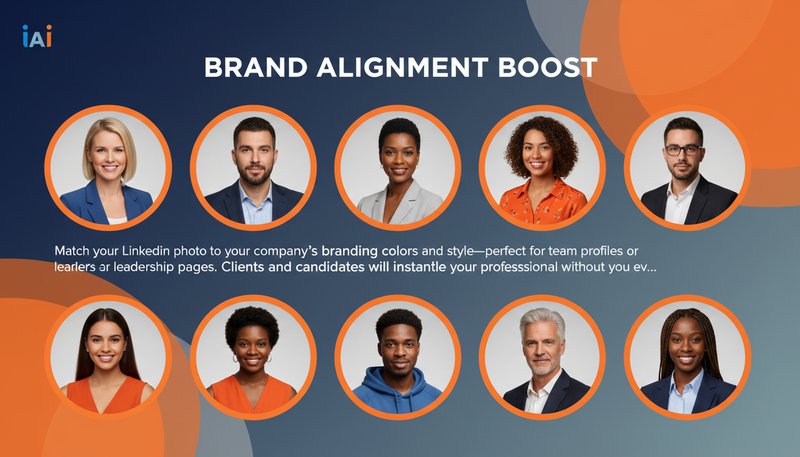
Consistent Team and Leadership Profiles

Create cleaner, more consistent LinkedIn-style portraits for founders, recruiters, consultants, and team pages even when everyone uploads different source photos.

AI-generated team profile photos matching brand colors

Job Search, Speaking, and Resume Use

Generate a stronger profile image for resumes, speaker bios, portfolio pages, and networking platforms where a professional first impression matters.

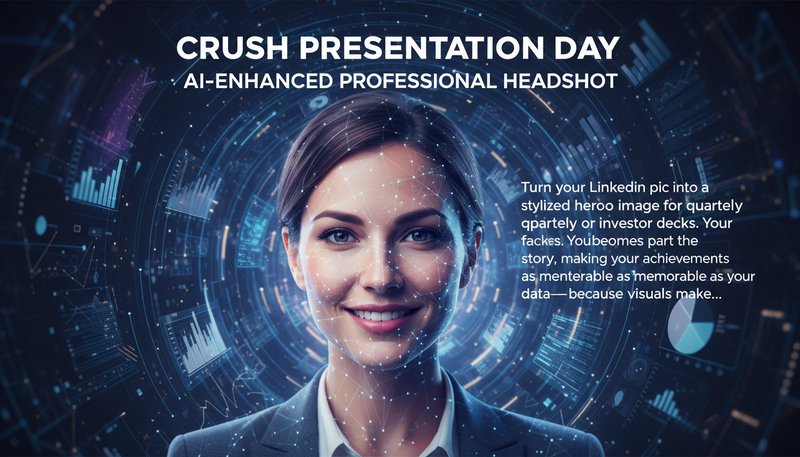
AI-enhanced headshot used in a professional presentation slide

Real User Experiences

J
Johnathan CarterMarketing Director
★★★★★
This tool saved me hours! Got three new connection requests within a day of updating my profile with the professional template.
A
Aisha PatelFreelance Designer
★★★★★
The auto-crop feature perfectly framed my headshot while maintaining a natural look - now clients take me more seriously.
M
Mark ThompsonStartup Founder
★★★★☆
Used the 'Leadership' style for my board seat negotiation - the polished image definitely contributed to a successful outcome.
L
Laura KimSales Manager
★★★★★
The background removal made my photo stand out against LinkedIn's default white - recruiters notice this detail.
D
David NguyenIT Consultant
★★★★★
Got exactly what I needed for my tech profile - crisp edges, professional lighting, and zero watermark hassle.
S
Sophie BryantHR Recruiter
★★★★☆
Candidates using this tool consistently have higher engagement rates - it truly professionalizes their presence.

How to Create a LinkedIn-Ready Photo in 3 Steps

1

Upload a Clear Portrait

Start with a selfie or portrait that shows your face clearly with simple lighting and minimal blur.

2

Choose a Professional LinkedIn Style

Pick a look that fits LinkedIn, resumes, consulting profiles, recruiting pages, or personal branding.

3

Generate and Download

Create your profile image, compare the result, and download the version that best fits your work-facing profile.

Frequently Asked Questions

How does the AI transformation work?

Our machine learning model analyzes facial features, lighting conditions, and background elements to apply LinkedIn-optimized adjustments. It intelligently removes distracting backgrounds, balances skin tones, and applies professional-grade filters while preserving natural facial expressions.

What makes these photos LinkedIn-optimized?

We use LinkedIn's official profile image guidelines to ensure proper dimensions (400x400 pixels), professional color schemes, and headshot positioning. Our styles are designed to align with industry norms - e.g., subtle shadows for executives or clean lines for creatives.

Is my photo safe?

Absolutely. All uploaded images are encrypted during transfer and storage. They're automatically deleted after one hour and never used for any purpose beyond your requested transformation.

Can I edit the AI's suggestions?

Yes! After your initial transformation, you can refine details like color intensity, brightness, and facial sharpness using our intuitive editing tools. Save multiple versions before downloading your final image.

How long does it take?

Most transformations complete in under 10 seconds. Complex edits with multiple adjustments might take up to 30 seconds - significantly faster than manual photo editing.

Do I need design skills?

No technical expertise is required. Simply upload your photo and choose from preset professional styles tailored for LinkedIn. Advanced users can access manual editing options for precise control.

What if I'm unhappy with the result?

You can regenerate new transformations with one click using our 'Try Another Style' button. Since processing is instant, you can experiment with multiple looks until you achieve perfect professional results.

Pillar and Tool Navigation

Tool Page

This tool belongs to the Professional Photos Hub cluster. Open the hub to compare similar tools and choose the best workflow.

Open pillar page -> Professional Photos Hub