
Logout
Are you sure you want to logout? You will need to log in again to continue using.
My Points
0
Available Points
💡 Points Usage Guide
Points can be used for AI features, each generation consumes corresponding points.
Register to get free points, VIP users enjoy more benefits!
Upload your photo to remove unwanted objects
Supported formats: JPG, PNG, WebP (Any photos with unwanted objects or backgrounds)
0/200
0/200

Optional details for better results.

AI is removing objects from your photo...

Clean Up Photos with AI - Free Object Removal Tool

Clean up your photos with AI! Remove unwanted people, backgrounds, and objects instantly. Professional photo editing made simple - first try free, no login required.

object remover Result
object remover Photo
Original Photo
Cleaned Photo

AI Object Remover: Professional Photo Cleanup Technology

Object removal preview
Object removal result

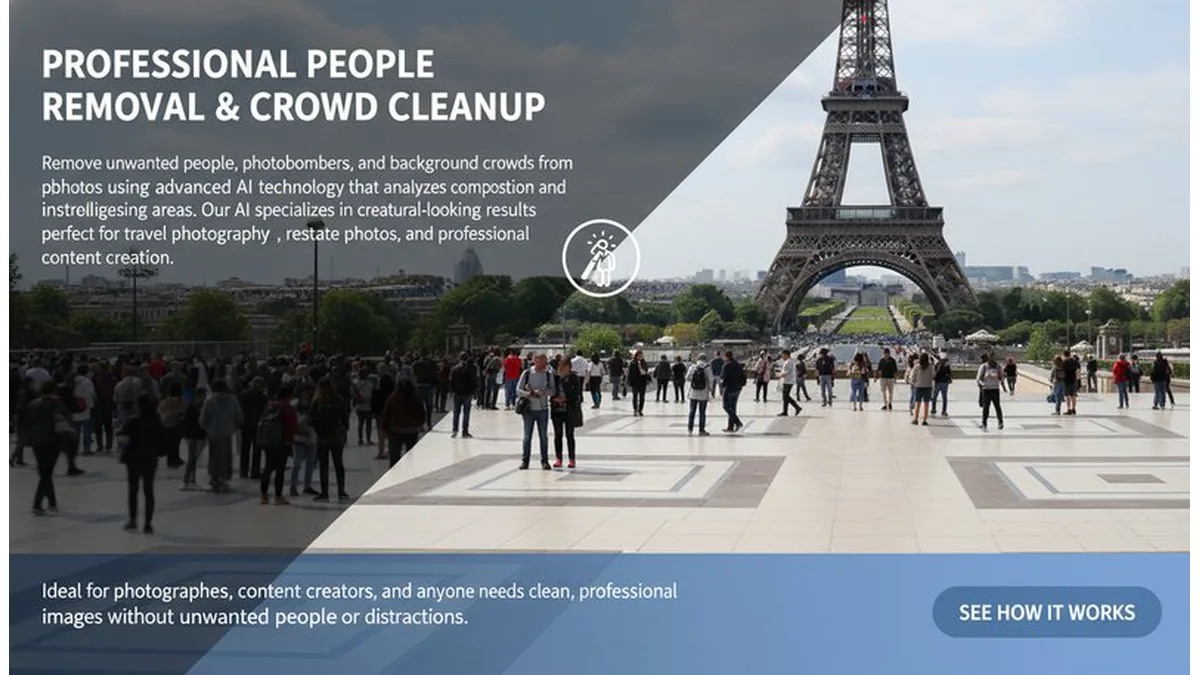
👥 Professional People Removal & Crowd Cleanup

Remove unwanted people, photobombers, and background crowds from photos using advanced AI technology that analyzes image composition and intelligently reconstructs missing areas. Our AI specializes in creating natural-looking results perfect for travel photography, real estate photos, and professional content creation. Ideal for photographers, content creators, and anyone who needs clean, professional images without unwanted people or distractions. See how it works.
Object removal examples
Object removal previews

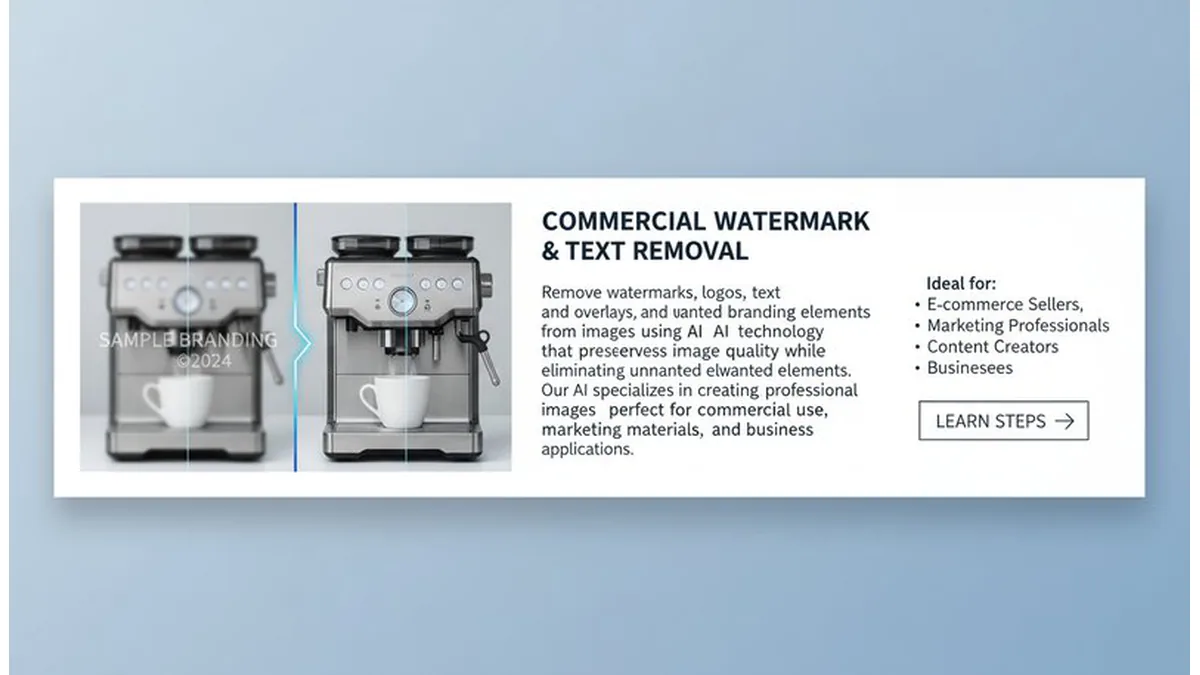
🏷️ Commercial Watermark & Text Removal

Remove watermarks, logos, text overlays, and unwanted branding elements from images using AI technology that preserves image quality while eliminating unwanted elements. Our AI specializes in creating clean, professional images perfect for commercial use, marketing materials, and business applications. Ideal for e-commerce sellers, marketing professionals, content creators, and businesses who need watermark-free images for commercial licensing and professional presentations. Learn steps.

Object removal types

🚗 Real Estate & Product Photography Cleanup

Remove unwanted objects, clutter, and distracting elements from real estate photos, product photography, and professional images using AI technology that creates clean, marketable visuals. Our AI specializes in removing cars, furniture, wires, trash, and background clutter while maintaining natural image quality. Perfect for real estate agents, product photographers, marketing professionals, and businesses who need clean, professional images for listings, catalogs, and marketing materials. Try it free.

AI-powered object detection
AI object detection

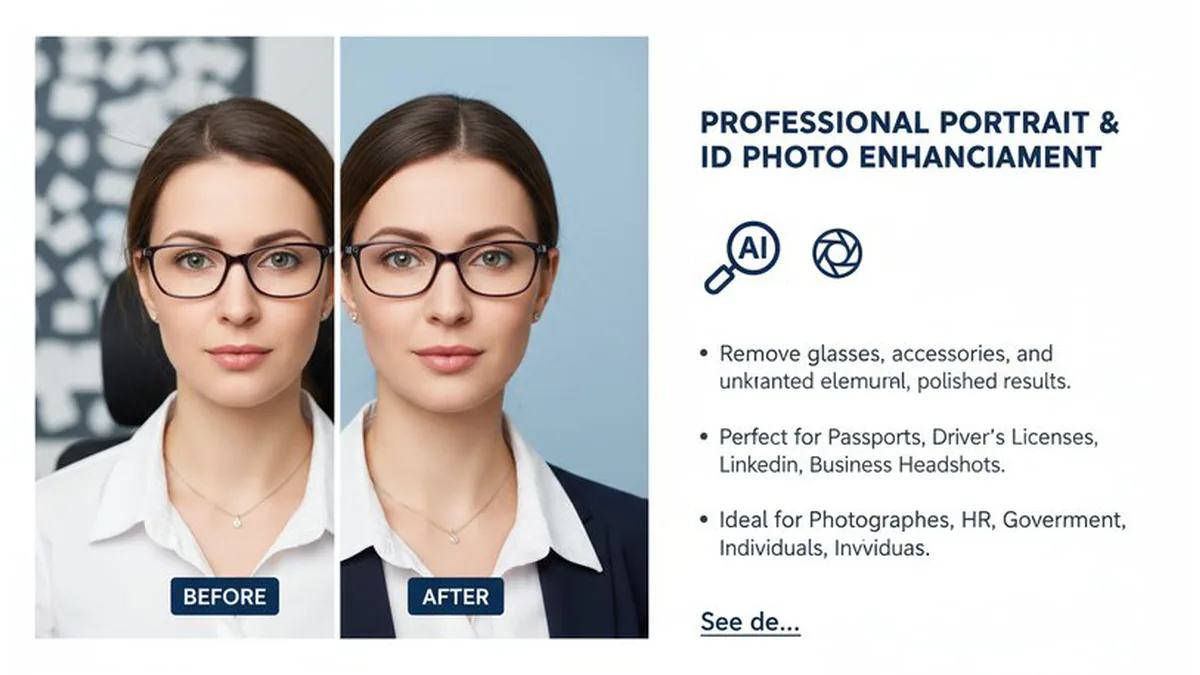
👓 Professional Portrait & ID Photo Enhancement

Remove glasses, accessories, and unwanted elements from portraits and ID photos using AI technology that creates natural-looking results perfect for official documents and professional use. Our AI specializes in creating clean, professional portraits suitable for passports, driver's licenses, LinkedIn profiles, and business headshots. Ideal for photographers, HR professionals, government agencies, and individuals who need clean, official-looking images for professional and legal purposes. See details.

Use Cases of the AI Object Remover

Travel Photography

Perfect for travel photos! Remove crowds of tourists from landmark shots, eliminate strangers from street photography, clear vehicles from parking areas, and clean up trash or unwanted objects from scenic views. Create stunning travel memories with clean, professional-looking photos that focus on the beauty of your destination.

Real Estate & Interior Design

Essential for property photography! Remove furniture to show empty room layouts, clear personal belongings to display original spaces, eliminate wires and outlets from walls, and remove temporary items like tools or ladders. Perfect for real estate agents, interior designers, and property managers who need clean, professional property photos.

E-commerce & Product Photography

Transform product photos for online sales! Remove background clutter from product shots, eliminate models from clothing displays, remove watermarks and logos, and clean up packaging labels and stickers. Create professional product catalogs with clean, distraction-free images that boost sales performance.

Portrait Photography

Perfect for portrait and people photography! Remove background people from group shots, eliminate distracting objects like phones or bags, remove unwanted pets from family photos, and clean up shooting props to keep photos simple and elegant. Create professional portraits that focus on your subjects.

What Users Are Saying

A
AlexTravel Photographer
★★★★★
I shoot travel photos and this AI removes crowds from landmarks perfectly! The results look so natural that clients can't tell anything was removed. Perfect for professional travel photography!
M
MayaReal Estate Photographer
★★★★★
I photograph properties and this AI removes furniture and personal items perfectly! The empty rooms look so clean that listings sell faster. Perfect for real estate photography!
J
JakeProduct Photographer
★★★★★
I shoot product photos and this AI removes backgrounds and watermarks perfectly! The clean results boost sales significantly. Perfect for e-commerce photography!
L
LunaPortrait Photographer
★★★★★
I shoot portraits and this AI removes glasses and unwanted objects perfectly! The clean results look so professional that clients love them. Perfect for portrait photography!
S
SamWedding Photographer
★★★★★
I shoot weddings and this AI removes unwanted guests and clutter perfectly! The clean results look so natural that couples can't tell anything was edited. Perfect for wedding photography!
Z
ZoeContent Creator
★★★★☆
I create social media content and this AI removes watermarks and unwanted objects perfectly! The clean results make my posts look professional. Perfect for content creation!

How to Use

1

Upload Your Photo

Upload your photo that needs object removal.

2

Describe Object to Remove

Specify what to remove (person, background, text, watermark, etc.) for better results.

3

Preview Cleaned Photo

AI returns your cleaned photo—download or retry with different settings.

Frequently Asked Questions

How to remove objects from photos with AI?

Simply upload your photo and our AI will remove unwanted objects in seconds! You can specify what to remove (people, backgrounds, text, watermarks) and our AI will create clean results. No downloads or registration required for your first try.

Is the object removal tool free to use?

Your first photo cleanup is completely free with no login required! We believe everyone should be able to enhance their photos. For additional edits, we use an affordable credit system.

Do I need an account?

No account is required for your first free photo cleanup! Simply upload your image and see the magic happen. Sign in to continue with more edits.

What types of objects can be removed?

Our AI can remove various types of objects including people, backgrounds, text, watermarks, cars, unwanted elements, and more. The more specific you are about what to remove, the better the results will be.

What types of photos work best?

Our AI works best with clear photos that have well-defined objects to remove. High-resolution images, good lighting, and clear subject separation all work well. The better the original photo quality, the more accurate the object removal will be.

How accurate is the object removal?

Our AI creates highly realistic object removal by analyzing the image and intelligently filling in the areas where objects were removed. While results are impressive, complex objects may require multiple removal attempts for optimal results.

Is this the best app to remove objects from photos?

Our AI object removal tool is among the best software to remove objects from photos available online. It offers professional-quality results with the convenience of being free to try and easy to use. Many users find it more effective than traditional photo editing methods.

Pillar and Tool Navigation

Tool Page

This tool belongs to the E-commerce Image Tools Hub cluster. Open the hub to compare similar tools and choose the best workflow.

Open pillar page -> E-commerce Image Tools Hub