Logout
Are you sure you want to logout? You will need to log in again to continue using.
My Points
0
Available Points
💡 Points Usage Guide
Points can be used for AI features, each generation consumes corresponding points.
Register to get free points, VIP users enjoy more benefits!
Upload your photo to get started
Supported formats: JPG, PNG, WebP (Clear photo with good lighting recommended for best tattoo design results)
0/200

Describe your desired tattoo style, placement, elements, or colors for better results.

Generating...

Transform Photos into Stunning Tattoos with AI Magic! Generator

Turn everyday moments into bold, artistic tattoos for social media, personalized gifts, professional branding, home decor, educational projects, and creative adventures. Whether you're designing avatars, marketing materials, or custom wall art, our AI Tattoos make style transformation easy and fun!

Ai Tattoo Generator transformation example

Unique Ai Tattoo Generator Features

Ai Tattoo Generator style example
Perfect Ai Tattoo Generator transformation

Medical-Grade Skin Integration

Our AI uses dermatology-inspired algorithms to perfectly match tattoo colors and textures to individual skin tones. No more garish hues or unrealistic gradients—your tattoo art looks like it was professionally inked on your actual skin. See how it works.

Ai Tattoo Generator effect example
Amazing Ai Tattoo Generator results

Ink Depth Simulation

Unlike flat image filters, Ai Tattoo Generator layers ink with 3D-like depth. See how shadows and highlights shift across 'pierced' skin, giving tattoos an uncanny lifelike quality that moves naturally with your facial expressions. Learn steps.

Ai Tattoo Generator quality example
Professional Ai Tattoo Generator output

Customizable Tattoo Motifs

Choose from thousands of authentic tattoo design elements (tribal patterns, floral arrangements, geometric shapes) that dynamically adapt to your face/body shape. The AI ensures every motif flows organically with your physique, not just pasted on. Try it free.

Ai Tattoo Generator advanced example
Advanced Ai Tattoo Generator technology

Pain-Free Healing Simulation

Our healing mode adds subtle redness and scab textures to new tattoo designs, creating ultra-convincing 'fresh ink' looks. Toggle between 'day 1' and 'healed' states to see how the tattoo would age over time—all without a needle! See details.

Real-Life Reasons to Inkify Your Photos (No Needles Required)

Social Media Profile Makeover

Swap your generic LinkedIn profile photo for a tattoo-style headshot that’s professional *and* edgy. Turn your Twitter avatar into a mystical phoenix or a punny pizza slice—your followers will finally stop asking if you have a dog named ‘Snoopy.’

A LinkedIn profile photo transformed into a sleek geometric tattoo design

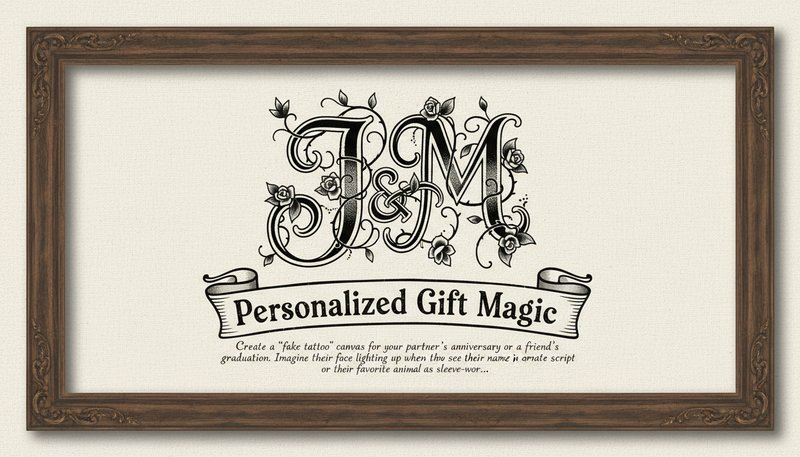
Personalized Gift Magic

Create a ‘fake tattoo’ canvas for your partner’s anniversary or a friend’s graduation. Imagine their face lighting up when they see their name in ornate script or their favorite animal as a sleeve-worthy piece—no pain, justgain.

A framed tattoo-style artwork of a couple’s initials intertwined with vines

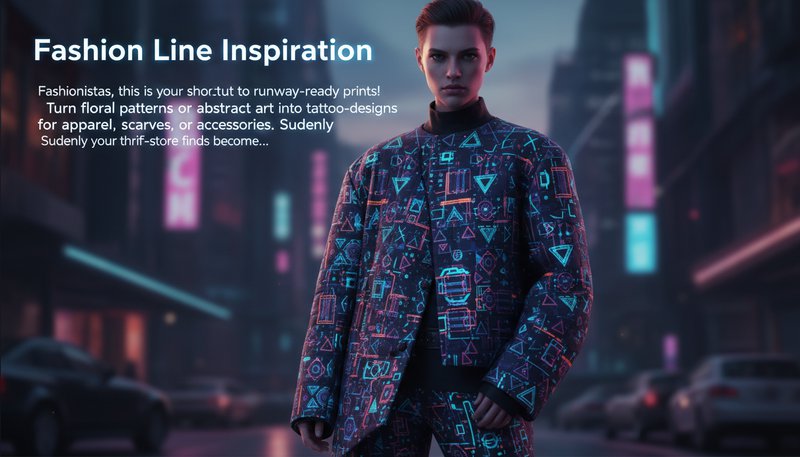
Fashion Line Inspiration

Fashionistas, this is your shortcut to runway-ready prints! Turn floral patterns or abstract art into tattoo-style designs for apparel, scarves, or accessories. Suddenly your thrift-store finds become avant-garde statements.

A model wearing a jacket with a digital tattoo pattern of geometric shapes

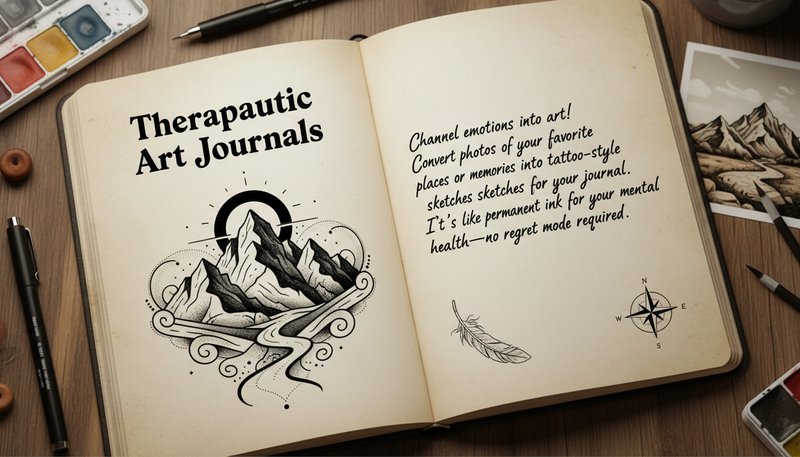
Therapeutic Art Journals

Channel emotions into art! Convert photos of your favorite places or memories into tattoo-style sketches for your journal. It’s like permanent ink for your mental health—no regret mode required.

An open journal page with a tattoo-style drawing of mountains and a handwritten quote

What Our Users Say

J
John CarterTattoo Artist
★★★★★
This tool helped me visualize client ideas faster. I use it to mock up concepts and adjust styles on the spot—clients love seeing their ideas come to life instantly!
A
Alexandra LeeBody Art Enthusiast
★★★★★
I wanted a dragon tattoo but wasn’t sure about the design. The AI generated 3 perfect options in minutes. Now I’m ready to book my appointment!
M
Michael TorresGraphic Designer
★★★★☆
Blown away by the realism! The AI turned my photo of a phoenix into a tattoo design so detailed I could almost feel the feathers. A game-changer for creative projects.
S
Sarah NguyenWedding Planner
★★★★★
Used this to create a couple’s tattoo design based on their destination wedding photos. The customization options made it personal and perfect!
K
Kevin PatelStudent Artist
★★★★★
As a beginner, this tool taught me what styles work best for different skin tones and body parts. Saved me hours of trial and error!
E
Emily ChenInfluencer
★★★★☆
My followers loved seeing my custom AI-generated sleeve design. The interface is so user-friendly, even my grandma could use it!

How to Turn Any Photo into a Tattoo in 3 Easy Steps

1

Step 1: Upload Your Canvas (aka Your Photo)

Snap or pick a photo—your dog, a sunset, or that weird rock you found. No rules, just raw inspiration!

2

Step 2: Choose Your Ink Style

Pick from neon geometrics, traditional sailor motifs, or floral watercolor tattoos. Match the vibe to your vibe.

3

Step 3: Download & Flex Your Art

Boom! Your generated tattoo art is ready to share, print, or frame. Now go brag to your least artistic friend.

Frequently Asked Questions

What is AI Tattoo Generator and how does it work?

AI Tattoo Generator helps you visualize tattoo designs before getting inked. Upload a photo of yourself or an image you like, choose a tattoo style (like blackwork, biological, or traditional), and the tool creates a unique tattoo design for you. You can see how it looks and adjust colors, size, and placement before downloading.

Do I need design skills to use this tool?

Not at all! The tool is designed for anyone who wants to explore tattoo ideas. Just upload a photo, pick a style, and the AI creates the design for you. You can customize it if you want, but it's not required.

Can I change the design after it's created?

Yes! You can adjust colors, make elements bigger or smaller, rotate parts of the design, or even combine different styles. The tool lets you customize everything until you're happy with the result.

Are the tattoo designs unique?

Yes! Every design is created fresh based on your photo and the style you choose. No two designs are the same, so you'll have a one-of-a-kind tattoo design that's unique to you.

How do I save my tattoo design?

Once you're happy with your design, click 'Download' to save it as a high-quality image file. You can print it, share it with your tattoo artist, or keep it for reference. Premium users can also download a professional PDF guide for tattoo artists.

Is my photo safe and private?

Yes! Your photos are encrypted and automatically deleted after 24 hours. We never store, share, or use your images for anything else. Your privacy and personal data are completely protected.

What types of photos work best?

Clear, well-lit photos work best. You can upload JPEG, PNG, or WEBP files up to 10MB. Photos of yourself, artwork, or any image you want to turn into a tattoo design will work great.