Logout
Are you sure you want to logout? You will need to log in again to continue using.
My Points
0
Available Points
💡 Points Usage Guide
Points can be used for AI features, each generation consumes corresponding points.
Register to get free points, VIP users enjoy more benefits!
Upload your cropped photo to expand beyond original boundaries
Supported formats: JPG, PNG, WebP (Clear image with good quality recommended)
0/200

Optional details for better expansion results.

AI is expanding your image beyond original boundaries...

Free AI Image Uncropper - Expand Photos Beyond Original Boundaries

Transform cropped photos with our free AI image uncropper. Expand images beyond their original boundaries, remove unwanted crops, and restore full compositions instantly. Perfect for photo restoration and creative editing - first try free, no login required.

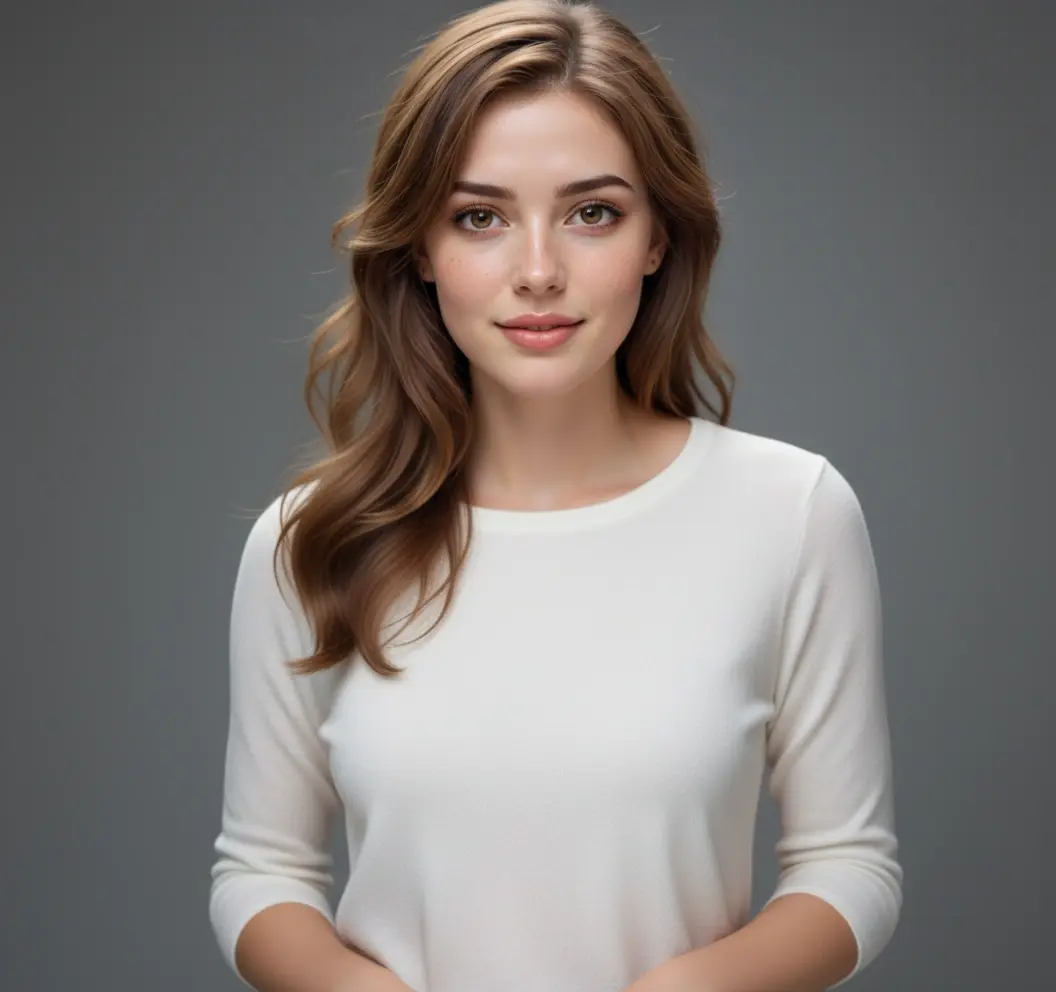
Image Expansion Result
Original Photo
Original
Image Expansion

AI Image Uncropper: Advanced Photo Expansion Technology

Image expansion preview
Image expansion result

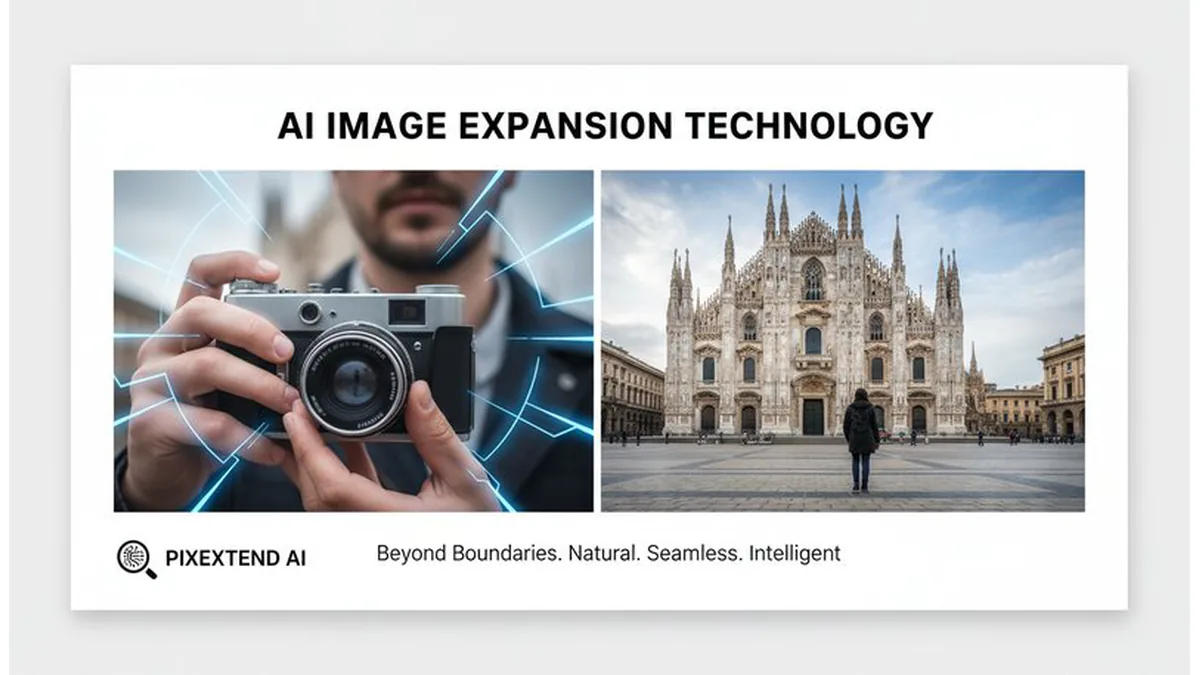
🔬 AI Image Expansion Technology

Revolutionary AI-powered image expansion technology that intelligently extends photos beyond their original boundaries. Our advanced machine learning algorithms analyze image content, composition, and visual context to create seamless, realistic expansions. Perfect for recovering accidentally cropped details, extending backgrounds, and creating wider compositions while maintaining natural perspective and lighting. Ideal for photo restoration, creative editing, and professional image enhancement projects. See how it works.
AI image uncropper examples
AI image uncropper previews

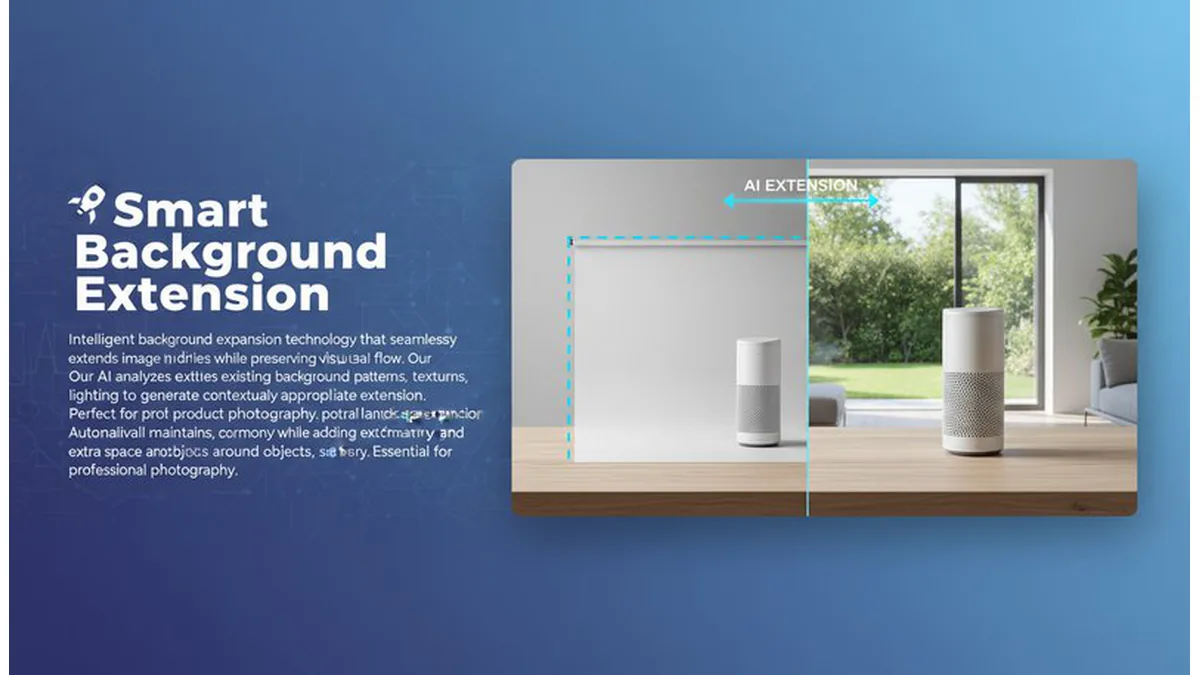
🚀 Smart Background Extension

Intelligent background expansion technology that seamlessly extends image boundaries while preserving natural visual flow. Our AI analyzes existing background patterns, textures, and lighting to generate contextually appropriate extensions. Perfect for product photography, portrait enhancement, and landscape expansion. Automatically maintains perspective, color harmony, and visual consistency while adding extra space around subjects, objects, or scenery. Essential for professional photography, e-commerce, and creative design projects. Learn steps.

Image expansion styles

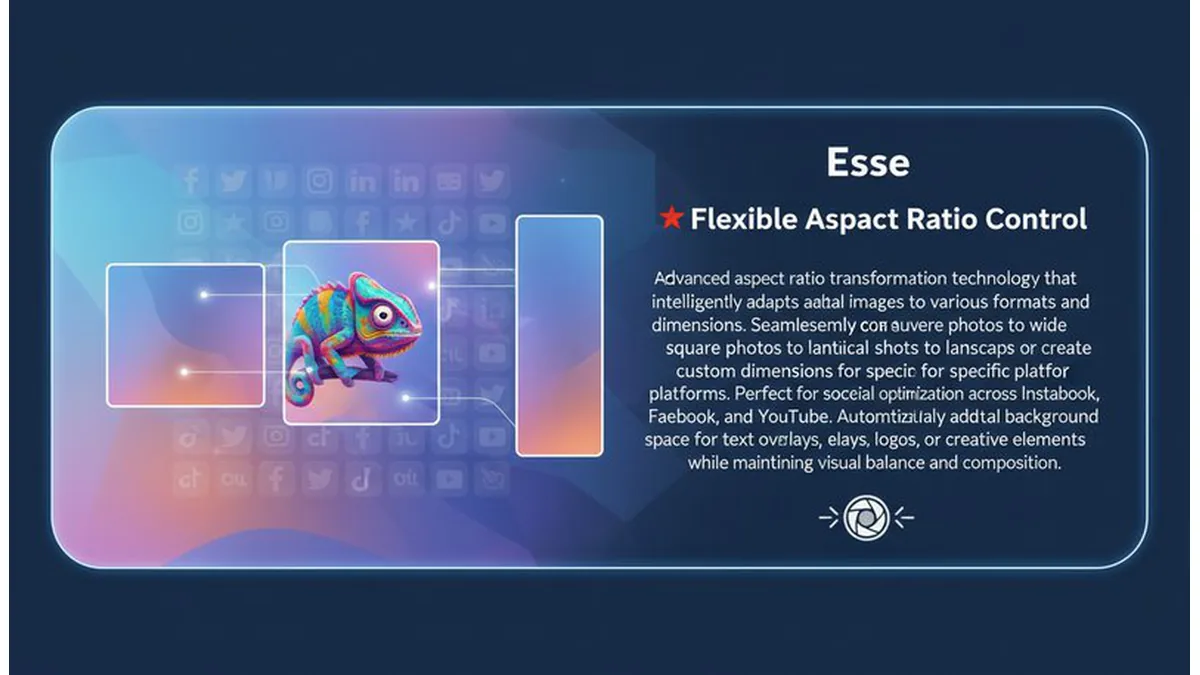
🎭 Flexible Aspect Ratio Control

Advanced aspect ratio transformation technology that intelligently adapts images to various formats and dimensions. Seamlessly convert square photos to wide banners, vertical shots to landscape formats, or create custom dimensions for specific platforms. Perfect for social media optimization across Instagram, Facebook, LinkedIn, TikTok, and YouTube. Automatically adds contextual background space for text overlays, logos, or creative elements while maintaining visual balance and composition. Essential for digital marketing, content creation, and multi-platform publishing strategies. Try it free.

AI-powered image analysis
AI image analysis

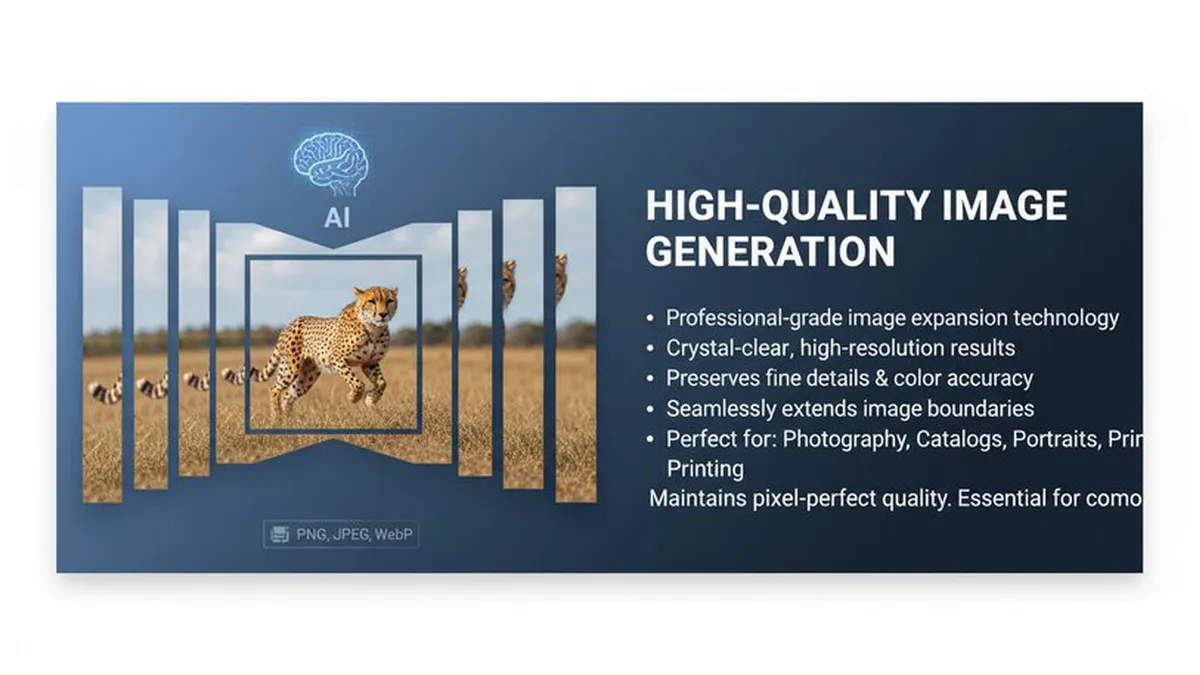
👤 High-Quality Image Generation

Professional-grade image expansion technology that delivers crystal-clear, high-resolution results without compromising quality. Our advanced AI algorithms preserve fine details, textures, and color accuracy while seamlessly extending image boundaries. Perfect for professional photography, product catalogs, portrait enhancement, and large-format printing. Maintains pixel-perfect quality across all output formats while supporting various file types including PNG, JPEG, and WebP. Essential for commercial photography, e-commerce, marketing materials, and professional design workflows. See details.

Use Cases of the AI Image Uncropper

🔧 Image Expansion & Recovery

Expand cropped photos beyond their original boundaries. Perfect for recovering accidentally cut details and creating wider compositions.

🎨 Creative Image Expansion

Create wider compositions from cropped shots. Perfect for extending backgrounds, adding visual space for text, and creative storytelling.

💼 Professional Image Expansion

Expand professional photos beyond their boundaries. Perfect for portraits needing more background space, landscapes requiring wider framing, and product photography.

📱 Social Media Image Expansion

Expand photos for better social media composition. Perfect for Instagram posts needing wider aspect ratios, TikTok videos requiring extended backgrounds, and YouTube thumbnails.

What Users Are Saying

E
EmmaPhotographer
★★★★★
This AI image expander is incredible! I can extend my photos beyond their original boundaries and the results look completely natural. Perfect for creating wider compositions and recovering cropped details.
D
DavidGraphic Designer
★★★★★
Amazing AI image expansion tool! I can extend backgrounds and add visual space to my designs. The expanded areas blend perfectly with the original image. Essential for creative projects!
S
SophiaContent Creator
★★★★☆
Perfect for social media! I can expand my photos to create wider aspect ratios for Instagram and TikTok. The AI extensions look completely natural and give me more space for text overlays.
R
RyanPhoto Editor
★★★★★
Incredible AI image expansion technology! I can extend cropped photos and add background space while maintaining perfect perspective and lighting. It's like having a professional image editor!
M
MarcusMarketing Specialist
★★★★★
Game-changer for marketing! I can expand product photos and create better layouts for campaigns. The AI extensions look completely natural and professional. Clients love the results!
L
LilyDigital Artist
★★★★☆
Essential for digital art! I can expand my artwork and add creative space while maintaining perfect perspective and natural lighting. The AI extensions blend seamlessly with my original designs!

How to Use

1

Upload a Cropped Photo

Upload a photo that you want to expand beyond its original boundaries.

2

Choose Expansion Direction

Select the direction and amount of expansion you want (all sides, horizontal, vertical, or custom).

3

Preview in Seconds

AI returns expanded image with natural-looking extensions—download or retry.

Frequently Asked Questions

How to use the AI image uncropper?

Simply upload a cropped photo and our AI will expand it beyond its original boundaries in seconds! You can specify the expansion direction (all sides, horizontal, vertical, or custom) and our AI will create natural-looking results. No downloads or registration required for your first try.

Is the AI image uncropper free to use?

Your first image expansion is completely free with no login required! We believe everyone should be able to experience the power of expanding photos beyond their original boundaries. For additional expansions, we use an affordable credit system.

Do I need an account?

No account is required for your first free image expansion! Simply upload your photo and see the magic happen. Sign in to continue with more expansions.

What expansion options are available?

Our AI supports various expansion directions like all sides, horizontal, vertical, or custom expansions. You can specify exact areas to expand or general directions. This gives you flexibility to expand photos exactly how you need them.

What types of photos work best?

Clear, well-lit photos work best for image expansion. Our AI works great with portraits, landscapes, and any type of image. The better the photo quality, the more natural your expanded image will look.

How accurate are the image expansions?

Our AI creates highly realistic image expansions by analyzing image content, perspective, and visual context. The expanded areas blend seamlessly with the original image, maintaining natural lighting and perspective for professional-quality results.

Pillar and Tool Navigation

Tool Page

This tool belongs to the E-commerce Image Tools Hub cluster. Open the hub to compare similar tools and choose the best workflow.

Open pillar page -> E-commerce Image Tools Hub