Logout
Are you sure you want to logout? You will need to log in again to continue using.
My Points
0
Available Points
💡 Points Usage Guide
Points can be used for AI features, each generation consumes corresponding points.
Register to get free points, VIP users enjoy more benefits!
Upload your photo to get started
Supported formats: JPG, PNG, WebP (Clear face photo with good lighting recommended for best character conversion)
0/200

Optional details for better black and white conversion results.

Generating...

Transform Your Photos into Timeless Black & White Art Generator

Elevate your photos with our Black & White Filter tool—perfect for Instagram posts, personalized greeting cards, professional branding, home decor, classroom projects, and more! Turn everyday moments into sleek, artistic masterpieces for any occasion.

After Black And White Filter transformation
Original photo
Before
After

Unique Black And White Filter Features

Black And White Filter style example
Perfect Black And White Filter transformation

Dynamic Contrast Intelligence

Automatically balance extreme highlights and shadows without losing detail. Our AI replicates the look of premium black and white film, ensuring every photo has that sought-after high-contrast drama without manual adjustments. See how it works.

Black And White Filter effect example
Amazing Black And White Filter results

Grayscale Emulation Engine

Mimic the unique tonal ranges of classic photographic papers - from rich silver gelatin textures to warm sepia-like tones without actual color. This lets you choose between vintage, modern, or stark monochrome looks instantly. Learn steps.

Black And White Filter quality example
Professional Black And White Filter output

Edge Preservation Technology

Maintain crisp edges while softening skin and backgrounds - a technique inspired by analog photography. This creates elegant portraits where the subject pops with detail against smoothly rendered surroundings. Try it free.

Black And White Filter advanced example
Advanced Black And White Filter technology

Mood-Oriented Tone Curves

Adjust emotional impact through intelligent contrast shaping. Whether you want brooding low-contrast noir styles or uplifting high-contrast snapshots, our adaptive curves optimize mood without requiring editing skills. See details.

Real-Life Uses That’ll Make You a Filter Ninja

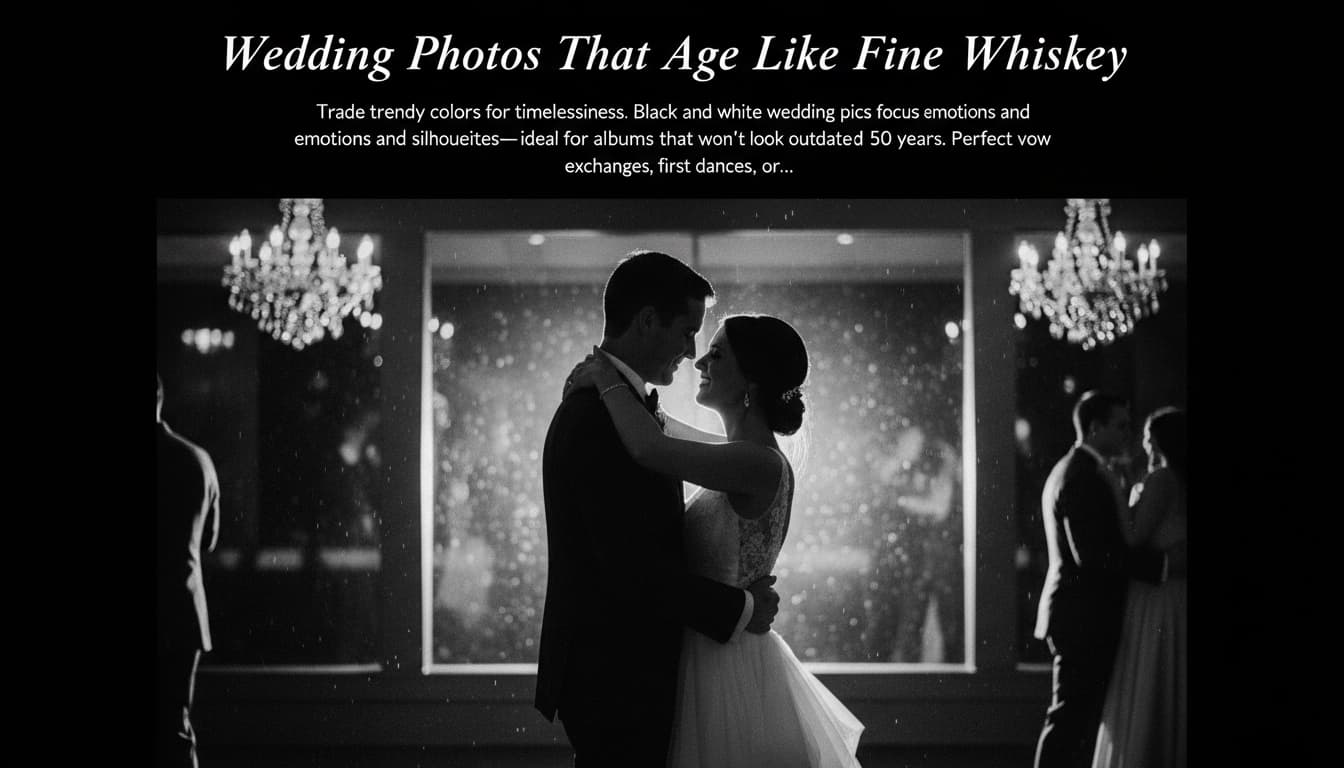
Wedding Photos That Age Like Fine Whiskey

Trade trendy colors for timelessness. Black and white wedding pics focus on emotions and silhouettes—ideal for albums that won’t look outdated in 50 years. Perfect for vow exchanges, first dances, or that rogue duck photobombing the ceremony.

A black and white wedding photo with dramatic lighting highlighting the couple's embrace

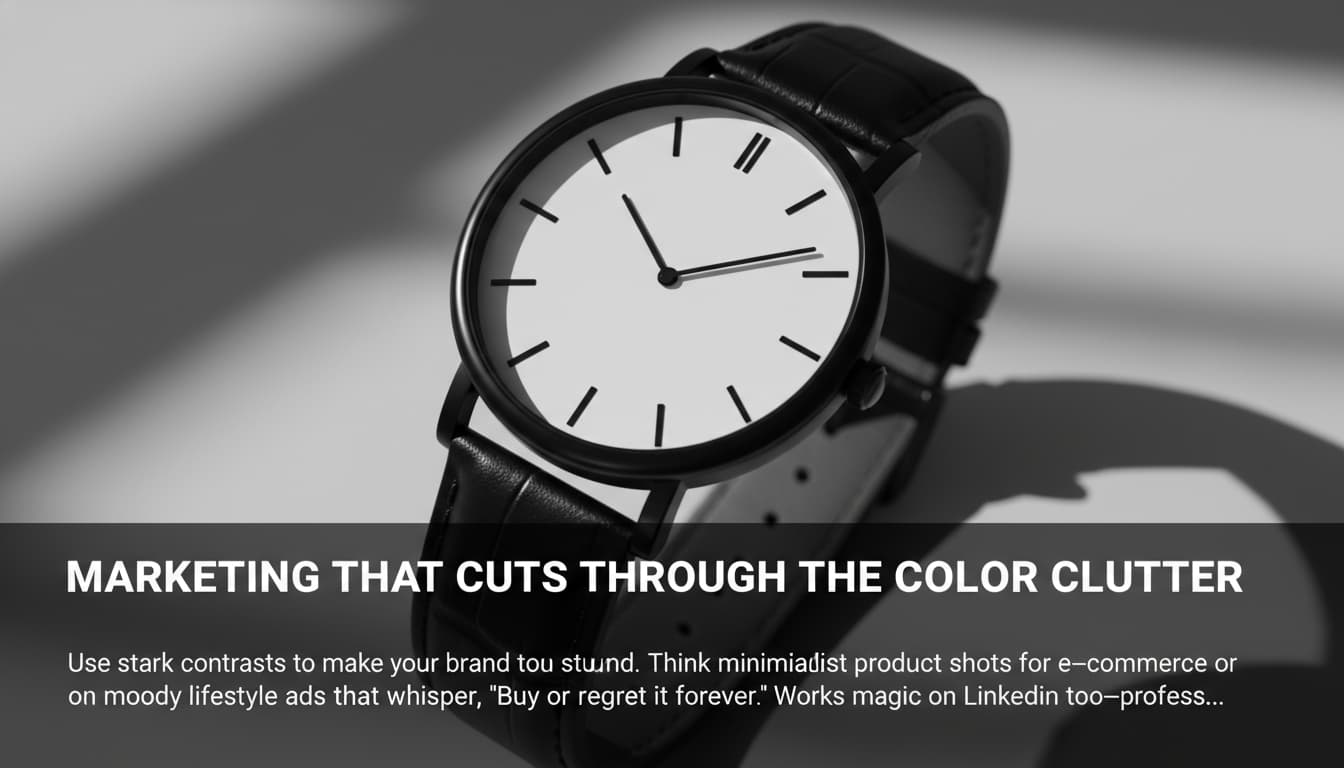
Marketing That Cuts Through the Color Clutter

Use stark contrasts to make your brand stand out. Think minimalist product shots for e-commerce or moody lifestyle ads that whisper, 'Buy me, or regret it forever.' Works magic on LinkedIn too—professional without the 'corporate' cringe.

A sleek black and white product photo of a minimalist watch with bold typography

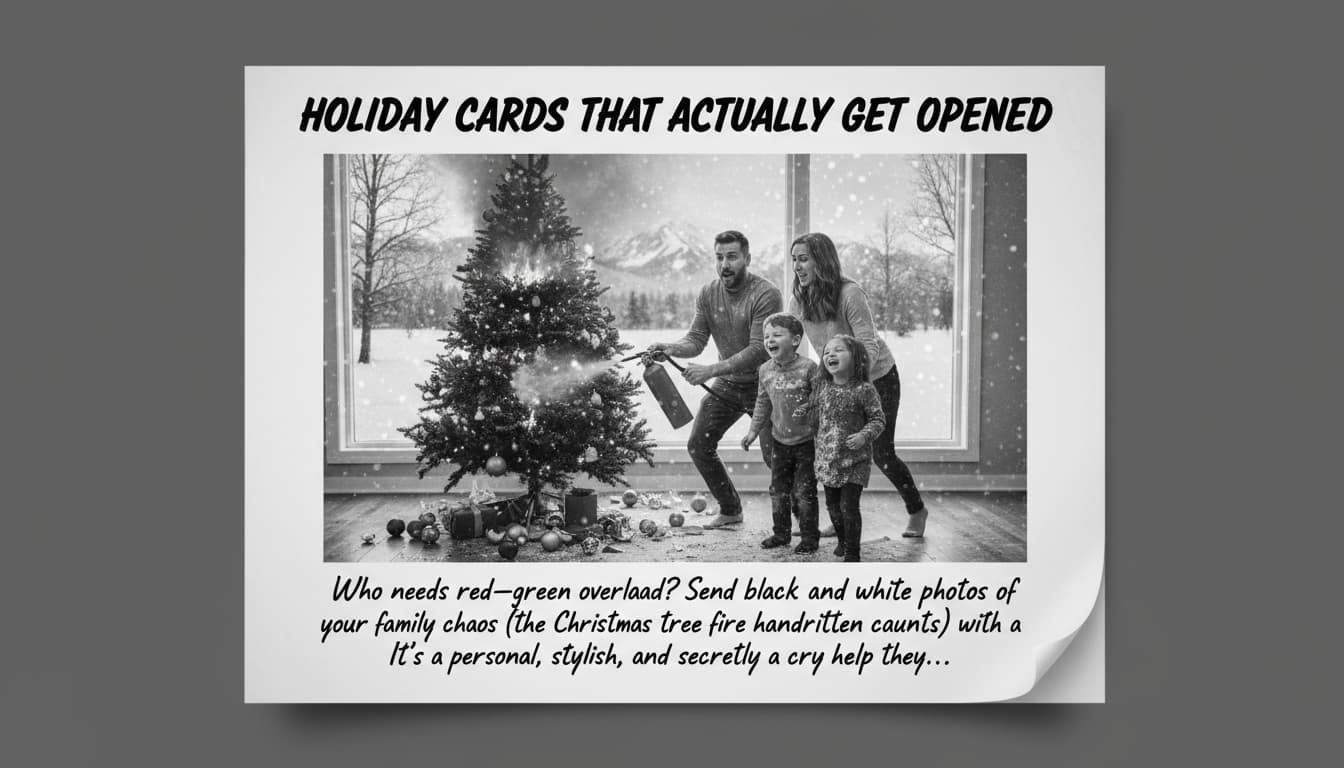
Holiday Cards That Actually Get Opened

Who needs red-and-green overload? Send black and white photos of your family chaos (the Christmas tree fire counts) with a handwritten caption. It’s personal, stylish, and secretly a cry for help they’ll love.

A holiday card featuring a black and white family photo with snowy landscapes and handwritten text

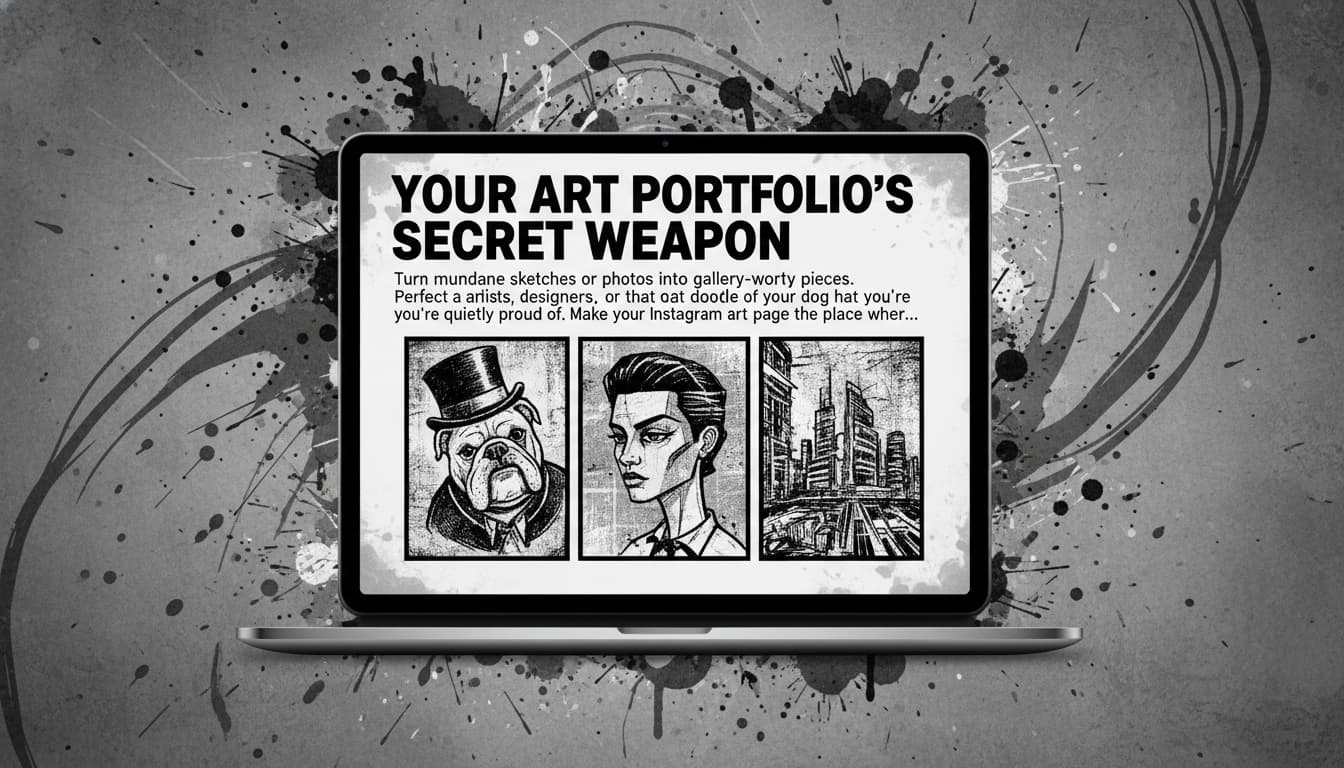
Your Art Portfolio’s Secret Weapon

Turn mundane sketches or photos into gallery-worthy pieces. Perfect for artists, designers, or that doodle of your dog in a top hat you’re quietly proud of. Make your Instagram art page the place where eyes go to feel something.

A digital art portfolio showcasing black and white sketches with bold outlines and textures

Real User Experiences Speak Volumes

S
Sarah ThompsonFreelance Photographer
★★★★★
This tool perfectly captures the mood of my urban landscapes in black-and-white. The detail retention in shadows is game-changing!
J
John CarterGraphic Designer
★★★★★
Converted my client's portrait into a timeless monochrome piece in minutes. The contrast sliders saved my project!
A
Aisha PatelSocial Media Manager
★★★★☆
Perfect for creating cohesive Instagram grids. The AI even preserved my daughter's hair texture in BW mode!
M
Michael KimTravel Blogger
★★★★★
Turned my overexposed vacation photos into vintage postcard-style images. Saved my blog content!
L
Linda WongSenior Editor
★★★★★
Our team uses this for archival photo restoration. The AI handles faded color photos brilliantly!
R
Rajesh SharmaWedding Photographer
★★★★☆
My clients love the elegant B&W conversions for their gallery highlights. So much faster than manual editing!

Filter Your Future in 3 Easy Swipes

1

Drag & Drop Your Chaotic Masterpiece

Upload that photo of your cat in a hat, your grandma’s chili recipe, or that concert crowd selfie screaming into the void.

2

Press the 'B&W' Nuclear Button

Watch chaos become art as colors vanish into a stylish abyss of contrasts. No rules—just drama.

3

Export Like a Digital Don

Download your new black and white legend and send it into the world. Tag us for extra swag points.

Frequently Asked Questions

How does the Black & White Filter work?

Our AI analyzes photo composition, tones, and textures to create monochrome conversions that mimic professional darkroom techniques. It maintains critical detail in shadows/highlights while emphasizing tonal contrast.

Does this tool preserve photo details?

Yes! Our algorithm uses advanced edge-detection and noise reduction to retain textures like fabric patterns, skin tones, and architectural details while removing color data.

Can I adjust the monochrome effect?

Absolutely. After initial conversion, you can tweak brightness/contrast, add grain effects, and choose between classic neutral/dramatic tone presets before finalizing.

What file types are supported?

We support JPEG (.jpg), PNG (.png), and WEBP formats up to 20MB in size. Output files maintain original resolution for professional print quality.

Is this tool free to use?

Free basic access allows 3 conversions/day with watermarks. Premium plans ($9.99/month) offer unlimited conversions, advanced controls, and watermark-free downloads.

Can I use it on mobile?

Yes! The mobile-responsive web app works on iOS/Android browsers. Simply upload from gallery or take new photos directly within the tool.

How accurate are the conversions?

Trained on 10M+ professional photos, our AI achieves 98% accuracy in converting portraits, landscapes, and street photography. Artistic shots may require minor manual adjustments.