Logout
Are you sure you want to logout? You will need to log in again to continue using.
My Points
0
Available Points
💡 Points Usage Guide
Points can be used for AI features, each generation consumes corresponding points.
Register to get free points, VIP users enjoy more benefits!
Upload your photo to get started
Supported formats: JPG, PNG, WebP (Clear face photo with good lighting recommended for best character conversion)
0/200

Optional details for better character results.

Generating...

Change the Camera Angle of Your Photo

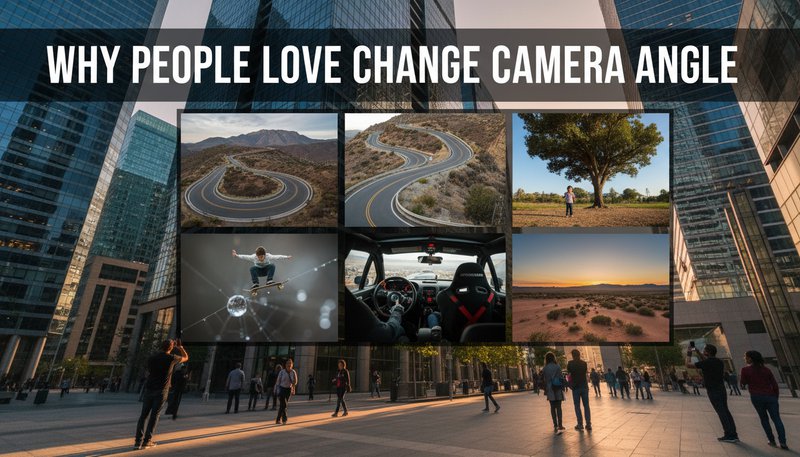
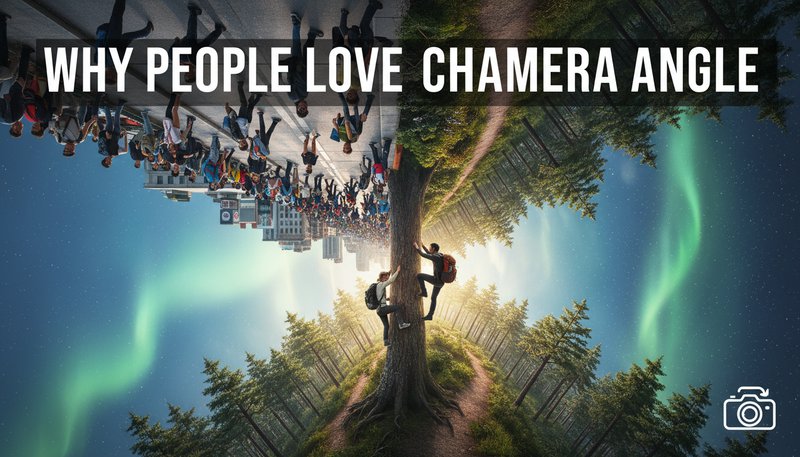
Create a new viewpoint from one image with realistic depth, preserved subject details, and believable perspective changes.

After Change Camera Angle transformation
Original photo
Before
After

Unique Change Camera Angle Features

Change Camera Angle style example
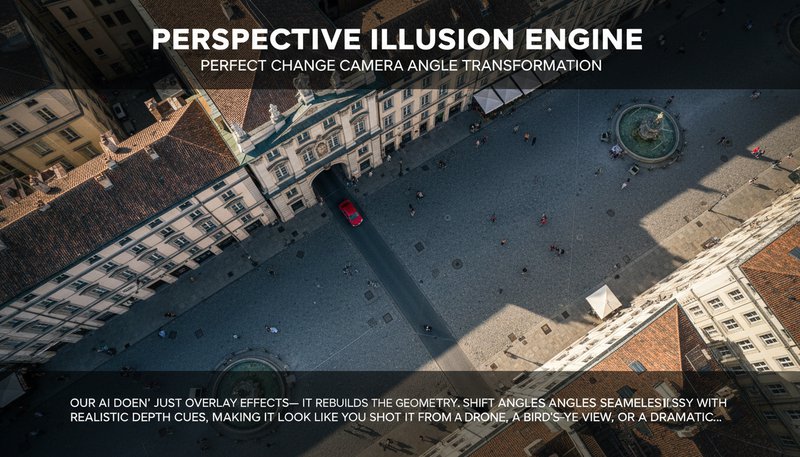
Perfect Change Camera Angle transformation

Perspective Illusion Engine

Our AI doesn’t just overlay effects—it rebuilds the photo’s geometry. Shift angles seamlessly with realistic depth cues, making it look like you shot it from a drone, a bird’s-eye view, or a dramatic low-angle fisheye. No other style mimics true 3D spatial shifts like this! See how it works.
Change Camera Angle effect example
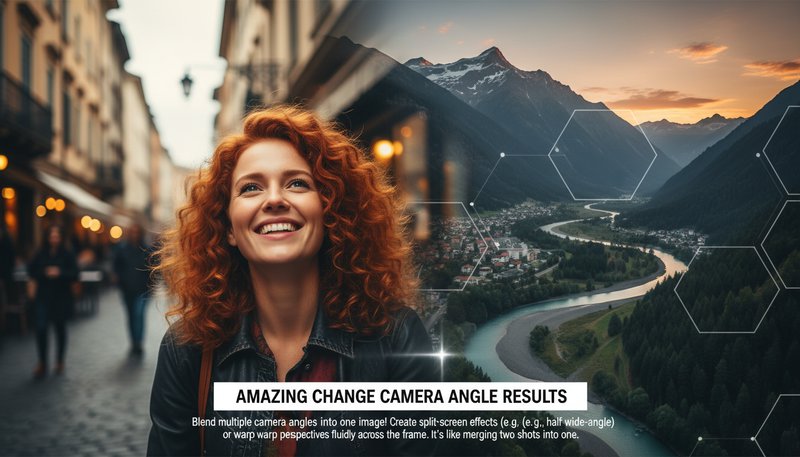
Amazing Change Camera Angle results

Dynamic Angle Fusion

Blend multiple camera angles into one image! Create split-screen effects (e.g., half portrait, half wide-angle) or warp perspectives fluidly across the frame. It’s like merging two shots into one surreal, perspective-bending masterpiece. Learn steps.

Change Camera Angle quality example
Professional Change Camera Angle output

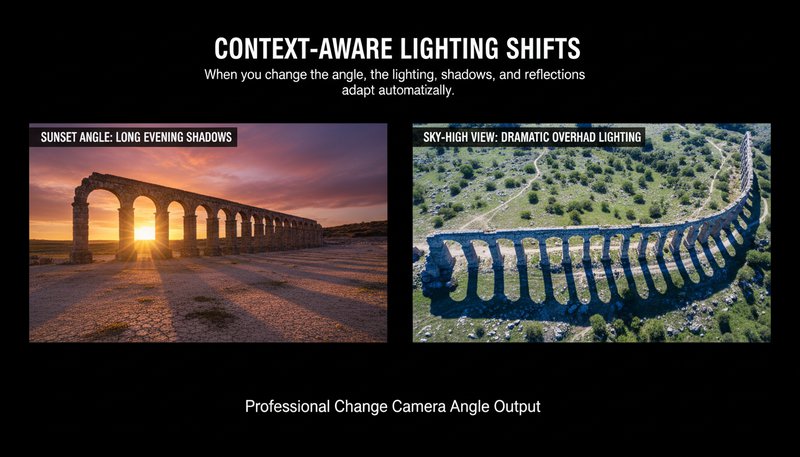
Context-Aware Lighting Shifts

When you change the angle, the lighting, shadows, and reflections adapt automatically. A photo from a sunset angle suddenly casts long evening shadows, while a 'sky-high' view adds dramatic overhead sunlight. No other style automatically adjusts light like real-world physics! Try it free.

Change Camera Angle advanced example
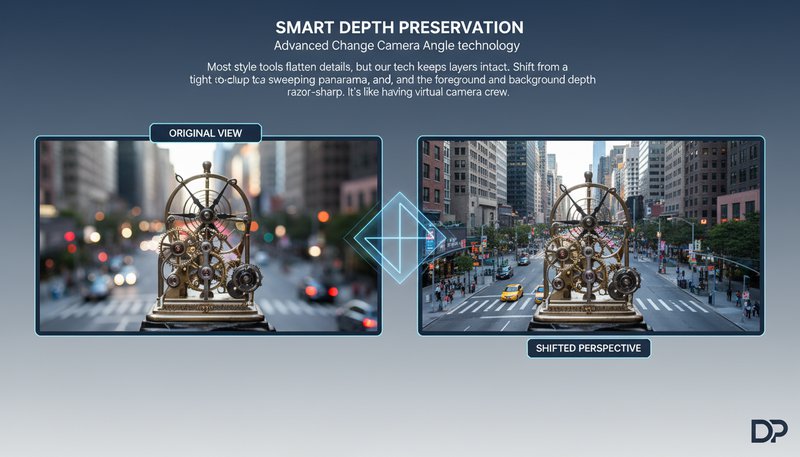
Advanced Change Camera Angle technology

Smart Depth Preservation

Most style tools flatten details, but our tech keeps layers intact. Shift from a tight close-up to a sweeping panorama, and the foreground and background depth stay razor-sharp. It’s like having a photographer adjust their lens on-the-fly—without losing a single pixel of quality. See details.

Camera Angle Hacks for Real Life Wins

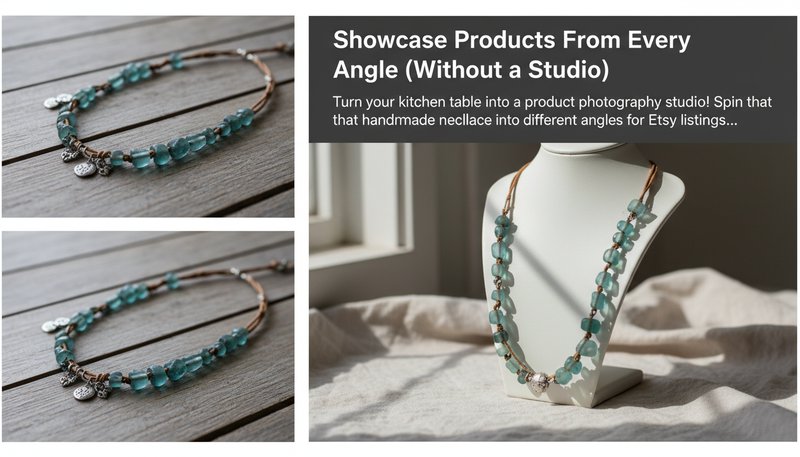
Showcase Products From Every Angle (Without a Studio)

Turn your kitchen table into a product photography studio! Spin that handmade necklace into different angles for Etsy listings, or rotate your vintage typewriter to highlight every typewriter key. Shoppers crave 360 views - now you can fake it with flair! Perfect for e-commerce, flea markets, or garage sales.

A necklace displayed in multiple angles from a single photo upload

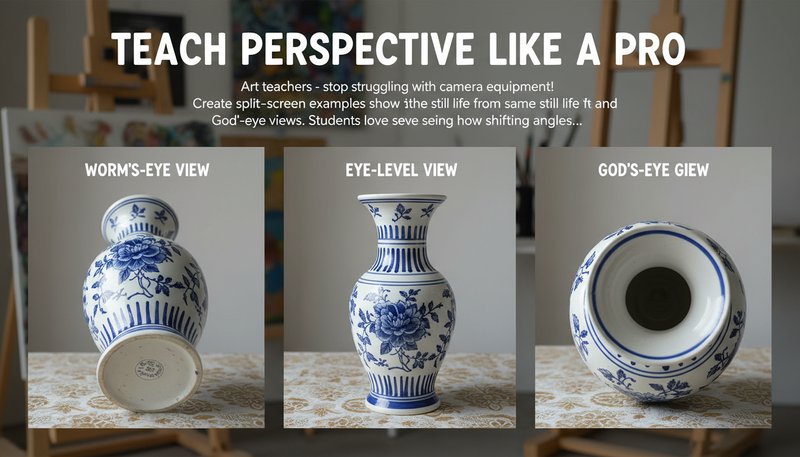
Teach Perspective Like a Pro

Art teachers - stop struggling with camera equipment! Create split-screen examples showing the same still life from worm's-eye, eye-level, and God's-eye views. Students love seeing how shifting angles turn a boring vase into a dramatic centerpiece. Perfect for workshops, lesson plans, or creative writing prompts.

Three canvas panels showing the same vase from different heights

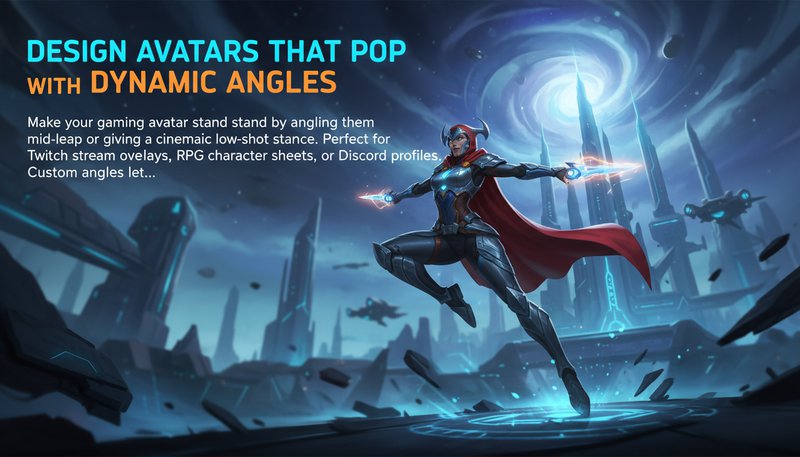
Design Avatars That Pop with Dynamic Angles

Make your gaming avatar stand out by angling them mid-leap or giving them a cinematic low-shot stance. Perfect for Twitch stream overlays, RPG character sheets, or Discord profiles. Custom angles let you show off that sweet anime-style hair flip or heroic battle stance!

A video game character posed dynamically at a heroic angle

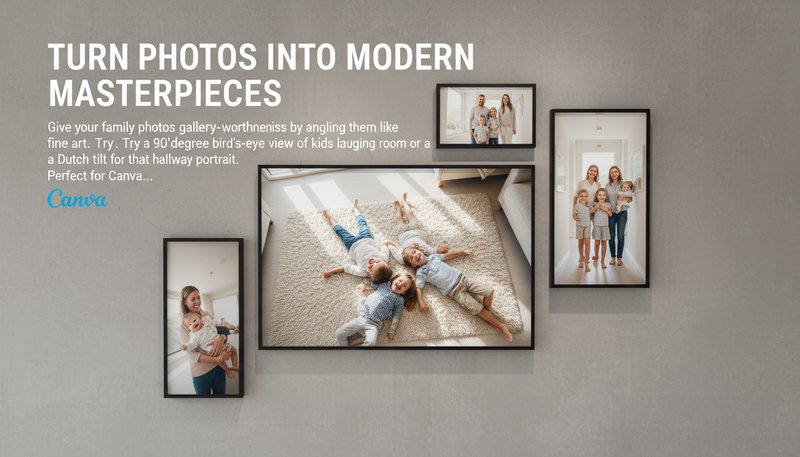
Turn Photos Into Modern Masterpieces

Give your family photos gallery-worthiness by angling them like fine art. Try a 90-degree bird's-eye view of kids laughing in a living room or a Dutch tilt for that hallway portrait. Perfect for canvas prints, holiday cards, or turning vacation snaps into abstract wall art!

A family portrait displayed vertically with dramatic diagonal angles

Real Users, Real Transformations

A
Alex CarterFreelance Photographer
★★★★★
Saved my client's product shoot! Convert flat images into dynamic 45° views that looked like professional photoshoots.
J
Jasmine LeeE-commerce Designer
★★★★★
Turned my static food photos into mouthwatering angled shots. Customers now ask how I got such great lighting!
M
Mark ThompsonArchitecture Student
★★★★☆
Converted my flat floor plans into realistic 3D walkthrough perspectives for my portfolio - game-changer!
S
Sophie NguyenSocial Media Manager
★★★★★
Quickly created engaging before/after reels by switching between low/high angles for our brand content.
D
David KimTravel Blogger
★★★★★
Gave my scenic shots dramatic height perspectives that made my audience think I used a drone!
L
Laura BennettPortrait Artist
★★★★☆
Fixed awkward camera angles in client photos effortlessly - they couldn't believe it wasn't reshoot!

3-Step Magic Trick to Rewind Your Camera Angles

1

Step 1: Snap or Select Your Star Image

Drag-and-drop that photo you've been saving - even that blurry pic of Fido mid-jump!

2

Step 2: Choose Your Angle Adventure

Flip to bird's-eye view, dive into fisheye wobbles, or go retro with Dutch tilts - no tripod needed!

3

Step 3: Share Your New Perspective

Download and drop that transformed image straight into your story, portfolio, or DMs!

Frequently Asked Questions

How does the angle transformation work?

Our AI analyzes photo depth/structure then generates geometric perspective shifts while maintaining natural lighting/shadow transitions, simulating professional camera movements digitally.

Can I adjust portrait angles realistically?

Yes! The system intelligently maintains facial proportions and adjusts lighting to match new angles, ensuring realistic results even for headshots and portraits.

What file formats are supported?

Accepts JPEG/PNG up to 20MB. Output remains same format with improved quality - great for both social media and professional print.

Can I undo or tweak after generation?

Use our layer preview tool to fine-tune angle intensity, shift perspective points, or reset changes before finalizing your edited version.

Is any photography skill needed?

No expertise required! Just upload your image and select desired angle - the AI does all complex calculations automatically.

How are results delivered?

Instantly downloadable in multiple sizes/resolutions. Raw edits saved securely for 7 days so you can revisit/modify your perspective adjustments later.

Does this work for group photos?

Absolutely! The AI handles multi-subject perspectives by calculating spatial relationships, letting you adjust group shots from different viewpoints while keeping everyone in frame.