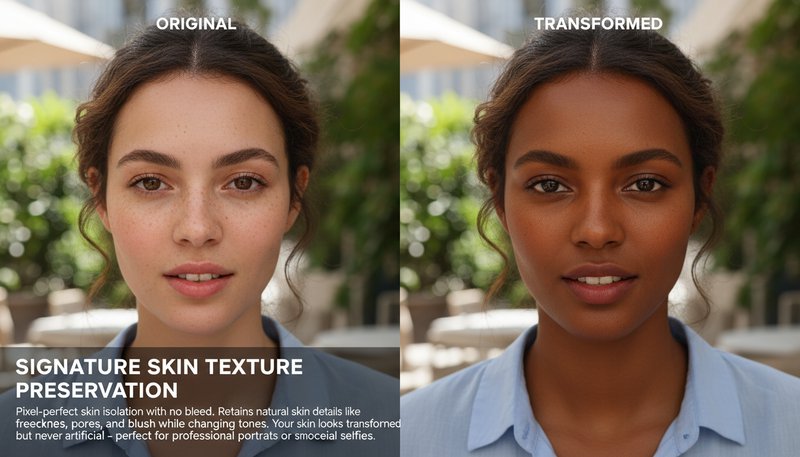
Signature Skin Texture Preservation
Retains natural skin details like freckles, pores, and blush while changing tones. Your skin looks transformed but never artificial - perfect for professional portraits or social media selfies. See how it works.
Optional details for better character results.
Easily adjust skin tones for social media sparkle, personalized gifts, professional branding, home decor masterpieces, classroom creativity, and beyond—turn any photo into a tailored masterpiece in seconds!
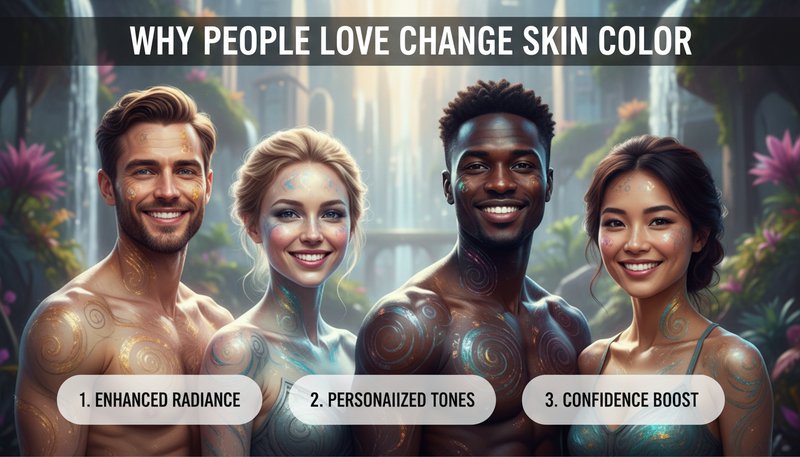
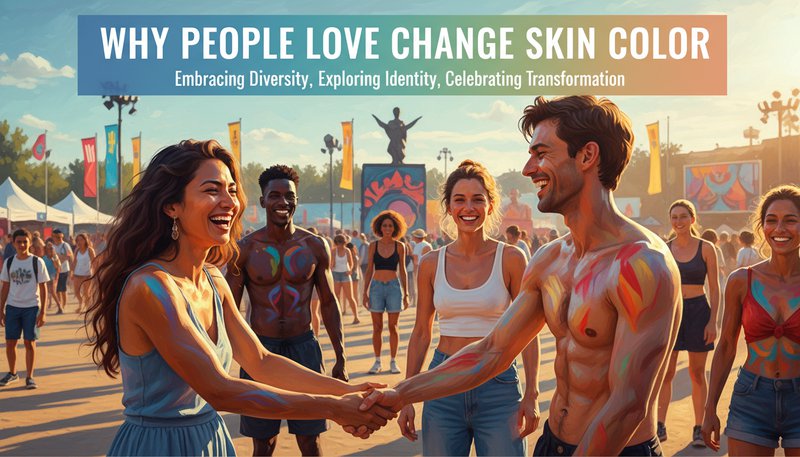
Retains natural skin details like freckles, pores, and blush while changing tones. Your skin looks transformed but never artificial - perfect for professional portraits or social media selfies. See how it works.
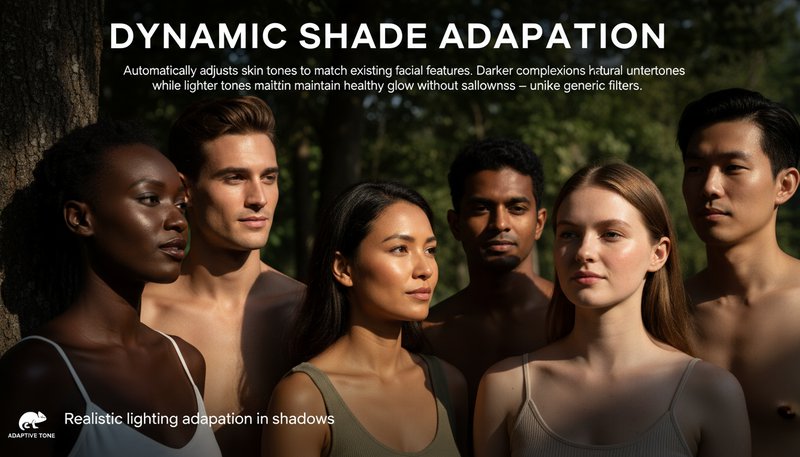
Automatically adjusts skin tones to match existing facial features. Darker complexions keep natural undertones while lighter tones maintain healthy glow without sallowness - unlike generic filters. Learn steps.
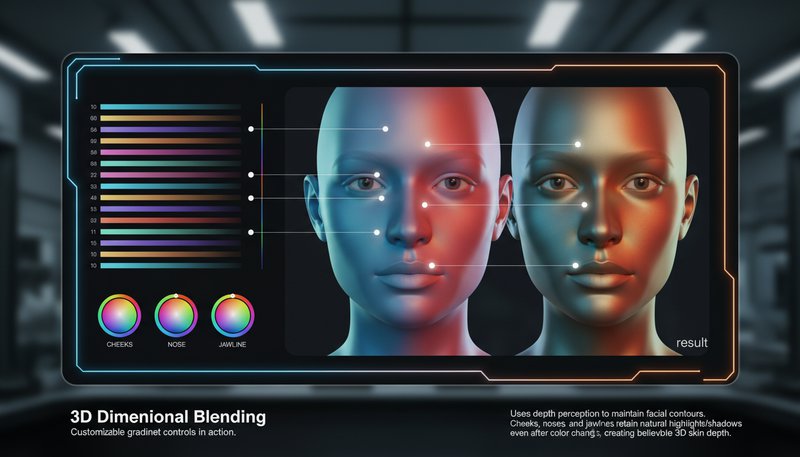
Uses depth perception to maintain facial contours. Cheeks, noses, and jawlines retain their natural highlights/shadows even after color changes, creating believable 3D skin depth. Try it free.
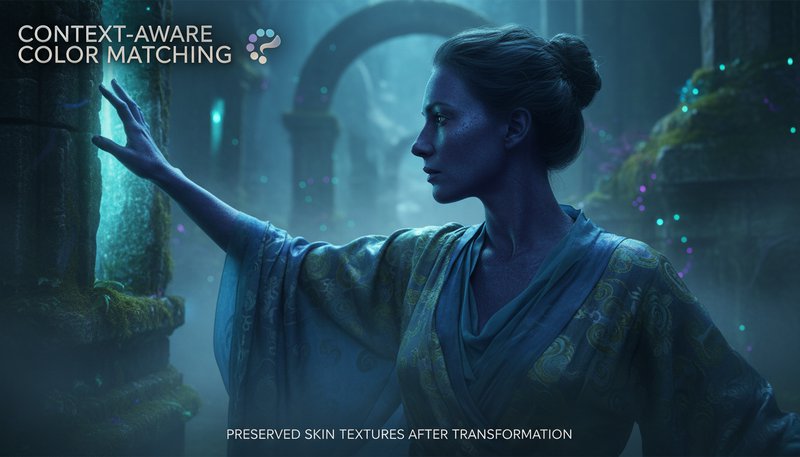
Analyzes surrounding colors to prevent clashing. Your new skin tone harmonizes with clothing and environment, making every transformation look intentional and cohesive. See details.
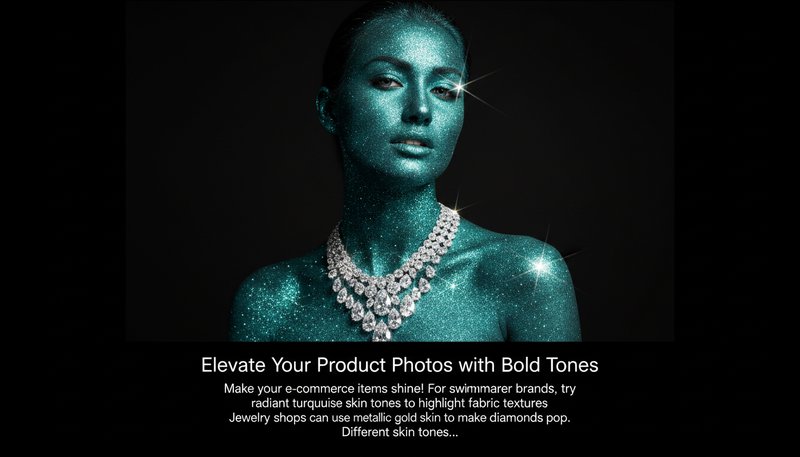
Make your e-commerce items shine! For swimwear brands, try radiant turquoise skin tones to highlight fabric textures. Jewelry shops can use metallic gold skin to make diamonds pop. Different skin tones in product shots attract diverse audiences and boost sales—because beauty loves variety!
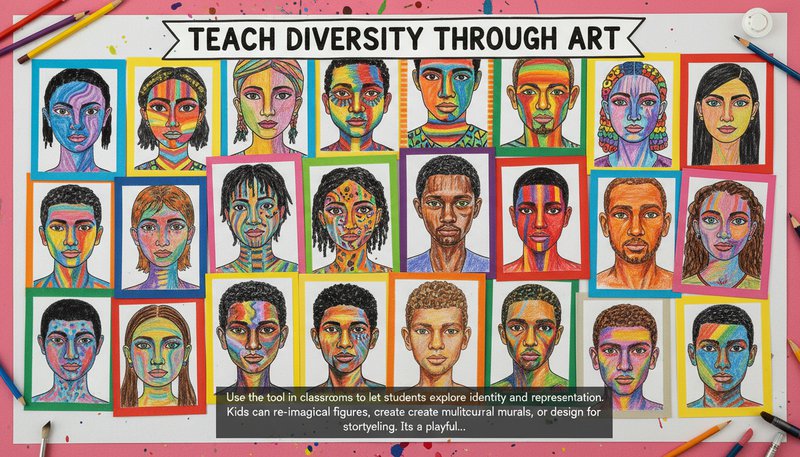
Use the tool in classrooms to let students explore identity and representation. Kids can re-imagine historical figures, create multicultural murals, or design avatars for storytelling. It’s a playful way to spark conversations about inclusivity—and the AI handles the technical stuff, so they can focus on creativity!
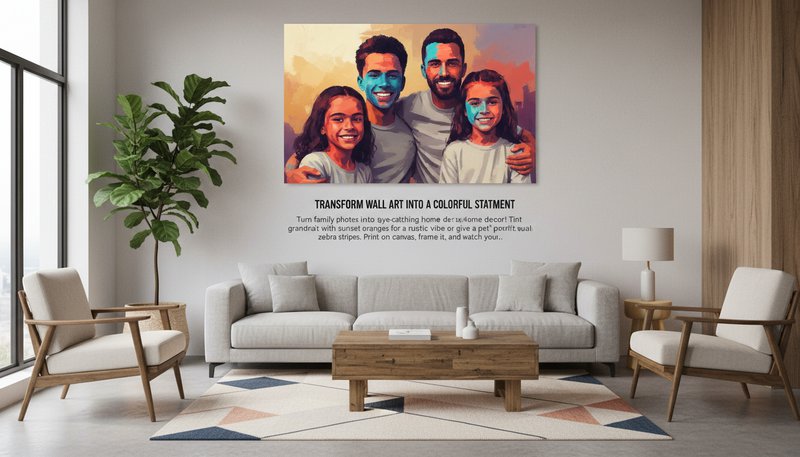
Turn family photos into eye-catching home decor! Tint grandma’s portrait with sunset oranges for a rustic vibe or give a pet’s portrait surreal zebra stripes. Print on canvas, frame it, and watch your walls glow with personality—it’s the ultimate DIY art project!
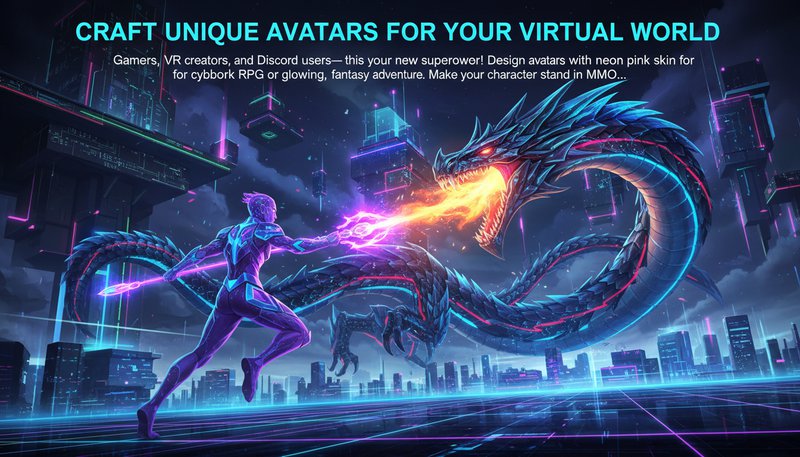
Gamers, VR creators, and Discord users—this is your new superpower! Design avatars with neon pink skin for a cyberpunk RPG or glowing teal for a fantasy adventure. Make your character stand out in MMORPGs, Twitch streams, or virtual events—because uniqueness = legendary status!
Drag & drop any photo—family shots, selfies, or even your dog! The AI loves all kinds of art, so get wild!
Choose from 50+ bold hues (neon, metallic, pastel) or mix custom colors. Preview instantly to see magic unfold!
Adjust tone saturation, add filters, or frame it. Save as PNG/JPG or share directly to social media—easy-peasy!
Yes! Our AI works on uploaded copies only and keeps your original images intact. You can always revert to the original file.
Our algorithm analyzes thousands of real-world skin tone examples to ensure gradients and undertones match your selection precisely.
Absolutely. Designed to handle all Fitzpatrick skin types, from very fair to darkest tones, while preserving natural texture and pores.
Yes! The tool isolates and adjusts individual faces, ensuring each person’s skin tone is edited while keeping backgrounds untouched.
No! Upload your image, choose your desired shade from the palette, and get instant results—all within minutes.
All uploads are encrypted and deleted after 24 hours. We never store or share your images without explicit consent.
Yes! Our tool converts grayscale images to color, letting you add skin tones while preserving the original photo’s artistic vibe.
Sign in to continue creating amazing art