Logout
Are you sure you want to logout? You will need to log in again to continue using.
My Points
0
Available Points
💡 Points Usage Guide
Points can be used for AI features, each generation consumes corresponding points.
Register to get free points, VIP users enjoy more benefits!
Upload your photo to get started
Supported formats: JPG, PNG, WebP (Clear face photo with good lighting recommended for best character conversion)
0/200

Optional details for better character results.

Generating...

Magical Clown Filter: Turn Photos into Whimsical Masterpieces in Seconds! Generator

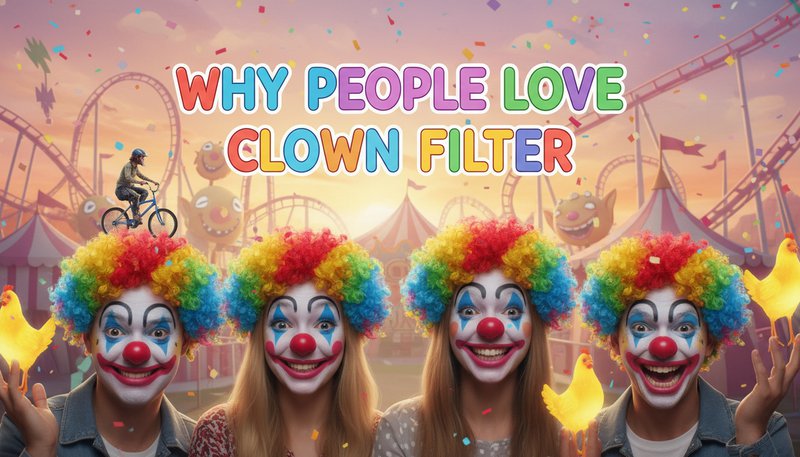
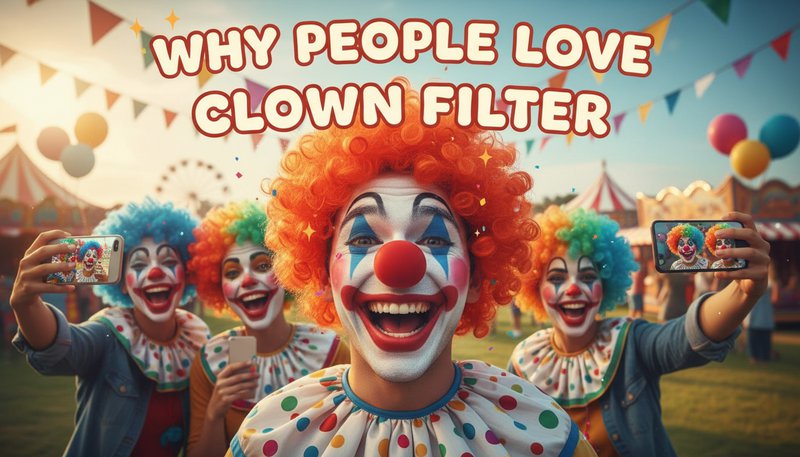
Transform your photos into hilarious, colorful, and playful clown-style art for Instagram posts, birthday cards, viral content, home wall art, brand campaigns, and more! Perfect for social media, gifts, marketing, creative projects, and all your playful visual needs.

After Clown Filter transformation
Original photo
Before
After

Unique Clown Filter Features

Clown Filter style example
Perfect Clown Filter transformation

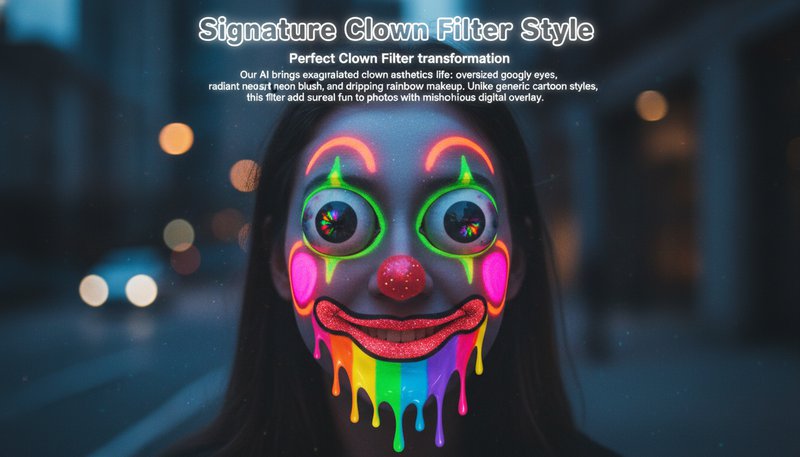
Signature Clown Filter Style

Our AI brings exaggerated clown aesthetics to life: oversized googly eyes, vibrant neon blush, and dripping rainbow makeup. Unlike generic cartoon styles, this filter adds surreal fun to photos with asymmetrical patterns and whimsical texture overlaps. See how it works.
Clown Filter effect example
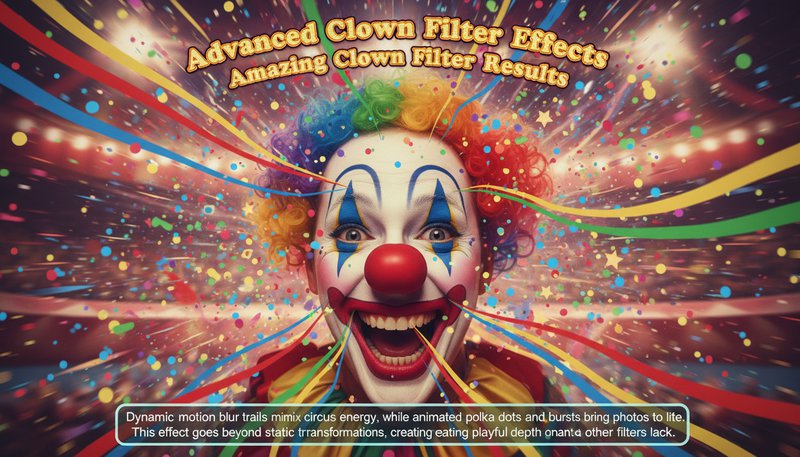
Amazing Clown Filter results

Advanced Clown Filter Effects

Dynamic motion blur trails mimic circus energy, while animated polka dots and confetti bursts bring photos to life. This effect goes beyond static transformations, creating playful depth that other filters can't achieve through simple color shifts. Learn steps.

Clown Filter quality example
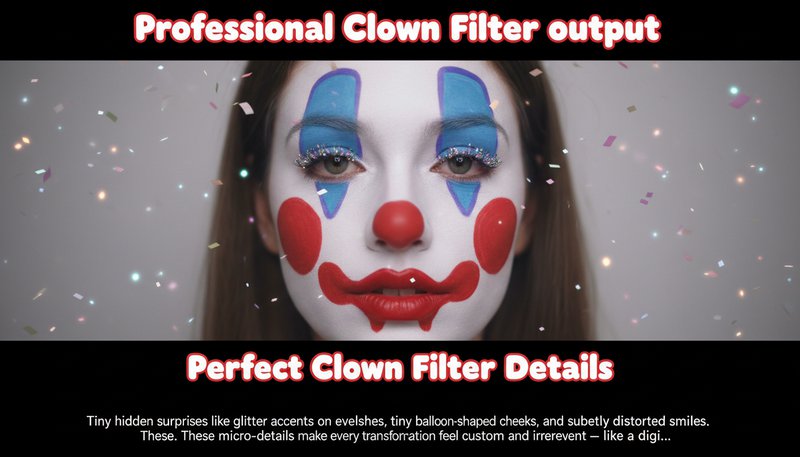
Professional Clown Filter output

Perfect Clown Filter Details

Tiny hidden surprises like glitter accents on eyelashes, tiny balloon-shaped cheeks, and subtly distorted smiles. These micro-details make every transformation feel custom and irreverent – like a digital version of a clown's unpredictable antics. Try it free.

Clown Filter advanced example
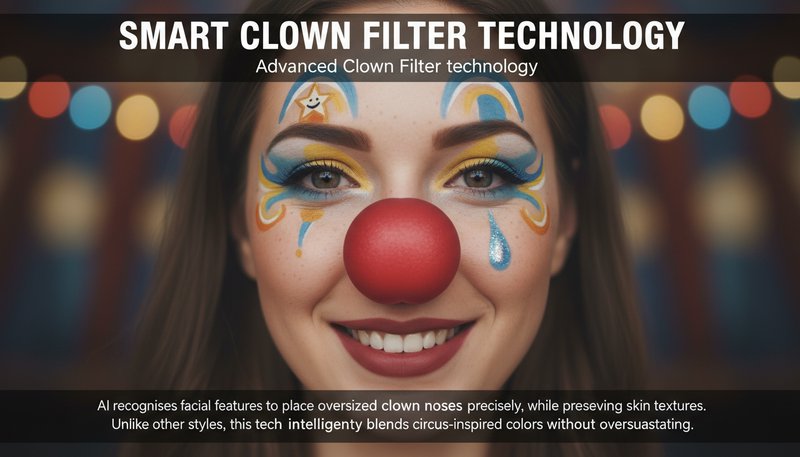
Advanced Clown Filter technology

Smart Clown Filter Technology

AI recognizes facial features to place oversized clown noses precisely, while preserving skin textures. Unlike other styles, this tech intelligently blends circus-inspired colors without oversaturating – achieving that iconic circus tent vibrancy without losing face identity. See details.

From Cuteness to Chaos: 4 Ways to Clownify Your World!

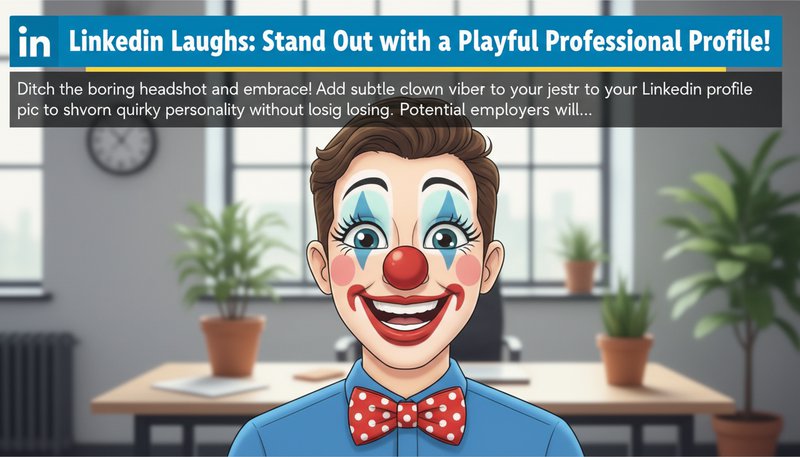
LinkedIn Laughs: Stand Out with a Playful Professional Profile!

Ditch the boring headshot and embrace the jester vibe! Add a subtle clown filter to your LinkedIn profile pic to showcase your quirky personality without losing professionalism. Potential employers will remember that neon bow tie—and maybe even hire you for it.

A LinkedIn profile photo with a clown filter, featuring a bow tie and playful eyes.

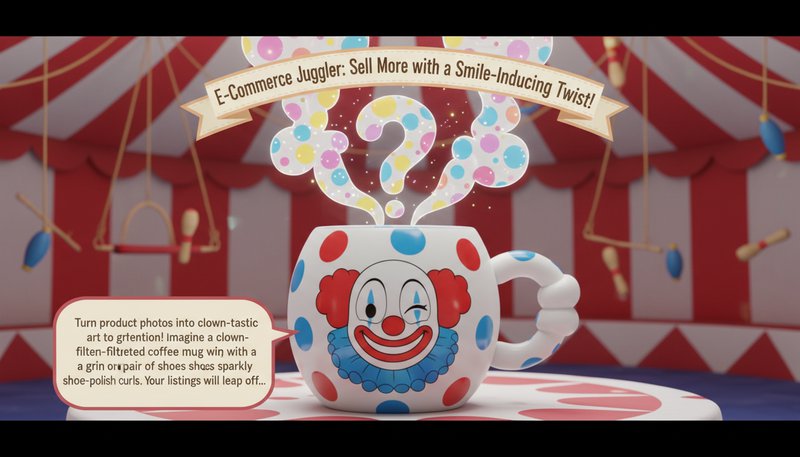
E-Commerce Juggler: Sell More with a Smile-Inducing Twist!

Turn product photos into clown-tastic art to grab attention! Imagine a clown-filtered coffee mug with a giant grin or a pair of shoes sprouting sparkly shoe-polish curls. Your listings will leap off the screen and into customers’ carts!

A product photo of a coffee mug transformed with a clown filter, showing a winking cup with polka-dot steam.

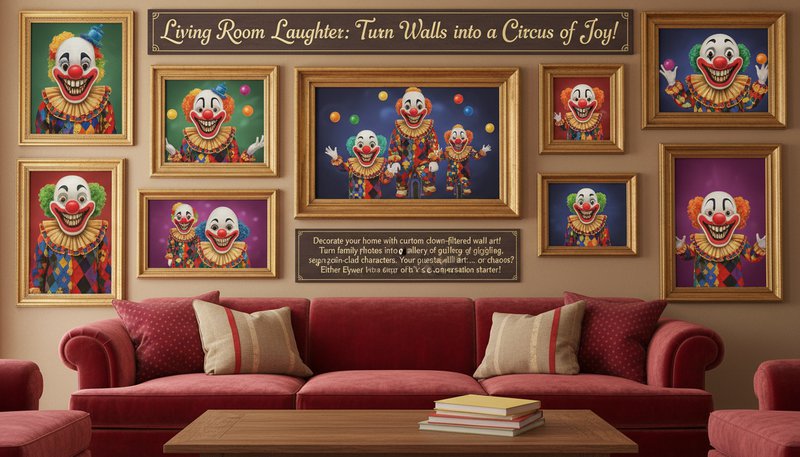
Living Room Laughter: Turn Walls into a Circus of Joy!

Decorate your home with custom clown-filtered wall art! Turn family photos into a gallery of giggling, sequin-clad characters. Your guests will ask, ‘Is this art… or chaos?’ Either way, it’s a conversation starter!

A living room wall displaying framed clown-filtered family portraits with oversized grins.

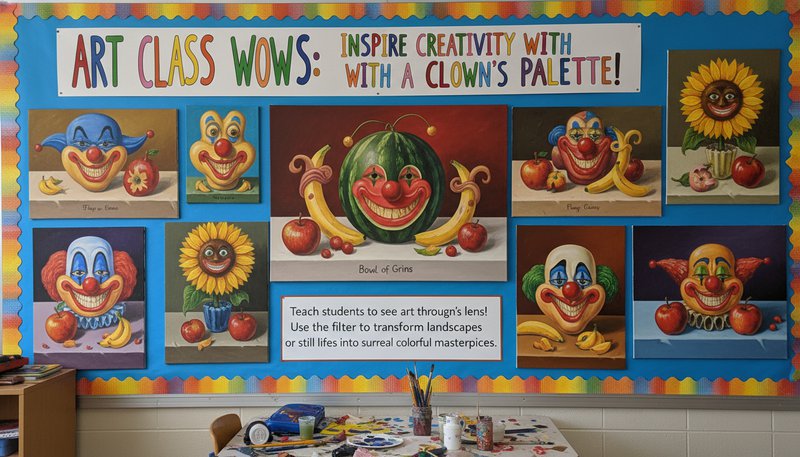
Art Class Wows: Inspire Creativity with a Clown’s Palette!

Teach students to see art through a clown’s lens! Use the filter to transform landscapes or still lifes into surreal, colorful masterpieces. Suddenly, a bowl of fruit becomes a grinning watermelon jester—art history, meet absurdity!

A classroom display of clown-filtered still-life paintings with exaggerated colors and expressions.

What Our Users Say About Clown Filter

M
Mark R.Photographer
★★★★★
I used Clown Filter to add playful touches to event photos. Clients loved the quirky results—it’s saved me hours in Photoshop!
S
Sarah L.Social Media Manager
★★★★★
Converted our brand’s mascot into a retro circus clown in minutes. The customization options made it pixel-perfect for our campaign!
J
Jacob T.Graphic Designer
★★★★☆
Blown away by how realistic the AI blends clown elements! Used it for a children’s book—editors said it added just the right whimsy!
A
Aisha K.Student
★★★★★
Haunted photo contest? Clown Filter turned my selfie into a viral-worthy entry! Everyone guessed it was a pro edit!
L
Liam C.Content Creator
★★★★★
Perfect for my comedy channel! The exaggerated features let me roast myself in hilarious, shareable clips without any coding!
E
Emma T.Marketing Lead
★★★★☆
Converted customer portraits into quirky clown avatars for our app launch. Engagement skyrocketed—this tool’s a game-changer!

How to Clown Around: Your 3-Step Guide to Instant Fun!

1

Step 1: Upload Your Pic (No Clown Makeup Required!)

Drag & drop any photo—whether a selfie, pet pic, or landscape—into the app. Even the dullest snapshot is about to become a star!

2

Step 2: Choose Your Chaos Level (Wig Flick or Subtle Smile?)

Pick your clown intensity: go full-on neon wig and oversized grins, or keep it playful with cheeky eyebrows and a tiny bow tie. Your circus, your rules!

3

Step 3: Share the Joke (Before the Crowd Demands an Encore!)

Download your masterpiece and send it flying to friends, print it as art, or slap it on your LinkedIn… just because!

Frequently Asked Questions

How does the Clown Filter AI work?

Our AI analyzes your photo’s facial features and applies clown-style elements using a database of thousands of clown art references. It preserves your identity while adding exaggerated features like oversized lips, colorful wigs, or mismatched eyes, ensuring a fun yet recognizable result.

What file formats can I upload?

Supports JPEG, PNG, and WEBP formats up to 20MB. We recommend high-resolution images (1080p or higher) for the best clown-style transformation quality.

Can I adjust the clown effects?

Absolutely! Use our sliders to tweak makeup intensity, prop visibility, and color saturation. Choose from presets like 'Classic Circus,' 'Cartoon Chaos,' or 'Surreal Art' and fine-tune until your clown style is perfect!

Is my data safe when using Clown Filter?

Yes! Uploaded photos are deleted from our servers within 1 hour of processing, and we never store or share your images. The AI runs on encrypted servers to protect your privacy.

Does it work on mobile devices?

Yes! Our app is optimized for mobile, but uploads are limited to 5MB due to bandwidth constraints. For professional-grade edits, we recommend using a desktop with a stable internet connection.

How high-quality are the output images?

Exported images are up to 4K resolution with crisp details. Clown elements are rendered seamlessly, so you can print posters or share online without pixelation.

Is there a free version of Clown Filter?

The basic version is free for non-commercial use, allowing 3 transformations/day. For unlimited edits, premium plans start at $9.99/month, offering advanced presets and priority support.