Logout
Are you sure you want to logout? You will need to log in again to continue using.
My Points
0
Available Points
💡 Points Usage Guide
Points can be used for AI features, each generation consumes corresponding points.
Register to get free points, VIP users enjoy more benefits!
Upload your photo to get started
Supported formats: JPG, PNG, WebP (Clear face photo with good lighting recommended for best character conversion)
0/200

Optional details for better colorization results.

Generating...

Bring Your Photos to Life with AI Colorization! Generator

Transform black-and-white or monochrome photos into vibrant masterpieces for social media posts, personalized gifts, professional marketing, home decor, educational projects, and beyond—all with just a click!

After Colorize Photo transformation
Original photo
Before
After

Unique Colorize Photo Features

Colorize Photo style example
Era-accurate family portrait restoration

Era-Specific Palette Engine

Analyzes photo metadata and visual cues to apply historically accurate color schemes - like 1920s Art Deco metallics or 1960s psychedelic tones - creating authentic time-period looks that other colorizers can't match. See how it works.

Colorize Photo effect example
Context-aware color on vintage fashion details

Material-Based Coloring

Detects surfaces like fabric, wood, and metal to assign realistic textures and colors - your grandma's lace dress will shimmer with delicate white threads, not flat gray blocks like basic tools. Learn steps.

Colorize Photo quality example
Flicker-free skin tone preservation

Dynamic Contrast Preservation

Maintains original photo's tonal range by adding color without losing shadow/highlight detail - perfect for restoring old passport or heirloom photos without sacrificing clarity. Try it free.

Colorize Photo advanced example

Temporal Context AI

Uses date-aware algorithms to guess missing color info based on era trends - reconstructs plausible sunset hues from 1900s family photos using period painter analysis, not random guesses. See details.

Real-Life Ways to Brighten Up Your World

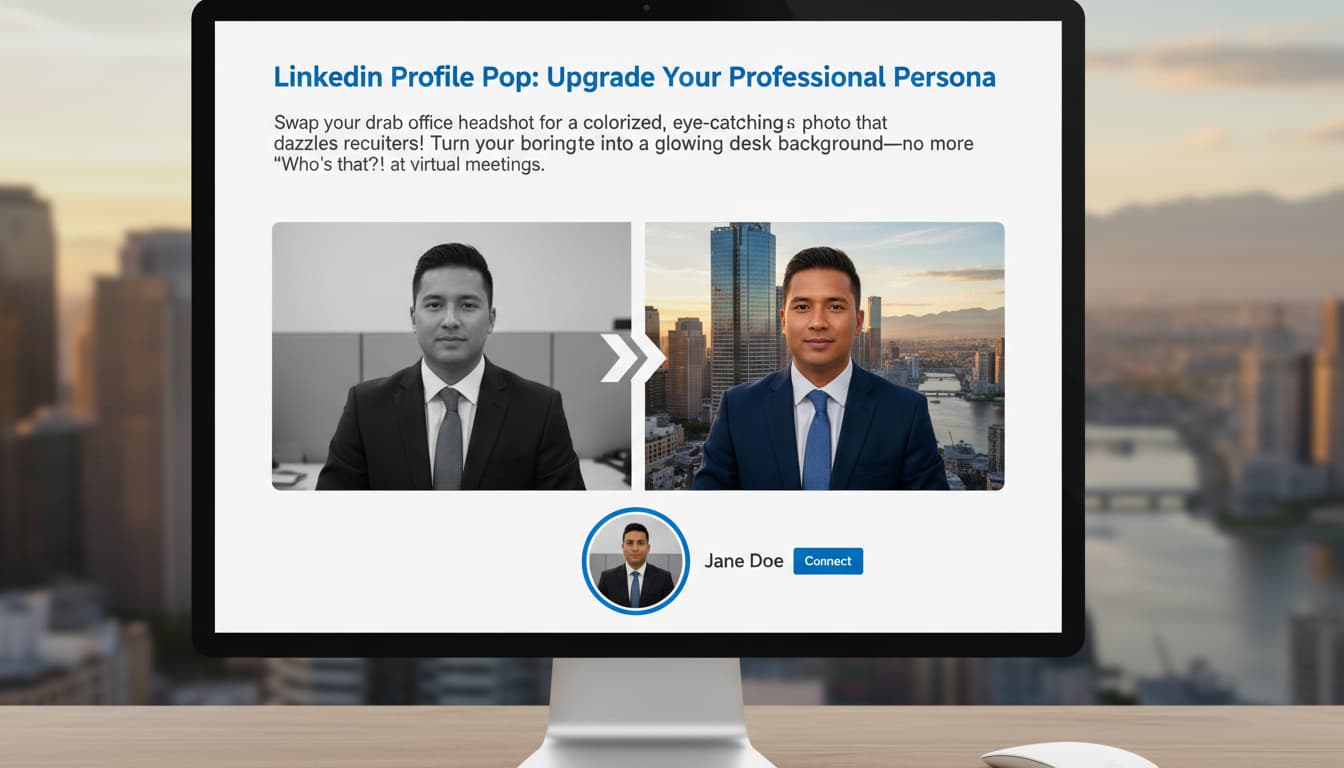
LinkedIn Profile Pop: Upgrade Your Professional Persona

Swap your drab office headshot for a colorized, eye-catching photo that dazzles recruiters! Turn your boring desk background into a vibrant cityscape—no more “Who’s that?!” at virtual meetings.

A LinkedIn profile showing a user’s grayscale office photo transformed into a colorful, professional headshot with a city skyline backdrop.

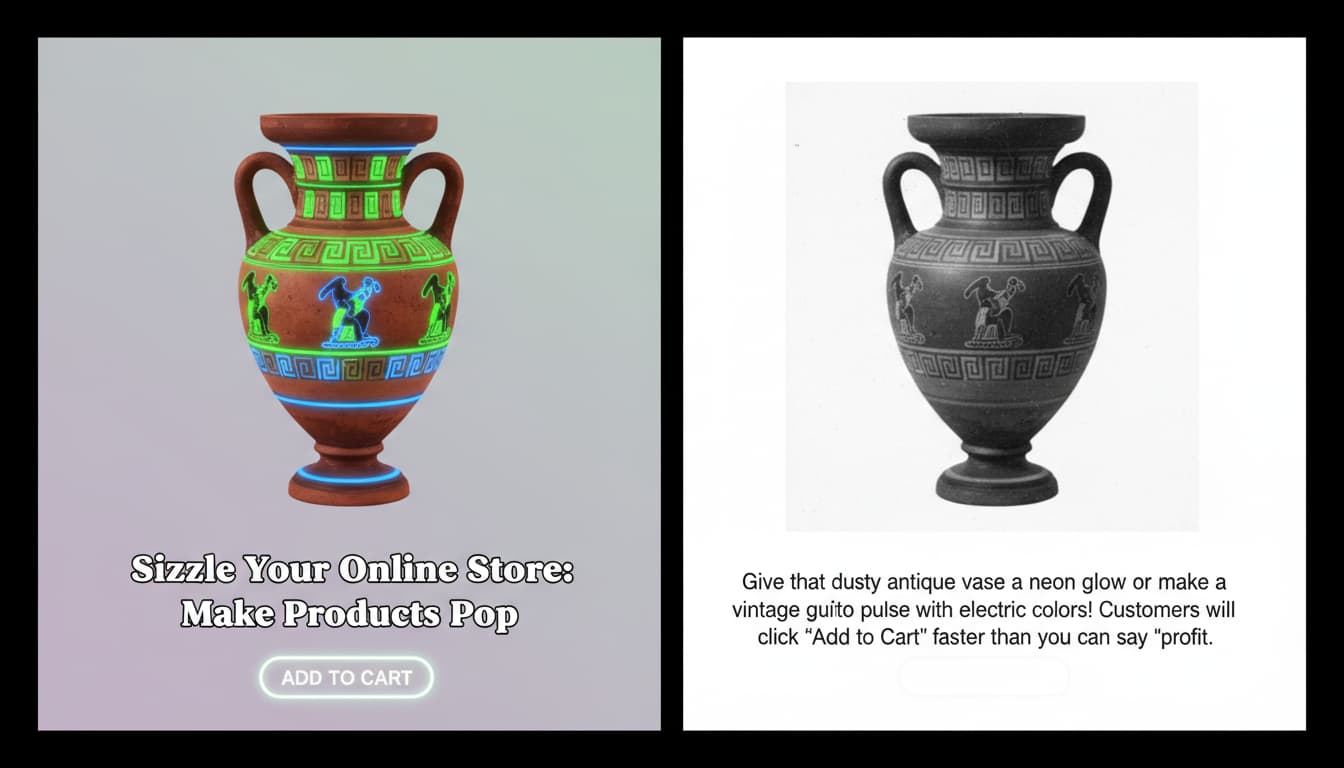
Sizzle Your Online Store: Make Products Pop

Give that dusty antique vase a neon glow or make a vintage guitar photo pulse with electric colors! Customers will click “Add to Cart” faster than you can say ‘profit.’

An e-commerce product page featuring a colorized antique vase with neon accents, displayed beside a plain grayscale image.

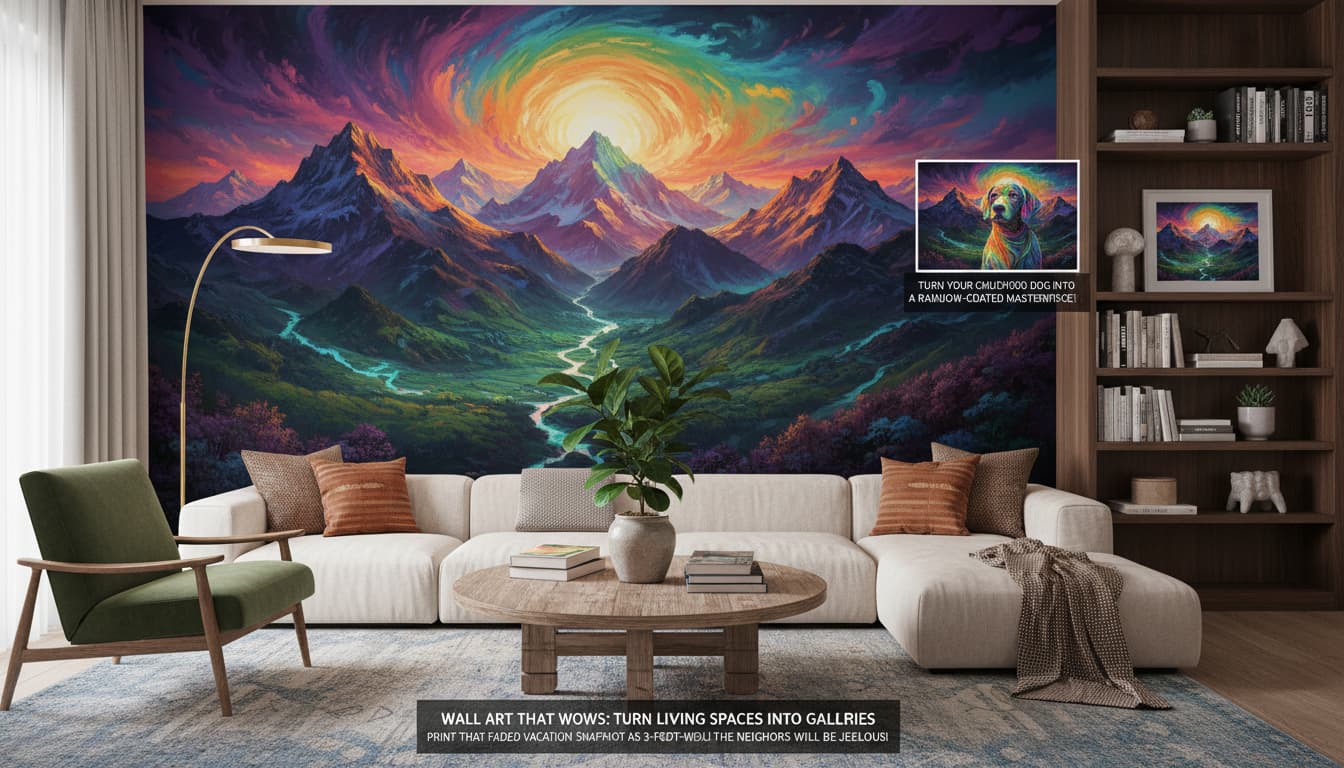
Wall Art That Wows: Turn Living Spaces into Galleries

Print that faded vacation snapshot as a 3-foot-wide mural! Turn your childhood dog into a surreal, rainbow-coated masterpiece—the neighbors will be jealous!

A living room wall adorned with a large colorized mural of a black-and-white mountain landscape, surrounded by cozy furniture.

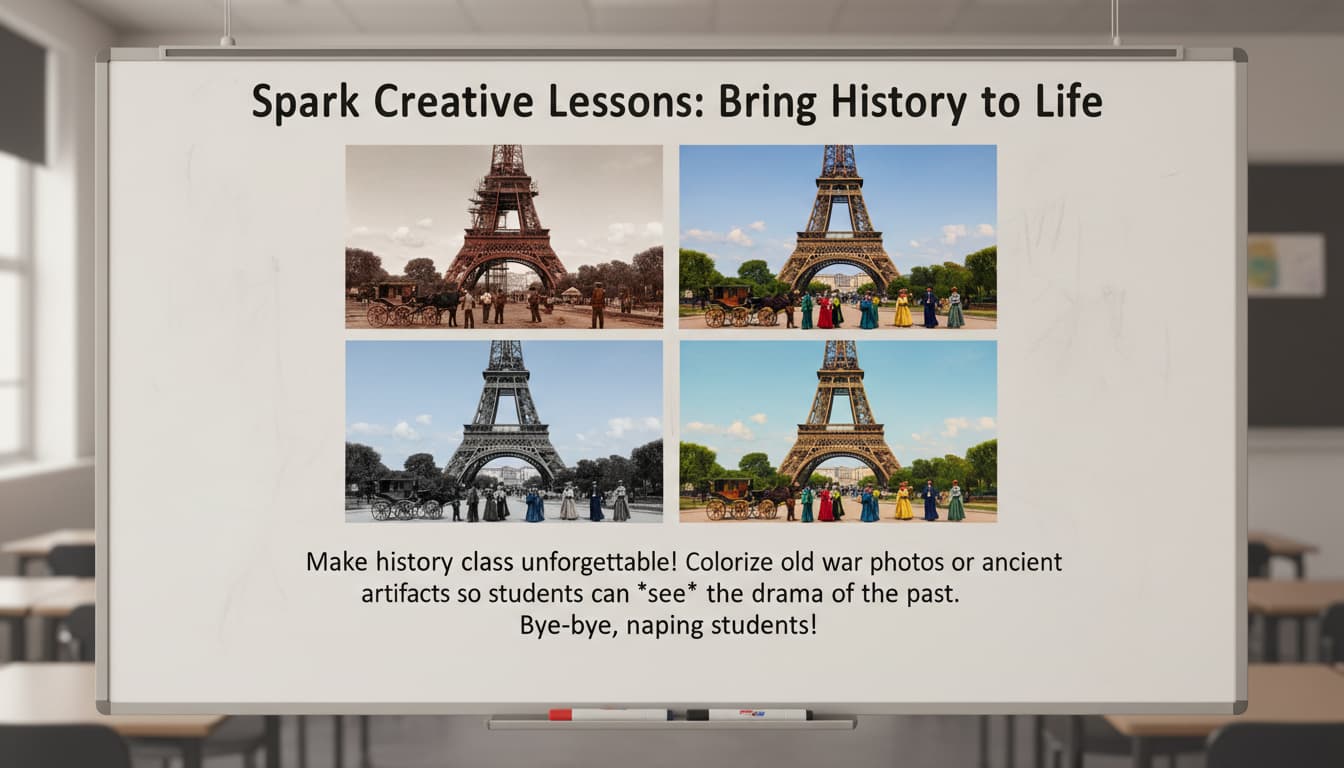
Spark Creative Lessons: Bring History to Life

Make history class unforgettable! Colorize old war photos or ancient artifacts so students can *see* the drama of the past. Bye-bye, napping students!

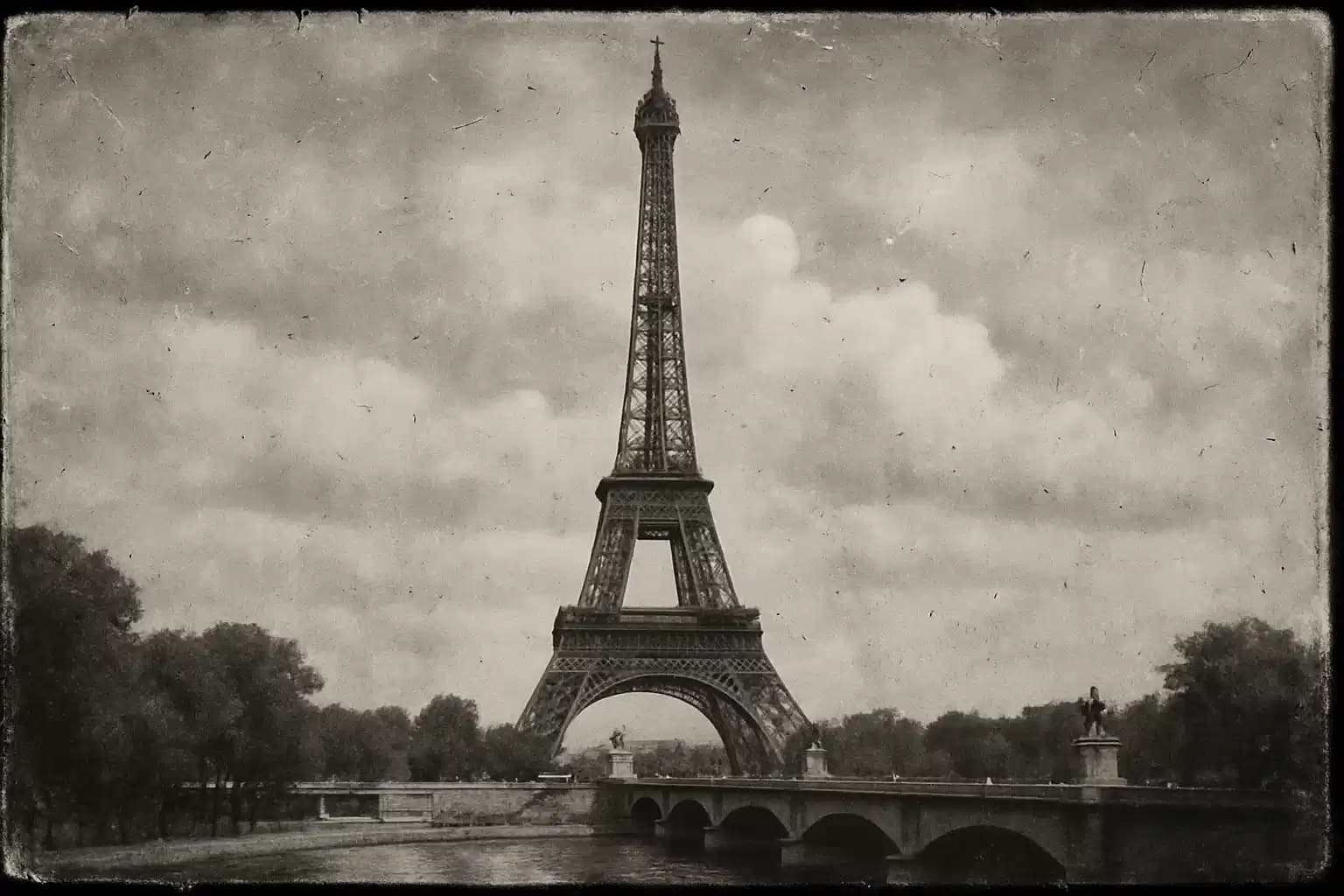
A classroom whiteboard displaying colorized historical photos of the Eiffel Tower beside their original black-and-white versions.

Real Users, Real Results

S
Sarah JohnsonVintage Photographer
★★★★★
Brought my 1940s family portraits to life! The AI even got the floral patterns on grandma's dress right.
M
Michael ChenSocial Media Manager
★★★★★
Perfect for retro content campaigns. Users loved the colorful Instagram posts we made with this tool!
L
Lena PatelHistorical Archivist
★★★★☆
Helped digitize our museum's black-and-white archives with stunning color accuracy.
D
David KimTravel Blogger
★★★★★
Quickly colorized my old travel snaps. Looks like I shot them with modern cameras!
A
Aisha RodriguezWedding Photographer
★★★★★
Converted my client's engagement session to an artistic monochrome-with-color effect flawlessly.
J
James WongGraphic Designer
★★★★☆
The color customization options let me match brand guidelines perfectly for client projects.

3 Steps to Colorize Your Photos Like a Pro

1

Upload Your Mystery Photo

Drag and drop any pic—vintage, grayscale, or even a selfie! Old or new, we’ll work our color-magicking magic on it.

2

Pick Your Palette, Not a Fight

Choose from whimsical, retro, or neon color styles. Tweak hues until that boring pic looks like a Pixar movie scene!

3

Show Off Your Masterpiece

Download your vibrant creation and drop it anywhere—social media, fridge magnets, or that awkward LinkedIn headshot!

Frequently Asked Questions

How does the AI colorization work?

Our neural network analyzes thousands of color references to predict plausible hues based on object recognition. This ensures realistic results that respect original textures and compositions.

Can I adjust color choices after generation?

Yes! Use the advanced editor to tweak saturation, brightness, and individual color channels. Our tool even remembers your custom presets for future projects.

What photo formats are supported?

Upload JPEG, PNG, BMP, or TIFF files up to 50MB. We automatically upscale/resize low-resolution images for better results before processing.

Is my photo data secure?

Absolutely. Uploaded images are encrypted, processed on private servers, and automatically deleted after 24 hours. No data is stored or shared without explicit permission.

Does it work on mobile devices?

Yes! Our responsive web app works smoothly on smartphones and tablets. Simply open the browser, upload and download your colorized photos – no downloads required.

Can I colorize black-and-white videos?

Currently supported for still images only. Video frame-by-frame processing is coming in our Q4 update. Subscribe to get notified!

How long does processing take?

Most photos complete in under 10 seconds. Complex/high-resolution images may take up to 30 seconds. Batch processing speeds scale with your subscription tier.