Logout
Are you sure you want to logout? You will need to log in again to continue using.
My Points
0
Available Points
💡 Points Usage Guide
Points can be used for AI features, each generation consumes corresponding points.
Register to get free points, VIP users enjoy more benefits!
Upload your photo to get started
Supported formats: JPG, PNG, WebP (Clear face photo with good lighting recommended for best character conversion)
0/200

Optional details for better text editing results.

Generating...

Revamp Any Image with Text Editing & Style Magic ✨ Generator

Easily customize text and styles in images for social posts, personalized gifts, professional projects, home decor, classroom materials, and beyond—all in one fun, AI-powered tool!

After Edit Text In Image transformation
Original photo
Before
After

Unique Edit Text In Image Features

Edit Text In Image style example
Perfect Edit Text In Image transformation

Signature Text-Scene Fusion

Our AI merges text seamlessly into your photo’s environment, making words look like they’re literally part of the scene—whether engraved on a wall, floating in a sunset, or blending with natural textures. Unlike generic text overlays, this style creates illusions where text feels purposefully placed within the image’s story. See how it works.

Edit Text In Image effect example
Amazing Edit Text In Image results

Dynamic Style-Adaptive Typography

Text adapts to your photo’s mood and colors instantly! A vintage photo gets distressed, weathered lettering, while a modern cityscape gets sleek, neon-lit fonts. The text’s style shifts dynamically to match the image’s theme, ensuring every word feels like it belongs in the visual narrative. Learn steps.

Edit Text In Image quality example
Professional Edit Text In Image output

3D Text Depth Illusions

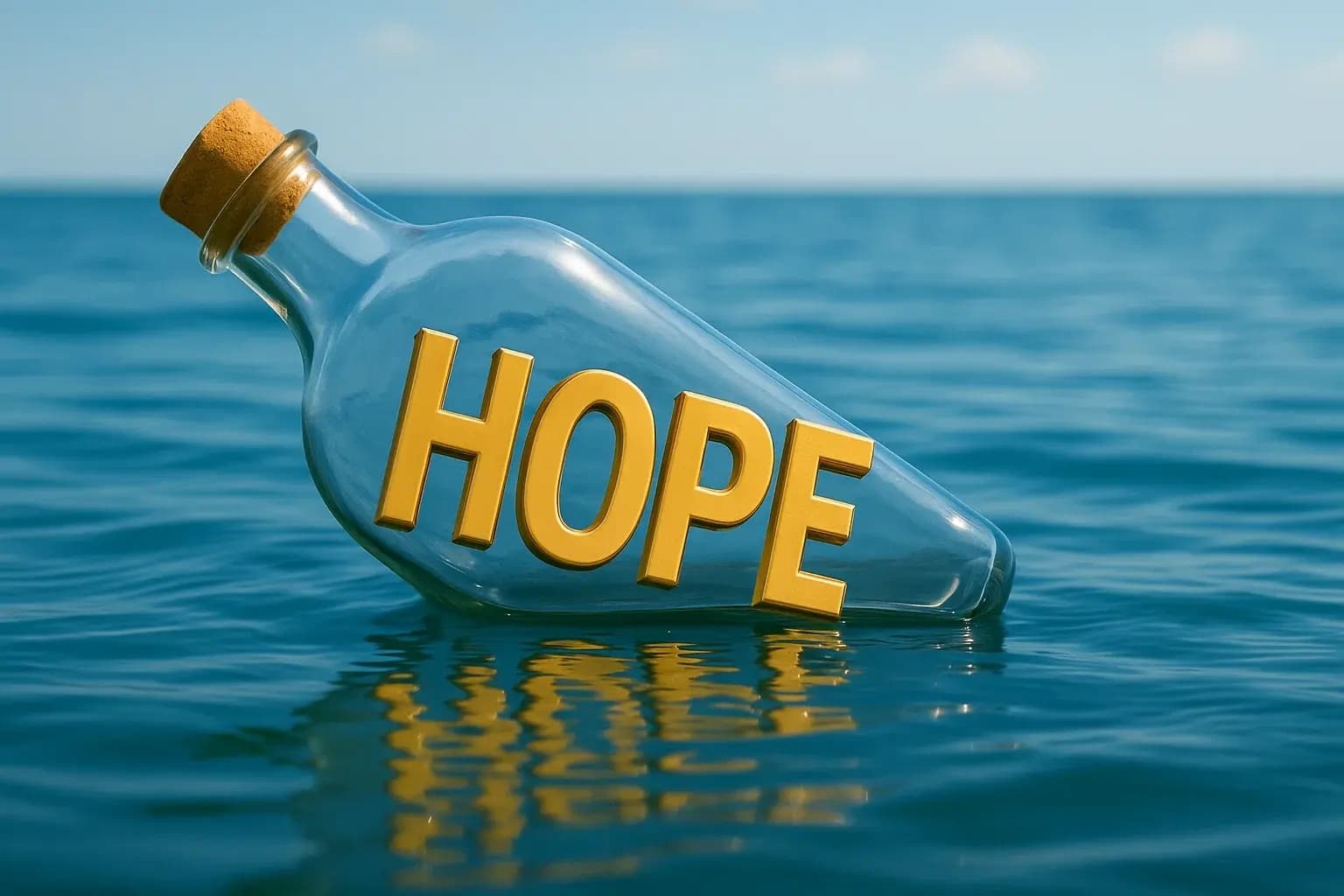
Add jaw-dropping 3D text effects that pop off the screen! Shadows, lighting, and perspective adjustments make text appear physically sculpted into landscapes, walls, or water surfaces. This layering effect transforms simple words into eye-catching 3D art that other styles can’t match. Try it free.

Edit Text In Image advanced example
Advanced Edit Text In Image technology

Context-Aware Text Placement

Our smart AI analyzes your photo’s composition to automatically position text where it’s most impactful—never blocking faces or key objects. It intelligently avoids busy backgrounds and balances whitespace, so your message is clear and the image remains visually harmonious. See details.

Real-Life Magic: Where Text Meets Image

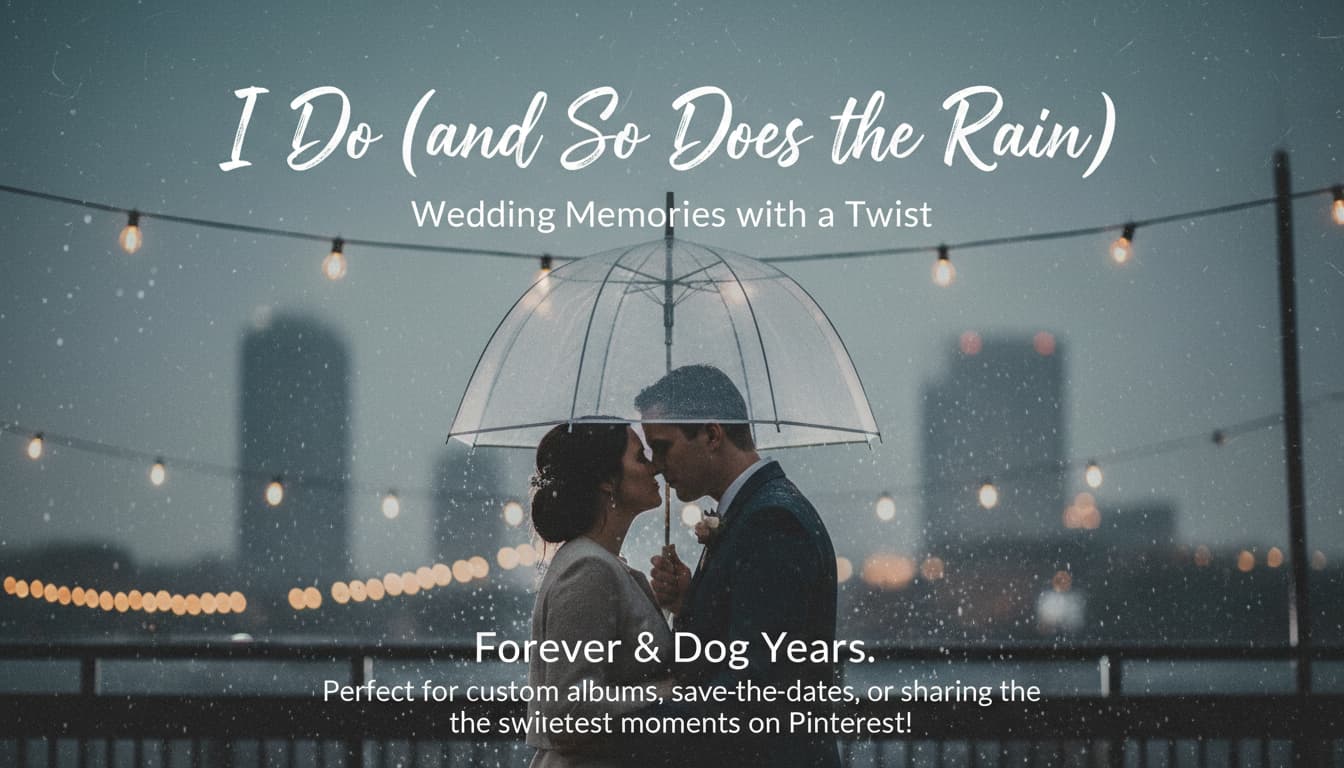
Wedding Memories with a Twist

Reimagine your wedding photos by adding vows, love quotes, or playful captions like 'Forever & Dog Years.' Perfect for custom albums, save-the-dates, or sharing the sweetest moments on Pinterest!

A wedding photo with 'I Do (and So Does the Rain)' text over a blurry, romantic umbrella backdrop

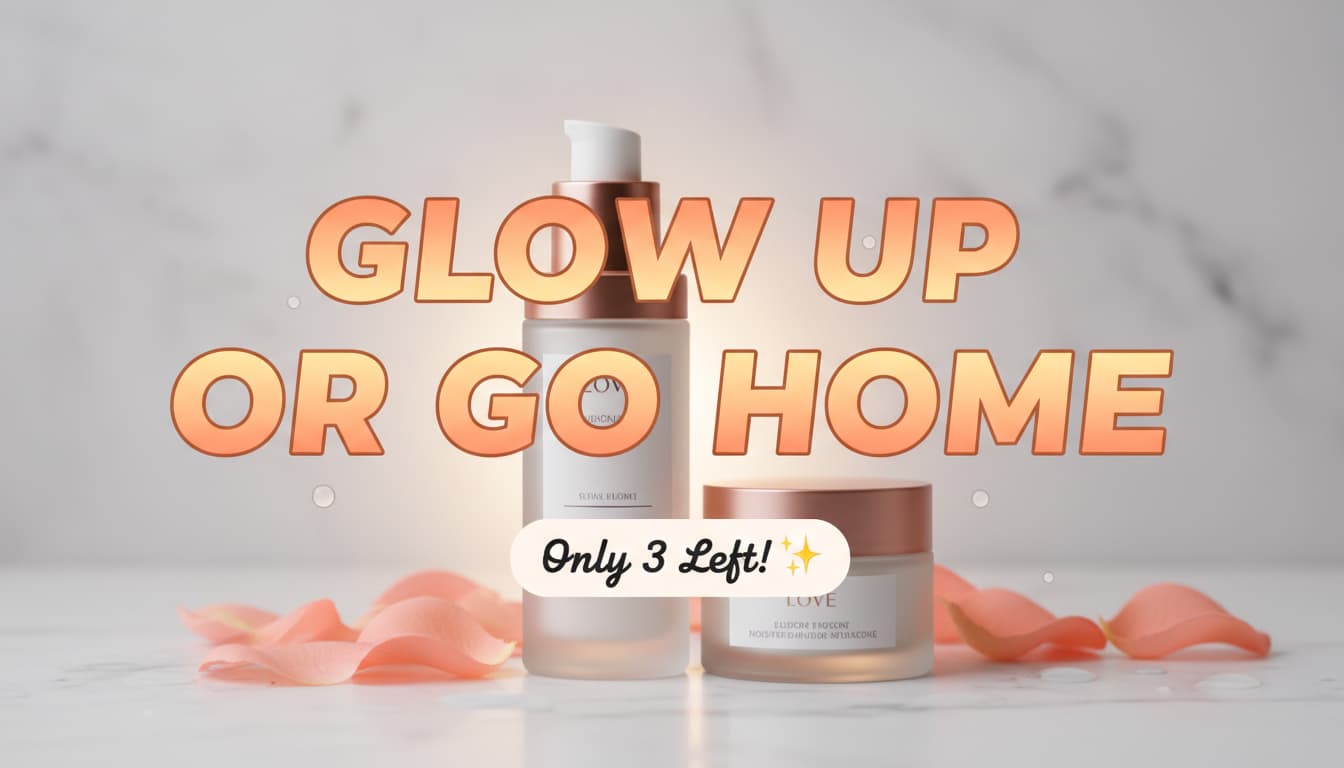
E-commerce Ads That Sell

Boost your online store’s appeal by slapping cheeky slogans like 'Get Ready to Glow!' onto skincare product shots. Make limited offers pop with 'Only 3 Left!' or add emojis to your listings—customers will cart-click faster than you can say 'Sold!'

A skincare product photo with bold text reading 'Glow Up or Go Home'

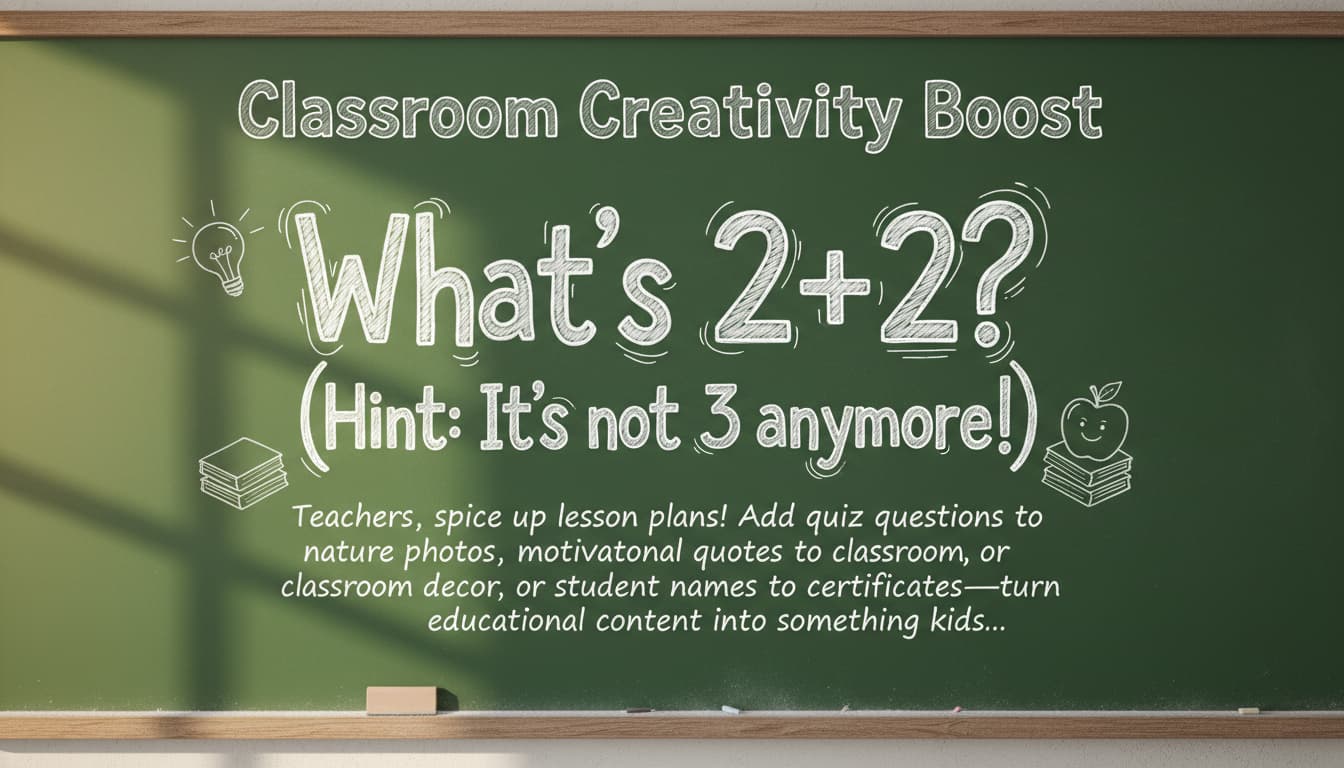
Classroom Creativity Boost

Teachers, spice up lesson plans! Add quiz questions to nature photos, motivational quotes to classroom decor, or student names to personalized certificates—turn educational content into something kids actually look forward to!

A photo of a classroom chalkboard with animated text asking 'What’s 2+2? (Hint: It’s not 3 anymore!)'

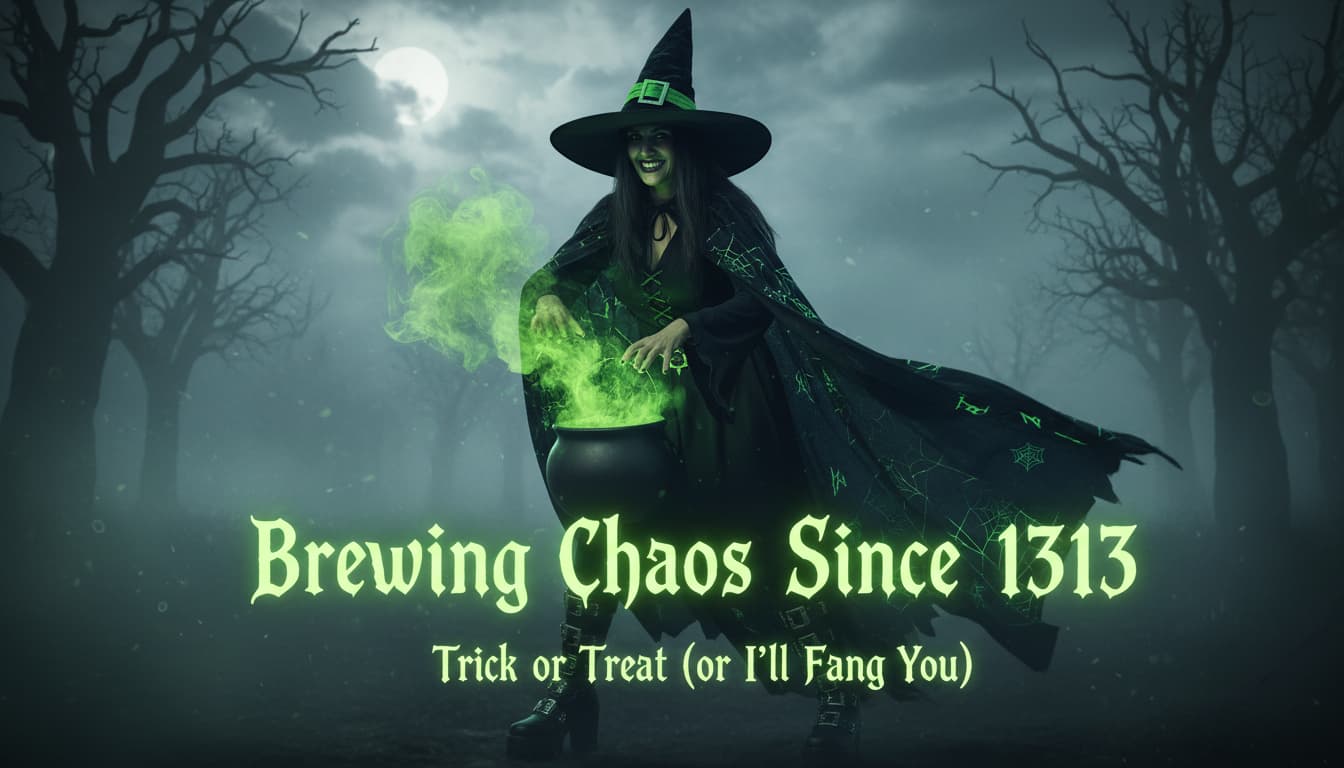
Personalized Puns for Party Perfection

Throw the best themed party ever by adding fun text like 'Party Time!' to your photos. Perfect for event invites, social media posts, or meme-worthy candid shots that capture the moment!

A witch costume photo with glowing green text reading 'Brewing Chaos Since 1313'

Real User Experiences

J
James CarterGraphic Designer
★★★★★
This tool saved me hours! I can quickly update client banners without opening heavy software. The text blending and style options are flawless.
L
Laura KimSocial Media Manager
★★★★★
I edit Instagram posts on-the-go. The app detected my text in a crowded photo and let me change it without ruining the background. Game-changer!
P
Priya PatelFreelance Photographer
★★★★☆
TextChanged an old photo by adding a caption. The AI kept the vintage vibe intact while making the text pop. Clients loved it!
M
Michael ChenMarketing Specialist
★★★★★
Quickly updated promotional flyers with new discounts. The text styles matched our brand guide perfectly and loaded in seconds.
E
Emma DavisContent Creator
★★★★★
Redesigned old memes with fresh text. The tool’s auto-adjust feature kept proportions right even when resizing. Super intuitive!
C
Carlos RiveraE-commerce Owner
★★★★☆
Edited product images in minutes instead of hours. The text looked natural on every item—the AI even predicted the best font styles!

Step-by-Step Spellbook to Edit Text in Images

1

Upload Your Canvas

Drag any photo into the tool—vacation pics, product shots, or that selfie that’s been begging for a upgrade. Your creative playground is ready!

2

Type Your Magic

Click where you want text to appear. Pick fonts, colors, and effects that match your vibe—from retro 80s punk to elegant calligraphy!

3

Download Your Masterpiece

Hit ‘Done’ and save your edited image. Perfect for sharing, printing, or hiding in your secret digital art vault!

Frequently Asked Questions

How does the text editing work?

Upload an image, select the text area, and edit/add text directly. AI automatically matches font style, color, and spacing to the original image, ensuring seamless integration.

Does it work with different languages?

Yes! Supports over 100 languages, including multilingual text blending. The tool detects and retains language-specific formatting automatically.

Will editing text blur or pixelate my image?

No. Our AI preserves image quality. Edits are lossless and maintain the original resolution, so your image looks crisp even when zoomed in.

How do I save my edited image?

Click 'Download' after editing. Choose from formats like JPEG or PNG. Results are ready instantly and can be shared directly from the app.

Is there a free trial or subscription?

Yes! Enjoy 5 free edits/month with basic features. For unlimited access to premium styles and batch editing, upgrade to Pro for $9.99/month.

How accurate is text recognition?

98%+ accuracy in detecting text in most images. For complex backgrounds/noisy text, zoom in or manually adjust the selection box for perfect recognition.

Can I edit text in video frames?

Currently, we focus on static images. But you can extract frames from videos, edit text in each, and re-export them as a video in post-production software.