Logout
Are you sure you want to logout? You will need to log in again to continue using.
My Points
0
Available Points
💡 Points Usage Guide
Points can be used for AI features, each generation consumes corresponding points.
Register to get free points, VIP users enjoy more benefits!
Upload your photo to get started
Supported formats: JPG, PNG, WebP (Clear face photo with good lighting recommended for best character conversion)
0/200

Optional details for better character results.

Generating...

Spookify Your Photos with the Halloween Ghostface Prank Filter! Generator

Transform ordinary photos into hilarious, haunting Halloween art for social media, spooky gifts, business campaigns, home decor, and more! Perfect for pranks, parties, or creative projects – everyone gets their ghostly moment.

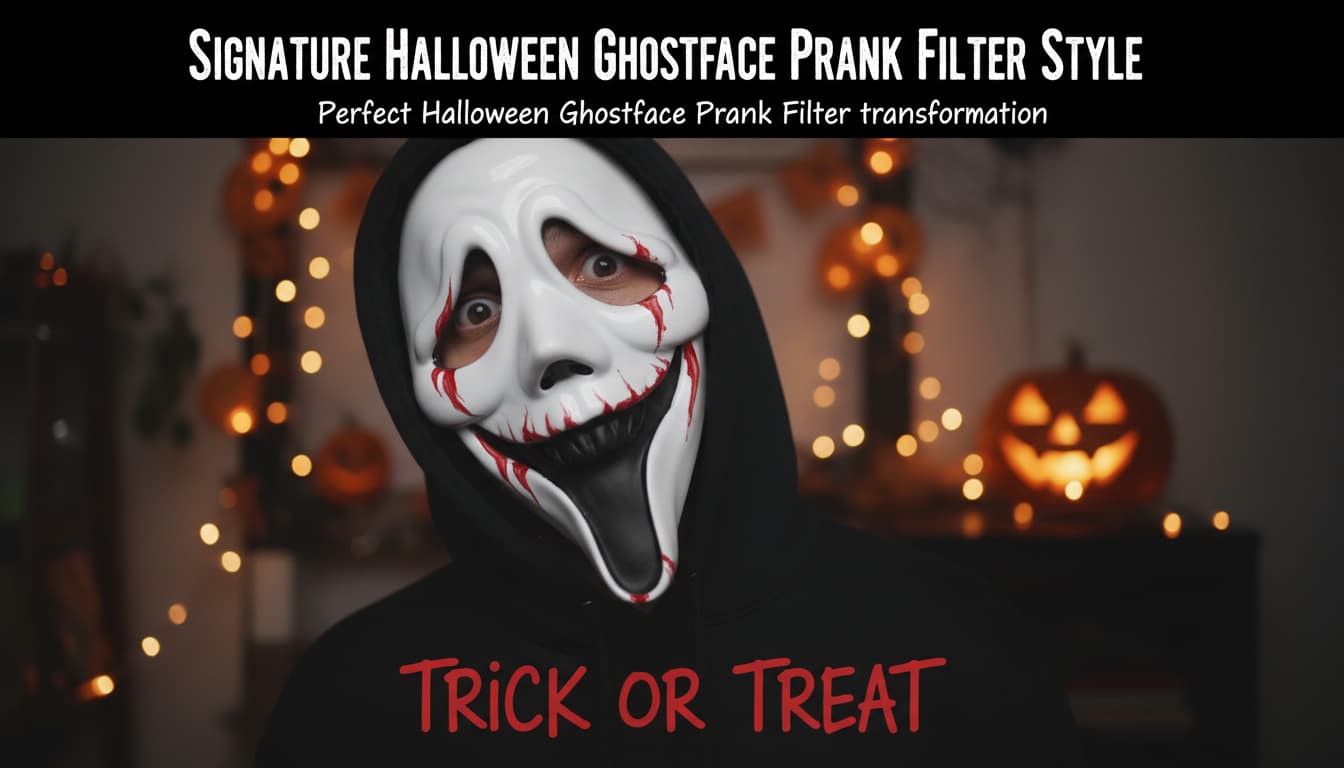
After Halloween Ghostface Prank Filter transformation
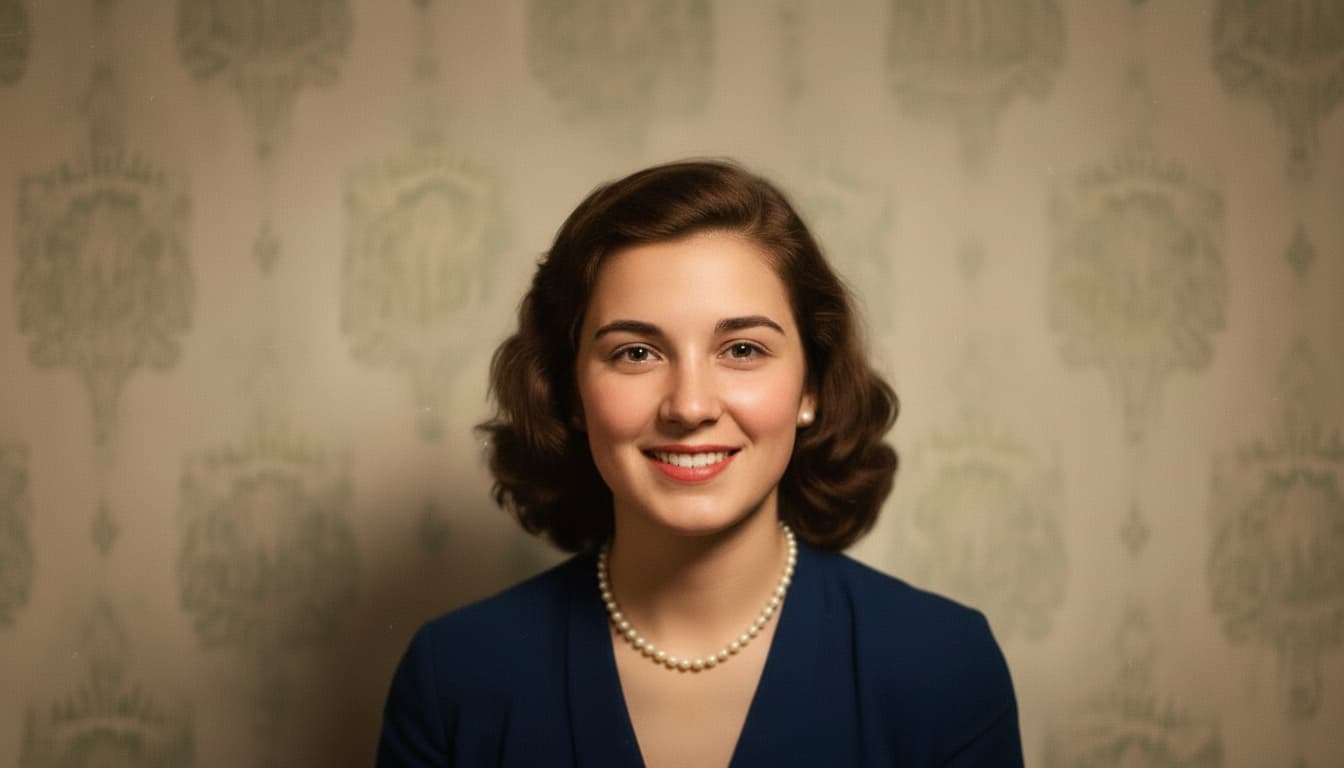
Original photo
Before
After

Unique Halloween Ghostface Prank Filter Features

Halloween Ghostface Prank Filter style example
Perfect Halloween Ghostface Prank Filter transformation

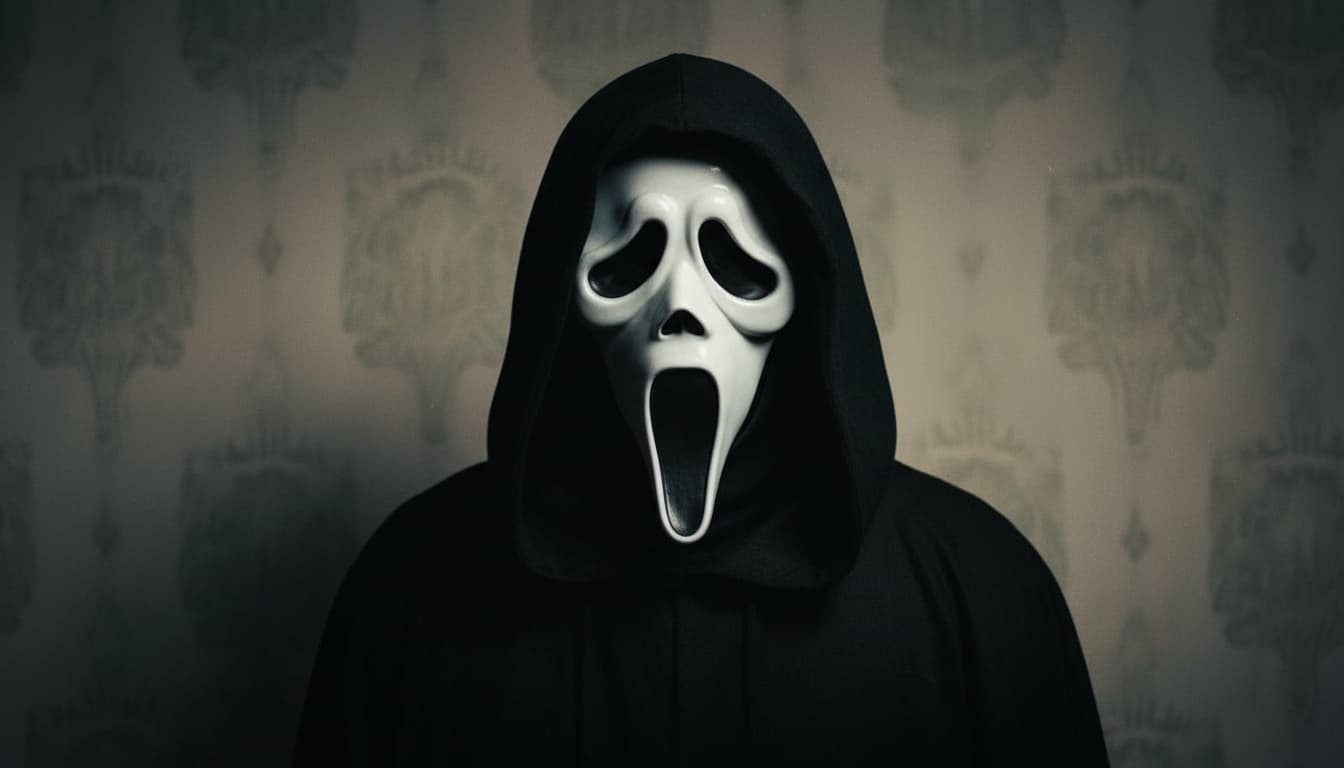
Iconic Mask Texture Synthesis

Our AI replicates the exact cracked-white latex texture of the Ghostface mask, down to subtle paint imperfections and the jagged eye-slit edges. The mask dynamically fits facial structures while maintaining its iconic Halloween horror aesthetic, unlike generic spooky filters that lack this specific detail. See how it works.
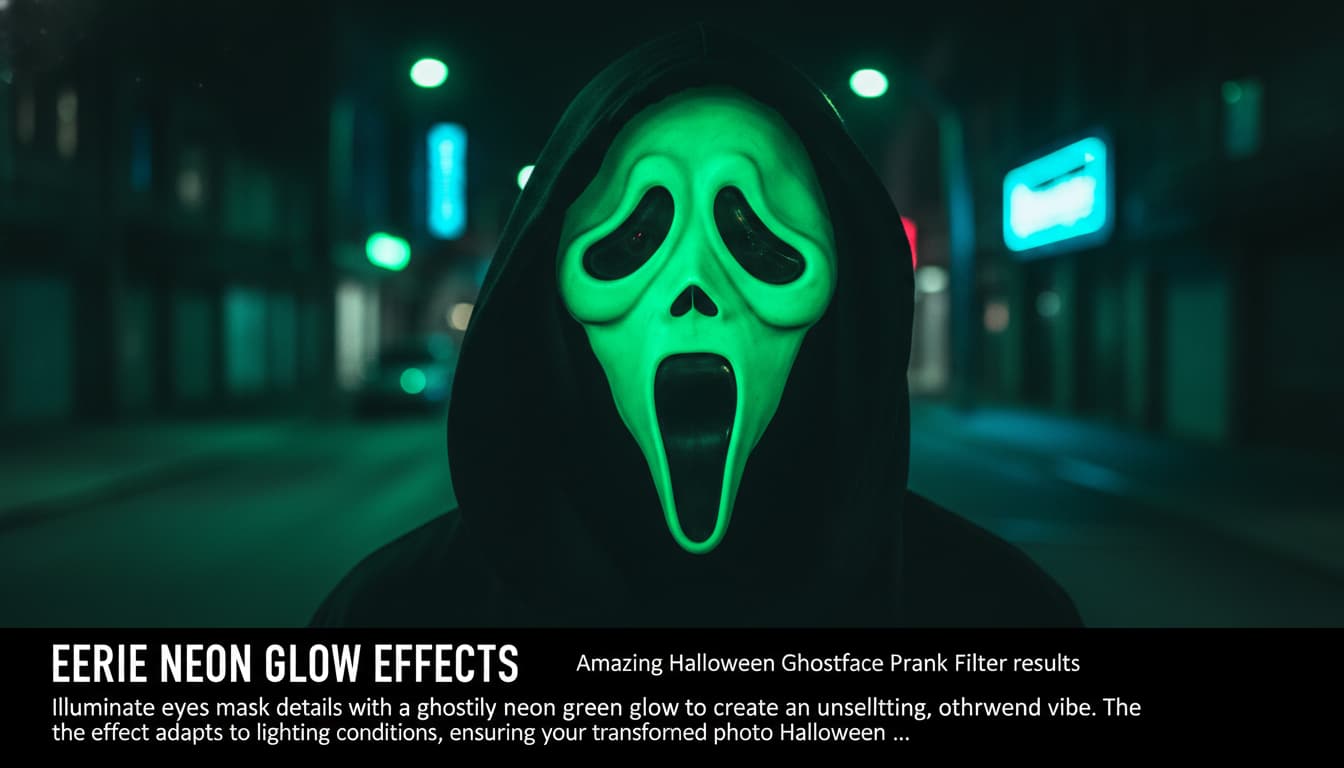
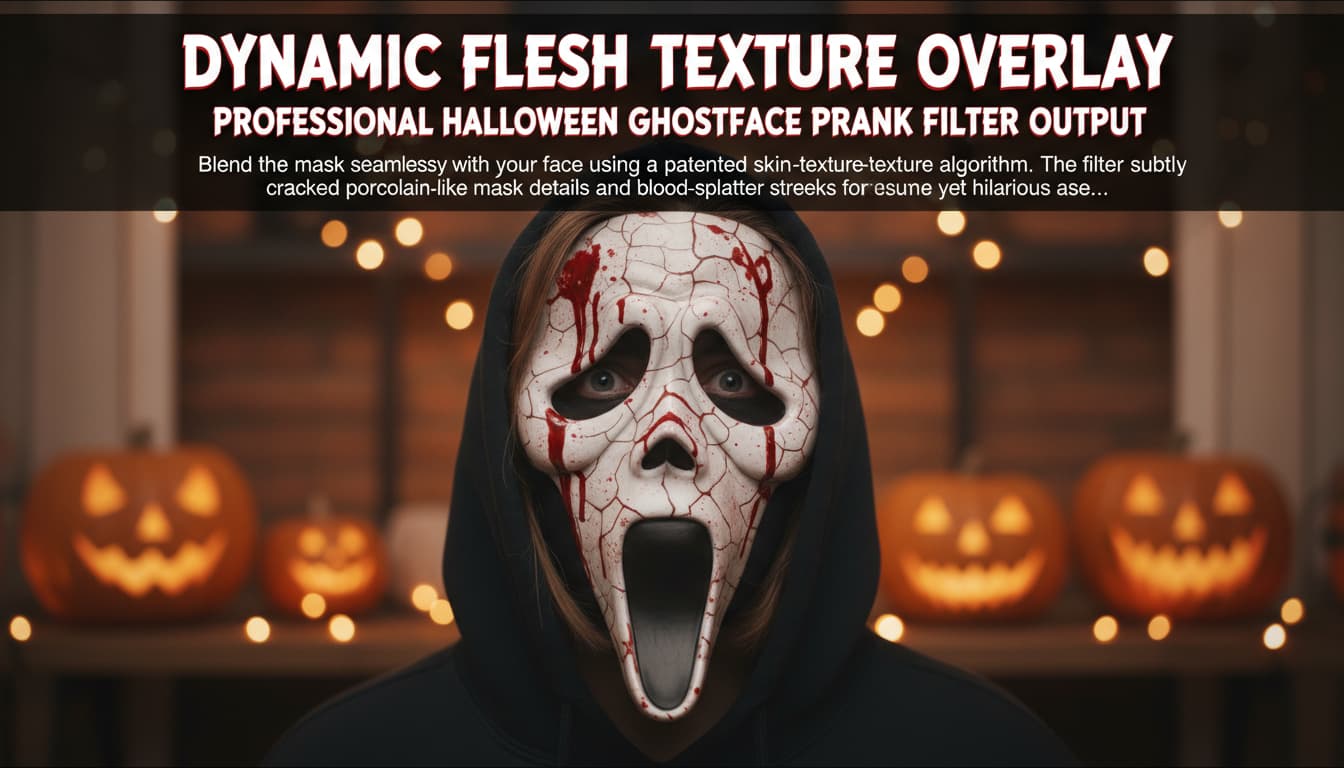
Halloween Ghostface Prank Filter effect example
Amazing Halloween Ghostface Prank Filter results

Eerie Glowing Pupils & Distorted Smile

Eyes transform into glowing void-like pupils with pulsating light effects, while the mouth stretches into a jagged, maniacal grin that morphs slightly to mimic the movie character's unsettling expressions. This creates an instantly recognizable Ghostface signature that other prank filters can't replicate. Learn steps.

Halloween Ghostface Prank Filter quality example
Professional Halloween Ghostface Prank Filter output

Dynamic Fog & Haunted Lighting

Adds immersive depth with swirling ash-gray fog and flickering candle-like shadows that react to the subject's movements. The lighting scheme shifts skin tones to sickly pale hues with sickle moon blue undertones, creating a genuinely haunted atmosphere without over-saturating colors. Try it free.

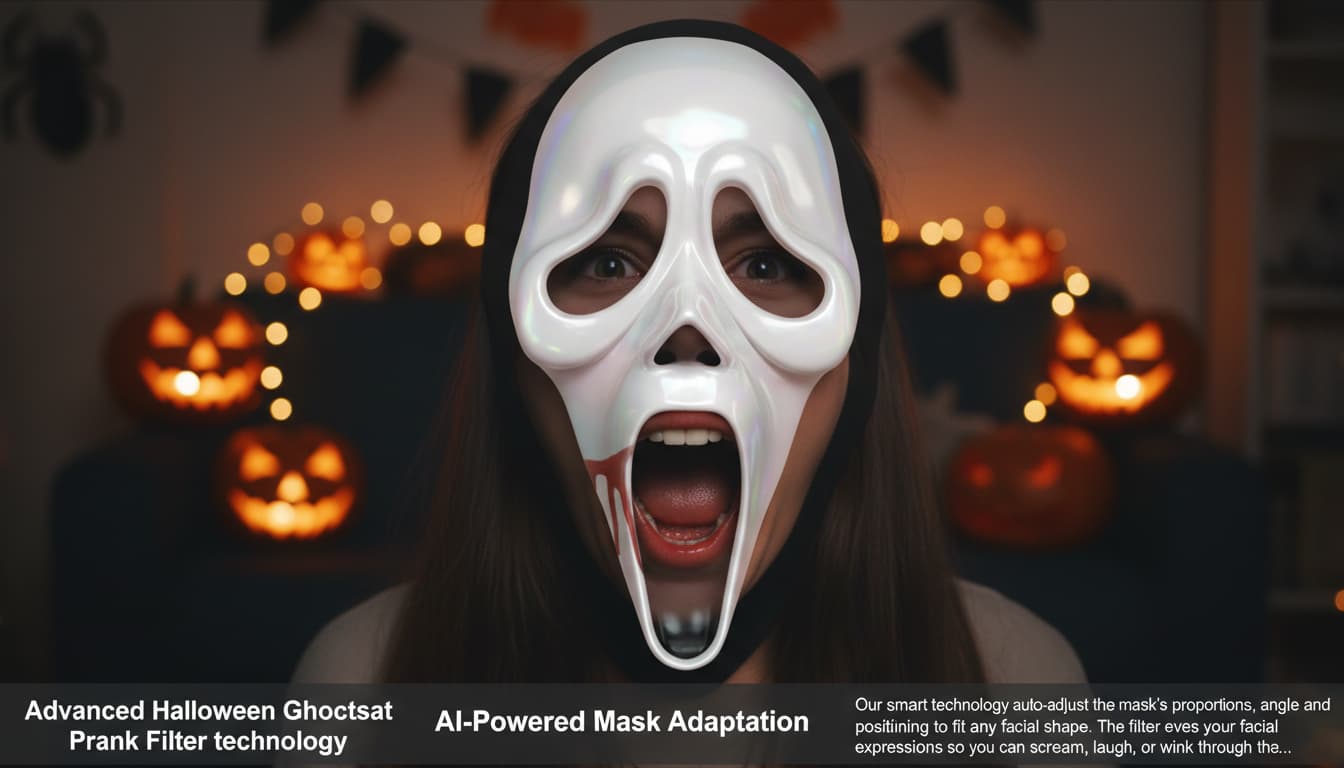
Halloween Ghostface Prank Filter advanced example
Advanced Halloween Ghostface Prank Filter technology

Context-Aware Scare Factor Boost

Automatically intensifies horror elements based on photo content - adds rusted chains in portraits, enhances forest backdrops with twisted black trees, and subtly animates the mask's shadow to lean closer. This adaptive 'jump-scare engineering' makes every transformation feel uniquely personalized and genuinely spooky. See details.

How to Ghostify Your Life (Without Actually Being a Ghost)

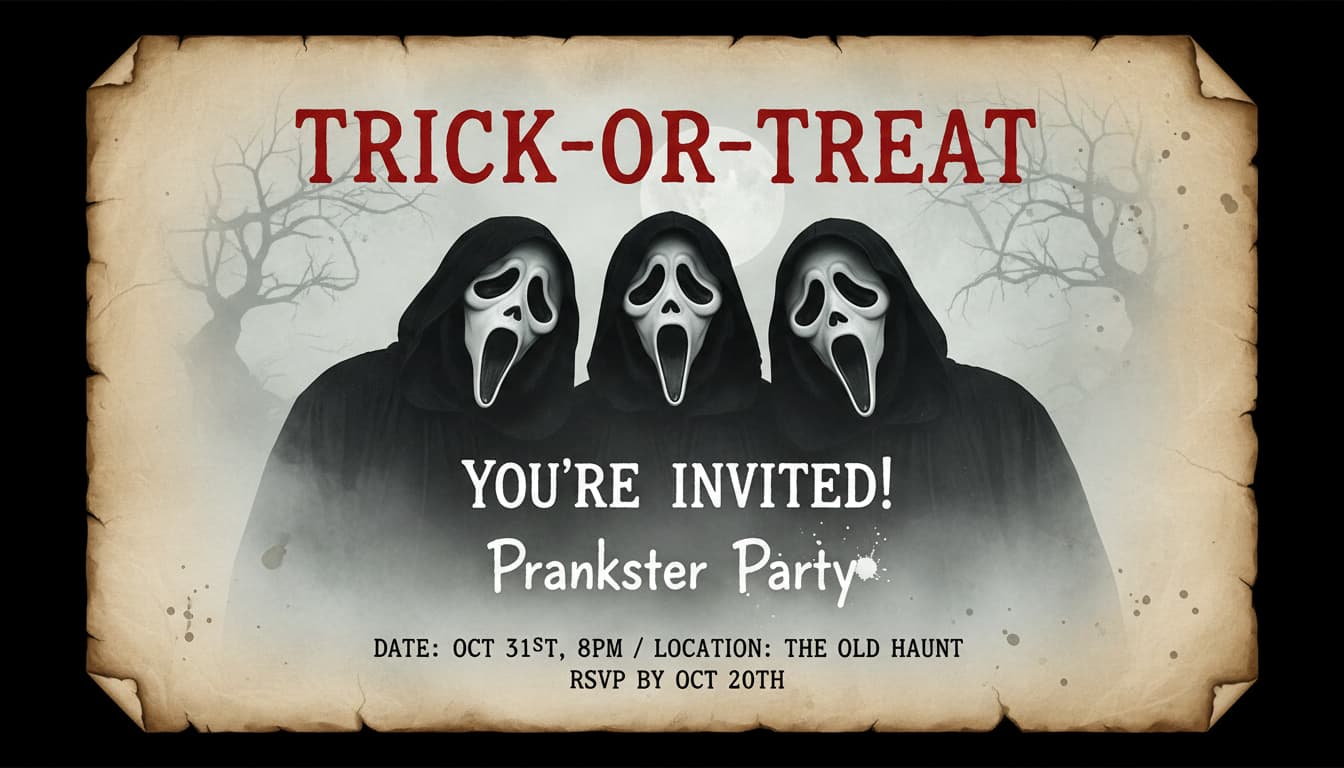
Spook-tacular Greetings for the Creep Crew

Turn ordinary birthday or holiday cards into haunted treasures! Imagine your grandma’s face when she opens a Ghostface version of her photo on her card. Perfect for Halloween or any occasion where ‘creepy’ is the new ‘cheerful.’ Add text like ‘Wishing You a Not-So-Happy Halloween!’ for maximum scares.

A personalized birthday card with a Ghostface-style photo of the recipient and eerie glitter accents

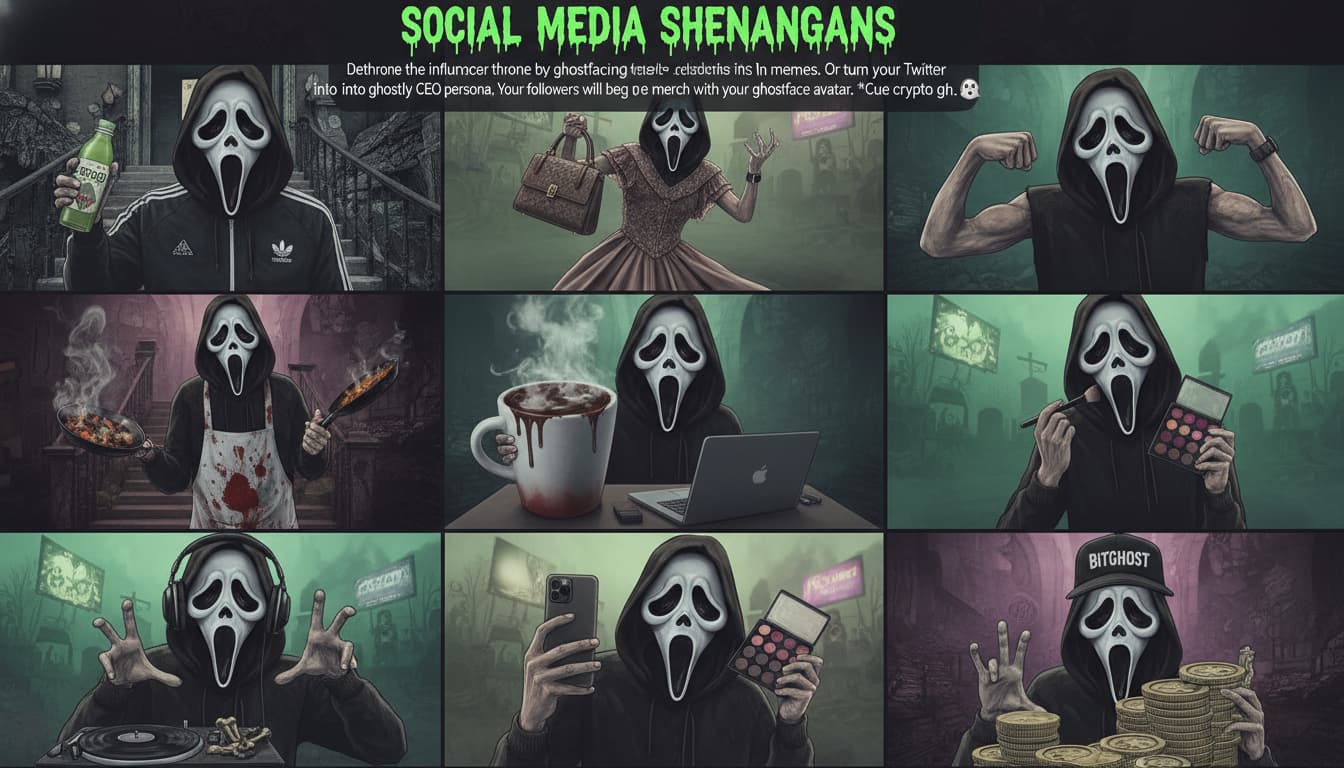
Spookify Your Ads for Maximum Engagement

Business owners, unleash Ghostface magic on social media ads for Halloween sales or horror-themed products. Transform product shots (pumpkin spice lattes, anyone?) into bewitched visuals. Shoppers will click just to figure out what’s real—and what’s haunting their feeds.

A spooky Instagram ad showing Ghostface-style coffee cups and candy with foggy backgrounds

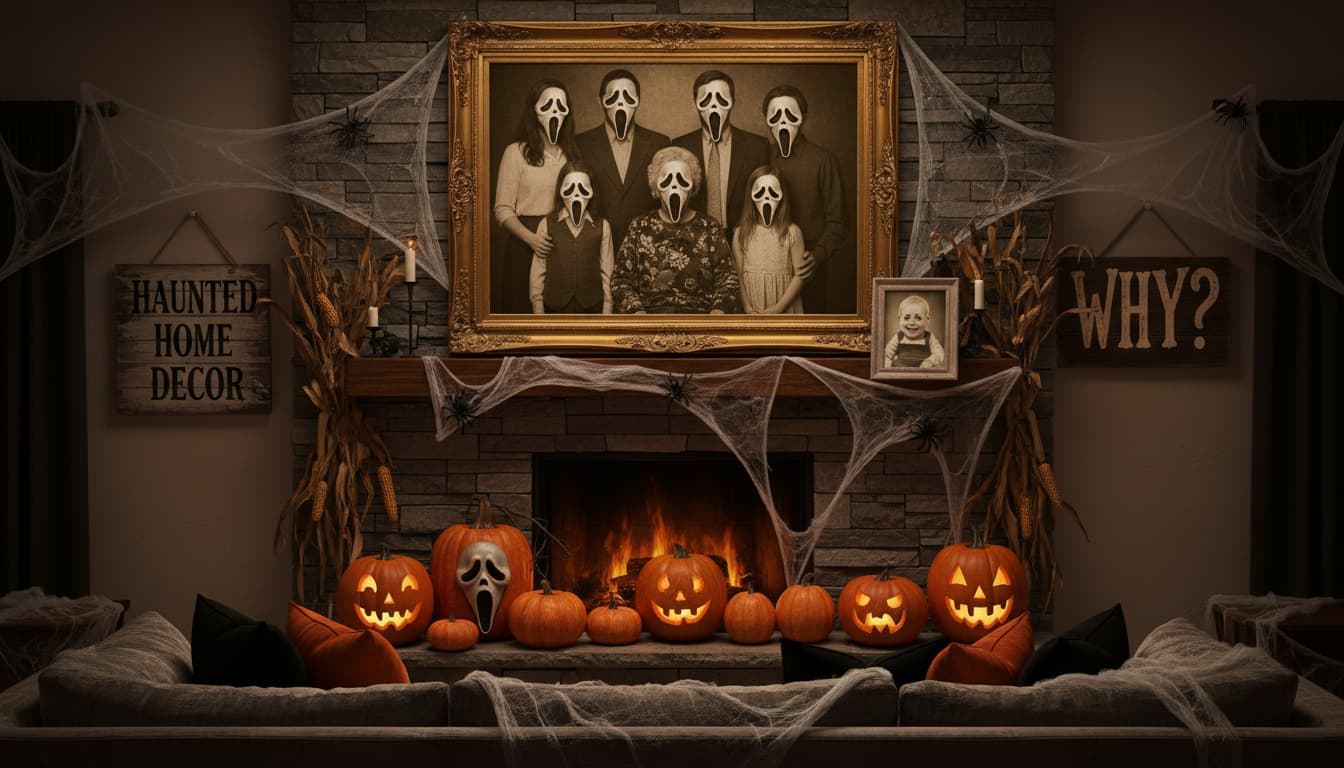
Ghostface Gallery Walls: Where Haunted Art Hangs

Elevate your home decor with DIY Ghostface art! Print photos of your family, pets, or even your house in the iconic style and frame them. Guests will gasp (then ask where you got it). Perfect for Halloween parties or that one room that needs ‘more atmosphere.’

A living room wall displaying large Ghostface-style family portraits with eerie lighting

Campfire Story Characters: Bring Folklore to Life!

Teachers, storytellers, and game masters, use Ghostface transforms to create creepy avatars for classroom lessons or RPG characters. Turn student photos into ‘haunted heroes’ for a creative writing project… or just to scare the class awake during math.

A classroom whiteboard showing Ghostface-style student photos next to spooky story prompts

Boo-tiful Reviews from Spooktacular Users

A
Alex RiveraHalloween Party Planner
★★★★★
Used this to create haunted portraits for my haunted house event! Guests screamed with delight when they saw their Ghostface selfies – truly the star of the night!
C
Claire NguyenInstagram Influencer
★★★★★
My followers loved my #GhostfaceChallenge posts! The filter kept my face recognizable while adding perfect spooky effects. So easy to use!
J
Jameson LeeCollege prankster
★★★★☆
Converted my roommate's selfies into Ghostface pics without him noticing – the best Halloween surprise ever! The quality looked professional!
M
Martha TorresEvent Photographer
★★★★★
Added this effect to candid shots at a masquerade party – clients adored the spooky Halloween twist without losing their original charm.
S
Samuel ParkYouTuber
★★★★★
Used it to create a ghostly intro for my Halloween video series. Kept my face visible but added perfect fog and knife effects – way better than manual editing!
K
Kylie FosterSchool Teacher
★★★★☆
Students loved seeing their photos transformed for our Halloween assembly! Easy enough for kids but professional-grade for presentations.

3 Steps to Ghostify Your World Like a Halloween Wizard

1

Summon Your Spook Squad: Upload a Photo

Drag & drop any pic (human, pet, or even your pumpkin carving!) into our platform. The more mundane the original, the scarier the transformation!

2

Channel the Ghostface Spirit: Transform Your Image

Watch your image morph into a pixelated horror icon! Play with filter strength or add optional effects like fog, glowing eyes, or pumpkin backdrops.

3

Unleash Your Creepy Masterpiece onto the World

Download your spooky creation and terrorize TikTok, email it to friends, or print it as a ‘Happy Haunting’ greeting card. The fear is real!

Frequently Asked Questions

Does this tool preserve my original photo quality?

Yes! Your original photos remain untouched. The Ghostface filter adds spooky effects (mask, knife, fog) while maintaining clear facial features and background details for share-ready Halloween thrills.

Can I remove the Ghostface mask after applying effects?

The iconic Ghostface mask is part of the core experience, but you can adjust transparency levels and choose between full mask coverage or eerie 'haunted' effects that subtly alter faces without full masking.

Is this suitable for family-friendly Halloween fun?

Absolutely! Our safety settings ensure recognizable family photos with playful scares (non-graphic fog/ambiance) – perfect for trick-or-treat selfies and social media without being too intense for kids.

How do customization options work?

Use sliders to control fog density, lighting angles, and sound effect overlays (like eerie whispers). Advanced users can choose between classic Scream movie styling or customized 3D knife placements!

Does it work on group photos?

Yes! The AI detects all faces in group shots and applies Ghostface effects to everyone. Perfect for transforming your pumpkin-carving squad or haunted house crew into a spooky collective ensemble.

Can I download the final images?

Definitely! After creating your Ghostface masterpiece, download high-resolution versions (up to 4K) to share on social media, print as Halloween decorations, or send prank texts that'll haunt friends all night long.

What file types are supported?

Upload JPEG, PNG, or HEIC images up to 25MB. The tool optimizes for both front-facing selfies and full-body shots, making it easy to turn your entire outfit into a Halloween costume via digital transformation!