Logout
Are you sure you want to logout? You will need to log in again to continue using.
My Points
0
Available Points
💡 Points Usage Guide
Points can be used for AI features, each generation consumes corresponding points.
Register to get free points, VIP users enjoy more benefits!
Upload your photo to get started
Supported formats: JPG, PNG, WebP (Clear face photo with good lighting recommended for best character conversion)
0/200

Optional details for better character results.

Generating...

Turn Any Photo into Spooky Halloween Magic! Generator

Transform your photos into spooky Halloween characters for Instagram, party invites, costume planning, or personalized Halloween cards—all with one spooky click!

After Halloween Filter transformation
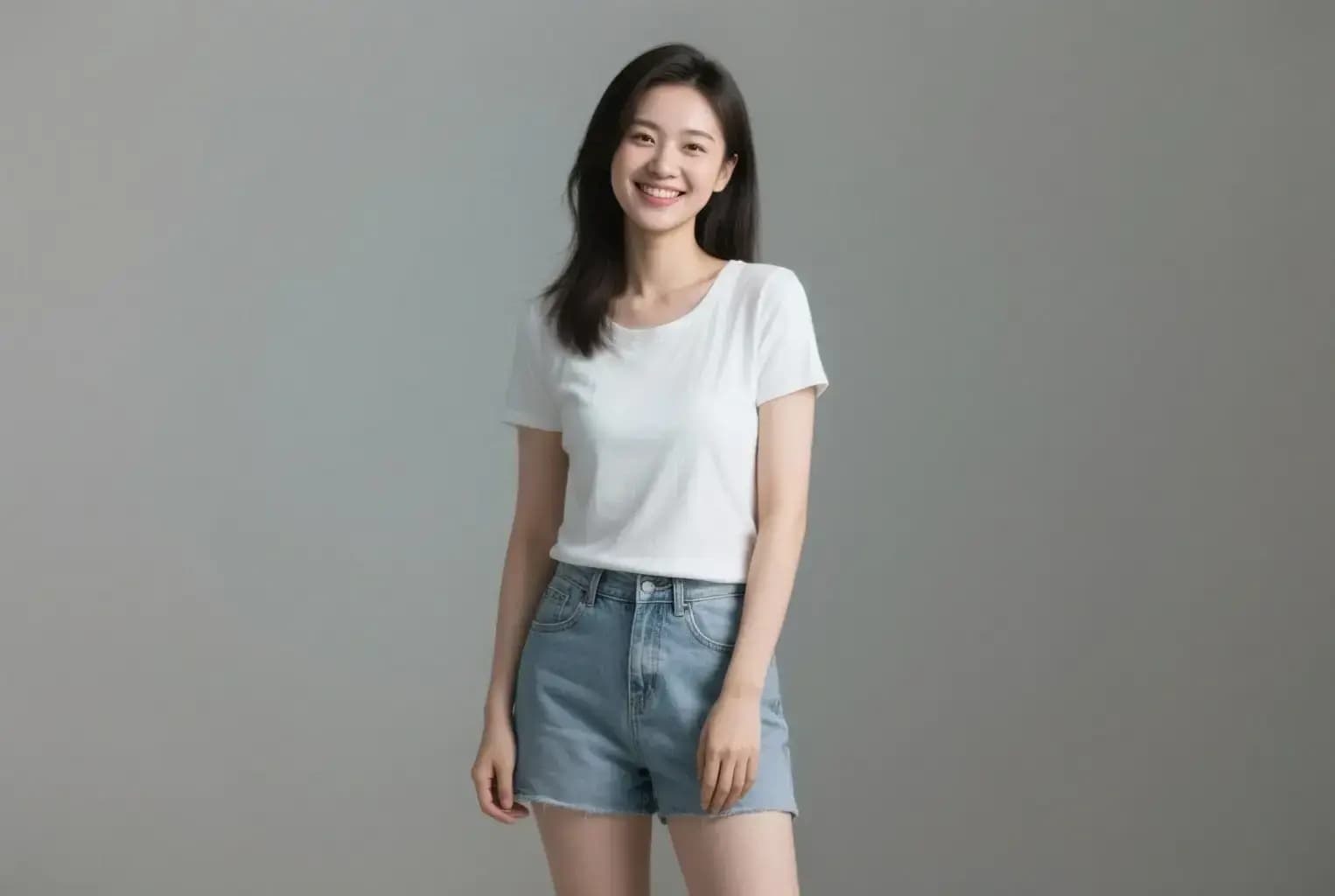
Original photo
Before
After

Unique Halloween Filter Features

Halloween Filter style example
Perfect Halloween Filter transformation

Perfect for Halloween Profile Pictures

Update your social media profiles with a spooky Halloween look! Transform yourself into a vampire, ghost, or zombie for a fun seasonal profile picture that stands out from the crowd. Great for Instagram, TikTok, and Facebook! Try it now.

Halloween Filter effect example
Amazing Halloween Filter results

Ideal for Halloween Party Photos

Create unforgettable Halloween party memories! Transform group photos into spooky collections where everyone becomes a different character. Perfect for party invitations, event photos, and creating fun memories with friends that capture the Halloween spirit! Try it now.

Halloween Filter quality example
Professional Halloween Filter output

Perfect for Personalized Halloween Cards

Surprise friends and family with fun Halloween cards! Transform your photos into spooky characters like skeletons, zombies, or witches for personalized greeting cards. Great for Halloween birthdays, party invitations, or just sending some spooky cheer! Create now.

Halloween Filter advanced example
Advanced Halloween Filter technology

Great for Costume Planning

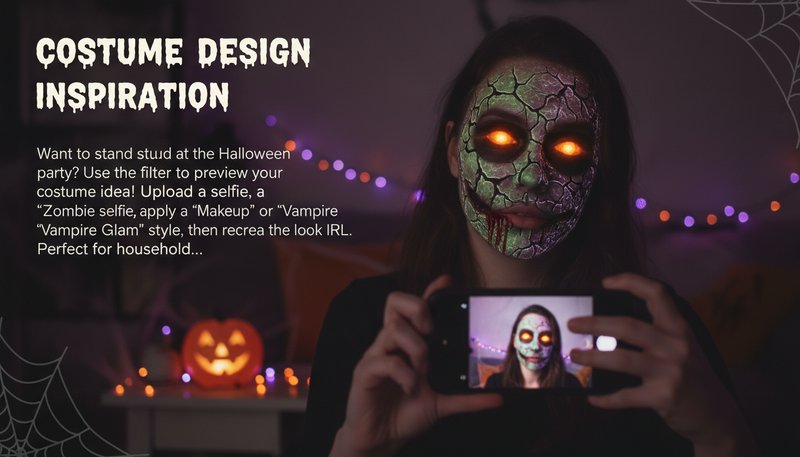
Not sure what costume to wear? Try different looks before you buy! Transform your photo into a werewolf, vampire, witch, or ghost to see how each costume style looks on you. Perfect for planning your Halloween outfit and making sure you choose the perfect spooky look! Get started.

Creative Use Cases for Halloween Photos

Social Media Halloween Posts

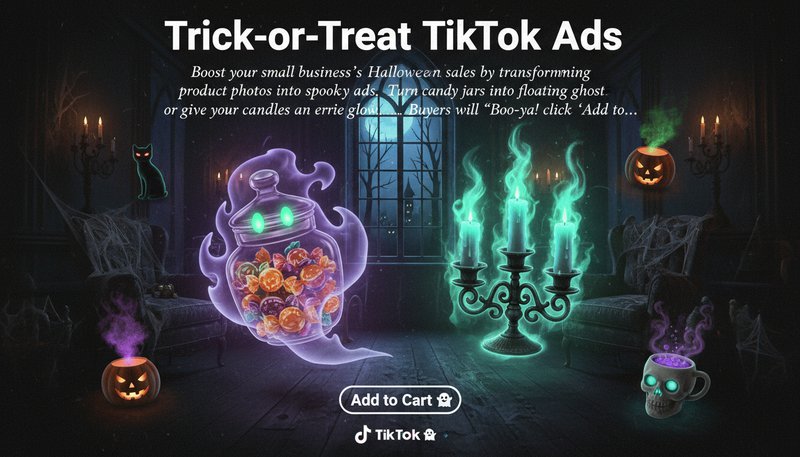
Create spooky posts for Instagram, TikTok, and Facebook. Transform your photos into Halloween-themed content that stands out and gets more engagement during the Halloween season!

Halloween social media post example

Costume Planning & Inspiration

Want to try different Halloween looks? Upload your photo and transform it into a vampire, zombie, witch, or werewolf to see how you'd look before committing to a costume!

Halloween costume planning example

Halloween Party Invitations

Create unique party invitations with spooky transformed photos. Turn your friends into vampires, ghosts, or zombies for fun and memorable Halloween party invites!

Halloween party invitation example

Personalized Halloween Cards

Surprise friends and family with personalized Halloween cards featuring spooky transformed photos. Perfect for Halloween greetings and adding a fun, spooky touch to your messages!

Personalized Halloween card example

Users Love Our Spooky Magic

A
AlexSocial Media User
★★★★★
Created amazing Halloween photos for my Instagram story! Transformed myself into a zombie and got so many likes. So fun and easy to use!
L
LilaStudent
★★★★★
Used this for our Halloween party photos! Turned everyone into different spooky characters. The vampire and ghost options looked amazing!
M
MarcusParty Organizer
★★★★☆
Perfect for our Halloween event! Created spooky photos with different costume types. Everyone loved seeing themselves as werewolves and witches!
S
SarahContent Creator
★★★★★
Great for Halloween content! Tried multiple costume types and each one looked so realistic. My followers loved the spooky transformations!
D
DavidUser
★★★★★
Transformed my family photo into a spooky Halloween portrait! The zombie and skeleton options were perfect for our Halloween cards.
E
EmmaUser
★★★★☆
Created Halloween profile pictures for my friends! The witch and vampire transformations looked so good. Everyone wanted to know how I made them!

Bewitch Your Photos in 3 Easy Steps

1

Upload Your Photo

Upload a clear photo with good lighting. Face photos work best for the Halloween transformation. You can use selfies, portraits, or group photos.

2

Choose Your Costume Type

Select from 20+ costume types like Werewolf, Ghost, Vampire, Zombie, or Witch. Add optional details if you want, then let AI do the magic!

3

Download & Share

Download your spooky Halloween photo and share it on social media, use it for party invitations, or save it for your Halloween profile picture!

Frequently Asked Questions

How does the Halloween Filter work?

Simply upload your photo and choose a costume type like Werewolf, Ghost, Vampire, or Zombie. Our AI transforms your photo into a spooky Halloween character while maintaining your recognizable features. Add optional details in the description field for more customization.

Is the tool free to use?

Yes, you can try the tool for free! Upload your photo, choose a costume type, and generate your Halloween transformation. Free users can download the results. Premium plans offer higher quality downloads and additional features.

Are my photos safe?

Absolutely! All uploads are encrypted, processed instantly, and automatically deleted from our servers. Your personal photos and data remain private—no ghosts of your data lingering in our system!

Does it work on mobile?

Yes! The tool works perfectly on mobile devices through your browser. Create spooky Halloween photos on your phone or tablet—great for quick costume planning or last-minute Halloween content!

Can I edit the Halloween effects further?

The AI handles the main transformation, but you can add optional details in the description field to customize your Halloween look. You can also download the result and edit it further in your preferred photo editing software.

How do I share my results?

Once satisfied, download your transformed image instantly. Share it directly to social media platforms like Instagram, TikTok, or WhatsApp—tag us with #HalloweenFilter for a chance to be featured!

Are the Halloween themes updated regularly?

We regularly update the costume types and improve the transformation quality. New options are added based on user feedback and popular Halloween trends. Keep checking back for fresh costume choices!