Logout
Are you sure you want to logout? You will need to log in again to continue using.
My Points
0
Available Points
💡 Points Usage Guide
Points can be used for AI features, each generation consumes corresponding points.
Register to get free points, VIP users enjoy more benefits!
Upload your photo to get started
Supported formats: JPG, PNG, WebP (Upload any photo - entire image including background will be transformed into manga style)
16:9
Widescreen
1:1
Square
9:16
Portrait

Choose output format. Leave empty to keep original image ratio.

0/200

Optional details for better character results.

Generating...

Transform Your Photos into Epic Manga Art in Seconds!

Turn everyday snapshots into stunning manga masterpieces for Instagram posts, birthday cards, marketing campaigns, home wall art, educational projects, and unlimited creative fun!

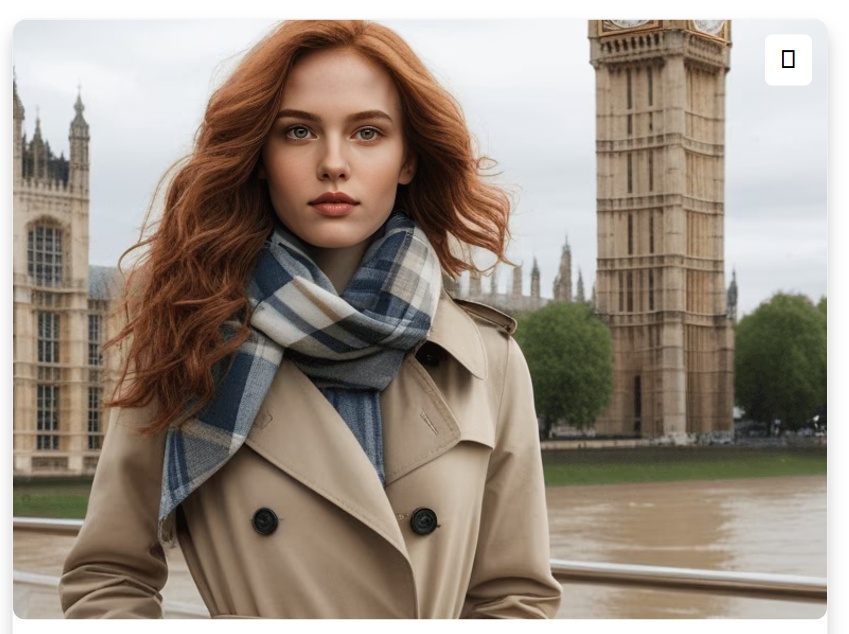
Manga-style character transformation result
Original photo
Before
After

Unique Manga Generator Features

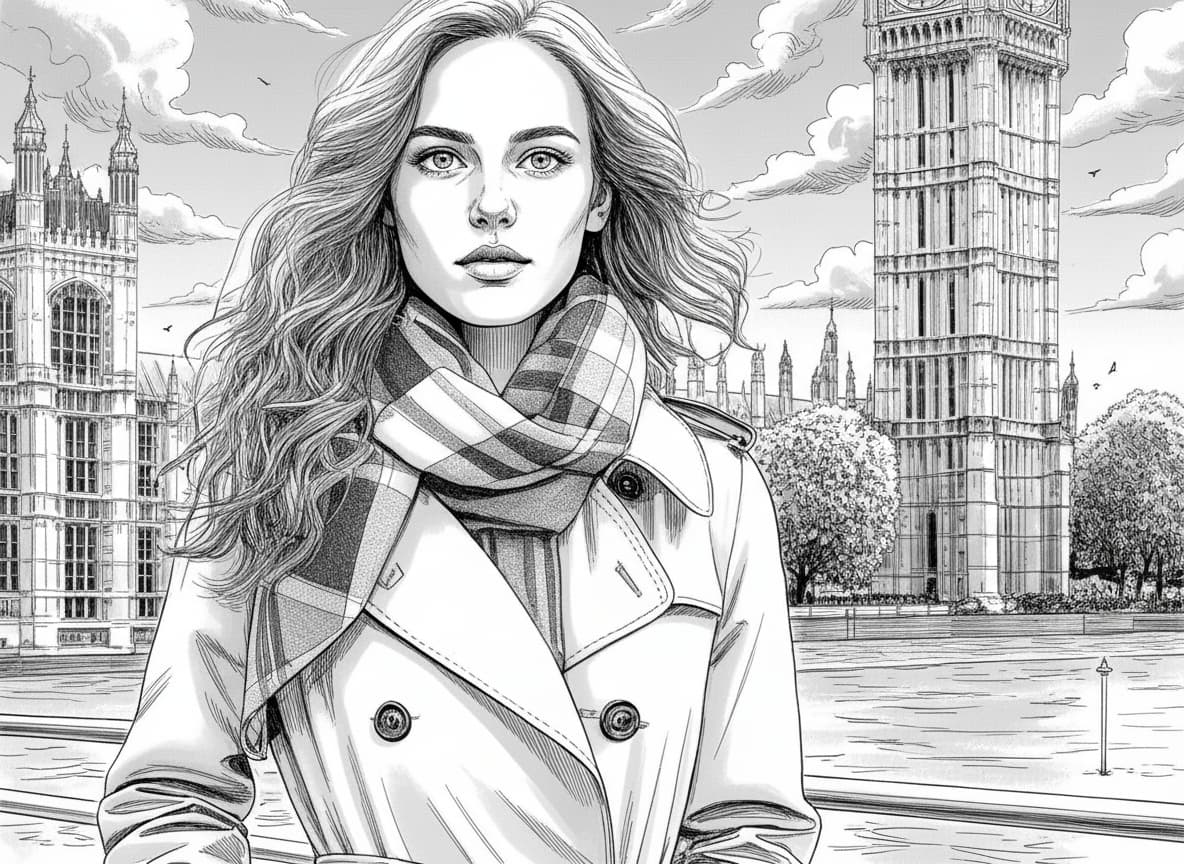
Manga-style character with exaggerated anime eyes and expressive features
Bold manga character transformation

Iconic Manga Expressiveness

Transform faces into bold manga characters with exaggerated, anime-style eyes, dramatic eyelashes, and expressive eyebrows. This feature amplifies emotion and personality, making every photo instantly recognizable as manga art, unlike generic cartoon or realistic styles. See how it works.

Anime-inspired lighting effects with neon highlights and dynamic shadows
Vibrant anime-style lighting effects

Vibrant Anime-Inspired Lighting

Apply intense, stylized lighting effects like neon highlights, gradient shadows, and dynamic backlighting. These effects mimic classic manga panel aesthetics, creating striking compositions that pop with energy and focus, unlike flat or natural-light filters. Learn steps.

Crisp black line art overlay with crosshatch textures on manga-style illustration
Precision line art with comic panel quality

Precision Line Art Overlay

Add crisp, black ink-like outlines and crosshatch textures to define edges, hair, and clothing. This signature manga line-art layer gives photos the bold, graphic quality of comic panels, distinguishing them from soft-edged cartoon or photorealistic transforms. Try it free.

Dynamic manga-style pose with exaggerated angles and action-ready stance
Dynamic poses with manga-style perspective

Dynamic Pose & Perspective Twists

Automatically enhance poses with exaggerated manga-style angles, dramatic tilts, or action-ready stances. The AI intelligently adjusts body proportions and facial expressions to fit manga conventions, creating visually engaging, storybook-like imagery without manual editing. See details.

From Everyday to Epic: Manga in Real Life

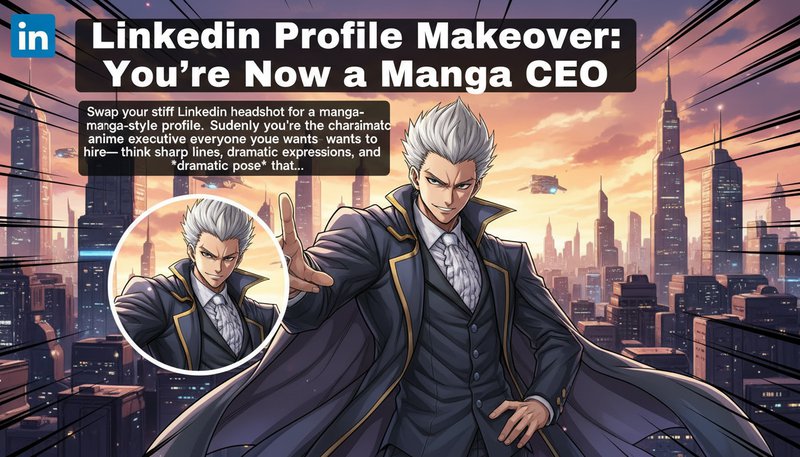
LinkedIn Profile Makeover: Professional Manga Style

Transform your LinkedIn headshot into a manga-style profile. Create a unique, eye-catching professional image with sharp lines, dramatic expressions, and anime-inspired aesthetics that stand out while maintaining professionalism.

A manga-style LinkedIn profile picture of a business professional with anime-inspired business attire

E-Commerce: Creative Product Photography

Transform product photos into manga-styled visuals. Turn everyday items into anime-inspired hero shots or sci-fi manga scenes. Create unique, engaging product images that capture attention and increase engagement.

A manga-style e-commerce product image of clothing transformed into anime-inspired battle gear

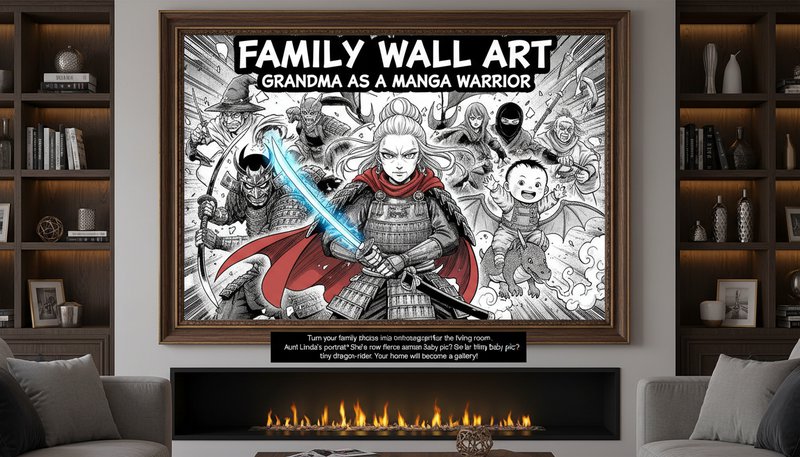
Family Wall Art: Creative Home Decor

Transform family photos into dramatic manga-style artwork for your home. Create unique, personalized portraits with anime-inspired characters—perfect for creating a fun and creative gallery wall that showcases your family in a unique artistic style.

A wall-mounted manga-style family portrait with exaggerated anime features and dynamic poses

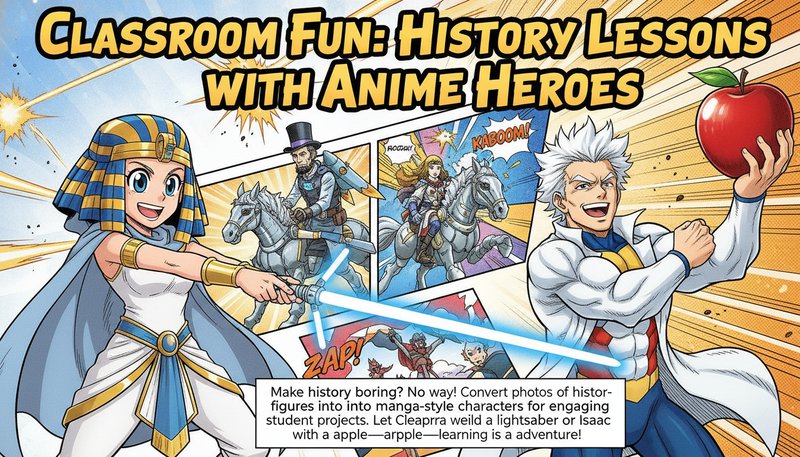
Educational Projects: Engaging Learning Materials

Transform historical figures and educational content into manga-style characters for engaging student projects. Create visually appealing learning materials that make history and other subjects more interesting and memorable for students.

A classroom poster featuring historical figures redrawn in anime style with exaggerated expressions and dynamic poses

Real Users, Real Results

A
Alex ChenDigital Artist
★★★★★
This tool turned my vacation photos into epic manga panels! The detail on my friend’s anime-style hair shocked everyone.
E
Elena TorresContent Creator
★★★★★
Used it to create fan art for my YouTube channel—it looked pro-level! Fans couldn’t believe I didn’t hire an artist.
J
Jared KimSocial Media Marketer
★★★★☆
Converted client headshots into manga avatars for our app. Engagement skyrocketed—users loved the quirky, engaging style!
M
Mika SatoStudent
★★★★★
My manga-style graduation photo became the hit of the year! It’s perfect for sharing on social media—easy and stunning!
R
Rohan PatelGamer
★★★★★
Turned my gaming character into a manga hero! Now I have anime-style cosplay references for my next convention.
S
Sarah LeeGraphic Designer
★★★★☆
Clients adore the manga-style mockups I create with this tool. It’s the secret weapon for my anime-themed projects!

3 Steps to Manga Mastery: Easy as Draw, Style, Share!

1

Upload Your Pic

Drag & drop any photo—your dog, veggies from lunch, or that awkward selfie. We’ll make it magical.

2

Choose Your Manga Vibe

Pick from bold outlines, neon accents, or classic anime styles to turn your pic into an epic comic frame.

3

Export & Conquer

Boom! Download your masterpiece and flood the internet with your anime alter ego.

Frequently Asked Questions

How does the Manga Generator work technically?

Our AI analyzes your entire photo including background, features, textures, and lighting, then applies a neural style transfer algorithm trained on thousands of manga artworks. This transforms the complete scene into manga style, ensuring your output retains the original composition while adopting the vibrant, line-detailed aesthetic of professional manga illustrations.

Can I edit the generated manga art further?

Yes! Download your high-resolution image and refine it in software like Photoshop or Procreate. You can also add specific style preferences in the optional text box before generating to customize colors, effects, or character details.

What file formats are supported?

Upload JPEG, PNG, or WEBP images (up to 20MB). Outputs are delivered in high-resolution PNG format. The entire image including background is transformed into manga style, creating a complete manga scene.

Is my photo data safe?

Absolutely. Uploaded images are stored temporarily and deleted after 24 hours. Our encryption ensures no access to third parties—your privacy is our priority.

How long does image generation take?

Most conversions finish in under 10 seconds! Complex scenes may take up to 30 seconds, but our real-time preview lets you watch your photo transform into manga art.

Can I customize the manga style?

Yes! You can add additional preferences in the optional text box to describe your desired style, such as specific color schemes, character types, or artistic effects. The AI will incorporate your preferences into the transformation.

Is this suitable for professional use?

Definitely! Outputs are 4K resolution with professional-grade quality. Creators use it for character design, fan art, marketing visuals, and even as a base for full manga panel illustrations.

Pillar and Tool Navigation

Tool Page

This art tool belongs to the AI Anime & Cartoon Hub hub. Start from the hub to compare oil painting, watercolor, line drawing, anime, and related styles before choosing a workflow.

Open pillar page -> AI Anime & Cartoon Hub

Art Workflow Switchboard

This tool page is one stop in a larger art workflow. Compare nearby styles in one click, then return to the hub when you need broader side-by-side decisions.