Logout
Are you sure you want to logout? You will need to log in again to continue using.
My Points
0
Available Points
💡 Points Usage Guide
Points can be used for AI features, each generation consumes corresponding points.
Register to get free points, VIP users enjoy more benefits!
Upload your damaged photo to restore it
Supported formats: JPG, PNG, WebP (Scanned photos, family portraits, and damaged images work well)
0/200
0/200

Optional details for better results.

AI is restoring your photo...

Old Photo Restore Online

Restore faded, blurry, scratched, and damaged old photos online to make family memories look clearer, cleaner, and easier to preserve.

Restored Photo Result
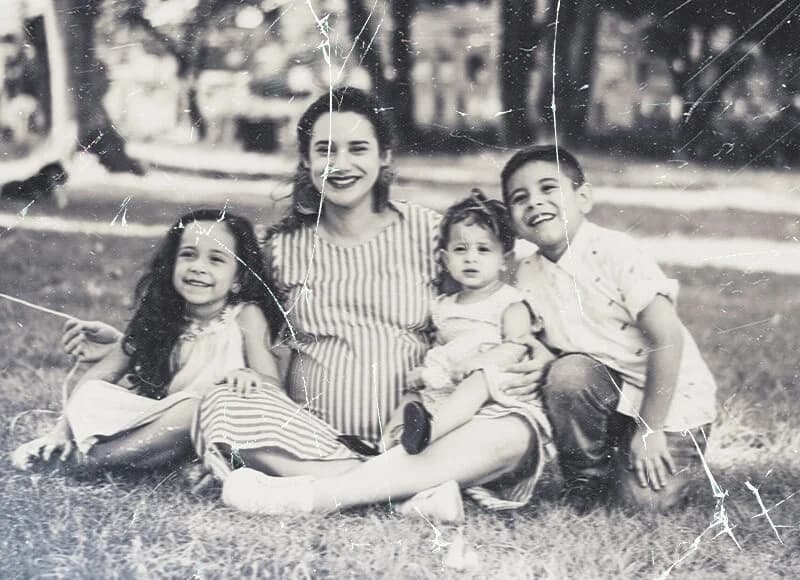
Damaged Photo
Damaged Photo
Restored Photo

AI Photo Restore: Professional Heritage Restoration Technology

Photo restoration preview
Photo restoration result

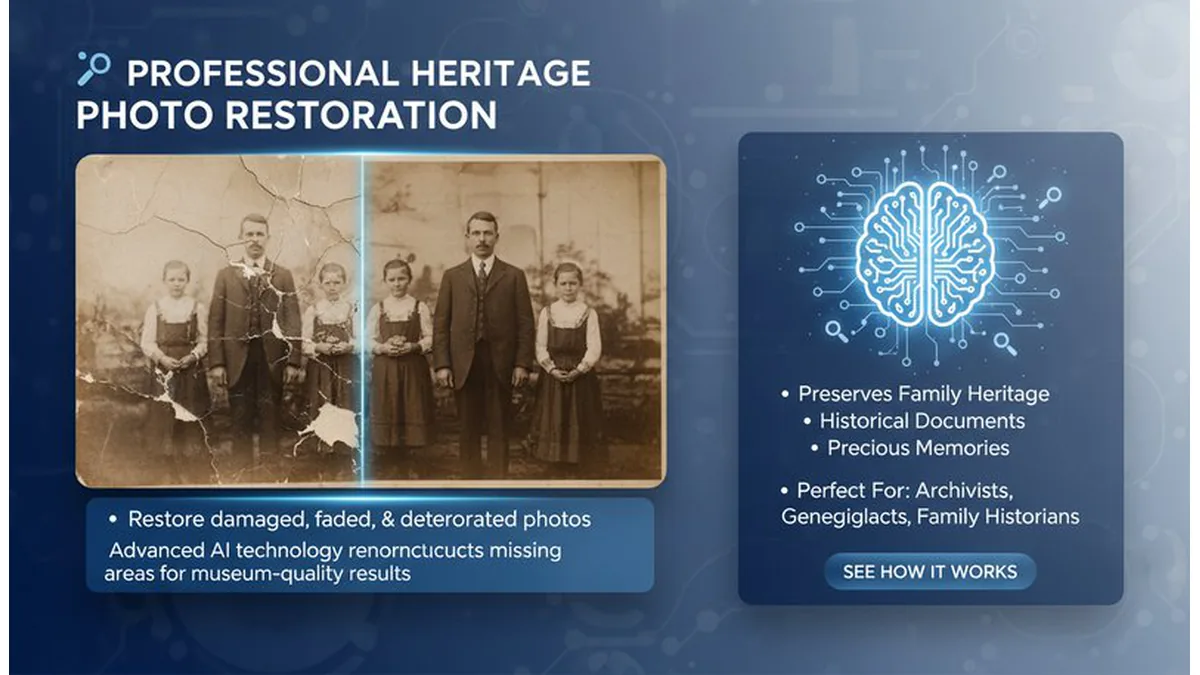
🔬 Professional Heritage Photo Restoration

Restore damaged, faded, and deteriorated photos using advanced AI technology that analyzes image damage patterns and intelligently reconstructs missing or damaged areas. Our AI specializes in preserving family heritage, historical documents, and precious memories with museum-quality restoration results. Perfect for archivists, genealogists, family historians, and anyone who wants to preserve and restore precious historical photographs and family memories. See how it works.
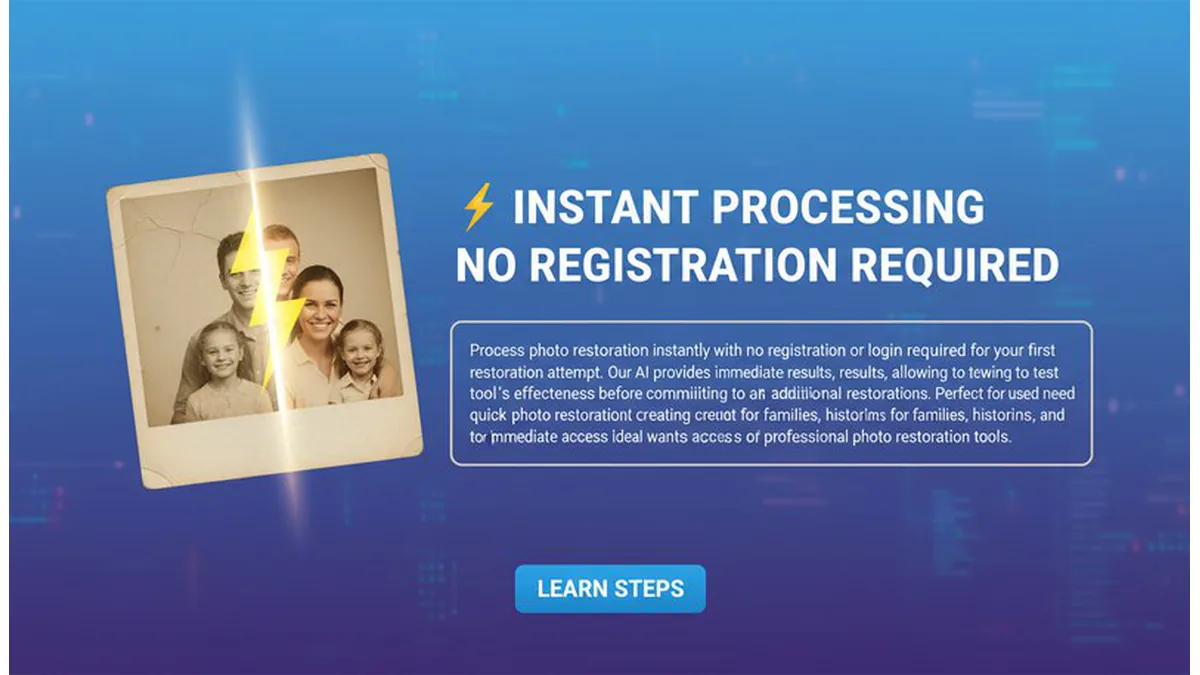
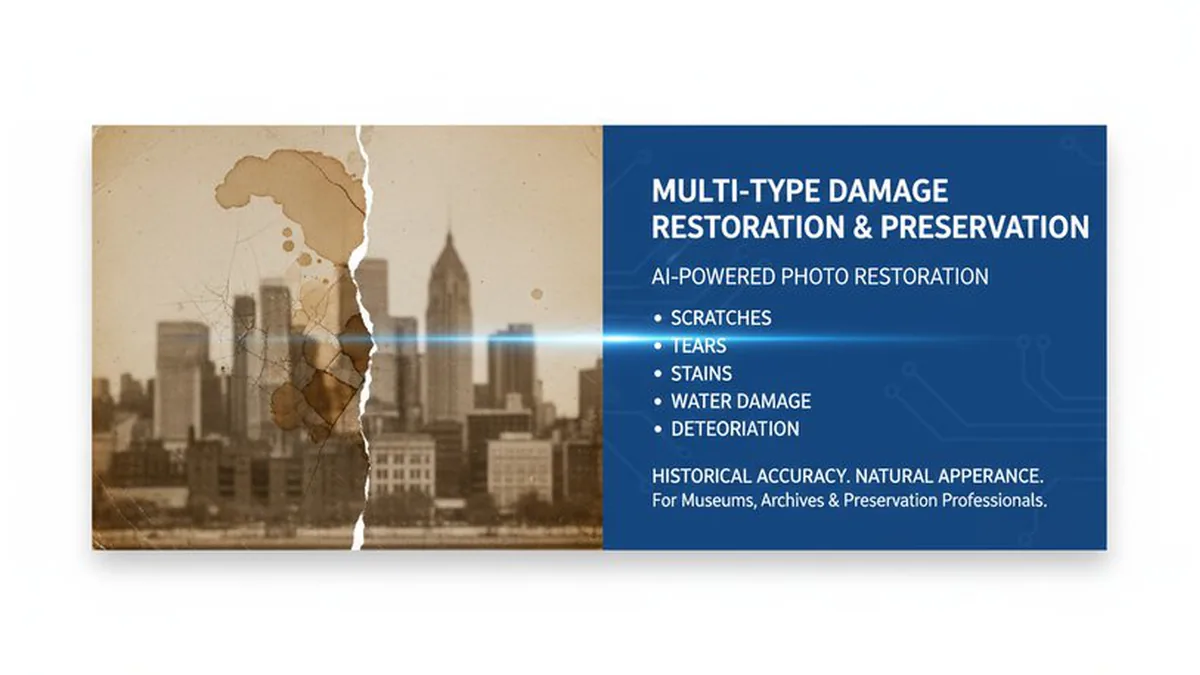
Photo restoration examples
Photo restoration previews

⚡ Instant Processing & No Registration Required

Process photo restoration instantly with no registration or login required for your first restoration attempt. Our AI provides immediate results, allowing you to test the tool's effectiveness before committing to additional restorations. Perfect for users who need quick photo restoration without creating accounts or providing personal information. Ideal for families, historians, and anyone who wants immediate access to professional photo restoration tools. Learn steps.

Photo restoration types

🏙️ Multi-Type Damage Restoration & Preservation

Restore various types of photo damage including scratches, tears, fading, stains, cracks, water damage, and deterioration using AI technology that adapts to different damage patterns and restoration requirements. Our AI handles complex restoration challenges while maintaining historical accuracy and natural appearance. Perfect for museums, archives, libraries, historical societies, and preservation professionals who need comprehensive photo restoration services for historical and cultural preservation. Try it free.

AI-powered photo analysis
AI photo analysis

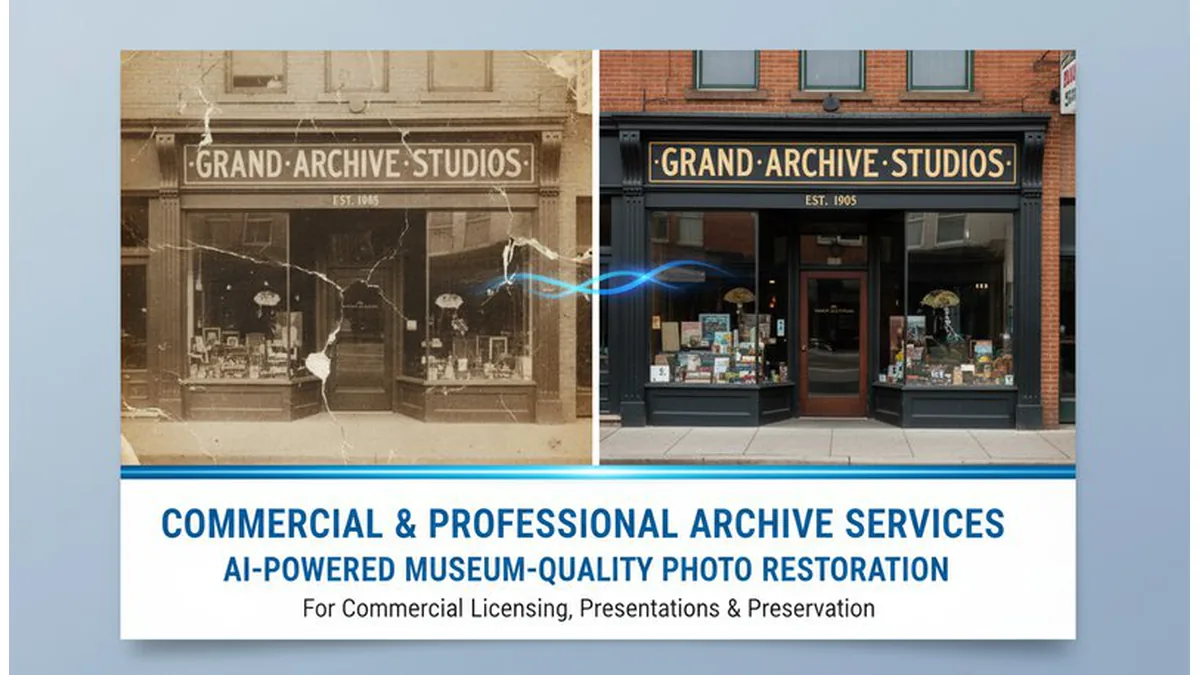
🎯 Commercial & Professional Archive Services

Generate professional photo restoration services for commercial archives, professional photography studios, and business applications using AI technology that creates museum-quality restoration results. Our AI produces high-quality restored images suitable for commercial licensing, professional presentations, and archival preservation. Perfect for professional photographers, archive services, museums, historical institutions, and commercial users who need professional-grade photo restoration for business and preservation purposes. See details.

Best Use Cases for Old Photo Restore

Family Heirloom Restoration

Restore precious family heirlooms and vintage photos that have been damaged over time. Bring back faded memories, fix torn edges, remove stains, and restore colors to create beautiful family photo collections. Perfect for preserving family history, creating digital archives, and sharing restored memories with future generations.

Restore Printed Family Portraits

Clean up faded portraits, cracked prints, and damaged family photos so they are easier to archive, print again, or share with relatives in digital form.

Improve Scans Before Archiving

Use restoration to improve scanned photos before saving them to a family archive, cloud storage, genealogy project, or digital memory collection.

Recover Important Memory Photos

Restore childhood photos, wedding portraits, travel memories, and family snapshots that were damaged by time, storage, or scanning issues so they become usable again.

What Users Are Saying

A
AliceFamily Historian
★★★★★
I preserve family history and this AI restores old photos perfectly! The results are so amazing that I can see details I never knew existed. Perfect for family archives!
B
BobPhoto Restorer
★★★★★
I restore photos professionally and this AI saves me hours of work! The quality is so good that I use it for client projects. Perfect for professional restoration!
C
CarolMuseum Curator
★★★★☆
I curate museum collections and this AI restores historical photos perfectly! The results are so accurate that they look like originals. Perfect for historical preservation!
D
DavidGenealogist
★★★★★
I research family trees and this AI restores old family photos perfectly! The results are so clear that I can see family resemblances clearly. Perfect for genealogy research!
E
EmmaMemory Keeper
★★★★★
I preserve family memories and this AI restores damaged photos perfectly! The results are so beautiful that my family was amazed. Perfect for memory preservation!
F
FrankRestoration Expert
★★★★☆
I restore photos professionally and this AI handles complex damage perfectly! The results are so good that I use it for difficult projects. Perfect for expert restoration!

How to Restore an Old Photo in 3 Steps

1

Upload the Old Photo

Start with a scanned or damaged photo that still shows the main subject clearly enough for restoration.

2

Describe the Damage

Tell the tool whether the image is faded, scratched, torn, stained, or blurry so the restoration can focus on the biggest issues.

3

Restore and Download

Generate the restored version, compare the result, and download it for archiving, printing, or sharing with family.

Frequently Asked Questions

What kinds of damage can this tool fix?

This tool can help improve blur, fading, scratches, tears, stains, and other common damage found in old family photos and scanned portraits.

What photo files work best for restoration?

Scanned family photos, damaged portraits, and older printed photos usually work best when the subject is still visible and the file is reasonably clear.

Do I need to describe the damage?

It helps. Telling the tool whether the image is faded, scratched, torn, stained, or blurry can improve the restoration result.

Can I start without creating an account?

Yes. You can start the restoration workflow directly from the browser without needing a complicated setup.

Can restored photos be used for printing or sharing?

Yes. Many users restore family photos so they can archive, print, or share clearer digital versions with relatives.

How accurate are restoration results?

Results are usually strongest when the subject is still visible and the damage is clear enough for the tool to interpret. Some heavily damaged photos may need more than one try.

Is my uploaded photo kept private?

Uploaded photos are used to generate the restored result and return it to you. If the image is sensitive, review the site's privacy and storage policy before uploading.