1) AI Oil Painting Generator
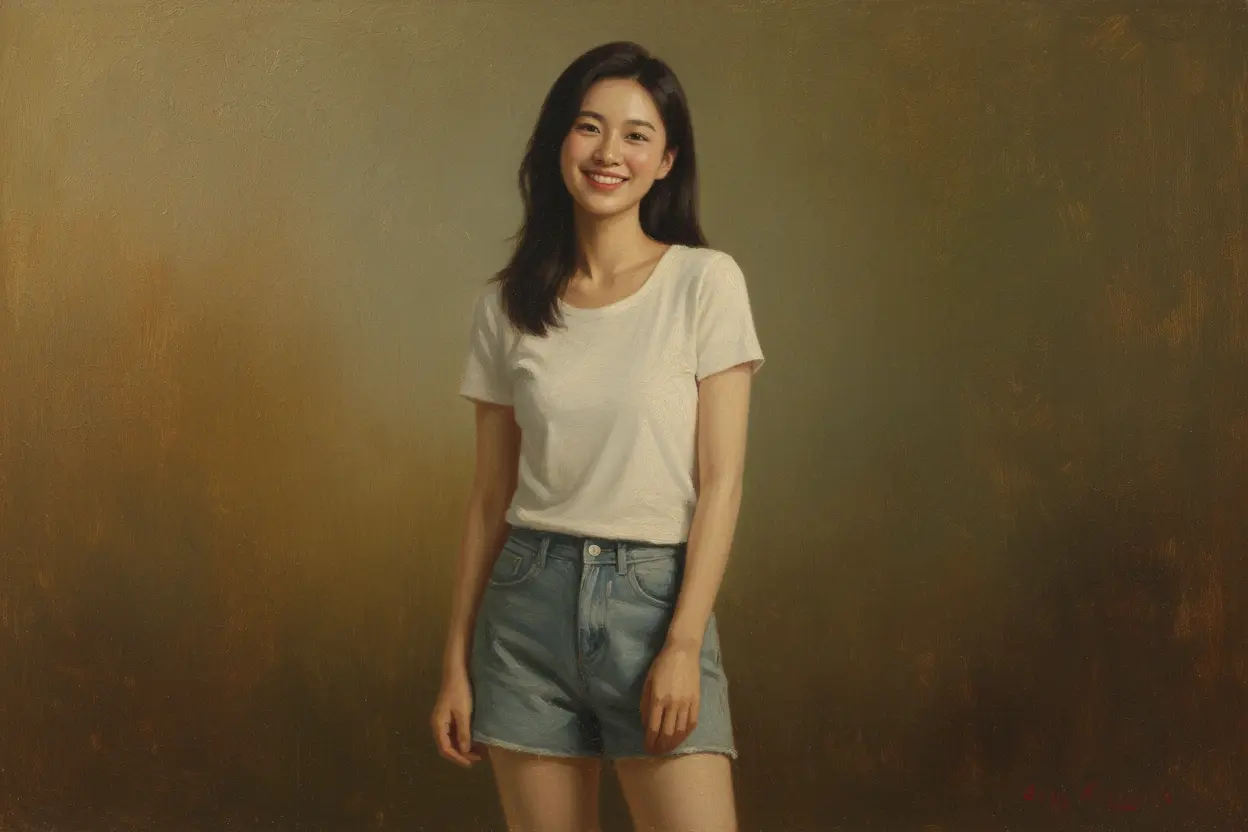
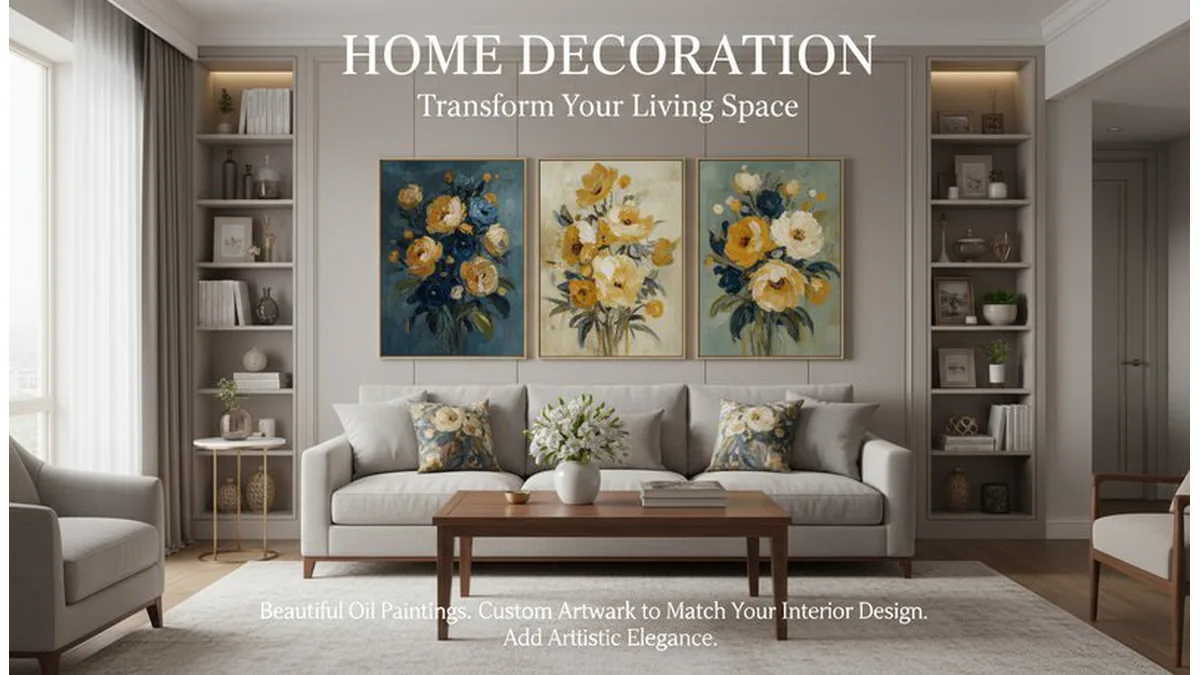
Why pick it: Rich brush texture and depth for premium, framed-art visual feel.
Best for: Wall prints, premium gifts, and campaign hero visuals.
Turn photos into art with practical style guidance. Compare oil painting, watercolor, sketch, cartoon, and anime outputs, then choose the best workflow for social, print, gifts, or brand content.
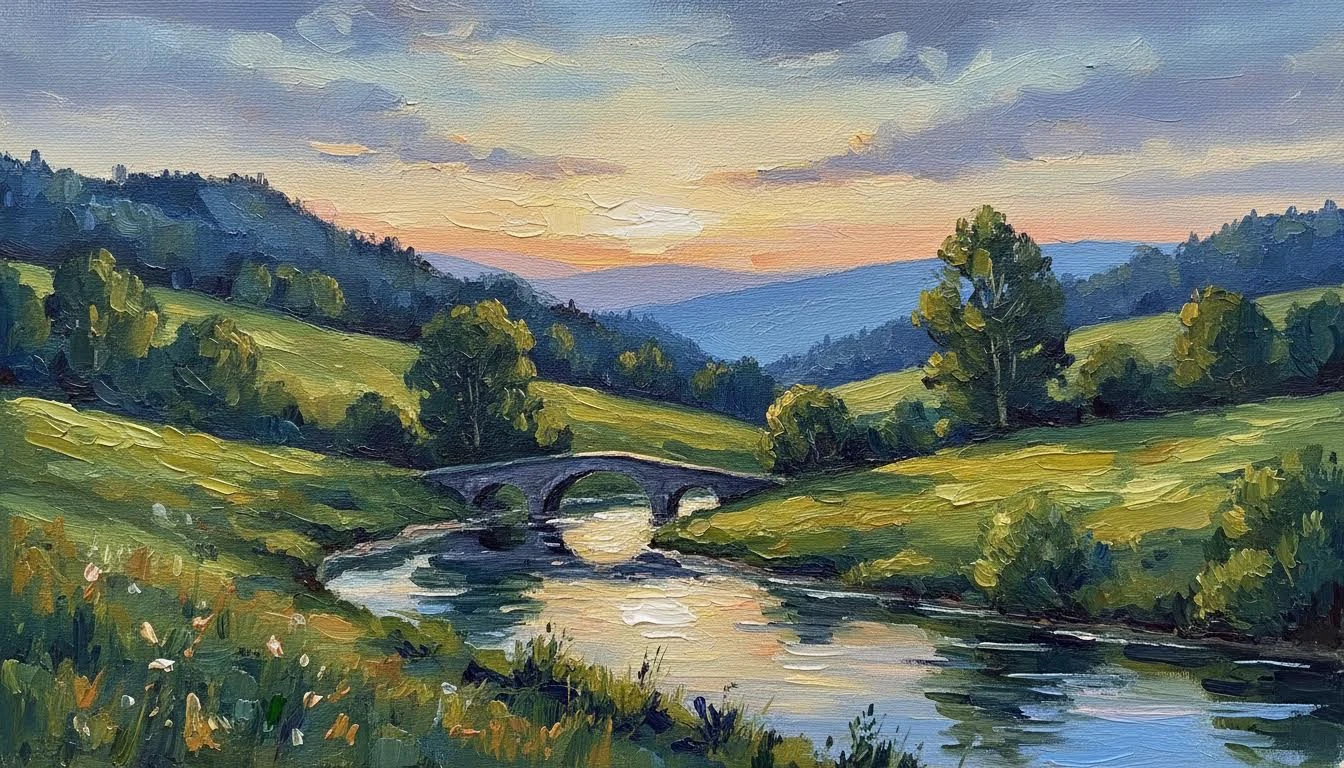
If your goal is to turn image into art that can actually be used in social posts, prints, gifts, or brand assets, style choice matters more than one-click generation. Use Oil Painting AI when you need textured, gallery-like output. Use Photo to Watercolor for soft, emotional tones and lighter transitions. Use Photo to Sketch when you need clean line structure for editorial, storyboard, or printable graphics. The Top 3 tools below are selected by quality consistency, practical use cases, and output flexibility.
Why pick it: Rich brush texture and depth for premium, framed-art visual feel.
Best for: Wall prints, premium gifts, and campaign hero visuals.
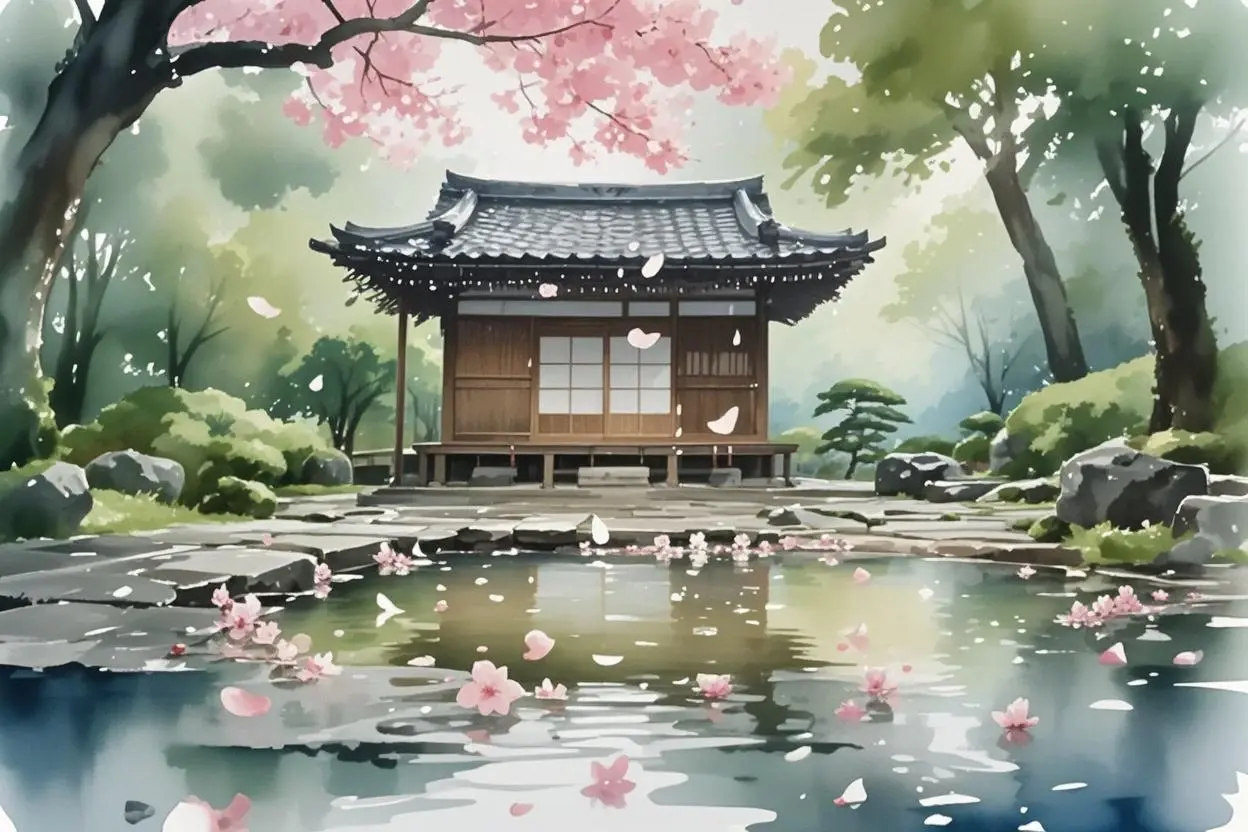
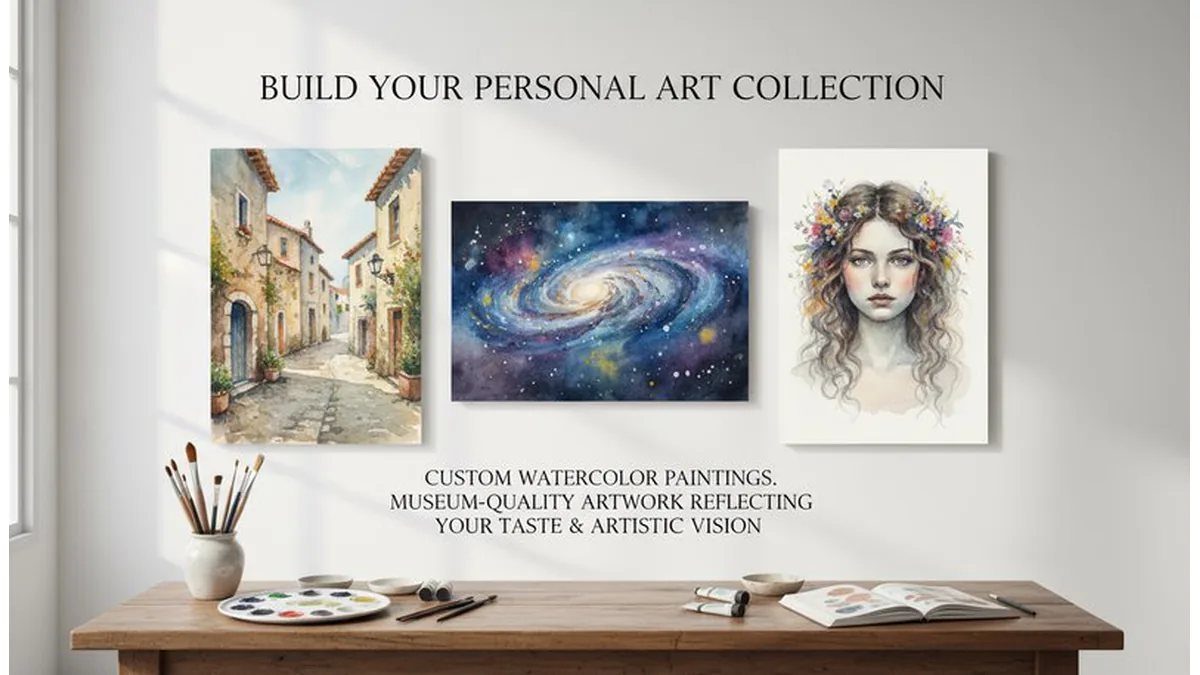
Why pick it: Soft transitions and emotional tone with lightweight artistic style.
Best for: Lifestyle portraits, wedding edits, and mood-based social content.
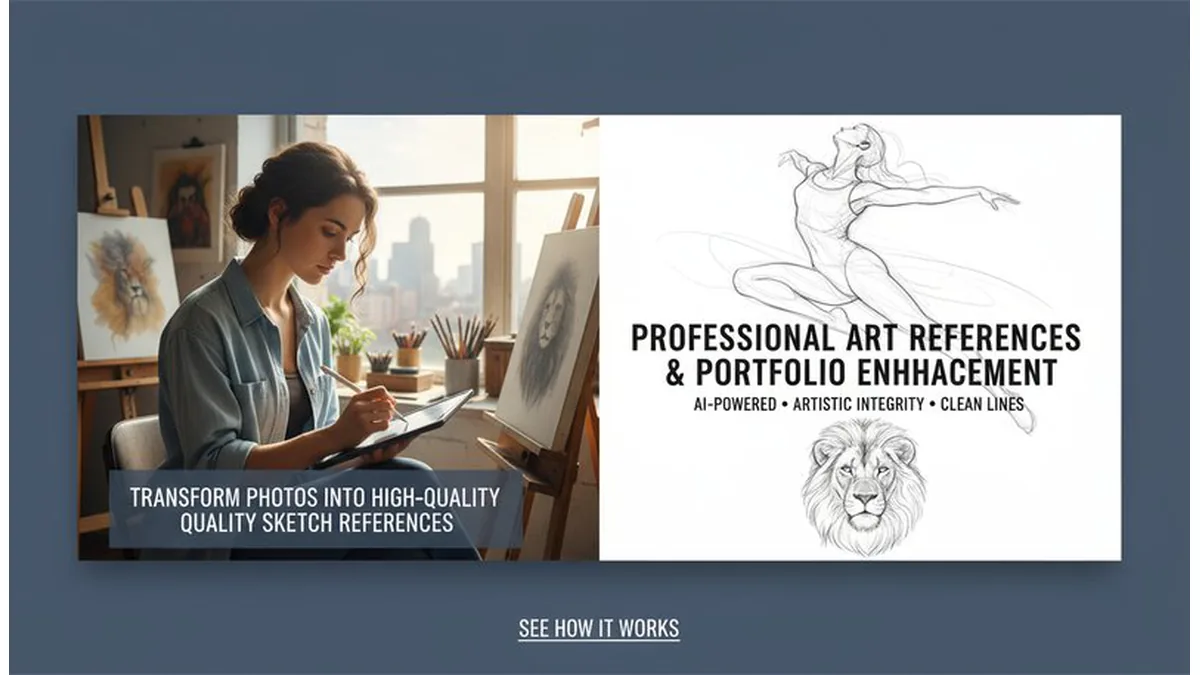
Why pick it: Clear line structure that is easy to edit, print, and reuse.
Best for: Storyboards, editorial visuals, and printable black-and-white art.
Use these side-by-side examples to choose the right style before generating. Each row follows one intent: portrait, pet, or landscape.
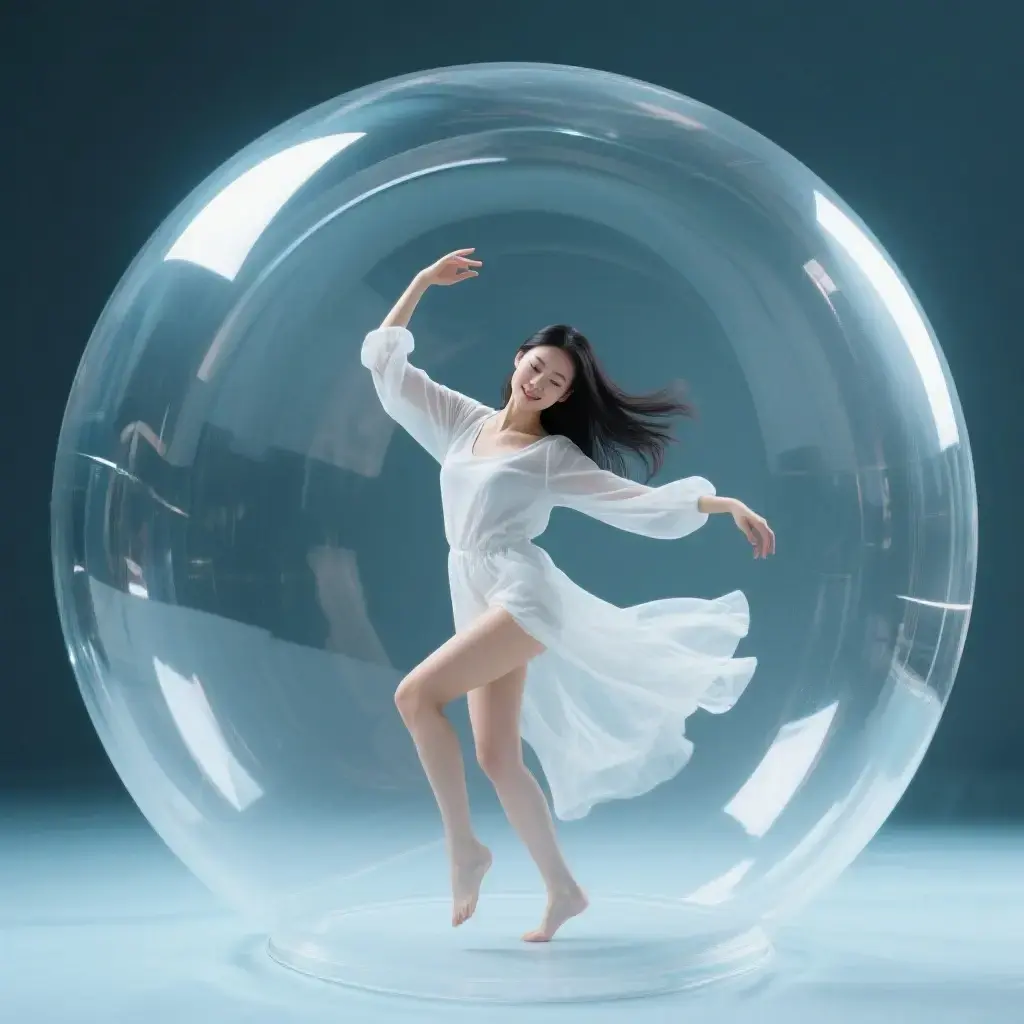

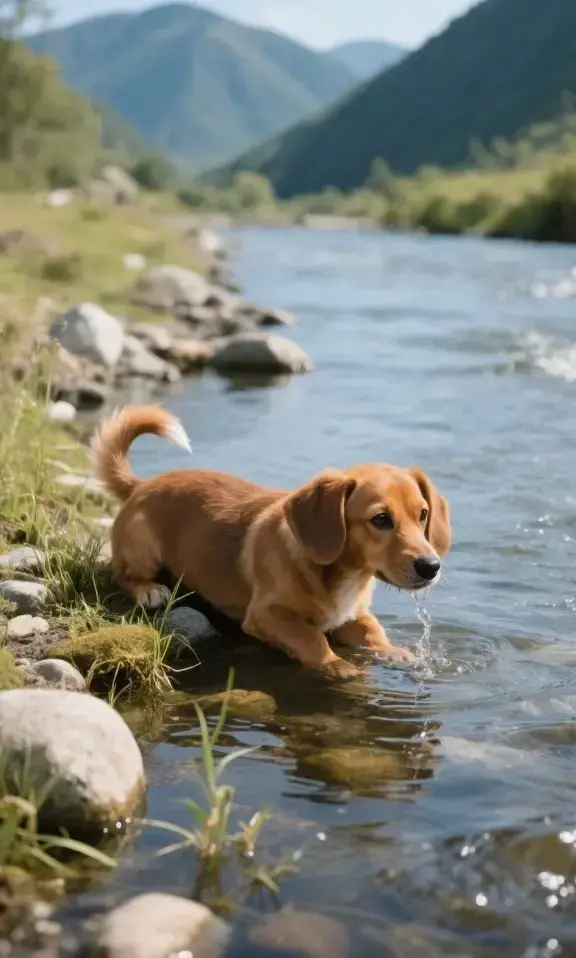


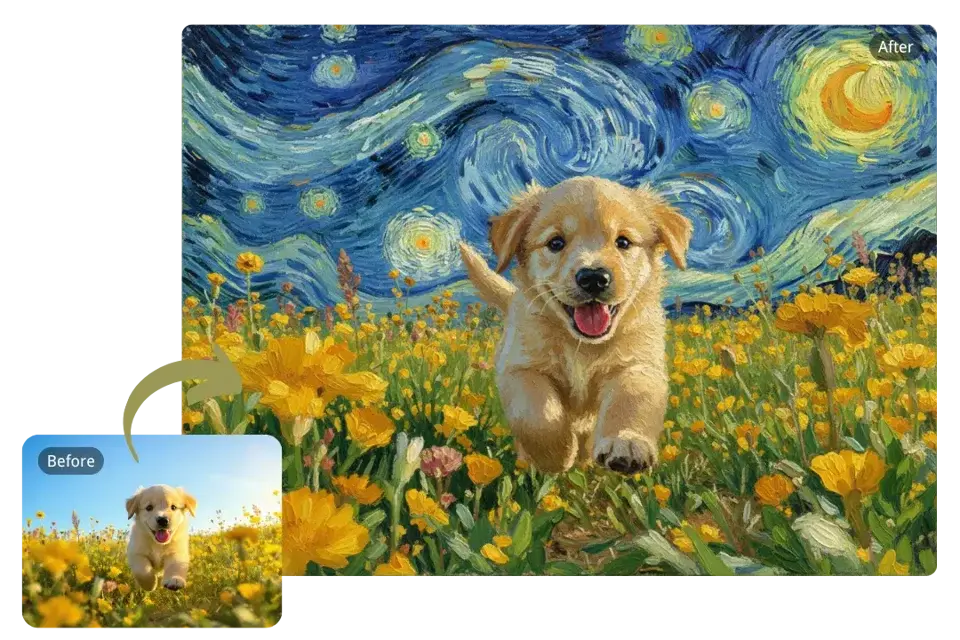


Best for expressive brush strokes, poster-like contrast, and dramatic travel scenes.
Best for soft color blending, floral subjects, and impressionist wall decor.
Best for packaging, editorial visuals, and lightweight brand illustrations.
Best for profile images, social content, and high-recognition character looks.
Best for avatar workflows and fan-art style storytelling pages.
Best for black-and-white panel style, scene sequencing, and visual narratives.
Use natural or even light, avoid blur, and keep edges clear. High-resolution sources produce cleaner brush and line details.
Keep the subject centered with enough margin. For avatars, crop close; for wall art, leave breathing room around the subject.
Simple backgrounds are easier for watercolor and sketch. Busy scenes may work better with oil or Van Gogh style.
For print, generate at the highest available size first. For social media, prioritize style clarity over micro-detail.
Start on this hub to compare styles, then open individual tools for deeper control. For broader style discovery, explore related art hubs and return here when you need painting-focused outputs.
AI Anime & Cartoon Hub | Photo to Line Drawing | Van Gogh Filter
Go to our photo-to-art page and upload the photo you want to transform. This can be a portrait, pet photo, landscape, or any image.
Type your desired art style, such as 'watercolor', 'oil painting', 'Van Gogh', or 'ukiyo-e'. The AI will suggest filters that match the style.
Click 'Generate' and let the AI photo to art tool do the magic. Once satisfied, download your artwork in high resolution or share it instantly on social media.
Upload a clear image, choose a painting style such as oil painting or watercolor, then click generate. The AI converts your photo to art in seconds and lets you download the result.
Yes. You can start for free and test multiple styles. Upgrade only when you need higher usage, faster queue, or advanced export options.
Select an oil painting style prompt, keep the subject clear, and generate. Oil painting output emphasizes thick brush texture, tonal depth, and gallery-style finish.
Choose watercolor style and use images with clean light gradients. Watercolor performs best for portraits, travel shots, and emotional storytelling images.
Use a high-contrast source image, keep the subject centered, then run Photo to Sketch. This gives cleaner line structure for print, editorial, and storyboard use.
High-resolution portraits with clear facial details and balanced lighting produce the best results. Avoid heavy blur and underexposed images.
Yes. Pet photos work well with watercolor, digital-art, and sketch styles. Use clear eyes and face details for sharper artistic output.
Yes, when you own rights to the source image and follow platform policies. For print workflows, generate higher-resolution outputs and review sharpness before export.
Most conversions finish in 10-30 seconds depending on image size and queue load. The tool works on iOS, Android, and desktop browsers.
You are on a pillar page. Use these core tools to go deeper, then return here for comparison and next-step guidance.
Use these style tracks to move from broad comparison to exact tool intent, then return to this hub for next-step selection.
Sign in to continue creating amazing art