Logout
Are you sure you want to logout? You will need to log in again to continue using.
My Points
0
Available Points
💡 Points Usage Guide
Points can be used for AI features, each generation consumes corresponding points.
Register to get free points, VIP users enjoy more benefits!
Upload your photo to get started
Supported formats: JPG, PNG, WebP (Clear face photo with good lighting recommended for best character conversion)
Image Size
0/200

Optional details for better recolor results.

Generating...

Transform Any Photo with Recolor Image Style Generator

Turn your photos into eye-catching art for social media, personalized gifts, business branding, home decor, education projects, and creative adventures—all in one click!

After Recolor Image transformation
Original photo
Before
After

Unique Recolor Image Features

Recolor Image style example
Perfect Recolor Image transformation

Dynamic Color Inversion

Swap dark tones to vibrant hues while preserving highlights, creating striking contrast no other style can match. Your shadows turn neon and bright areas stay crisp, making every photo pop like a modern art piece. See how it works.

Recolor Image effect example
Amazing Recolor Image results

Adaptive Palette Shifting

Automatically adjusts color schemes based on your photo's mood - turn sunset portraits into twilight fantasies or beach scenes into retro neon landscapes using AI-driven color psychology. Learn steps.

Recolor Image quality example
Professional Recolor Image output

Precision Color Isolation

Target specific colors for transformative shifts without affecting surrounding areas - turn a blue shirt into shimmering gold while keeping skin tones natural, perfect for bold fashion and product photography. Try it free.

Recolor Image advanced example
Advanced Recolor Image technology

Smart Tone Matching

Blends recolored elements with original textures using advanced light analysis, maintaining realistic depth even when making radical hue changes like turning green forests into fiery redwood scenes. See details.

From Concept to Creation: Real-Life Color Adventures

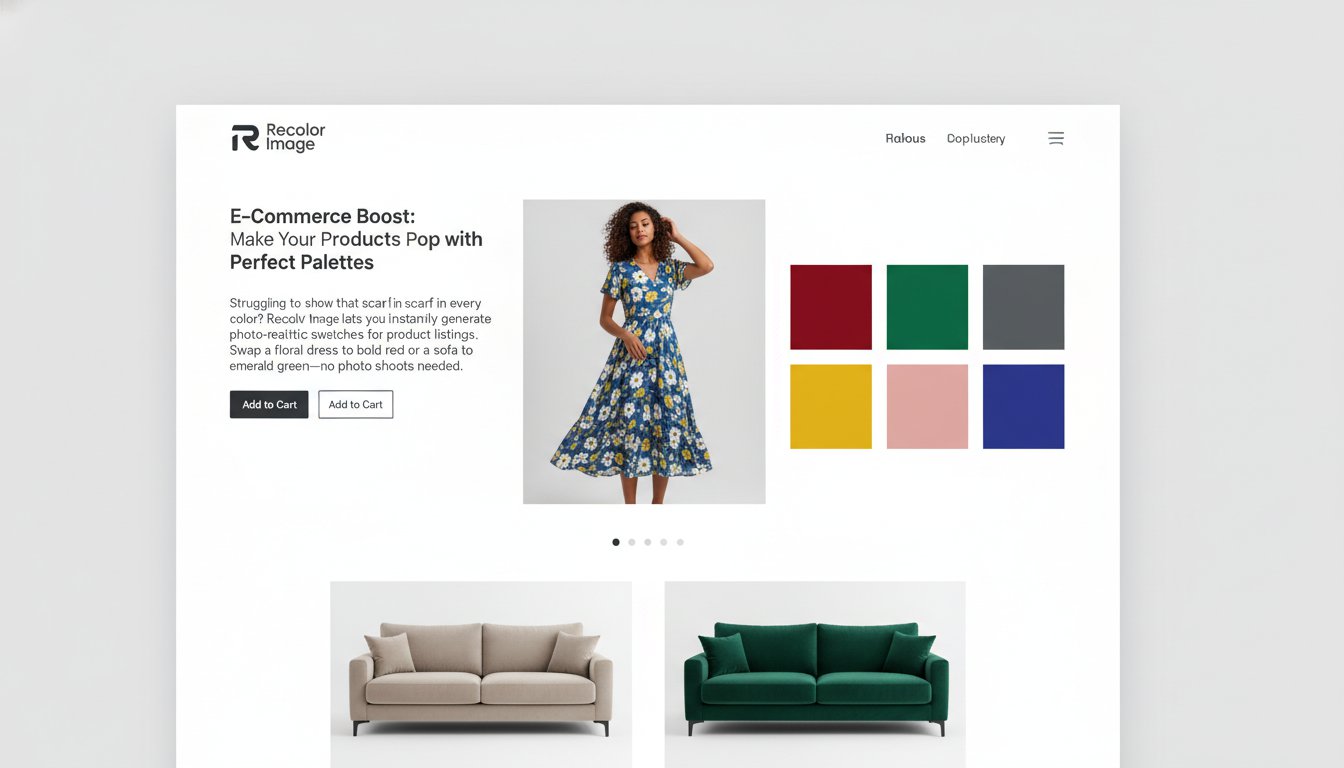
E-Commerce Boost: Make Your Products Pop with Perfect Palettes

Struggling to show that scarf in every color? Recolor Image lets you instantly generate photo-realistic swatches for product listings. Swap a floral dress to bold red or a sofa to emerald green—no photoshoot required. Customers see every option, you slash production costs, and your Shopify store becomes a chromatic wonderland!

E-commerce product page with recolored clothing variants

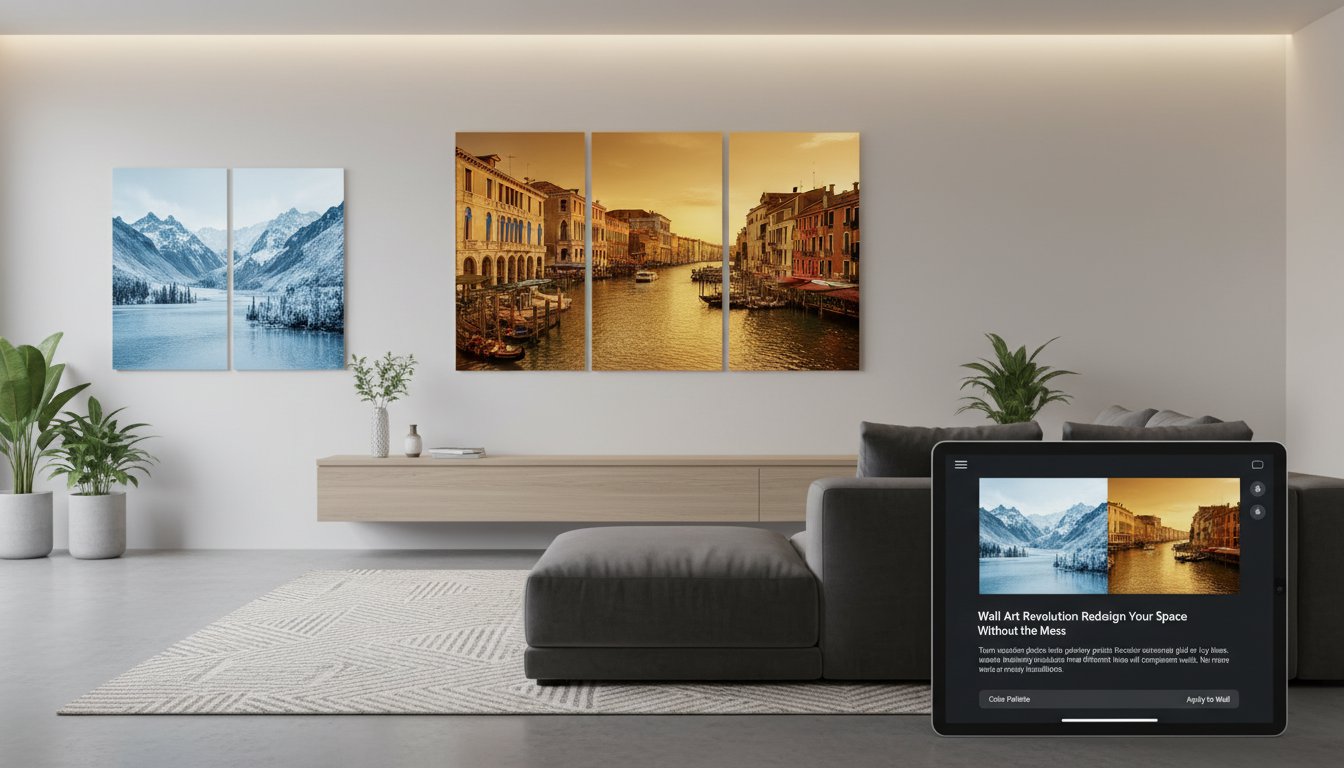
Wall Art Revolution: Redesign Your Space Without the Mess

Turn vacation photos into gallery-worthy prints! Recolor a Venice canal in autumn gold or a mountain landscape in icy blues. Instantly visualize how different hues will complement your walls. No more guessing if that mural will clash with your couch—just click, recolor, and frame!

Modern living room with recolored landscape wall art

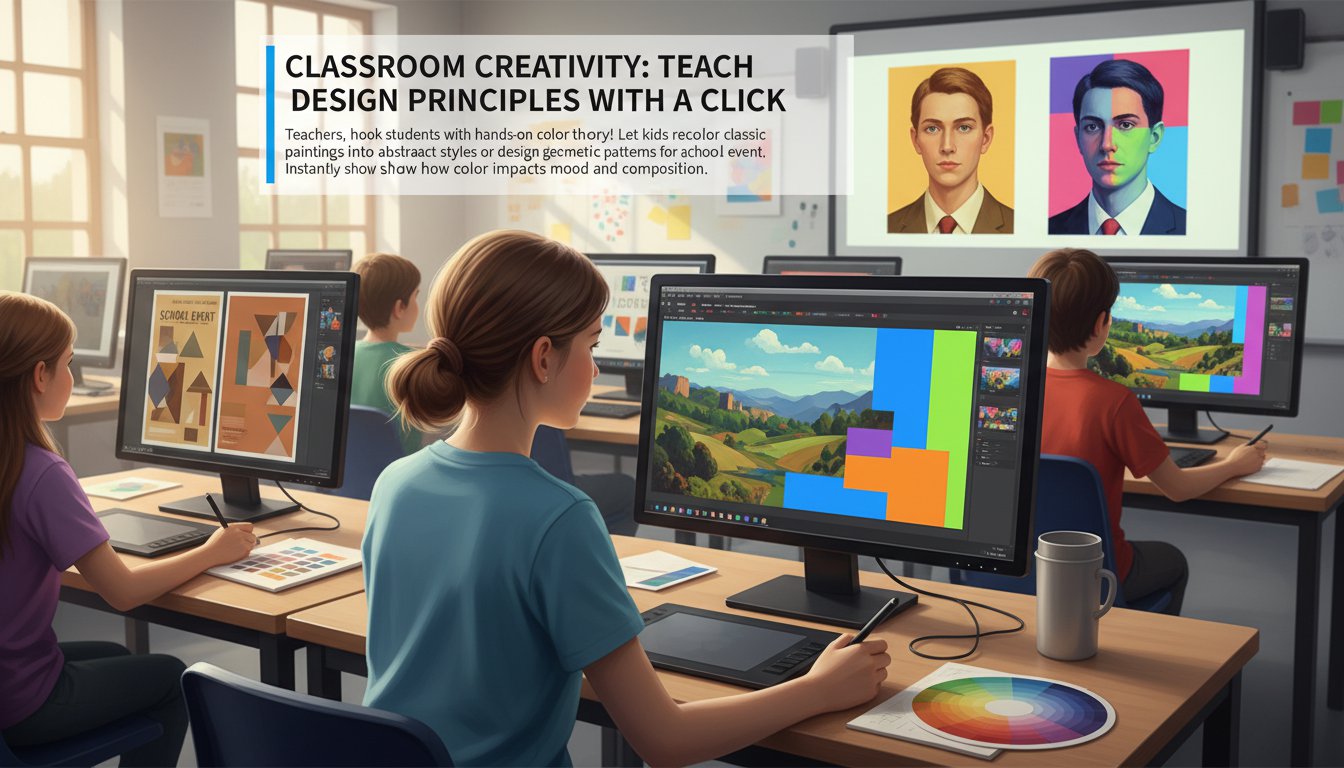
Classroom Creativity: Teach Design Principles with a Click

Teachers, hook students with hands-on color theory! Let kids recolor classic paintings into abstract styles or design geometric patterns for a school event. Instantly show how color impacts mood and composition—making art class way cooler than textbooks!

Student recoloring a digital painting in a classroom setting

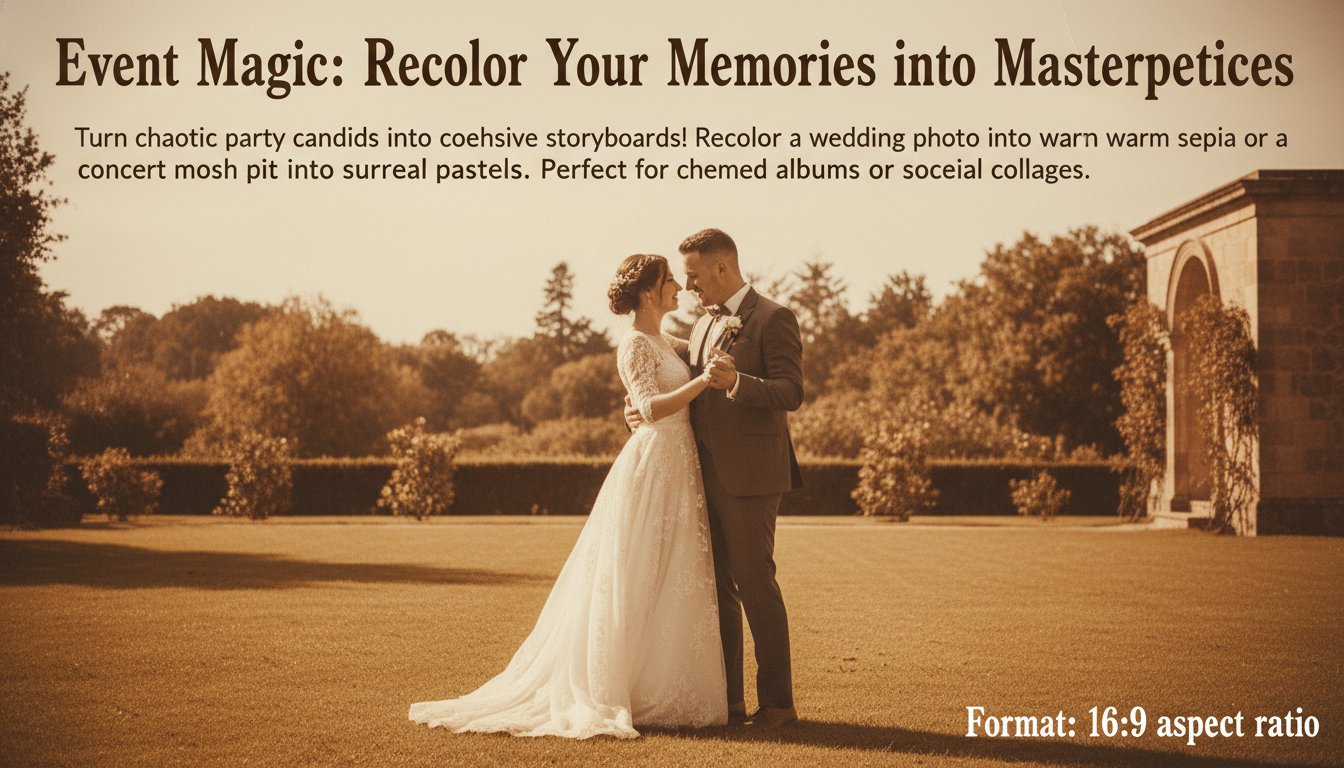
Event Magic: Recolor Your Memories into Masterpieces

Turn chaotic party candids into cohesive storyboards! Recolor a wedding photo into warm sepia or a concert mosh pit into surreal pastels. Perfect for creating themed albums or social media collages that make chaotic moments look curated and epic!

Wedding photo recolored in vintage sepia tones

Real Users, Real Results

S
Sarah M.Freelance Photographer
★★★★★
I used Recolor Image to transform old wedding photos into a vibrant vintage style for a client. The results looked professional and they loved it!
M
Michael D.Graphic Designer
★★★★★
This tool saved me hours! I quickly recolored product images for a client’s catalog and the quality was flawless.
E
Emily R.Social Media Manager
★★★★☆
Turned plain photos into eye-catching graphics for our Instagram posts. The neon style really boosted engagement!
J
John L.Content Creator
★★★★★
Easily matched brand colors to my images for a client’s campaign. The real-time adjustments made it so user-friendly.
L
Linda T.Interior Designer
★★★★★
Converted my client’s home photos into a warm rustic style. They now use it for their portfolio sales pages!
D
David K.Artist
★★★★☆
Experimented with surreal color schemes for my art series. Recolor Image gave me the creative freedom I needed!

Quick & Easy: Your Step-by-Step Color Makeover Guide

1

1. Upload Your Mood Board

Drag & drop any photo—your cat, last weekend’s tacos, or that weird cloud shaped like a jellyfish—into our magic portal!

2

2. Choose Your Color Vibe

Pick from 20+ styles like ‘Pastel Punk’, ‘Retro Rocket’, or ‘Monochrome Moody’ to totally reimagine your image’s vibe!

3

3. Download & Conquer

Hit ‘Generate’ and watch your image transform! Download instantly to dazzle friends, clients, or your future self.

Frequently Asked Questions

What is Recolor Image and how does it work?

Recolor Image lets you change the colors in your photos to create different looks and styles. Upload your photo, choose a color style, and the tool transforms your image by changing colors while keeping everything else the same. Perfect for creating artistic versions of your photos, matching brand colors, or just experimenting with different color schemes.

What file formats can I use?

You can upload JPEG, PNG, or WebP files up to 20MB. For best results, use high-quality photos. The tool creates images that work great for sharing online or printing.

Can I adjust the colors after applying a style?

Yes! After applying a style, you can adjust how intense the colors are, make them brighter or darker, or change the contrast. You can also upload another photo as a reference to copy its color style.

Do I need design skills to use this tool?

Not at all! The tool is designed for everyone. Just upload your photo, pick a color style, make any adjustments you want, and download your result. The interface is simple and guides you through each step.

How long does it take to recolor an image?

Most images are recolored in under 30 seconds. More complex styles or larger images might take a bit longer, but you'll see a preview right away so you know it's working.

Can I recolor multiple images at once?

Yes! You can upload up to 10 photos at the same time. You can apply the same color style to all of them, or choose different styles for each photo. This is perfect if you need to update multiple product photos or create a consistent look for social media posts.

Is my photo safe and private?

Yes! Your photos are encrypted when you upload them and automatically deleted from our servers within 2 hours. We never store or share your images without your permission.

Pillar and Tool Navigation

Tool Page

This tool belongs to the E-commerce Image Tools Hub cluster. Open the hub to compare similar tools and choose the best workflow.

Open pillar page -> E-commerce Image Tools Hub