Logout
Are you sure you want to logout? You will need to log in again to continue using.
My Points
0
Available Points
💡 Points Usage Guide
Points can be used for AI features, each generation consumes corresponding points.
Register to get free points, VIP users enjoy more benefits!
Upload your photo to get started
Supported formats: JPG, PNG, WebP (Clear face photo with good lighting recommended for best character conversion)
0/200

Optional details for better character results.

Generating...

Erase Ink, Unleash Creativity! Tattoo-Free Photo Magic Generator

Transform photos with our 'Remove Tattoo' AI tool for social posts, personalized gifts, brand visuals, home decor, and more! Effortlessly erase tattoos in photos for Instagram, holiday cards, marketing campaigns, wall art, classroom projects, and creative adventures.

After Remove Tattoo transformation
Original photo
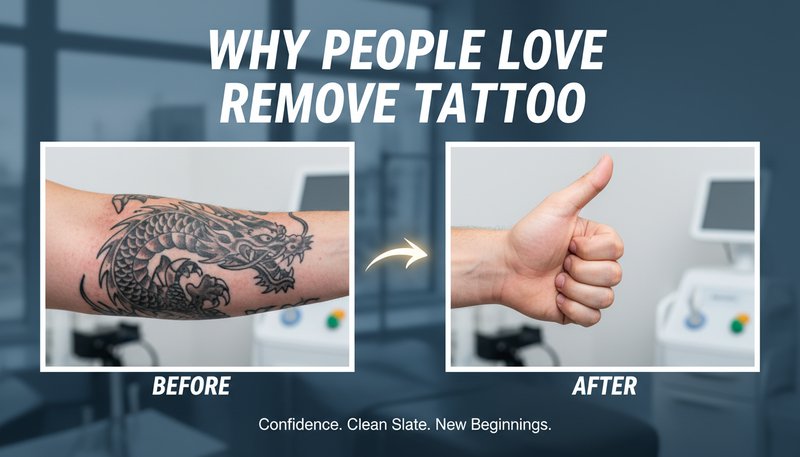
Before
After

Unique Remove Tattoo Features

Remove Tattoo style example
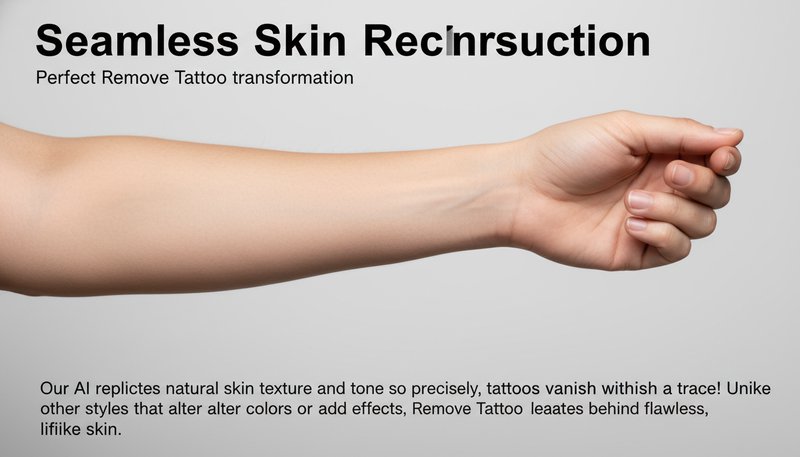
Perfect Remove Tattoo transformation

Seamless Skin Reconstruction

Our AI replicates natural skin texture and tone so precisely, tattoos vanish without a trace! Unlike other styles that alter colors or add effects, Remove Tattoo leaves behind flawless, lifelike skin that blends perfectly with your original photo. See how it works.
Remove Tattoo effect example
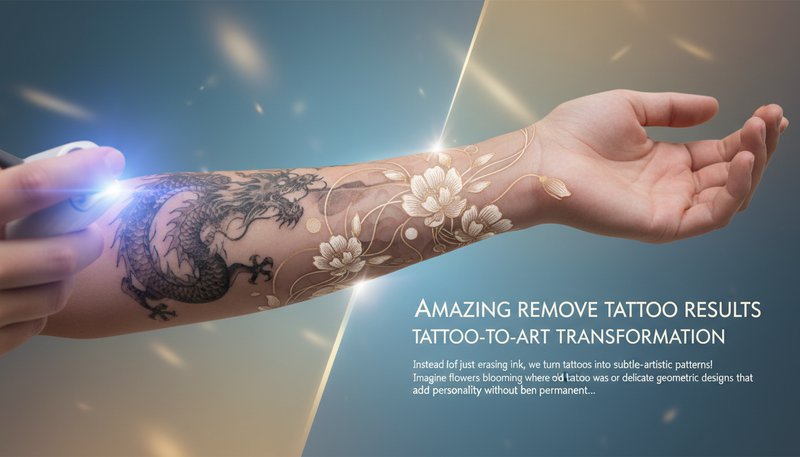
Amazing Remove Tattoo results

Tattoo-to-Art Transformation

Instead of just erasing ink, we turn tattoos into subtle, artistic patterns! Imagine flowers blooming where your old tattoo was or delicate geometric designs that add personality without being permanent. This creative twist keeps your image unique yet tasteful. Learn steps.

Remove Tattoo quality example
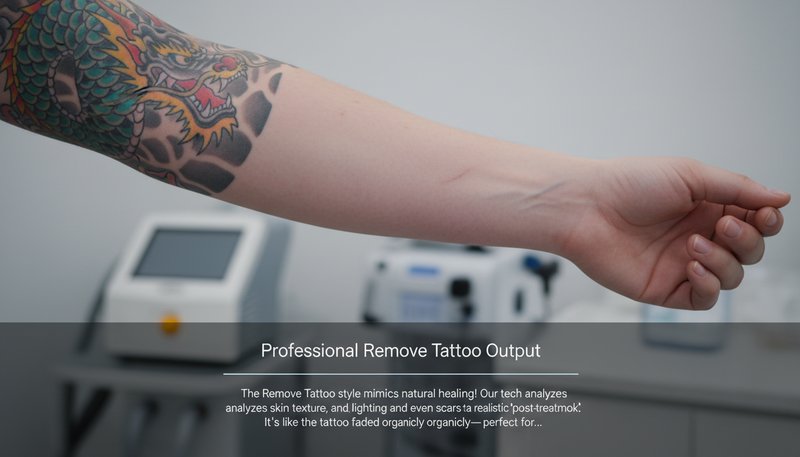
Professional Remove Tattoo output

Context-Aware Healing Effects

The Remove Tattoo style mimics natural healing! Our tech analyzes skin texture, lighting, and even scars to create a realistic 'post-treatment' look. It’s like the tattoo faded organically—perfect for before/after comparisons that feel genuine. Try it free.

Remove Tattoo advanced example
Advanced Remove Tattoo technology

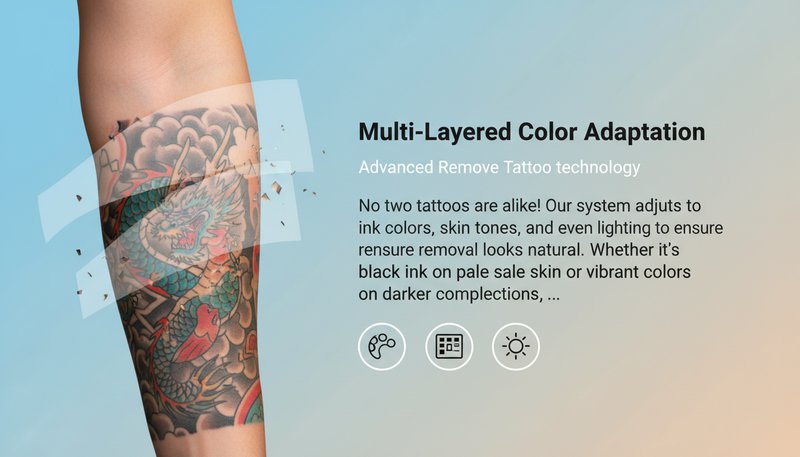
Multi-Layered Color Adaptation

No two tattoos are alike! Our system adjusts to ink colors, skin tones, and even lighting to ensure removal looks natural. Whether it’s black ink on pale skin or vibrant colors on darker complexions, Remove Tattoo never leaves behind ghostly traces or color mismatches. See details.

Real-Life Reasons to Remove That Ink

Job-Ready Portraits

Landing a corporate gig? Remove tattoos from headshots to align with professional standards. Submit polished LinkedIn photos or interview-ready snapshots without sacrificing your personal style. Perfect for roles where tattoos might raise eyebrows—because your skills should steal the spotlight, not your sleeve!

A professional portrait with tattoos erased, ready for job applications or corporate networking

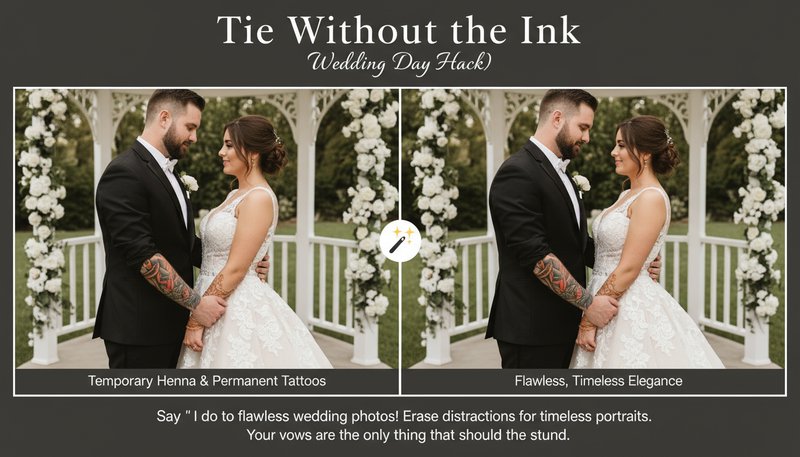
Tie Without the Ink (Wedding Day Hack)

Say 'I do' to flawless wedding photos! Erase temporary henna or permanent tattoos from ceremony shots for timeless, elegant portraits. Share a cohesive gallery without distractions—because your vows, not your bicep art, should be the star of the day!

A wedding couple's photo where tattoos are gently removed, leaving smooth skin for formal portraits

Brand-Friendly Imagery

Create marketing assets that appeal to all audiences! Use tattoo-free photos for ads, product demos, or corporate brochures. Whether it’s a team photo for a conservative client or a influencer collab—maintain professionalism while showcasing your content’s true potential.

A sleek business ad featuring a team photo with tattoos removed for a universally relatable brand image

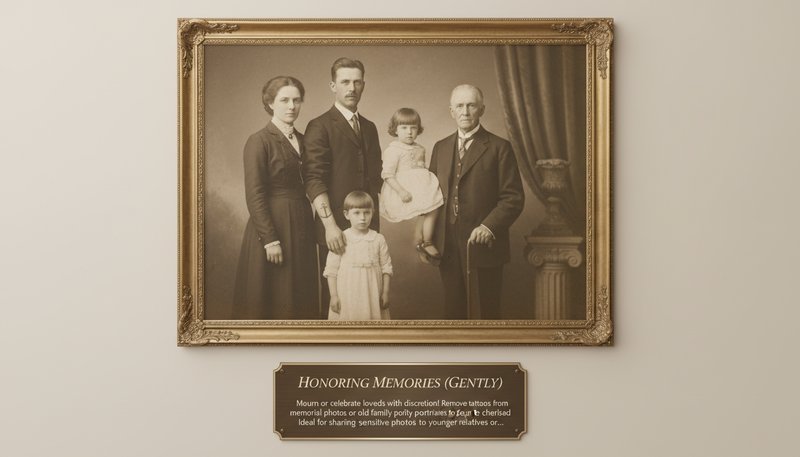
Honoring Memories (Gently)

Mourn or celebrate loved ones with discretion! Remove tattoos from memorial photos or old family portraits to focus on cherished memories. Ideal for sharing sensitive photos with younger relatives or framing heirlooms that prioritize faces over ink—because some stories are better told softly.

A vintage-style family portrait with tattoos subtly erased for a timeless and respectful tribute

Real Users, Real Results

S
Sarah LopezModel
★★★★★
Finally showed off my arm without my old tattoo! The AI made my skin look flawless, and it’s free!
M
Michael ChenMusician
★★★★★
Needed to remove a visible tattoo for work. The preview was spot-on and the process took 2 minutes!
A
Aisha CarterStudent
★★★★☆
I couldn’t believe how natural it looked. My friends thought it was real laser removal!
D
Daniel KimPhotographer
★★★★★
Used this to retouch old photos. Clients loved the retro style without tattoos!
L
Lena BrownFreelancer
★★★★★
Saved me from awkward family pics! The AI filled the skin seamlessly.
J
James WhiteVeteran
★★★★☆
Gave me peace of mind before a job interview. Quick & respectful of my privacy.

Erase Ink, Elevate Imagery: How to Use Remove Tattoo

1

Upload Your Masterpiece

Drag and drop any photo—vacation snaps, professional headshots, or that time you wore neon hair. We’ll treat it like a blank canvas!

2

Let AI Do Its Magic

Watch tattoos vanish, replaced with seamless skin tones or creative textures. Adjust settings for a subtle touch or full Ink-Free overhaul.

3

Download & Dominate

Save your cleaned-up image and slide it into DMs, frame it for grandma’s fridge, or turn it into a viral meme. The options are endless!

Frequently Asked Questions

How does the AI remove tattoos in photos?

The AI analyzes skin patterns and tattoo structures to erase ink while restoring natural skin texture, simulating professional laser removal outcomes digitally.

Is the tattoo removal realistic?

Yes! Our AI prioritizes skin tone consistency and surface details, ensuring results mimic actual post-removal skin for a believable look.

Can it handle small/old tattoos?

Absolutely! The tool works on tattoos of all sizes and ages. Even faded or partially removed tattoos are erased cleanly.

Does it alter other parts of the photo?

No. The AI focuses solely on tattoo removal, preserving facial features, clothing, and backgrounds to maintain photo authenticity.

Is my data safe?

Your privacy is critical. Uploaded photos are deleted immediately after processing and are never stored or shared.

Can I edit the removal results?

Yes! Download the edited image and refine it further in photo editors like Photoshop for perfect results.

Is this free to use?

Basic use is free! For bulk edits or advanced options, check our premium subscription plans.