Logout
Are you sure you want to logout? You will need to log in again to continue using.
My Points
0
Available Points
💡 Points Usage Guide
Points can be used for AI features, each generation consumes corresponding points.
Register to get free points, VIP users enjoy more benefits!
Upload your photo to get started
Supported formats: JPG, PNG, WebP (Clear face photo with good lighting recommended for best royal portrait transformation)
Image Size
0/200

Optional details for better character results.

Generating...

Royal Portrait Generator: Transform Photos into Regal Masterpieces Generator

Turn everyday photos into royal-style art for social media, gifts, business branding, home decor, education, and endless creative projects! Elevate profiles, personalize presents, or craft professional visuals with classic elegance.

After Royal Portrait Generator transformation
Original photo
Before
After

Unique Royal Portrait Generator Features

Royal Portrait Generator: Before and after comparison showing a man transformed into a regal portrait with gilded edges and royal motifs
Perfect Royal Portrait Generator transformation

Regal Gilded Edges & Royal Motifs

Every transformation adds intricate gilded frames, subtle crown accents, and baroque-inspired patterns. The AI meticulously integrates royal emblems like lions, eagles, or floral crests into the background, making your photo look like it belongs in a royal gallery. See how it works.
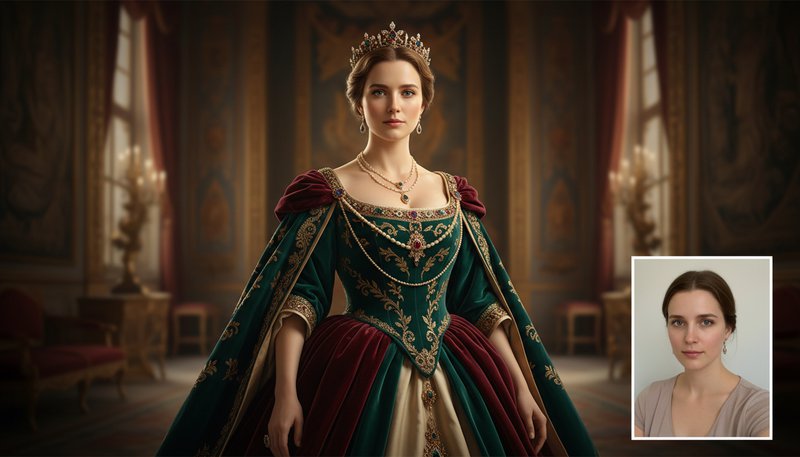
Royal Portrait Generator: Before and after comparison showing a woman transformed with rich royally-toned color palette
Amazing Royal Portrait Generator results

Rich, Royally-Toned Color Palette

Photos are bathed in a velvet-smooth blend of deep burgundy, gold leaf, and emerald green hues. The AI enhances skin tones with a 'royal glow' effect, giving portraits an aristocratic warmth while preserving sharp details—like a centuries-old portrait brought to life. Learn steps.

Royal Portrait Generator: Before and after comparison showing a man with enhanced noble aura facial features
Professional Royal Portrait Generator output

Noble Aura Facial Enhancement

The tool subtly sharpens and lifts facial features to mimic classical royal portraiture. Eyes gain a regal sparkle, jawlines appear more chiseled, and smiles take on a poised, dignified curve. Even casual selfies transform into portraits of confident leadership. Try it free.

Royal Portrait Generator: Before and after comparison showing a woman with smart royal background weaving
Advanced Royal Portrait Generator technology

Smart Royal Background Weaving

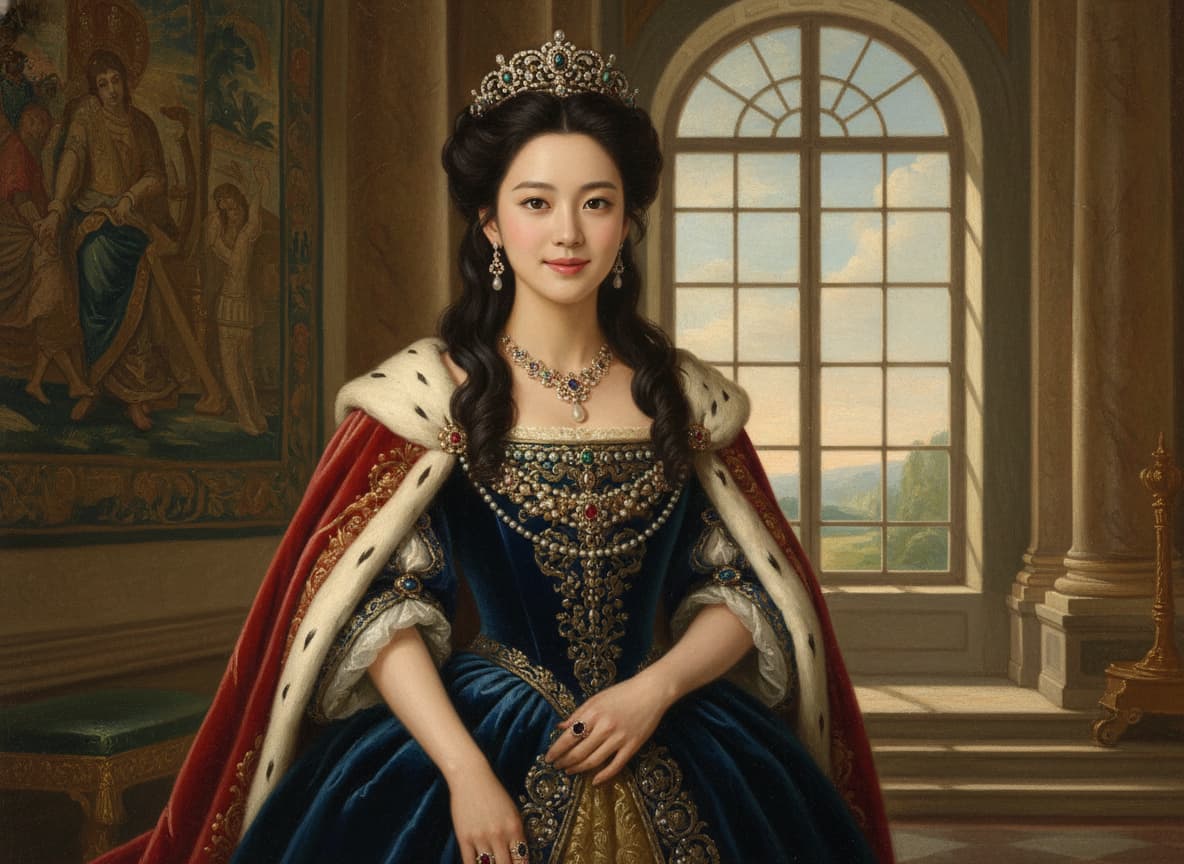
The AI detects and replaces backgrounds with opulent scenes like marble thrones, stained-glass windows, or sunlit tapestries. The blending is seamless—your subject appears authentically placed in a royal setting, not just pasted in. Perfect for adding drama without overdoing it! See details.

Where Royals Roam: Practical Magic for Every Day

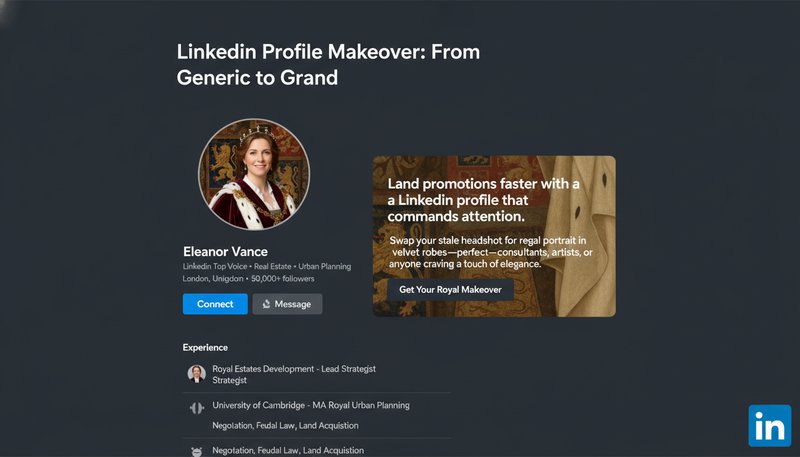
LinkedIn Profile Makeover: From Generic to Grand

Land promotions faster with a LinkedIn profile that commands attention. Swap your stale headshot for a regal portrait in velvet robes—perfect for consultants, artists, or anyone craving a touch of elegance. Colleagues will whisper, ‘They’ve clearly had a coronation…’

A LinkedIn profile mockup showing a professional photo transformed into a polished royal portrait with a subtle crown detail.

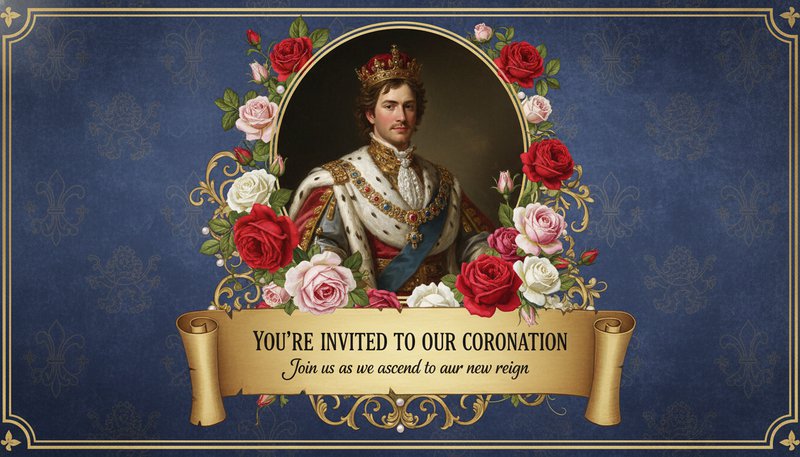
Wedding Invitations That Say ‘Bow Down’

Elevate your save-the-dates beyond ‘RSVP’ with invitations featuring your faces as crowned rulers on a golden scroll. Ideal for medieval-themed weddings—or any event where guests deserve a front-row seat to your story.

A wedding invitation design with a couple’s royal portrait surrounded by roses and a ‘You’re Invited to Our Coronation’ headline.

Medieval Classroom Adventures

History class just got cooler. Kids can design their own ‘royal family tree’ portraits or create knight-themed book reports. Teachers: watch engagement soar as ‘Henry VIII’ explains the Tudor dynasty (and maybe a catchy jousting pun).

A classroom poster with student portraits styled as medieval knights next to a chalkboard titled ‘Dynasty Project Due Friday.’

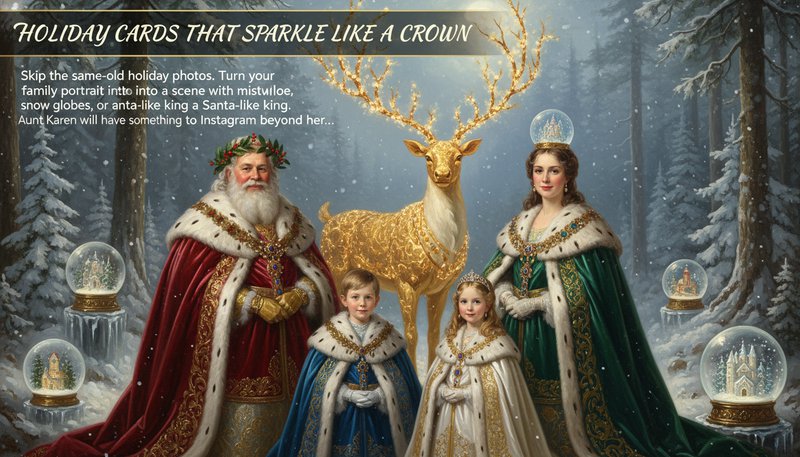
Holiday Cards That Sparkle Like a Crown

Skip the same-old holiday photos. Turn your family portrait into a festive royal scene with mistletoe, snow globes, or a Santa-like king. Aunt Karen will finally have something to Instagram beyond her casserole.

A holiday-themed royal portrait with a family dressed in winter cloaks and a golden reindeer in the background.

Real Users, Royal Impressions

A
Alice MartinezProfessional Photographer
★★★★★
This tool turned my client's headshot into a Victorian-era royal portrait! The detail in the lace collars and crown was stunning—clients loved it for their vintage album covers.
J
James WongGraphic Designer
★★★★★
I used Royal Portrait Generator for a historical branding project. The AI blended my client’s logo with a medieval king’s portrait seamlessly—it’s a game-changer for concept art!
E
Emma ChenSocial Media Enthusiast
★★★★☆
My ‘royal selfie’ got 10k likes overnight! It’s so easy to adjust the background to look like a palace or add a tiara. Feels like I’m in a monarchy myself!
M
Michael ThompsonArt Student
★★★★★
For my Renaissance art class, I transformed my portrait into a style mimicking the Medici family’s paintings. My professor called it ‘jaw-droppingly authentic’!
K
Katherine LeeWedding Planner
★★★★★
Clients adore the ‘royal wedding’ photos we create with this tool. It adds that majestic touch without needing a huge photo shoot—it’s a must-have in my toolkit!
D
David CarterTravel Blogger
★★★★☆
Converted my travel photos into royal-themed art for my blog. Readers now call my posts ‘fit for a king’—traffic spiked! Worth every penny.

Turn Photos into Royalty in 3 Easy Steps

1

Upload Your Photo (No Throne Required)

Drag-and-drop any pic—selfie, pet, even your cat!—and let the magic begin. No prior nobility needed to start your royal transformation.

2

Choose Your Crown (or Collar!)

Pick from medieval, Renaissance, or glittery baroque styles. Customize settings like jewels, drapery, or even a royal pet sidekick!

3

Share Your New Title!

Download your masterpiece and become Lord of TikTok, Lady of LinkedIn, or Duke of Decor—your throne awaits.

Frequently Asked Questions

What is Royal Portrait Generator and how does it work?

Royal Portrait Generator turns your photos into regal portraits fit for royalty. Upload your photo, choose a royal style (like Renaissance, Baroque, or modern royal), and the tool transforms you into a majestic portrait. You can customize the clothing, crown, background, and other royal elements to create your perfect royal look.

What kind of photo should I use?

Use a clear, well-lit photo where your face is clearly visible. Photos showing your face and upper body work best. You can upload JPG, PNG, or WEBP formats. The better the photo quality, the better your royal portrait will look.

Can I change the royal elements after it's created?

Yes! After your royal portrait is generated, you can adjust the crown, change colors, modify the background, or tweak any royal elements. The editor is easy to use, so you can create exactly the royal portrait you envision.

Is my photo safe and private?

Absolutely! Your photos are encrypted and automatically deleted from our servers within 24 hours. We never store or share your personal data. Your privacy is our top priority.

What can I do with my royal portrait?

Your royal portrait is created in high quality (4K resolution), perfect for printing and framing, sharing on social media, or using as a profile picture. Many people frame their royal portraits or give them as gifts.

Is this tool free to use?

You can create 2 free royal portraits per month. If you want to create more portraits or access premium royal styles and templates, you can upgrade to a premium plan.

Can I use this on my phone?

Yes! The tool works great on smartphones and tablets. Just visit the website from your phone, upload your photo, and create your royal portrait wherever you are.