Logout
Are you sure you want to logout? You will need to log in again to continue using.
My Points
0
Available Points
💡 Points Usage Guide
Points can be used for AI features, each generation consumes corresponding points.
Register to get free points, VIP users enjoy more benefits!
Upload your photo to convert into surrealism style
Supported formats: JPG, PNG, WebP (Face clearly visible, good lighting recommended)
0/200
AI is rendering your surreal portrait...

AI Salvador Dali Filter

Transform your portrait into surrealism style art where composition and silhouette blend with dream symbols, symbolic objects, and surreal textures.

Surrealism Style Result

AI Salvador Dali Filter: Turn Selfies into Dreamlike Surreal Portraits

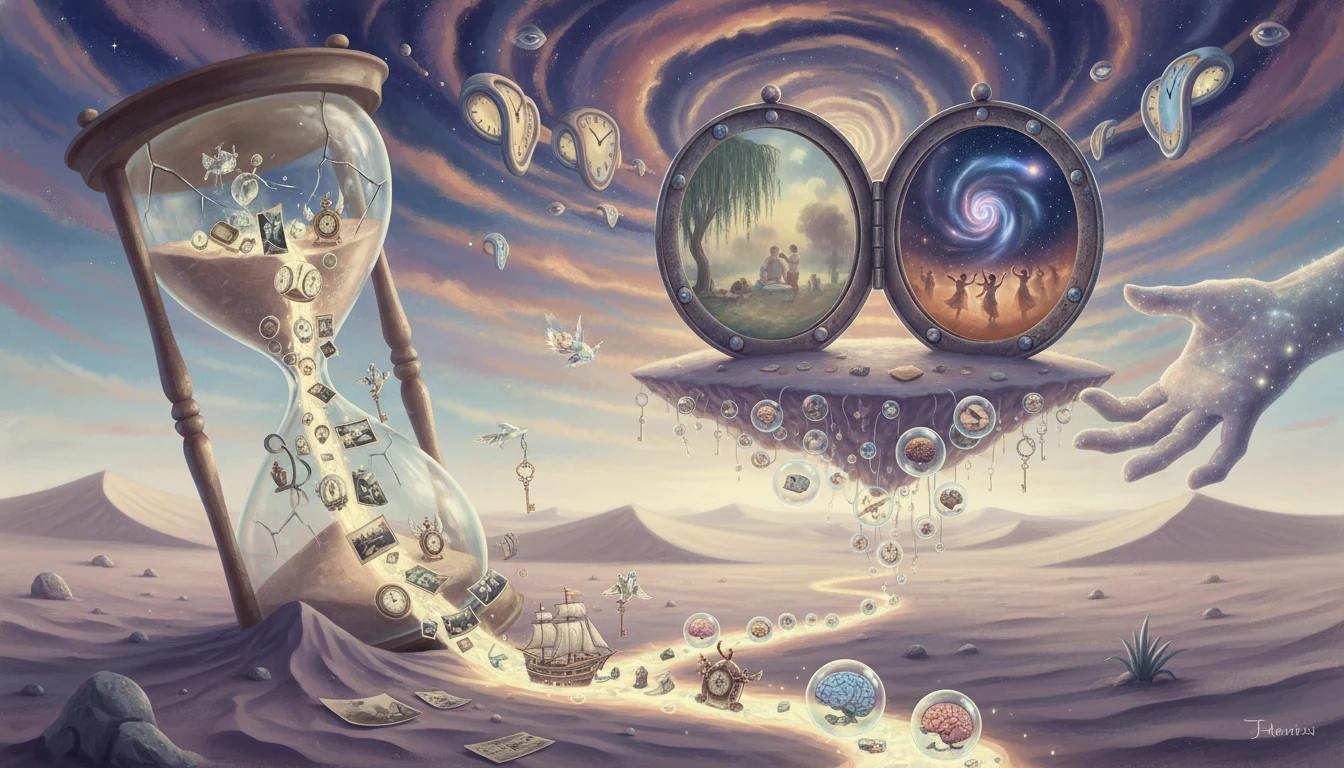
Surrealism style conversion preview
Surrealism style conversion result

Preserve Identity, Rebuild Surreal Composition

Upload a portrait and keep your recognizable face while transforming composition, objects, and background into melting forms, symbolic elements, and surreal textures. The result feels dreamlike while still looking like you. See how it works.

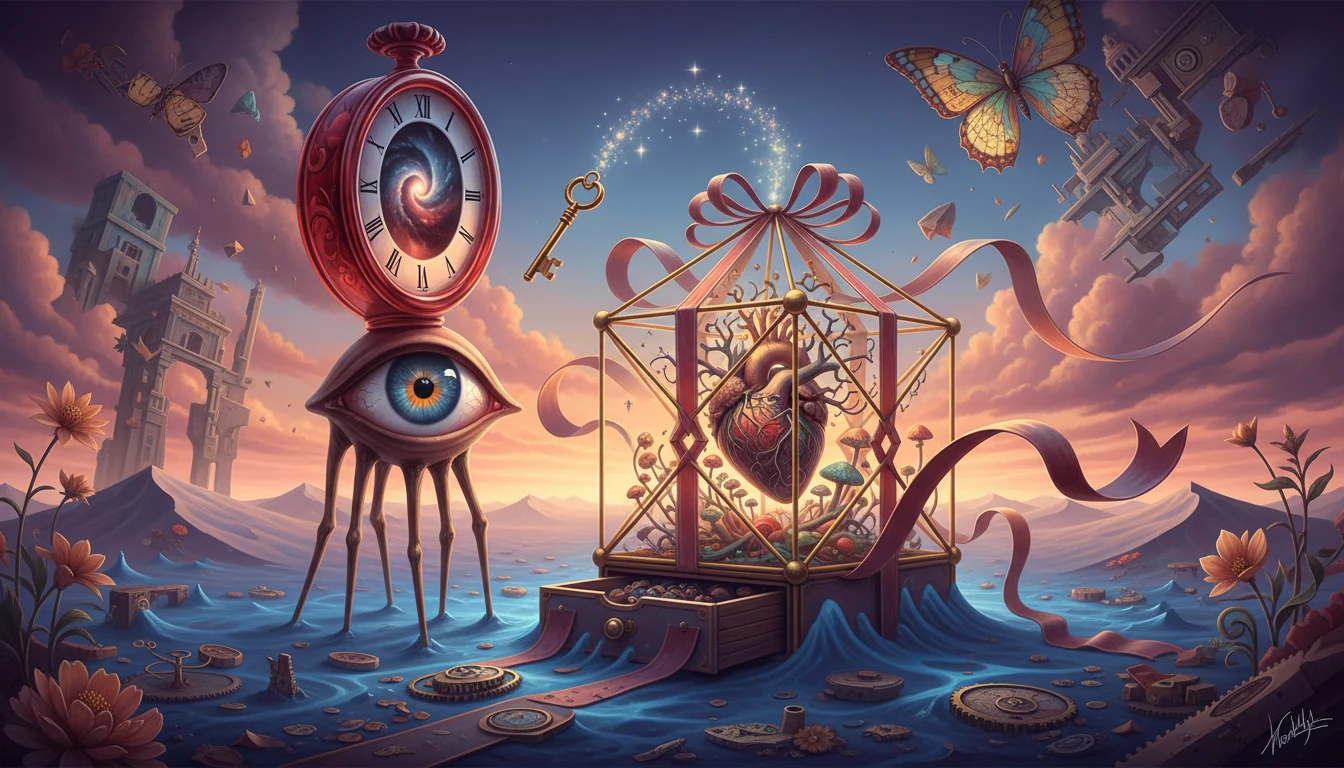
Surrealism color palette examples
Surrealism color palette previews

Choose Surreal Theme and Mood

Guide the look with prompts like melting clocks, desert horizon, floating objects, symbolic shadows, or impossible architecture. You can also set tone such as golden dusk, monochrome dreamscape, or dramatic surreal contrast. Learn steps.

Surrealism portrait styles

Poster-Ready Artistic Detail

Generate high-detail surreal brushwork, symbolic forms, and layered dream textures that work well for wallpapers, posters, cover art, and social posts. Outputs are designed to look rich and expressive even after cropping. Try it free.

AI-powered surrealism style analysis
AI surrealism style analysis

Fast Variations for Creative Experiments

Run multiple variations quickly to compare composition density, color harmony, lighting direction, and background mood. This makes it easy to iterate from first idea to a final visual you actually want to publish. See details.

Use Case of the Surrealism AI

Personalized Gifts

Create surreal portrait gifts for friends and family. Turn favorite photos into dreamlike prints, framed art, phone cases, or custom merchandise with a distinctive Salvador Dali-inspired look.

Surrealism gift preview

Social Media Content

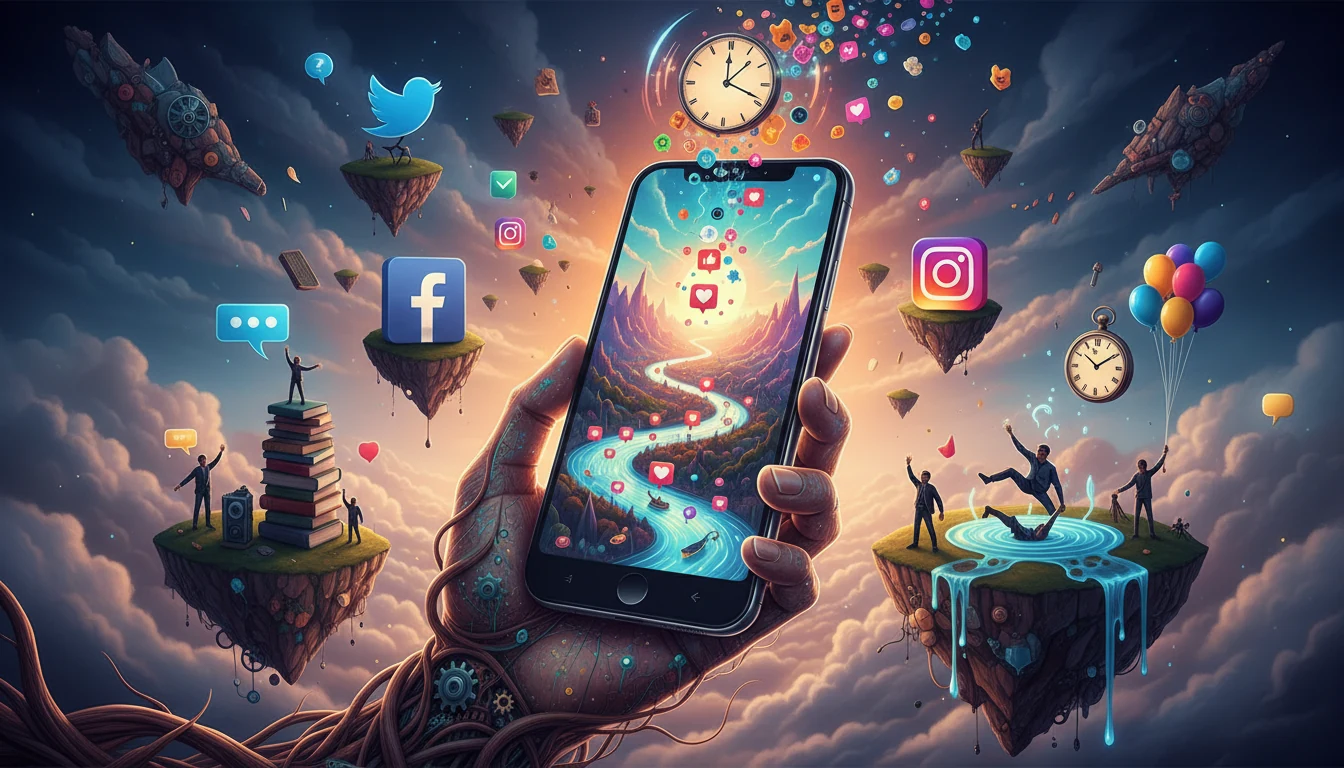
Create surreal portrait content for Instagram, TikTok, Facebook, and other social platforms. The dreamlike styling works well for posts, stories, reels, and campaign visuals that need a stronger artistic hook.

Social media content preview

Album Covers & Posters

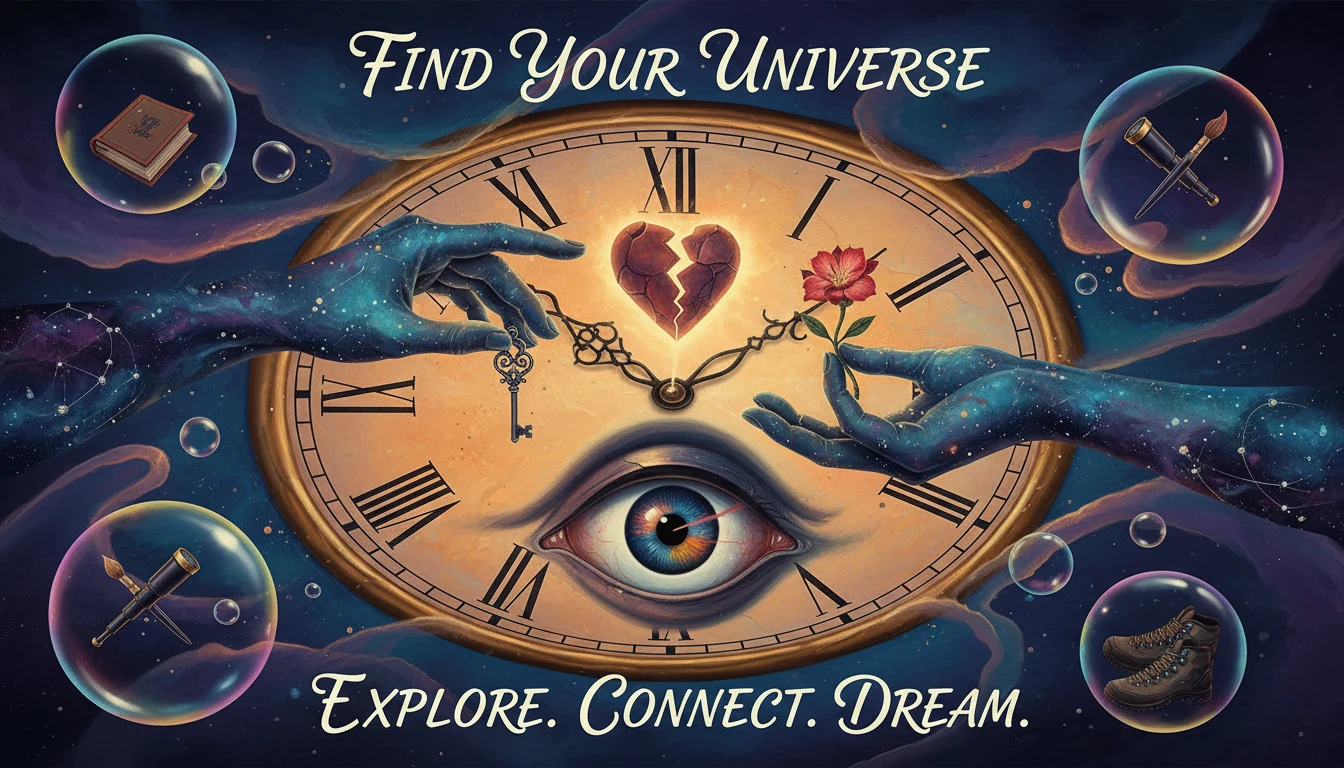
Use surreal portrait treatments for music covers, posters, zines, and mood-board visuals. The symbolic composition and dramatic distortions help ordinary portraits feel more conceptual and cinematic.

Surreal poster preview

Creative Campaign Concepts

Explore surreal portrait directions for branding, editorial storytelling, and art-direction pitches. It is useful when you need fast concept images with symbolic objects, impossible space, and a distinct dream logic.

Creative campaign preview

What Users Are Saying

Y
YukiCreative Artist
★★★★★
I uploaded one selfie and got a dreamlike surreal portrait in seconds. The symbolic textures look layered and detailed.
K
KaiVisual Designer
★★★★★
Different surreal prompts gave very different results, which helped me pick the right mood board for a campaign.
S
SakuraContent Creator
★★★★☆
Great for social posts. Surreal portraits stand out instantly and perform much better than basic portrait edits.
H
HiroBrand Marketer
★★★★★
We used multiple surreal presets for campaign visuals. Fast output and consistent style across multiple shots.
M
MikaPhotographer
★★★★★
Identity retention is strong. Faces stay recognizable while the body transforms into dream symbols in a natural composition.
T
TaroArt Director
★★★★☆
Useful for quick concept exploration. We tested multiple visual variations in one session and chose the best in minutes.

How to Use

1

Upload a Selfie or Portrait

Use a clear photo with visible face and body outline. Better lighting gives cleaner surreal details.

2

Choose Surreal Theme

Type prompts like melting clocks, floating objects, impossible architecture, symbolic shadows, or dream desert with your preferred mood.

3

Generate and Download

Create multiple versions, compare details, and download the surrealism style portrait that matches your concept.

Frequently Asked Questions

How to use Surrealism AI image generator?

Upload a clear portrait, describe your surreal theme (melting clocks, floating objects, symbolic shadows, dream architecture), then generate. You can add mood hints like golden dusk or dramatic surreal contrast.

Is the Surrealism AI generator free?

Your first generation is free to try. Additional generations use credits so you can iterate quickly without expensive manual editing.

Do I need an account?

No account is required for the first free try. Sign in to continue with more generations.

Can I control color tone and mood?

Yes. You can request warm dreamlike tones, vivid surreal contrasts, monochrome dreamscape, or cinematic dark surreal looks through prompts.

What scenes are supported?

Studio portraits, indoor scenes, outdoor portraits, and full-body compositions are supported. Clear subject boundaries produce better surreal transformations.

Can I use it for portraits and landscapes?

The tool is optimized for portraits and person-centered photos. Landscape-only photos may not show the intended surreal portrait transformation.

What makes Surrealism style unique?

This style merges human silhouette with dream symbols, symbolic objects, and surreal textures. It creates a dreamlike portrait while keeping identity recognizable.

Pillar and Tool Navigation

Tool Page

This art tool belongs to the Photo to Art Hub hub. Start from the hub to compare oil painting, watercolor, line drawing, anime, and related styles before choosing a workflow.

Open pillar page -> Photo to Art Hub

Art Workflow Switchboard

This tool page is one stop in a larger art workflow. Compare nearby styles in one click, then return to the hub when you need broader side-by-side decisions.