Logout
Are you sure you want to logout? You will need to log in again to continue using.
My Points
0
Available Points
💡 Points Usage Guide
Points can be used for AI features, each generation consumes corresponding points.
Register to get free points, VIP users enjoy more benefits!
Upload your photo to convert into silhouette
Supported formats: JPG, PNG, WebP (Clear subject with good contrast recommended for best silhouette results)
0/200
AI is creating your silhouette...

Free Silhouette Maker | Convert Picture to Silhouette Online

Convert pictures to silhouettes with our free silhouette maker online. Transform photos into black and white silhouettes instantly — perfect for artistic designs, logos, and creative projects. First conversion free, no login required.

Silhouette Result
Original Photo
Original
Silhouette

Silhouette Maker: Advanced Image Silhouette Technology

Silhouette conversion preview
Silhouette conversion result

🎨 Logo Design Creation

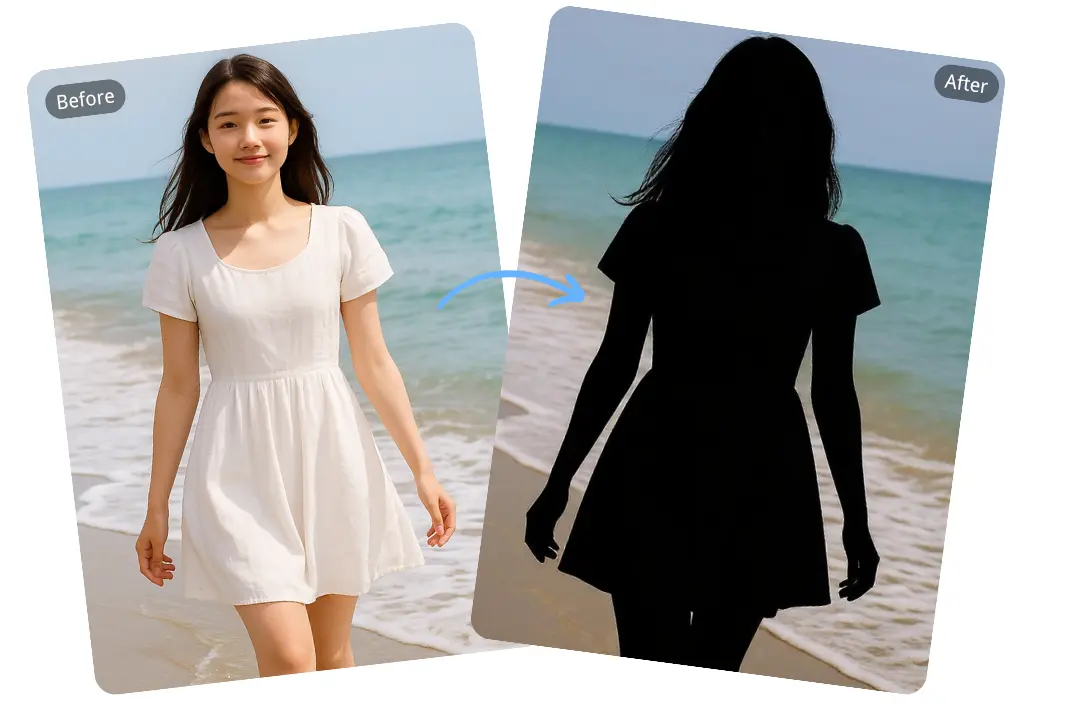
Revolutionary neural network technology for sophisticated silhouette extraction using advanced computer vision algorithms and edge detection techniques. Our AI performs comprehensive image analysis, contour detection, and shape recognition to create precise silhouettes that maintain the essential characteristics of the original subject. The technology supports complex image compositions including multiple subjects, overlapping elements, and intricate details while preserving the clean, minimalist aesthetic essential for professional logo design. Perfect for graphic designers, brand creators, and marketing professionals working on corporate identity, product branding, and visual communication projects. The system delivers high-resolution silhouettes suitable for print and digital applications with sub-10-second processing times. See how it works.
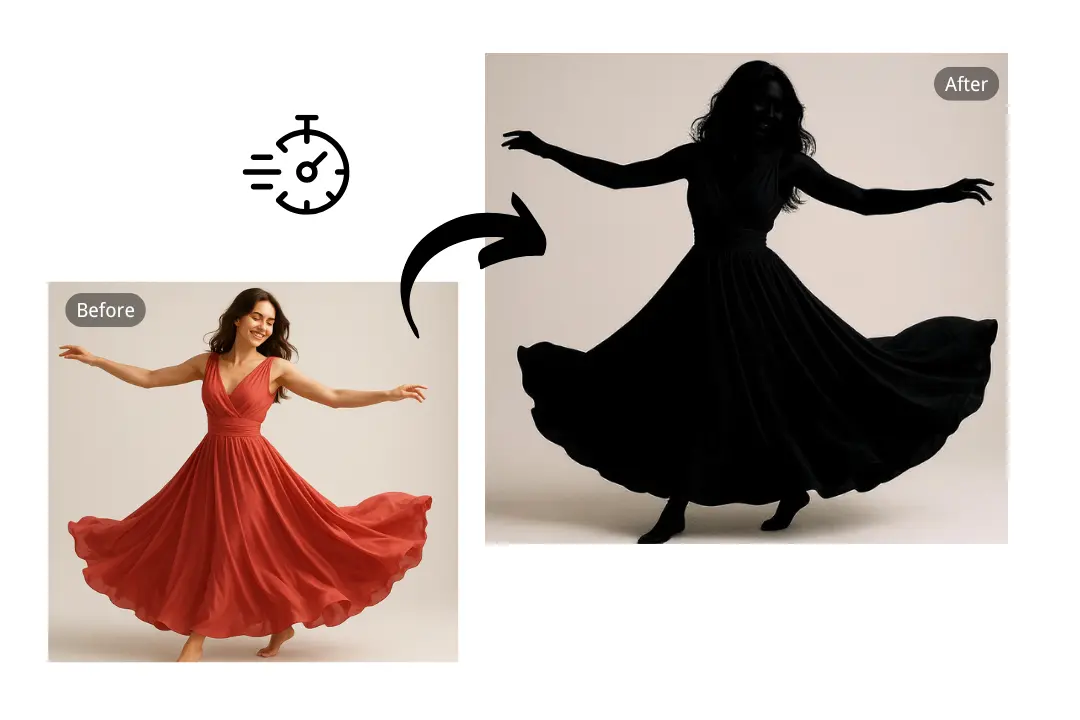
Black and white silhouette examples

⚡ Art Education Tool

Advanced educational silhouette technology that performs sophisticated analysis of artistic composition, form, and visual elements to create educational silhouettes that enhance learning and artistic understanding. Our AI technology understands the principles of visual design, analyzing composition, balance, and form to create silhouettes that serve as effective teaching tools for art education. The system supports educational applications including art history lessons, design principles, and creative workshops, making it ideal for teachers, students, and art enthusiasts. The technology preserves the essential visual characteristics while simplifying complex forms, making it perfect for understanding composition, form, and artistic principles. Perfect for educational institutions, art schools, and creative learning environments. Learn steps.

Silhouette creator styles

🏙️ Home Decor Art

Sophisticated interior design silhouette technology that performs advanced analysis of spatial aesthetics, color harmony, and decorative elements to create silhouettes optimized for home decoration and wall art applications. Our AI technology understands interior design principles, analyzing room aesthetics, lighting conditions, and decorative styles to create silhouettes that complement various interior design themes. The system supports multiple decorative applications including wall art, room dividers, window treatments, and accent pieces, making it perfect for interior designers, homeowners, and art collectors. The technology creates elegant, minimalist silhouettes that enhance interior spaces while maintaining the sophisticated aesthetic required for contemporary home decoration. Perfect for creating personalized home decor that reflects individual style and taste. Try it free.

AI-powered silhouette analysis
AI silhouette analysis

🎯 Creative Art Projects

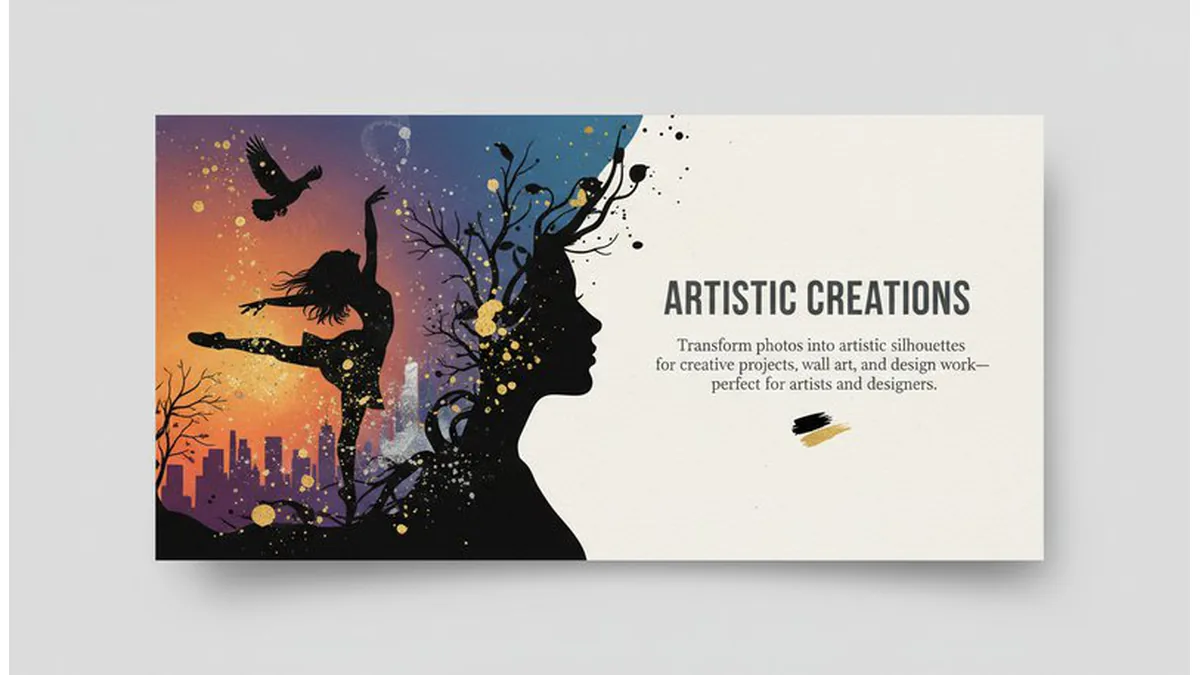
Advanced creative silhouette technology that performs sophisticated analysis of artistic vision, creative expression, and portfolio development to create silhouettes that enhance creative projects and artistic presentations. Our AI technology understands the nuances of artistic expression, analyzing creative intent, visual storytelling, and portfolio requirements to create silhouettes that serve as powerful creative tools. The system supports multiple creative applications including portfolio development, artistic presentations, creative workshops, and professional artistic projects, making it ideal for artists, designers, and creative professionals. The technology preserves the essential artistic characteristics while providing the clean, professional aesthetic required for creative portfolios and artistic presentations. Perfect for creative professionals seeking to enhance their artistic expression and portfolio development. See details.

Use Cases of the Silhouette Maker

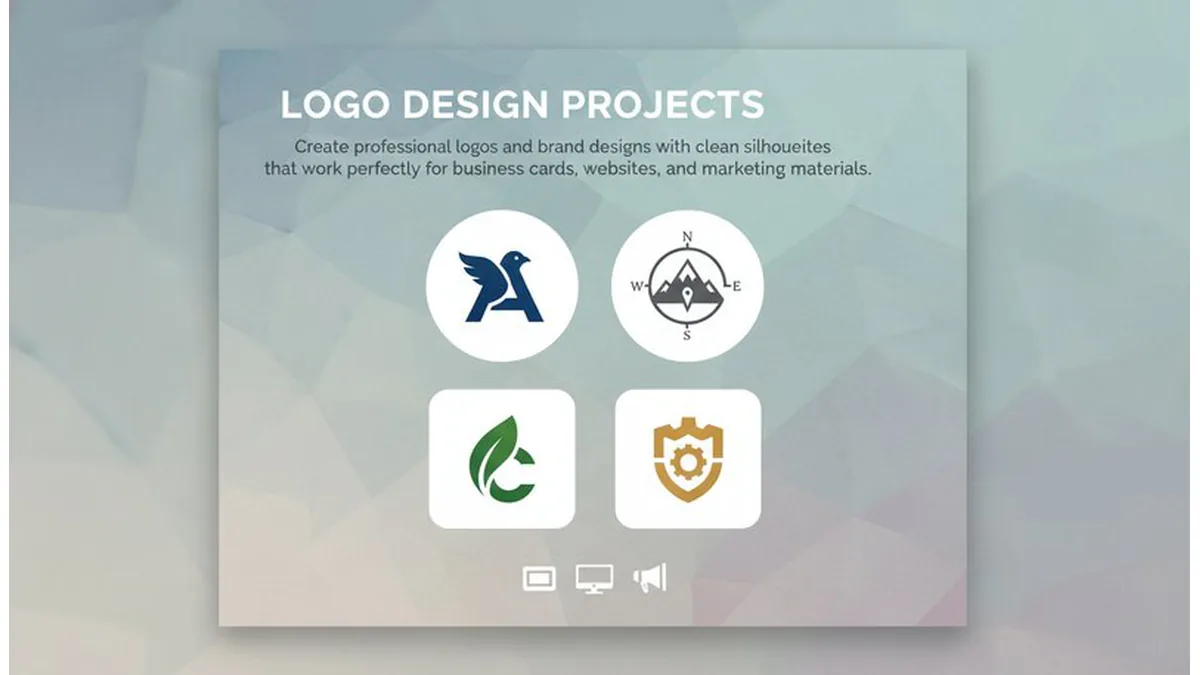
Logo Design Projects

Sarah, a freelance designer, struggled with creating clean logo silhouettes for her clients. "I tried using basic photo editors, but the edges were always jagged and facial features got lost," she says. "With this tool, I can create professional silhouettes that preserve important details like eye shape and jawline. My clients love the clean, modern look for their business cards and websites."

Silhouette logo design preview

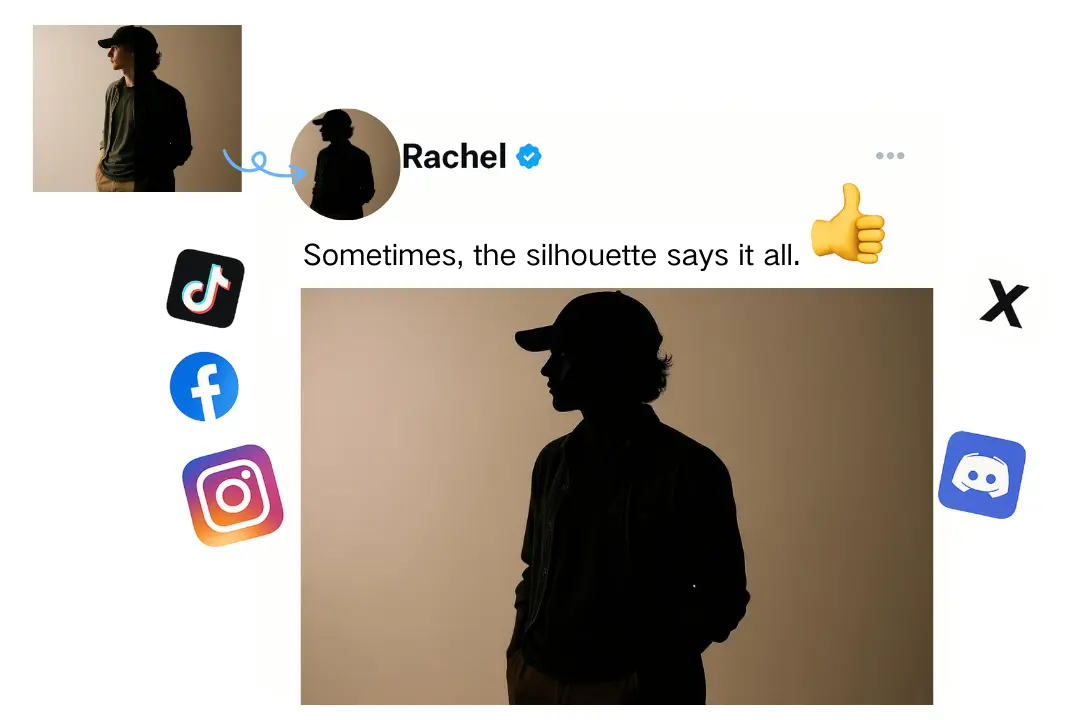
Profile Silhouettes

Mike, a marketing professional, needed a unique profile picture for LinkedIn. "I wanted something different from the typical headshot," he explains. "The silhouette maker gave me exactly what I was looking for - a sleek, professional look that stands out. The AI perfectly captured my facial features while creating that minimalistic aesthetic I wanted for my social media profiles."

Silhouette profile preview

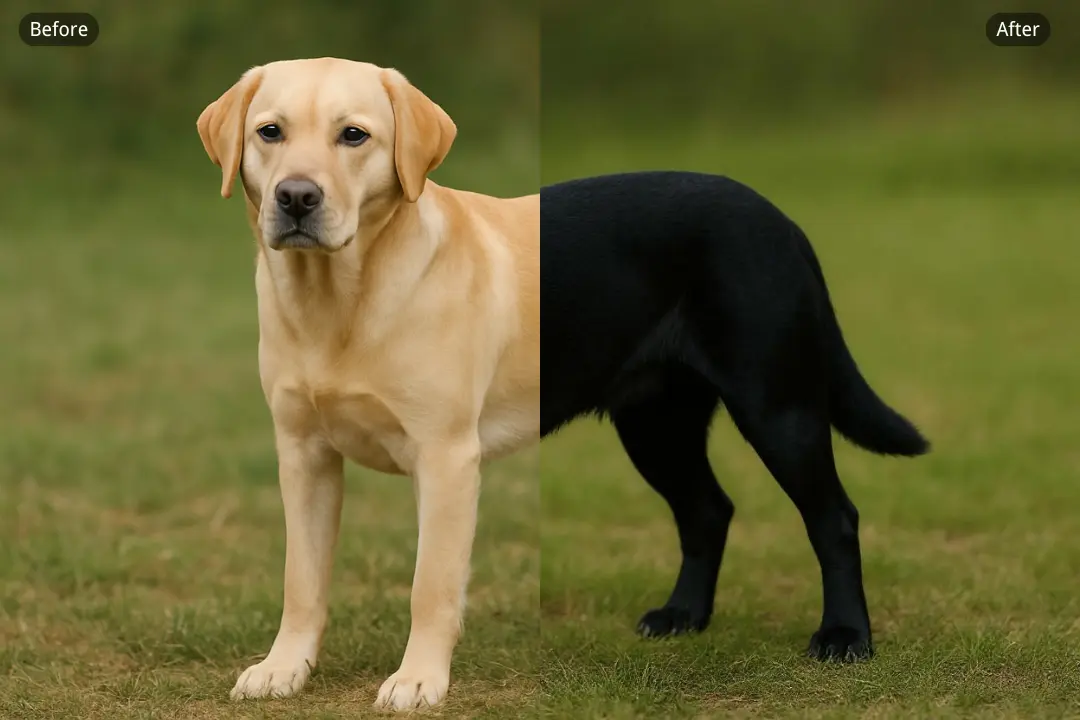
Pet Silhouettes

Lisa, a pet owner, wanted to create custom artwork of her golden retriever. "I tried other tools but they couldn't handle the fur details properly," she says. "This silhouette maker captured my dog's distinctive ear shape and fluffy tail perfectly. I used it to create custom pet accessories and even made a silhouette for my friend's cat - the results were so good that she asked me to make more for her pet business!"

Silhouette pet preview

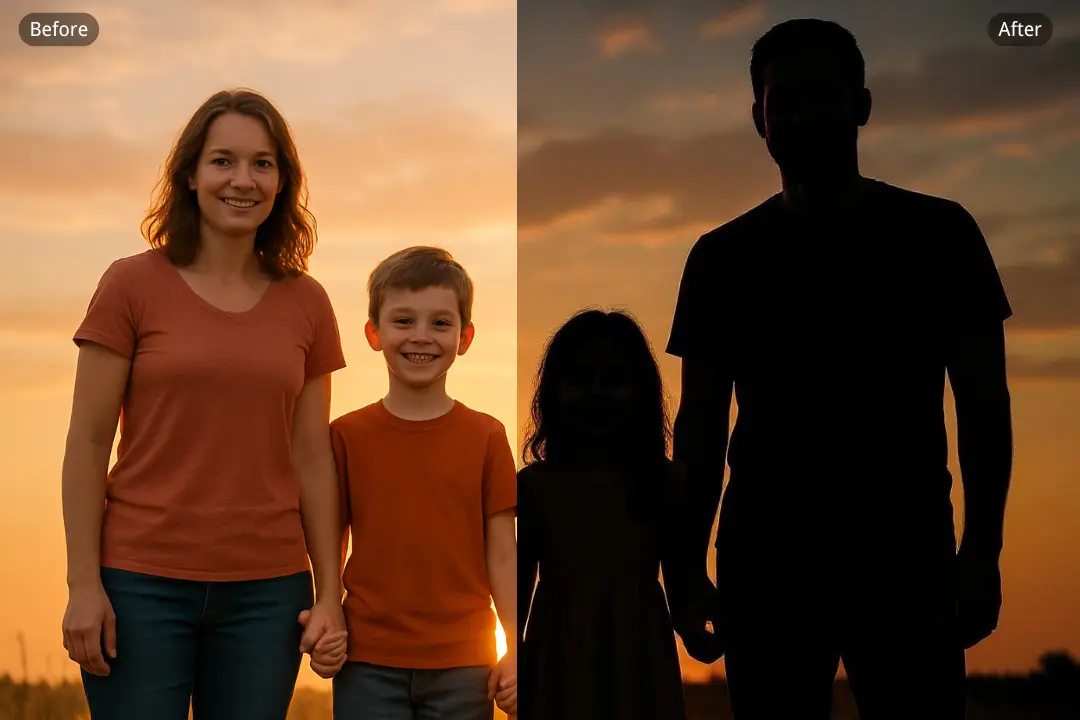
Family Silhouettes

Jennifer, a mother of three, wanted to create a special family portrait for her living room. "I was worried about getting the kids to sit still for a professional photo," she recalls. "But with this tool, I could use candid photos from our vacation and turn them into beautiful silhouettes. The AI captured each child's unique profile perfectly - even my 3-year-old's messy hair looked artistic! Now we have a stunning family silhouette that everyone admires."

Silhouette family preview

What Users Are Saying

S
SarahGraphic Designer
★★★★★
I create logos and this AI makes perfect silhouettes for my designs! The edge detection is so precise that I use them as base shapes for professional logos. Perfect for brand identity work!
M
MikePhotographer
★★★★★
I shoot portraits and this AI creates perfect silhouettes for my clients! The quality is so good that I use them for artistic wall displays. Perfect for professional photography!
L
LunaWedding Planner
★★★★☆
I plan weddings and this AI creates perfect couple silhouettes for decorations! The romantic quality is so beautiful that couples love having them as keepsakes. Perfect for wedding memories!
J
JakeTattoo Artist
★★★★★
I design tattoos and this AI creates perfect silhouette references for my clients! The clean lines are so precise that I use them as stencils. Perfect for tattoo design!
A
AlexContent Creator
★★★★★
My silhouette art posts get millions of views! The clean aesthetic is so striking that followers love the minimalist style. Perfect for viral social media content!
Z
ZoeArt Teacher
★★★★☆
I teach art and this AI helps me demonstrate silhouette techniques to my students! The clean lines are so perfect that students can see exactly how to create professional silhouettes. Perfect for art education!

How to Use

1

Upload a Clear Photo

Upload a photo with good contrast and clear subject for best silhouette results.

2

Choose Silhouette Style

Select silhouette preferences or let AI auto-detect the best conversion style.

3

Create & Download

AI converts your photo to silhouette—download your result instantly.

Frequently Asked Questions

How to use the silhouette maker?

Simply upload a clear photo with good contrast - our AI analyzes facial features, object contours, and lighting to create a perfect silhouette. The process takes 15-30 seconds, and you can download your result immediately. No software downloads or account registration required.

Is the silhouette maker free?

Your first silhouette conversion is completely free with no login required. For additional conversions, we use a credit system that's very affordable - much cheaper than hiring a designer or buying expensive software.

Do I need an account?

No account is required. Upload your photo and start creating silhouettes instantly.

What types of photos work best?

Photos with clear subjects and good contrast work best. Our AI excels at portraits (especially side profiles), pets, and objects with distinct shapes. We've optimized our algorithms to handle challenging cases like curly hair, fur details, and complex lighting that other tools struggle with.

Can I customize the silhouette style?

Absolutely! You can specify preferences for contrast level, edge sharpness, and artistic style in the optional settings. Our AI will adapt its processing to match your vision - whether you want a soft, artistic look or a crisp, professional silhouette.

What file formats are supported?

We support JPG, PNG, and WebP formats. The output will be in high-quality format suitable for any design project.

Can I use silhouettes for commercial projects?

Yes, the silhouettes you create can be used for logos, designs, and commercial projects. Perfect for professional work.